

Built from a working day, not a wish list
Why We Built Experi
When we built Experi, it wasn't because we wanted to start another software company.It was because we were frustrated.
The same invoices. The same follow-ups. The same time lost to admin. Here's how those frustrations shaped the product you can use today.
Explore the productWhat that idea looks like today
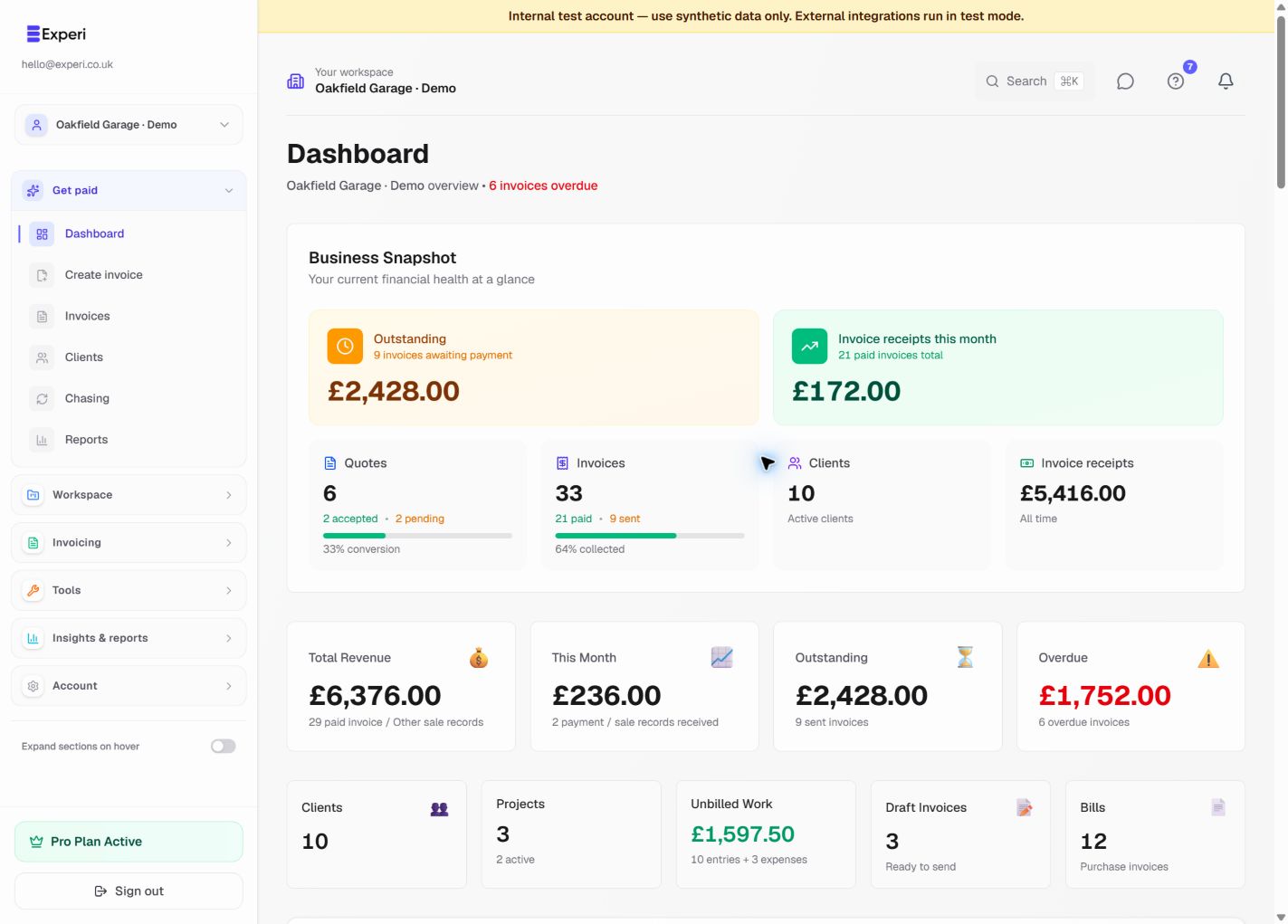
It started with our own invoices
We run hosting and standard recurring projects for clients. Nothing fancy. Just dependable, ongoing work.
Every month, the same thing happened:
- Same client
- Same invoice amount
- Same description
- Same manual effort
We didn't want complicated ledgers, payroll modules, or enterprise features. We just wanted to get paid and get back to work.
We just needed to send clean, professional invoices - without the overhead.
And yet every tool we looked at felt like using a sledgehammer to crack a nut.
The recurring invoice problem
If you're freelancing or running a side hustle, you know the pain:
You've got a client paying £300 a month. The amount never changes.
But every month you're:
- Creating a new invoice
- Updating dates
- Double-checking references
- Sending it manually
It's not hard work. It's just repetitive.
And repetitive work drains energy.
We realised there had to be a way to automate this properly:
- Recurring invoices
- Automatic creation
- Automatic sending
- No monthly admin ritual
That was the first real building block of Experi.
From the problem to the product
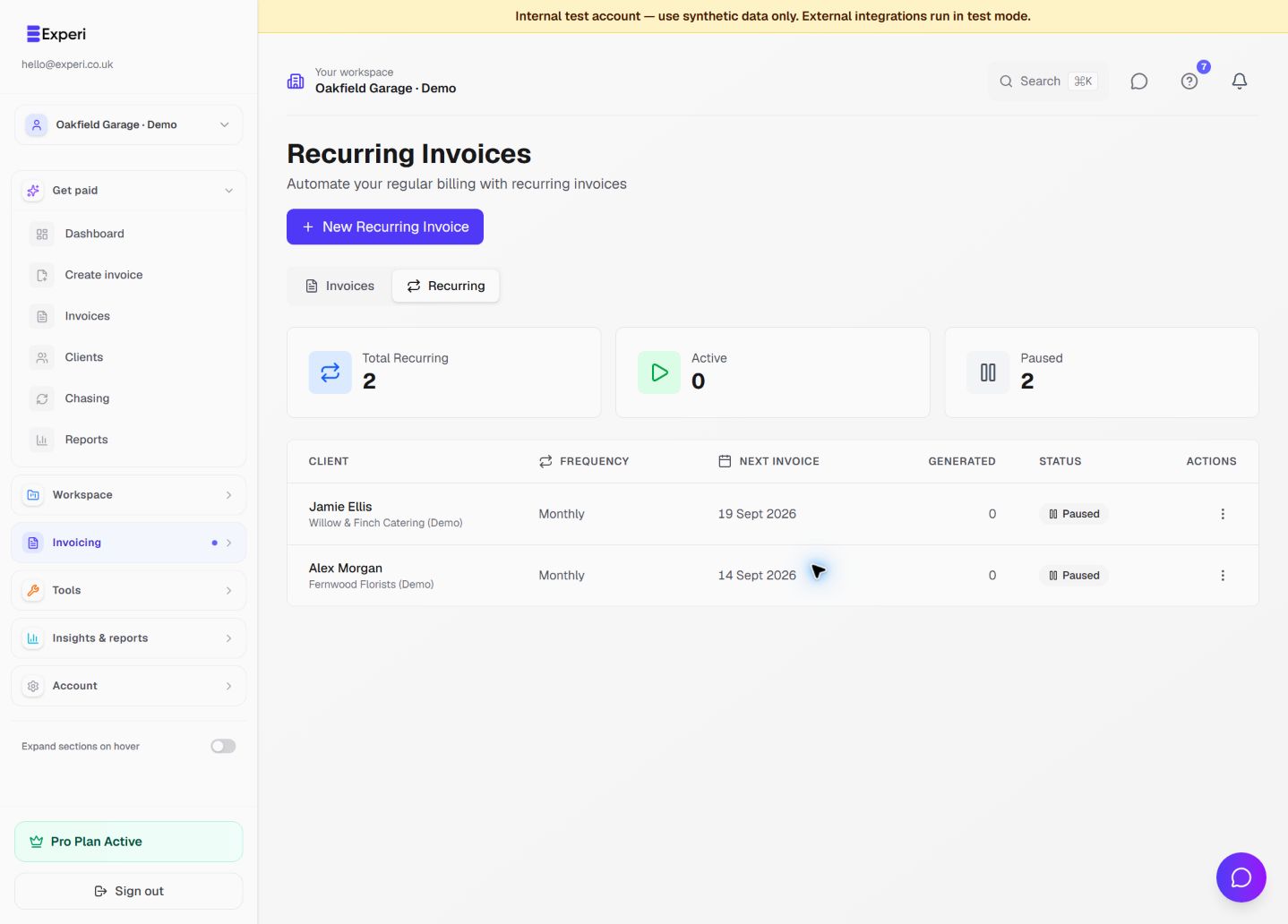
A routine you can set up once
Keep the client, frequency and next invoice together. Review the schedule before enabling automatic creation or sending, and pause it when the work changes.
Then came the awkward part: chasing payments
Sending invoices is one thing. Chasing them is another.
As a freelancer, chasing money can feel:
- Uncomfortable
- Time-consuming
- Easy to put off
And yet cash flow is everything.
We thought: Why should freelancers have to manually follow up every overdue invoice?
So we built automated reminders.
- • Professional.
- • Polite.
- • On schedule.
- • Without emotion.
That alone removes a surprising amount of stress.
From the problem to the product
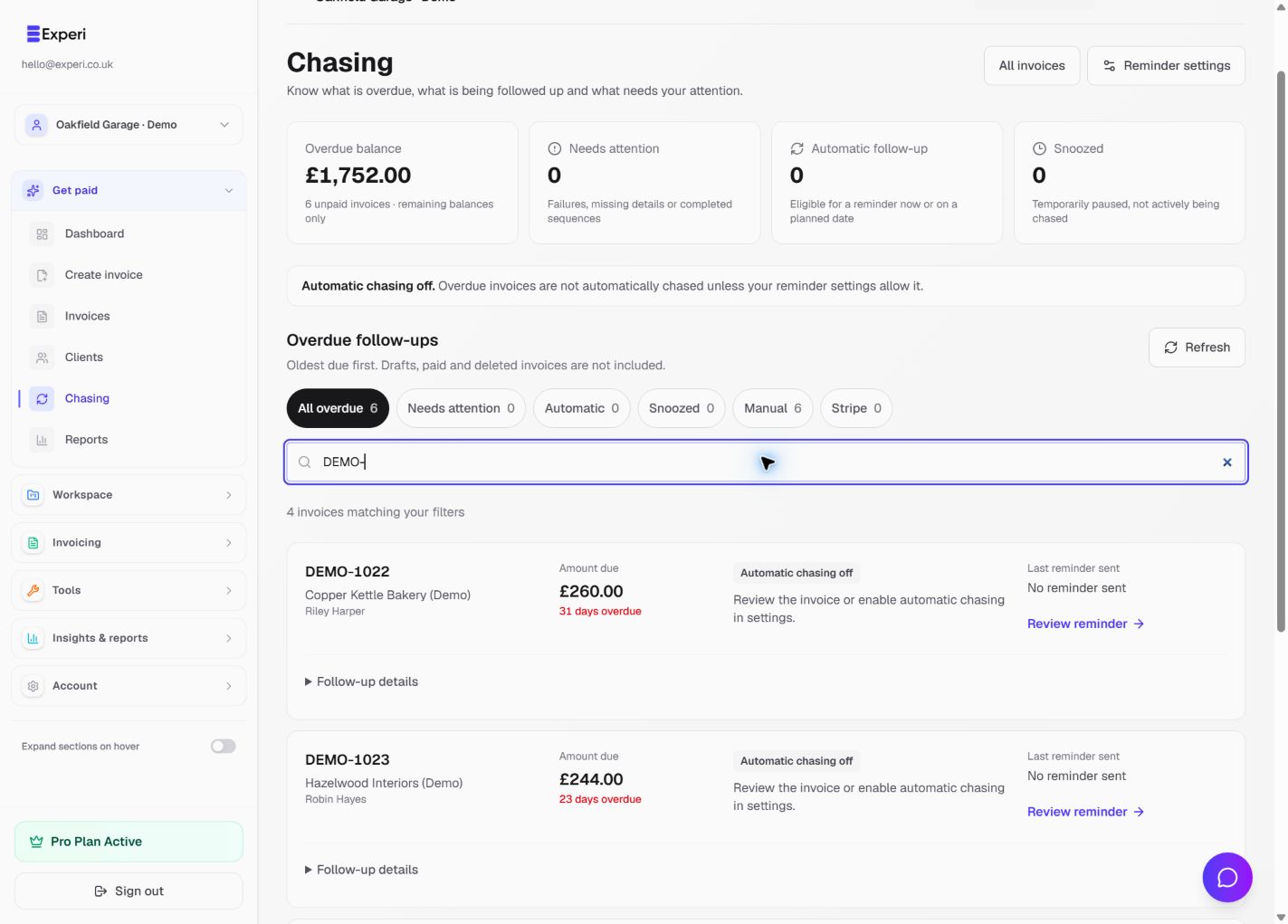
A clear next step, not another awkward task
Chasing brings overdue balances and follow-up details into one place. Pro reminders are optional; you can review, pause or manage the next action yourself.
From invoices to projects
As we used Experi ourselves, something else became obvious.
Invoicing is only one part of the lifecycle.
Freelancers and agencies need to:
- Quote work
- Agree scope
- Track delivery
- Monitor expenses
- Understand profit per project
So we added projects, expense tracking, and structured workflows.
Because knowing what you invoiced isn't enough. You need to know what you actually made.
From the problem to the product
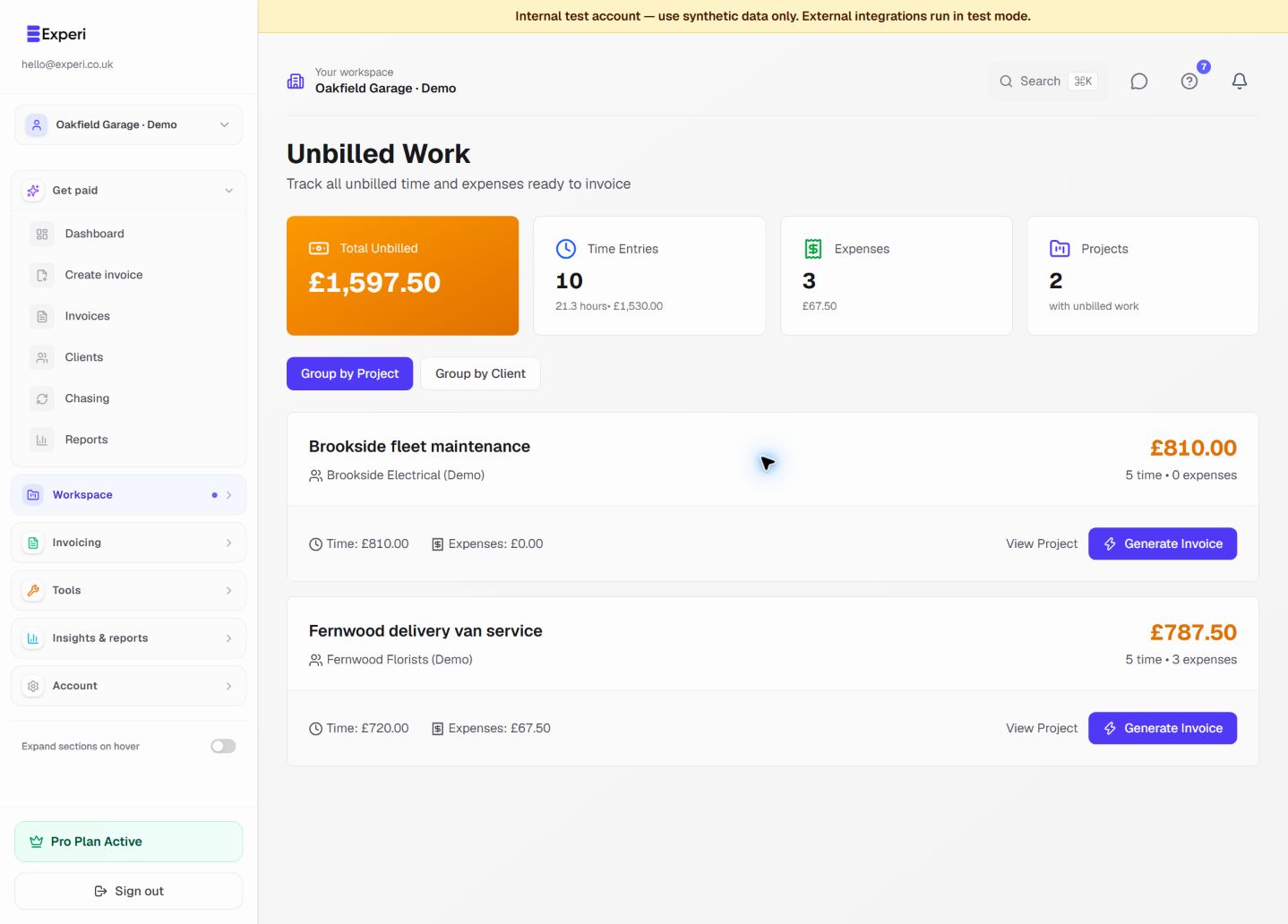
Make the work easier to account for
Bring unbilled time and expenses together by project or client. Review what is ready to invoice without piecing the job back together from separate notes.
The full freelancer lifecycle
We started thinking bigger. What does the full lifecycle look like?
- Quoting
- Agreements
- Project tracking
- Expense tracking
- Recurring or milestone invoicing
- Payment tracking
- Reminders
- Reporting
And instead of stitching together a quoting tool, an invoicing tool, a spreadsheet, and a reminder system...
We decided to build it into one clean platform.
Expanding for real-world needs
Once we opened it up beyond ourselves, we realised different customers had additional requirements:
- VAT handling
- CIS support (Construction Industry Scheme)
- Regional compliance
- Proper audit trails
So we factored those in too. Because small businesses deserve professional tools- without enterprise complexity.
Where we are today
Experi was never built as a "startup idea". It was built as a solution to a real frustration.
We launched it to help freelancers, agencies, and small businesses:
- Automate invoicing
- Remove repetitive admin
- Improve cash flow
- Track the lifecycle of their work
- Spend less time in spreadsheets
And more time doing the real work.
This is just the beginning
We're building Experi in the open. In the footer of the site, you'll find our feature request system.
If something is missing - tell us.
If something could be better - tell us.
We're not building this in isolation. We're building it with the people who use it.
Less admin. More work that matters.
Stop fighting your invoicing tool. Get back to the work.
Built for UK freelancers and small businesses. Free forever — Pro is £9/month when you're ready to automate the chasing.
Take the full screenshot tour