

UK construction invoice software
Construction Invoice Software for UK Builders
Quote building work, itemise labour, materials and plant, then invoice the agreed stage and track its payment status. Experi is focused invoicing software—not a full construction-management or accounting suite.
- 5 invoices total on Free
- 14-day Pro trial
- No account needed for the invoice editor
Quick answer
What does construction invoice software do?
It turns agreed building work into an itemised customer invoice and keeps the balance visible afterwards. Experi supports quotes, site and stage references, labour, materials, plant hire and payment status—not estimating, scheduling, valuation certification or full construction accounting.
Step 1
Quote the work
List the agreed scope, labour, materials, plant and payment terms before the job or stage begins.
Step 2
Invoice the agreed stage
Identify the site, stage and contract or order reference, then check earlier invoices and payments before issuing it.
Step 3
Track the balance
See what is awaiting payment or overdue, record payments and follow up manually—or on a Pro schedule after email access is enabled.
Choose Experi for
- Building quotes and standard customer invoices
- Itemised labour, materials and plant hire
- Site, stage and contract references
- PDFs, printing and payment-status tracking
- Projects and scheduled reminders on Pro
Use specialist construction software for
- Estimating, tenders and construction scheduling
- Certified valuations, progress claims or payment applications
- Retention schedules and release dates
- CIS verification, returns or direct HMRC filing
- Full job costing, bookkeeping or payroll
Free starter for builders
£0/month
5 invoices and 5 quotes as lifetime totals, up to 3 clients and 3 manual reminders.
Pro
£9/month
Start with a 14-day trial. Pro adds unlimited invoices and clients, time and expense tracking, projects, scheduled reminders, recurring invoices and branding.
Check current UK rules on required invoice fields, CIS deductions and the construction VAT reverse charge. Check the latest guidance for the actual job.
Experi construction invoice app
Review building invoices wherever work takes you.
Use the same Experi account on the web, iPhone, iPad and Android to keep client details, building invoices and payment status close by. Continue using specialist systems for estimating, scheduling, valuations, retentions and full construction accounting.
- Review and manage customer invoices away from your desk
- Use the same Experi account on mobile and web
- Check client details and payment status between sites


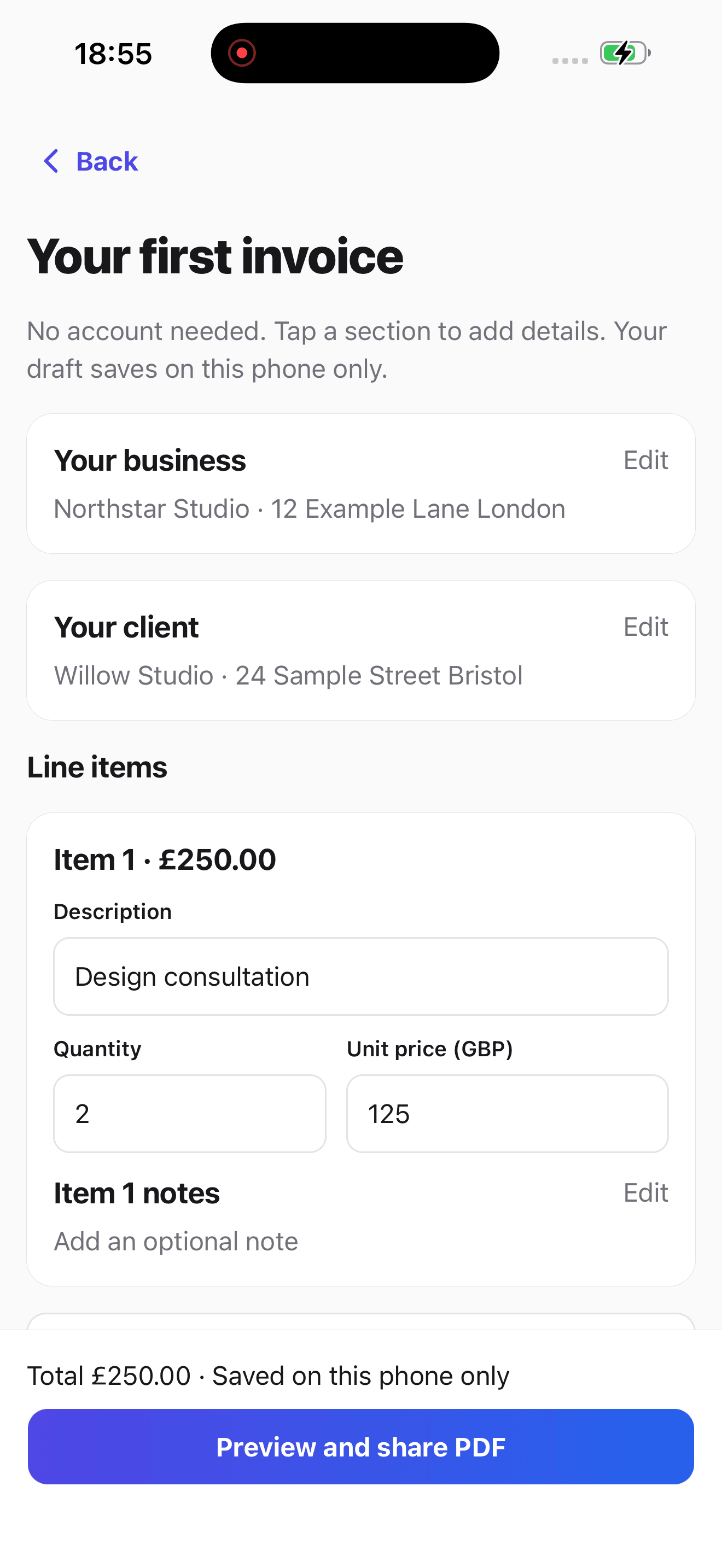
A focused construction invoice workflow
Quote and Itemise the Job
Set out labour, materials, subcontracted work and plant hire clearly, then turn an accepted quote into an invoice.
Identify the Site and Stage
Use the description and notes for the site, quote or order reference, billing period and the specific stage being invoiced.
Track What Remains Due
See whether each saved invoice is awaiting payment, overdue or paid, then record payments and follow up when needed.
From job to customer invoice
An invoice workflow for builders
A small building job combines labour, materials and hired equipment. The client needs the invoice to identify the site and stage of work without mistaking it for the full project price.
Identify the stage
Select the builder template and name the work being billed in the invoice title and Notes. Use your agreed quantities or fixed amounts, not the example rates.
Keep the cost lines clear
Separate labour, materials and equipment hire. Save repeated line structures as your own template, but review quantities and any VAT or CIS settings for each job.
Review before issuing
Check earlier invoices so a stage is not billed twice. Preview the customer copy and send or print when ready; the standard template does not automatically reconcile previous stage payments.
Preselected, never automatically applied. Enter your own prices and review the client, dates and tax settings.
Before you invoice: Do not treat a stage invoice as the whole contract balance. Templates do not decide whether CIS or domestic reverse-charge VAT applies.
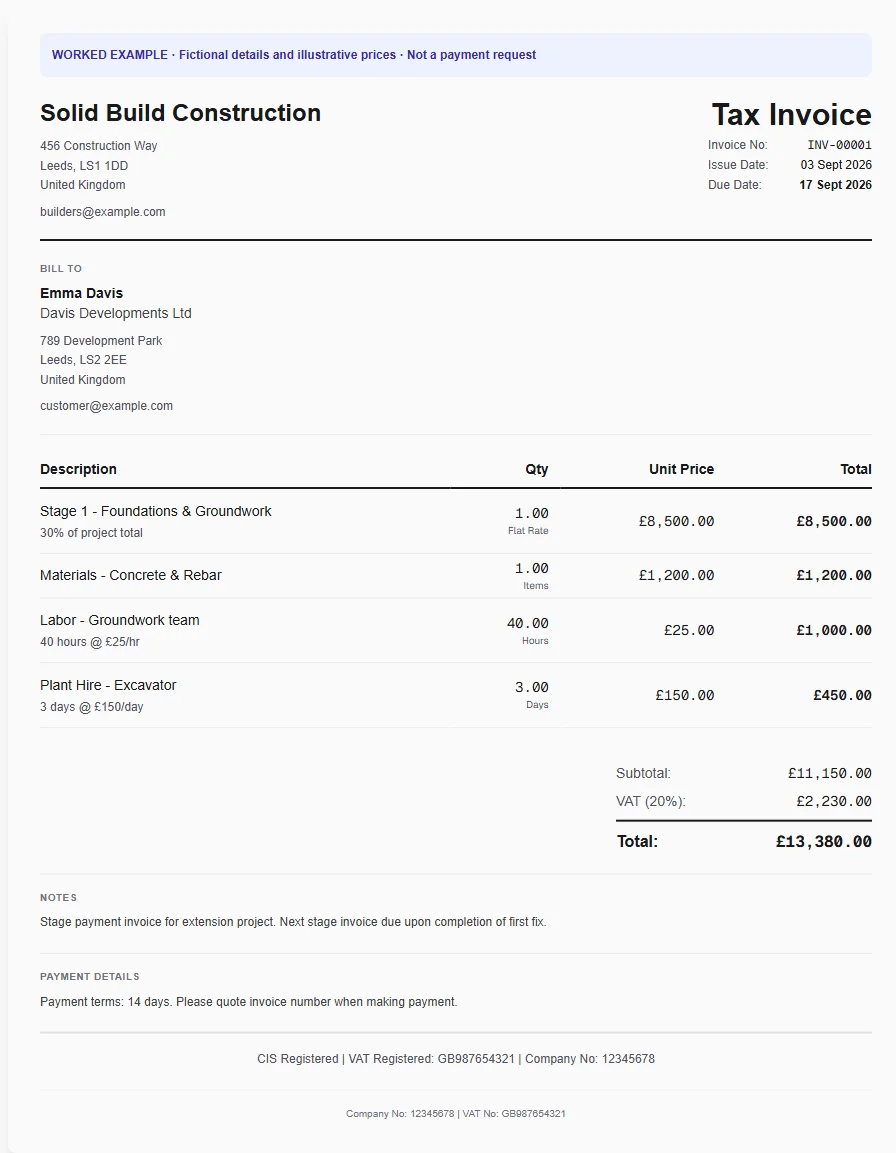
The tools behind this workflow
Explore the tools behind this workflow. Templates and inventory are free capabilities; document allowances apply. Time tracking, recurring invoices and automated chasing require Pro.
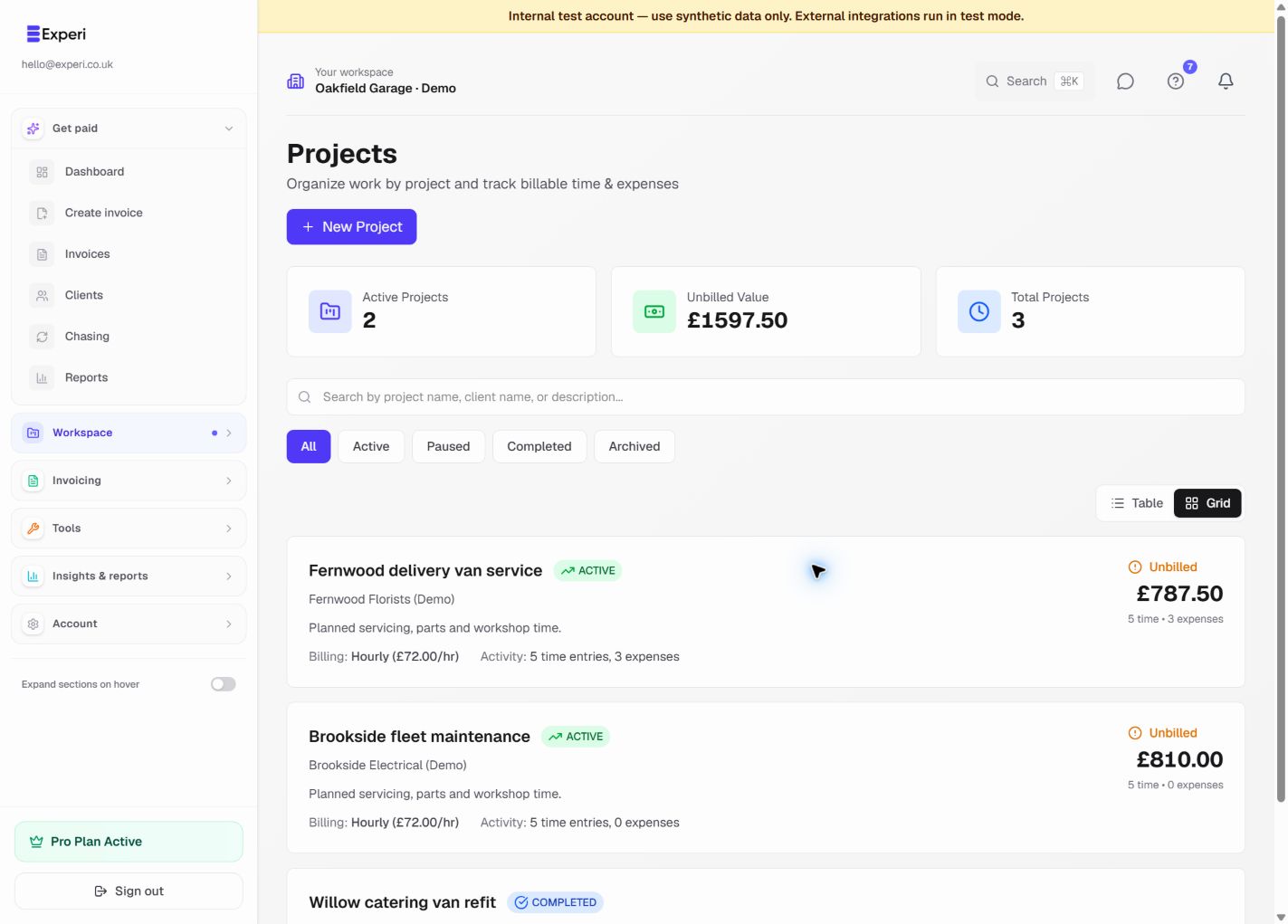
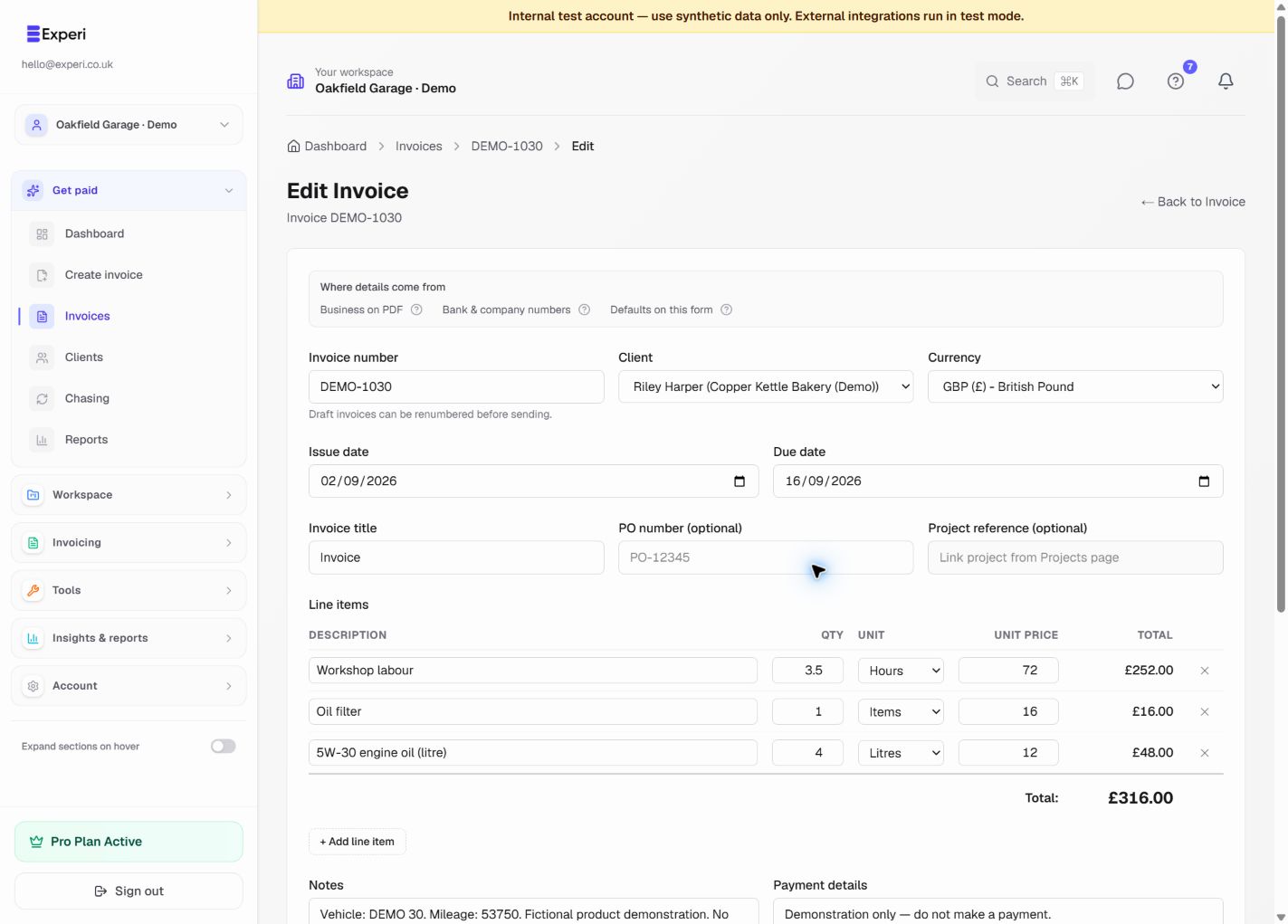
Building work you can invoice
Construction invoicing features and plan access
Construction invoice software questions
What does construction invoice software do?
It helps a builder turn agreed work into a clear customer invoice and keep its payment status visible. Experi supports quotes, line items, PDFs, clients and payment tracking. It is not estimating, site scheduling, contract administration, full job costing or accounting software.
Can I create a builder invoice without an account?
Yes. Open the browser invoice editor with the builder example, replace the fictional details and prices, then download or print the result without creating an account. Create an account when you want to save clients and invoices or track payment status.
Can Experi create stage invoices or progress claims?
You can create a separate standard invoice for an agreed stage and identify the site, stage and relevant reference in its description or notes. Experi does not measure completed work, certify a valuation, reconcile previous applications or produce specialist progress-claim or payment-application documents.
Does Experi track construction retentions?
No. You can state an agreed retention amount or reference in an invoice line or note, but Experi does not calculate retentions, manage release dates or maintain a retention schedule. Use your contract records or specialist construction software for that workflow.
Does Experi decide CIS deductions or VAT reverse charge?
No. Experi can help you show labour and materials separately and review a calculation, but it does not decide whether a job, party or payment falls within CIS or the domestic VAT reverse charge. Confirm the treatment for the actual supply using current HMRC guidance or professional advice.
Should labour, materials and plant be separate invoice lines?
Separate lines make the scope and price easier for the customer to check and can support your own records. For CIS deductions, HMRC starts with the gross invoice amount and then excludes specified amounts before applying the verified deduction rate, so do not rely on a generic template to determine the deduction.
What payment terms should a builder use?
Use the dates and terms agreed with the customer or set by the contract, and identify the exact stage covered by each invoice. There is no single payment term that suits every building job. Check any contract notice, valuation, due-date and final-date requirements separately before issuing the invoice.
Create your next construction invoice
Start with the builder example, replace every fictional detail and price, then review the site, stage and amount before you download or print it.
No account needed for the invoice editor · Free account allowances apply when saving