

When They Pay, We Know. Automatically.
Upload your bank statement and Experi matches payments to invoices. High-confidence matches are pre-selected - just click confirm.
Try Bank ReconciliationClose the Reconciliation Gap
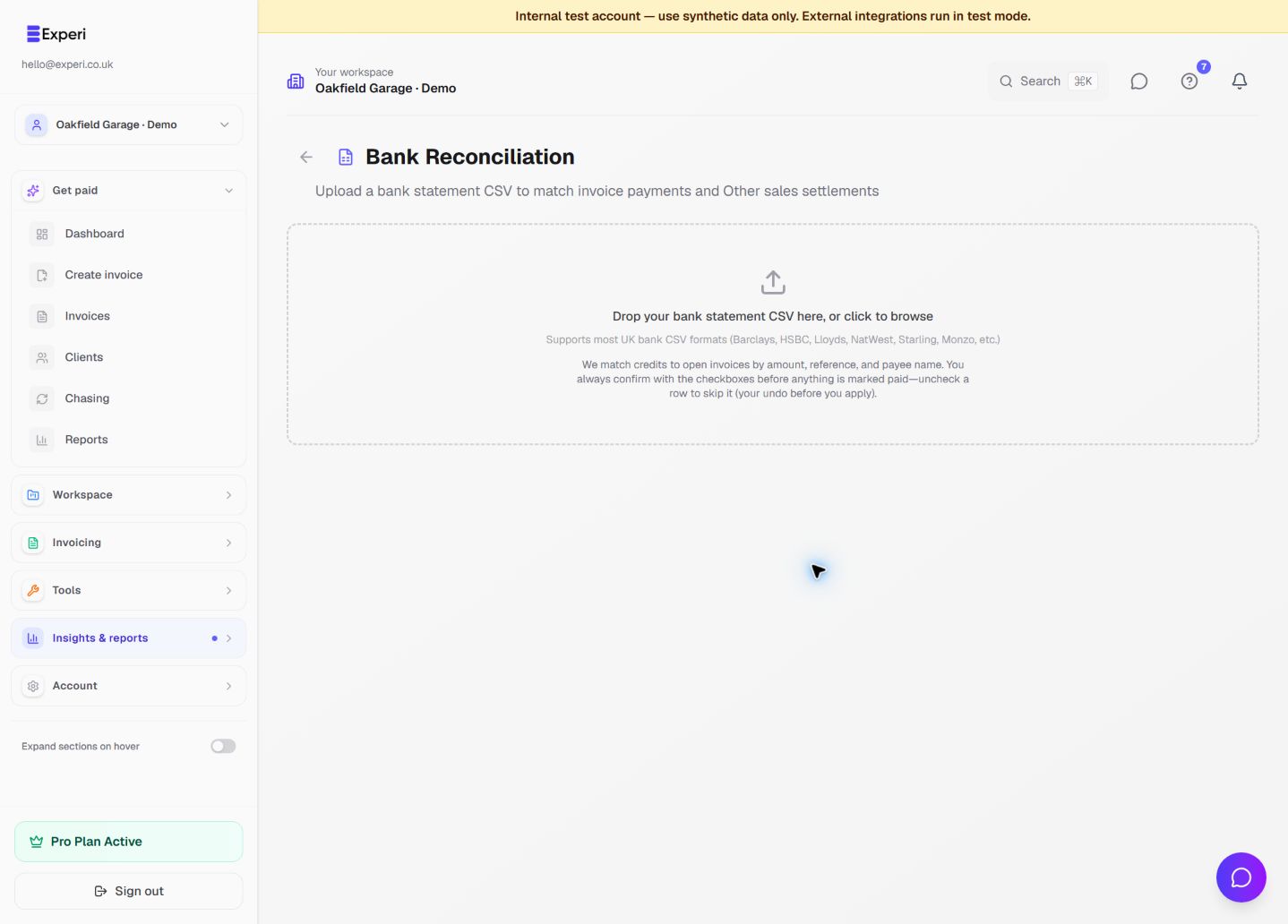
Bank Reconciliation lets you upload a CSV bank statement and automatically match incoming payments to outstanding invoices. Matches are ranked by confidence - amount + invoice number is a high match, amount only is a low match. Select the ones you want and mark invoices as paid in one click.
See the workflow in Experi
Review bank CSV matches before confirming them, then export the right workspace and period for your adviser.
Pro; bank CSV matching is separate from connected bank feeds
Key Benefits
CSV Upload
Supports most UK bank formats - Barclays, HSBC, Lloyds, NatWest, Starling, Monzo, and more.
Smart Matching
Matches by amount, invoice number, and client name. High, medium, and low confidence indicators.
One-Click Reconciliation
Review matches, select the ones you want, and mark invoices as paid in a single click.
Feeds Cash Flow
Reconciled invoices feed directly into your cash flow forecast and reporting.
How It Works
Download CSV
Export a CSV bank statement from your online banking.
Upload to Experi
Drag and drop or browse to upload. Experi parses the file automatically.
Review & Confirm
Check the matches, deselect any that are wrong, and click 'Mark as Paid'.
Frequently Asked Questions
Which banks are supported?
Any bank that exports CSV statements. We auto-detect common column formats from major UK banks.
Can I connect a bank account?
Eligible Pro workspaces can use a gated, read-only connected bank feed where the feature is enabled. Transactions and suggested matches always require review before posting. CSV reconciliation remains available as a separate workflow.
Ready to Try This Feature?
Start using Experi today. All features available to try risk-free.
No credit card required • Start invoicing in under 60 seconds