

Credit Notes. Done Right.
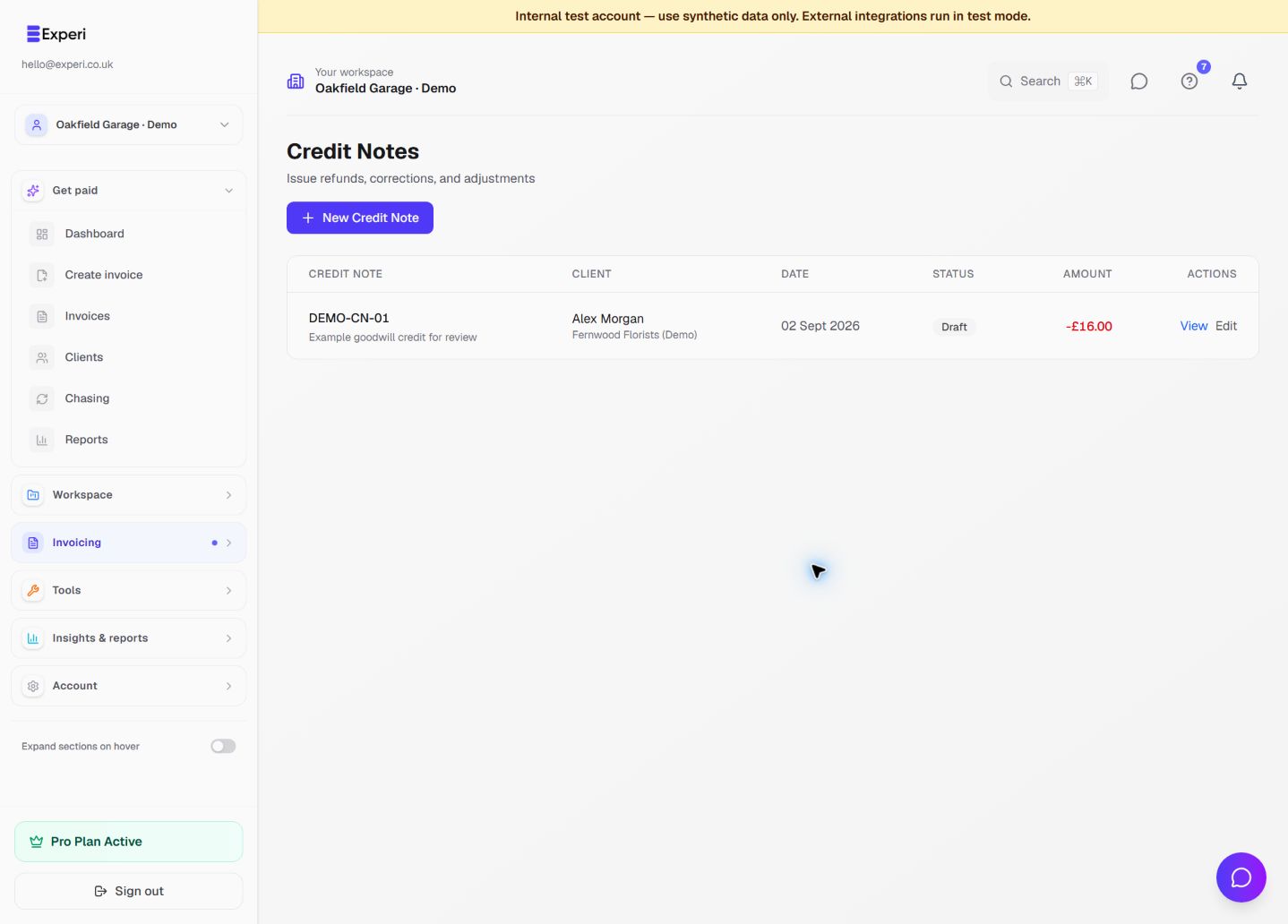
Corrections happen. Prepare a full or partial credit note, check the reason and amounts, and review the document before issuing it.
Start FreeCorrect Invoices Without Creating a Mess
Use a credit note to document an invoice reduction or correction. Link the original invoice where applicable and keep the reason visible. A credit note records the correction; it does not itself transfer a refund, update a filed VAT return or return products to stock.
See the workflow in Experi
Correct a customer charge without confusing the credit document, money returned and products put back into stock.
Pro credit notes; inventory on Free and Pro
Key Benefits
Linked to the Original Invoice
Create a credit note from an invoice to carry its reference into the draft. Review the link and amounts so the customer can understand what changed.
Details You Can Review
Review the number, client, reason, quantities and tax fields before issue. You remain responsible for the correct VAT treatment and any adjustment to your accounting records.
Full or Partial Credits
Credit the full amount or just part of it. Adjust individual line items or the overall total. Experi handles the maths automatically.
How It Works
Open the Invoice
Check the invoice you need to correct, then prepare a credit-note draft with the correct client and original invoice reference.
Choose What to Credit
Credit the full amount, or edit line items to create a partial credit. Add a reason for your records.
Review, Issue and Download
Review the saved draft, issue it when ready and download the PDF to share yourself. Check the invoice balance and record any actual refund separately.
Perfect For
Pro
Credit notes are available on the Pro plan. Start your 14-day free trial today.
View Pricing DetailsFrequently Asked Questions
Does a credit note cancel the original invoice?
A full credit documents a reversal; a partial credit documents a reduction. Keep the original invoice and review payments and the remaining balance separately. Do not assume issuing a document cancels a payment-provider invoice or moves money.
Are credit notes VAT-compliant?
Experi provides credit-note fields and tax calculations, but you must check the original supply, VAT rate, reason and accounting period. Issuing a credit note does not submit a VAT correction to HMRC. Ask your adviser about uncertain adjustments.
Can I send the credit note to my client?
Download the credit-note PDF and share it with your customer using your own email or delivery method. Issuing the credit note in Experi does not itself send an email.
Ready to Try This Feature?
Start using Experi today. All features available to try risk-free.
No credit card required • Start invoicing in under 60 seconds