

You Make Films - We Make Sure You Get Paid
Pre-production, shoot days, editing, colour grading, revisions - you juggle enough without also chasing payments. With Experi, you get paid at every milestone instead of waiting until final delivery, overdue clients are reminded automatically, and your invoices look as polished as your showreel. You focus on the creative work - the money side takes care of itself.
Why Choose Experi?
Get Paid as You Go, Not Months Later
Stop waiting until final delivery to see any money. Bill at every milestone - pre-production, shoot wrap, edit delivery - so your cash flow stays healthy throughout the project, not just at the end.
Bill Your Way - Day Rate, Hourly, or Flat Fee
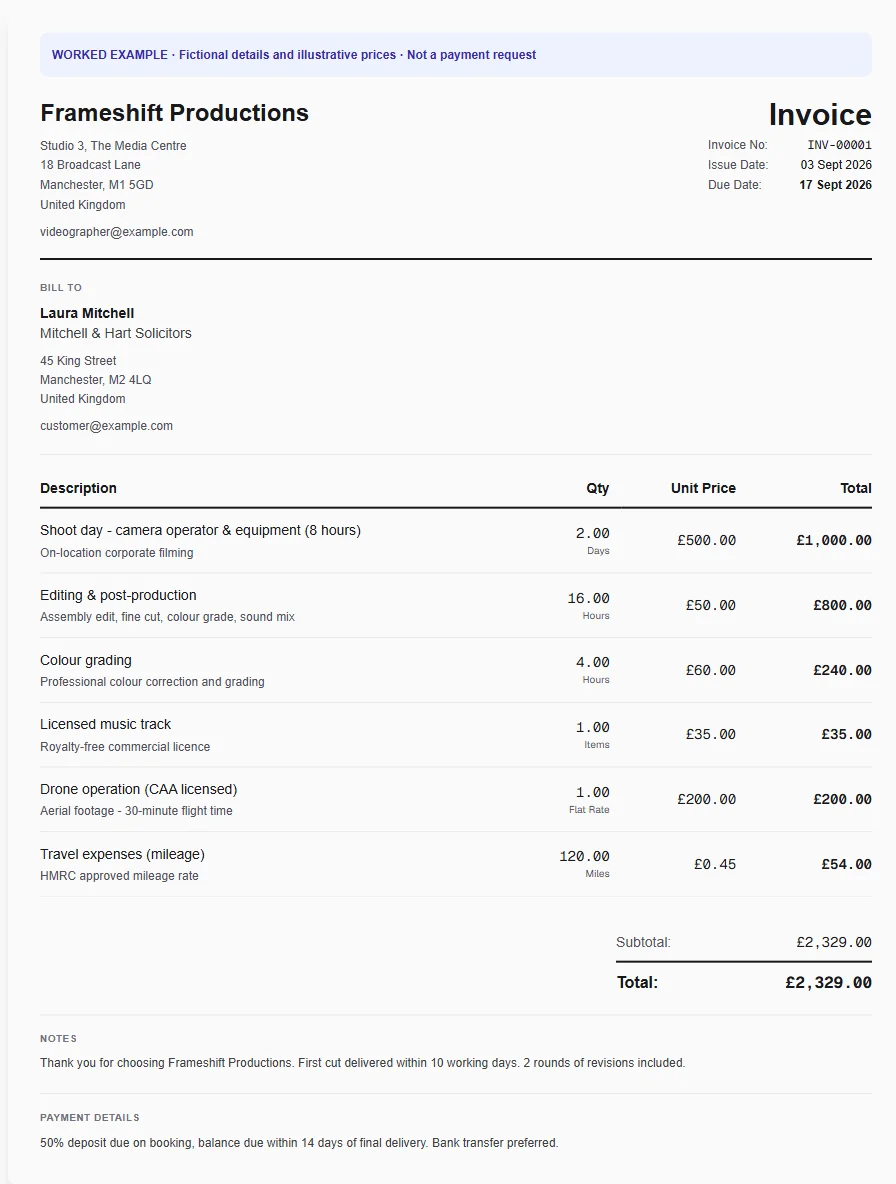
Whether it's a £500 shoot day or 16 hours of editing at £50/hr, your client gets a clear, professional breakdown that justifies every penny. No more awkward conversations about why the edit took so long.
Invoices as Polished as Your Showreel
Your showreel is cinematic - your invoices should match. Your logo, your colours, your style on every document. Clients notice when everything looks professional, and they take payment more seriously.
End the Awkward Chase with Production Companies
Production companies and corporate clients are slow payers. We send polite, persistent reminders on your behalf so you never have to write another uncomfortable follow-up email - and your professional reputation stays intact.
Always Know Where Your Money Is
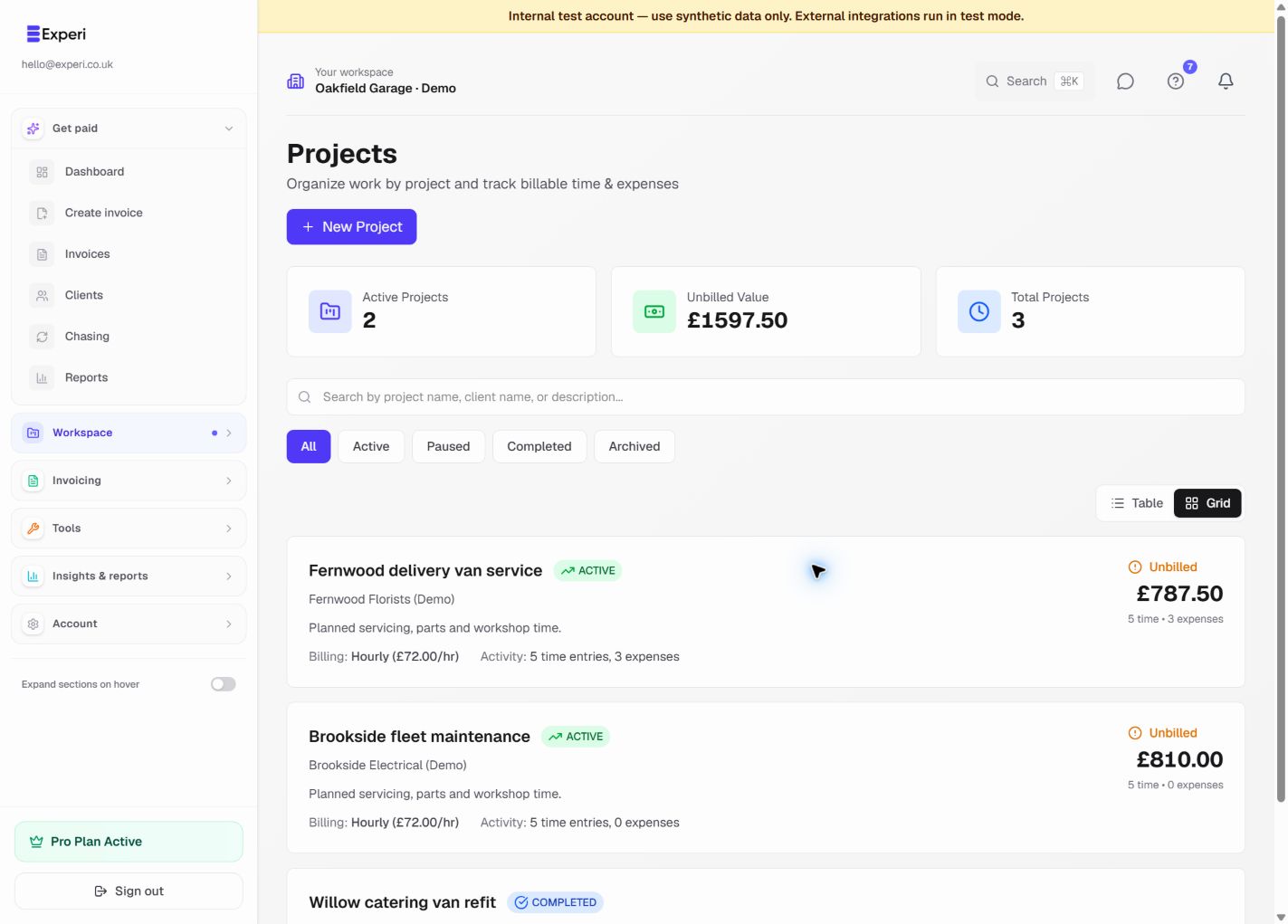
Across multiple projects and clients, it's easy to lose track of who owes what. One clear view shows every pending payment, overdue invoice, and unbilled hour - so you can chase confidently or plan your next month.
From job to customer invoice
An invoice workflow for videographers
A video project moves from planning to filming and post-production. The invoice needs to make clear which phase and deliverables are being billed, rather than repeating the whole project on every invoice.
Name the production phase
Start with the video template and retain only the planning, filming or editing lines relevant to this invoice. Use a meaningful title such as the project name and stage.
Check revisions against scope
Review time and approved extra edits before adding charges. Save your standard day-rate and editing services for reuse, keeping project-specific delivery dates on the invoice.
Make the billing trail clear
Include the agreed deliverables and earlier invoice references when relevant. Preview the PDF and check that the current amount does not repeat a phase already billed.
Preselected, never automatically applied. Enter your own prices and review the client, dates and tax settings.
Before you invoice: Do not describe unlimited revisions or full rights transfer unless that is the actual agreement. A template does not track production approvals for you.
The tools behind this workflow
Explore the tools behind this workflow. Templates and inventory are free capabilities; document allowances apply. Time tracking, recurring invoices and automated chasing require Pro.
Perfect For
Key Features
Frequently Asked Questions
How should I structure invoicing for a multi-phase video project?
Break the project into clear phases - typically pre-production (planning, scripting, recce), production (shoot days), and post-production (editing, colour grading, sound design, delivery). Invoice each phase separately with agreed amounts. This improves your cash flow and gives clients clear milestones. Experi lets you create multiple invoices per project and track payments against each phase.
Should I charge a deposit before starting a video project?
Yes - it's standard practice to charge 25-50% upfront before any work begins. This covers your pre-production time and secures the project dates. For larger productions, consider a three-stage payment: deposit on booking, second payment after the shoot, and final balance on delivery.
How do I invoice for day rates vs hourly editing?
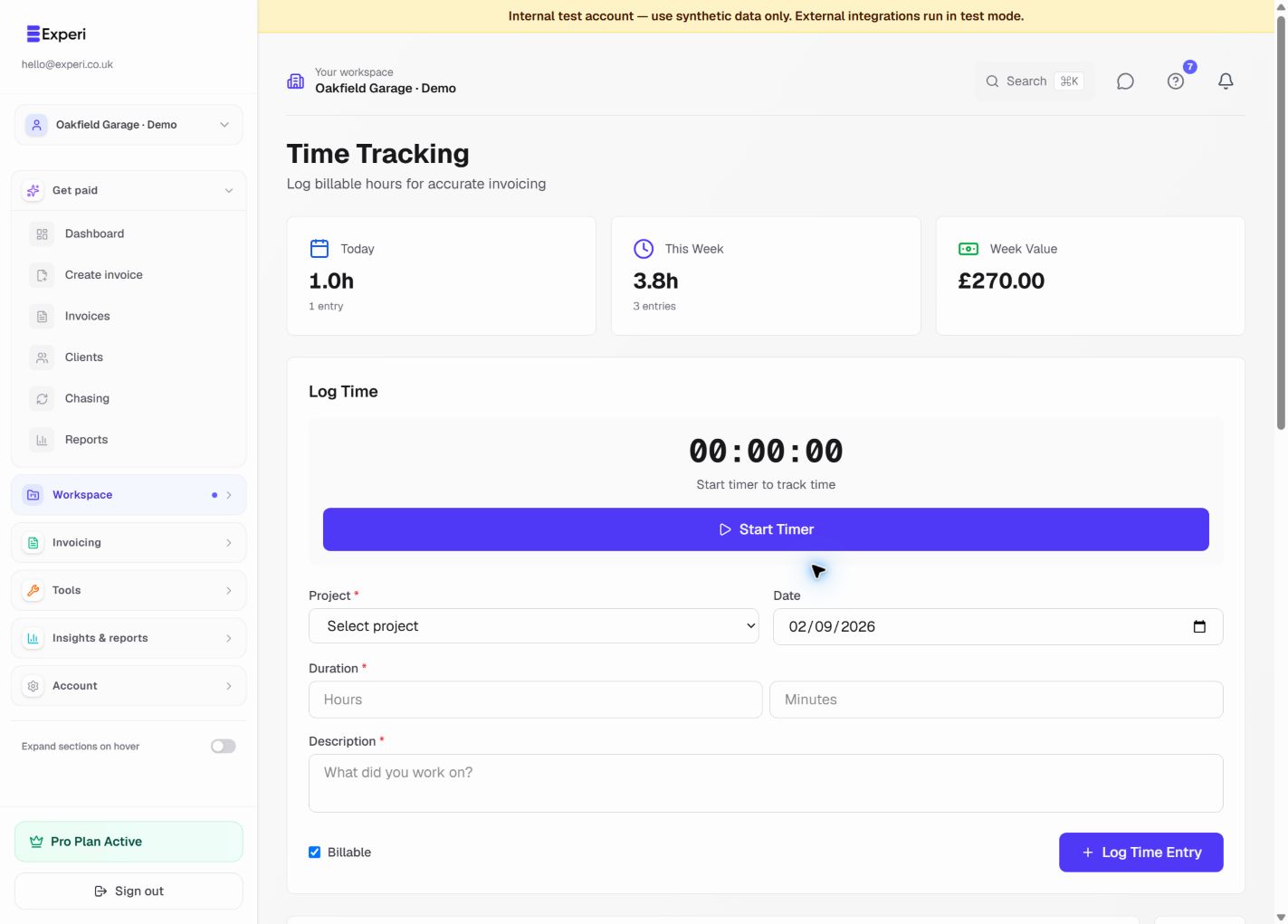
Most videographers charge a day rate for shoot days (e.g. £400-£800/day) and hourly for editing and post-production. Itemise these separately on your invoice so clients can see the breakdown. Experi lets you track time per task and automatically calculate totals based on your rates.
What should I do about scope creep and extra revisions?
State the number of included revision rounds in your quote (typically 2-3 rounds). Any revisions beyond that should be invoiced separately at your hourly editing rate. Having this in writing from the start - on your Experi quote - protects you from unlimited free revisions.
How do I chase a production company for an overdue invoice?
Production companies are notorious for slow payment. Use Experi's automatic payment reminders to send professional follow-ups without you having to write awkward emails. If the invoice remains unpaid past 30 days, you have the legal right to charge late payment interest under the Late Payment of Commercial Debts Act 1998.
Do videographers need to charge VAT?
Only if your taxable turnover exceeds £90,000 per year. Below that, you don't need to register or charge VAT. If you are VAT registered, you must charge 20% on your services. Keep in mind that equipment purchases and software subscriptions can be reclaimed as input VAT.
How do I handle licensing and usage rights on video invoices?
Specify the usage rights included in your price - for example, 'online use only for 12 months' or 'full commercial broadcast rights'. Additional licensing beyond the agreed scope should be invoiced separately. Include these terms on your quote and reference them on the invoice.
Get Back to the Work You Love
Spend less time on invoicing and more time doing what you're great at.
No credit card required • Start invoicing in under 60 seconds