Tax Reports and VAT

Generate tax reports for VAT returns and year-end accounting.

7 min read
advancedUpdated 5 Mar 2026

Tax Reports and VAT

Simplify tax time with automated tax reports.

VAT Report

For UK businesses:

  • VAT charged (output tax)
  • VAT paid (input tax)
  • Net VAT owed
  • Ready for submission

Generating VAT Report

  1. Go to Reports > Tax
  2. Select VAT Report
  3. Choose quarter or custom dates
  4. Generate report
  5. Export for submission

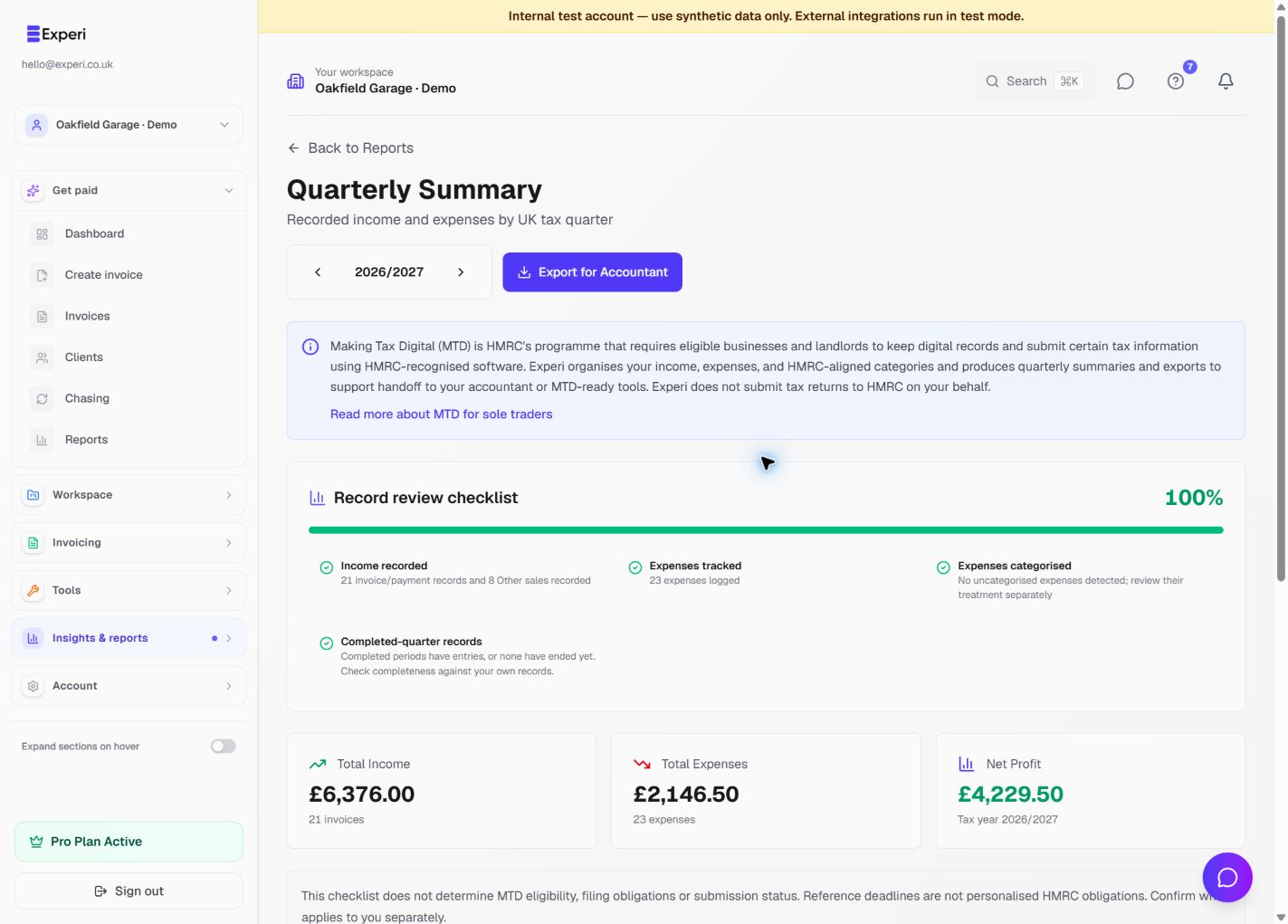
Tax Summary

Year-end tax overview:

  • Total revenue
  • Total expenses
  • Taxable income
  • Tax liability estimate

Note: Not tax advice—consult accountant.

Sales Tax (Non-UK)

For other countries:

  • Sales tax collected
  • Tax rate breakdown
  • Tax by jurisdiction
  • Ready for filing

Invoice Tax Breakdown

See tax details:

  • Tax charged per invoice
  • Tax rate applied
  • Client location
  • Reverse charge status

Expense Tracking

Track deductible expenses:

  • Business expenses
  • Receipt storage
  • Category breakdown
  • Tax deductible items

Year-End Reports

Generate at fiscal year end:

  • Profit & Loss
  • Revenue summary
  • Expense summary
  • Tax estimates

Working with Accountants

Export data for your accountant:

  • Transaction history
  • Invoice details
  • Receipt images
  • Tax calculations

Tax Report Best Practices

  1. Track immediately: Don't delay entries
  2. Categorize correctly: Proper tax codes
  3. Keep receipts: Store digitally
  4. Quarterly reviews: Don't wait for year-end
  5. Consult professional: For complex situations

Was this article helpful?

Still need help?

Can't find what you're looking for? Our support team is here to help you succeed.

Contact Support