

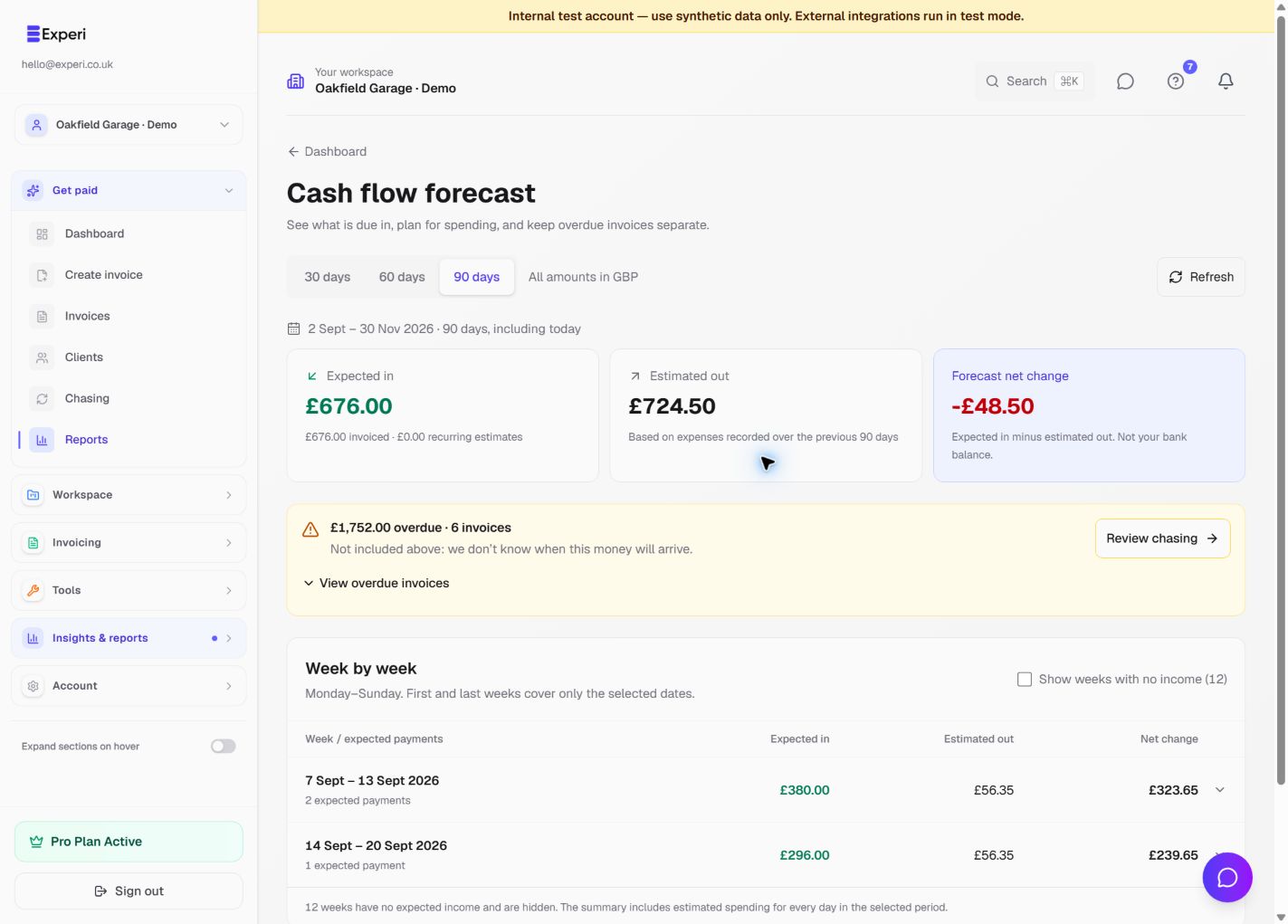
Experi has several reporting views with different purposes.
Dashboard
The dashboard focuses on operational revenue, outstanding invoices, recent activity and targets. When Financials is enabled, confirmed Other Sales also feed relevant revenue and profit totals.
Financials
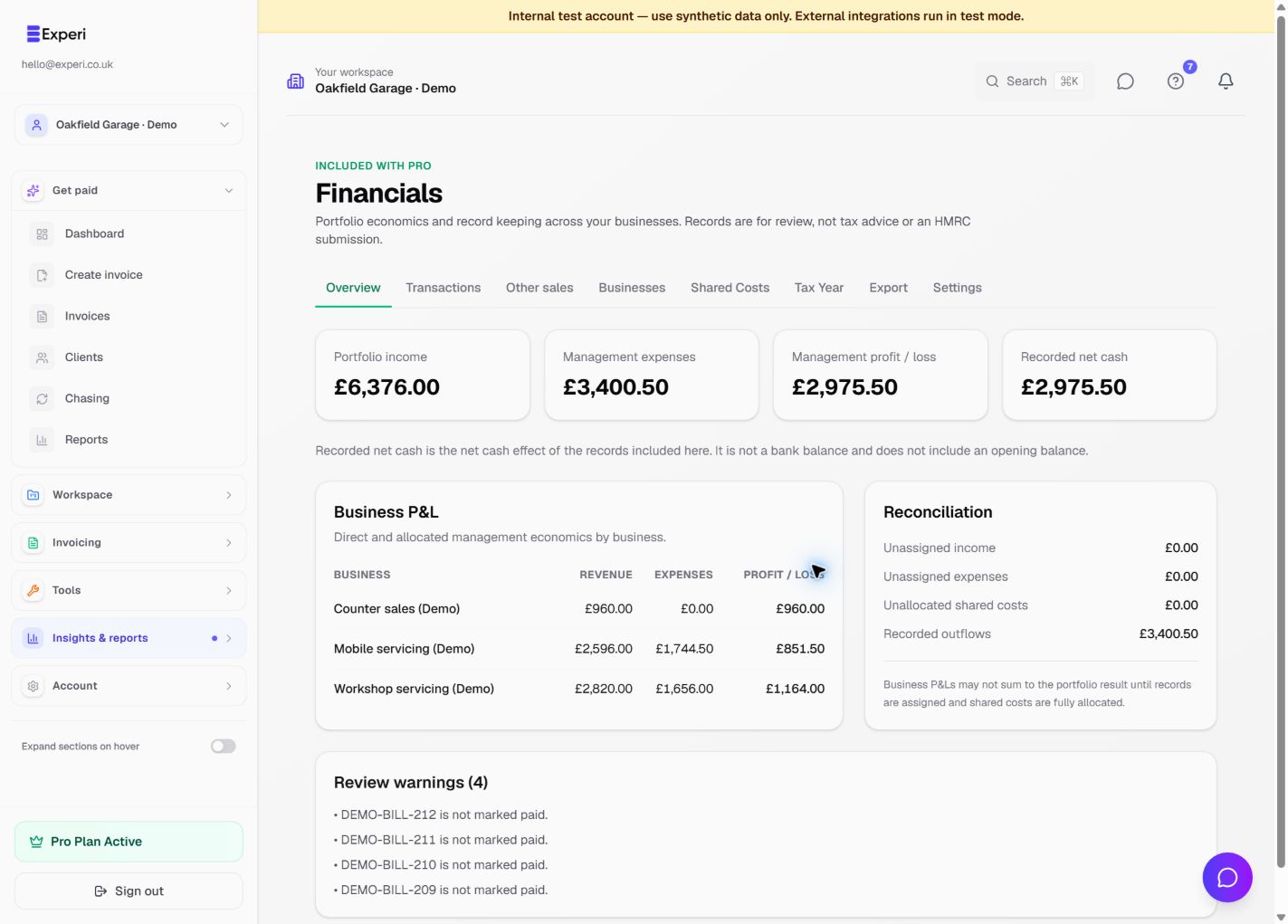
Financials combines paid invoice income, credits, expenses, supplier bills and standalone records without copying the original records into another ledger. Use it for portfolio totals, business P&L, shared-cost allocations, tax-year views and accountant exports.
Tax and VAT views
Tax-year and quarterly summaries organise recorded values for review. VAT reporting includes Other Sales only when sufficient VAT information is present. Warnings mean a record needs review before relying on a total.
These are management records, not submitted returns, statutory accounts or tax advice. Correct an invoice, bill or expense in its original section; use Financials classification to assign management business, category, business-use percentage or currency valuation.