Inside Experi
From the work you do
to the money you’re owed.
See how today’s priorities, completed work, invoices, follow-ups and payment records fit together—then follow the guide for your own workflow.
Choose the job you want to get done
Workflow 01
Start with a clear workspace
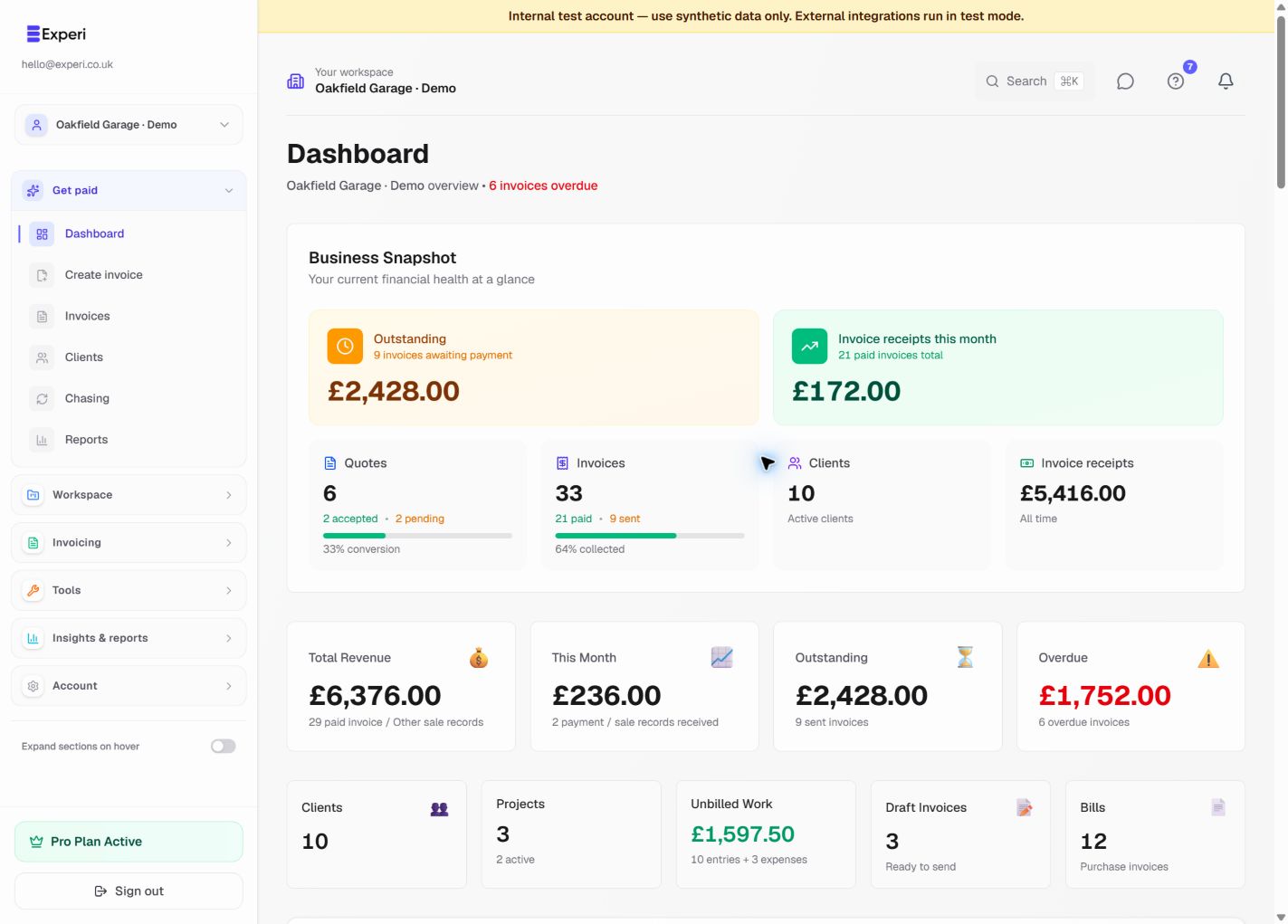
Set up the right business, create a useful first draft and understand the dashboard before adding automation.
Free core tools; Pro reports and automation
Read the step-by-step guide →See 1 more screen from this workflow
Workflow 02
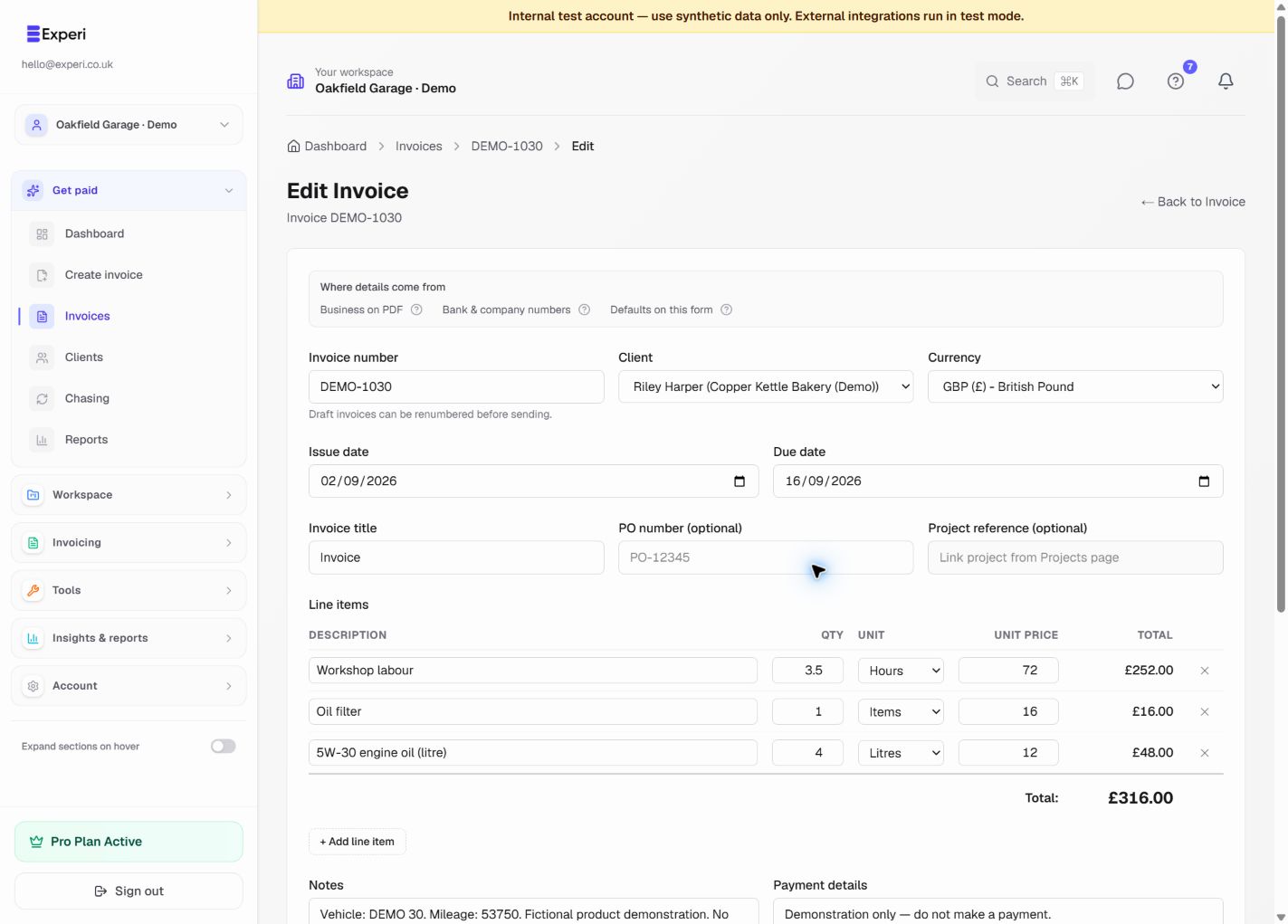
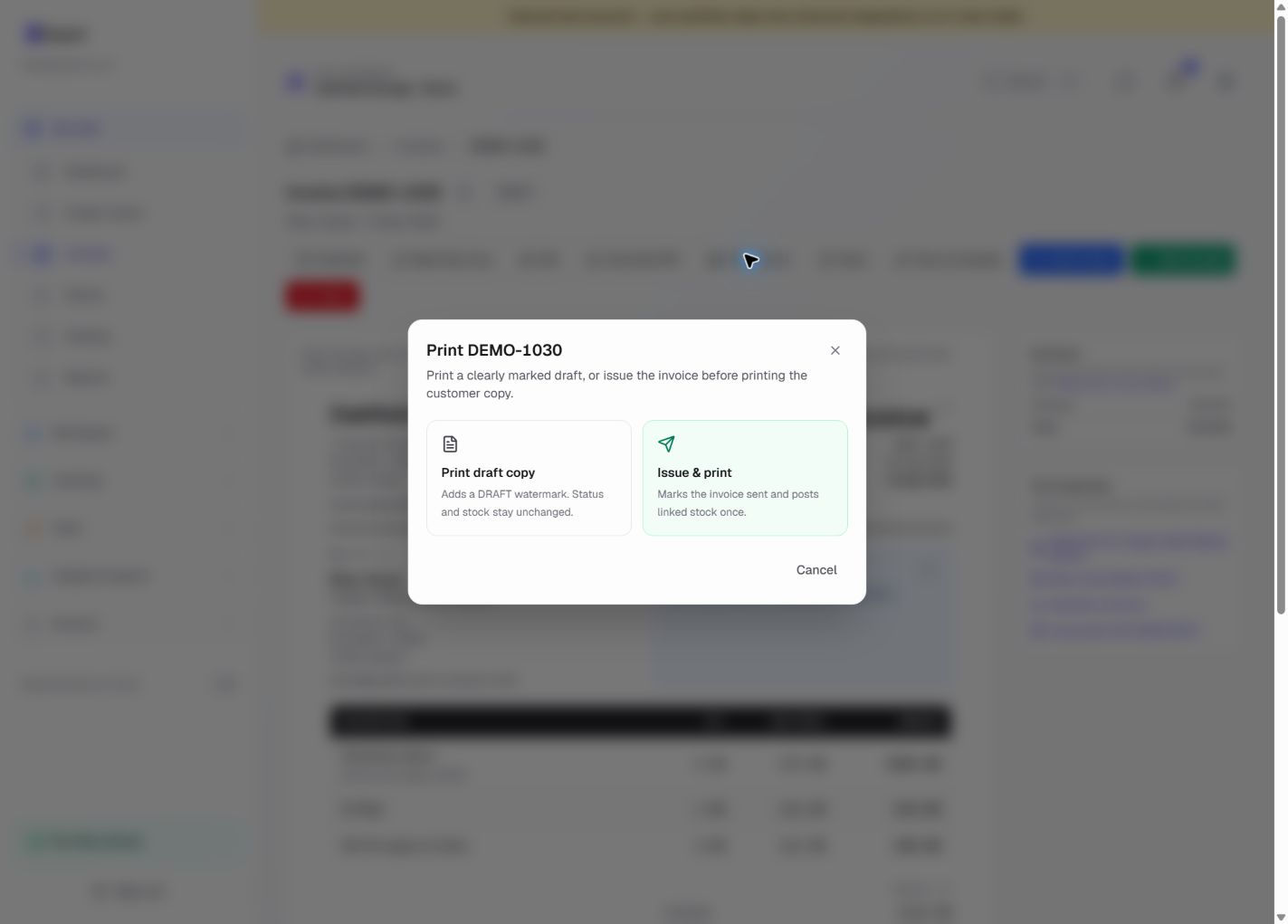
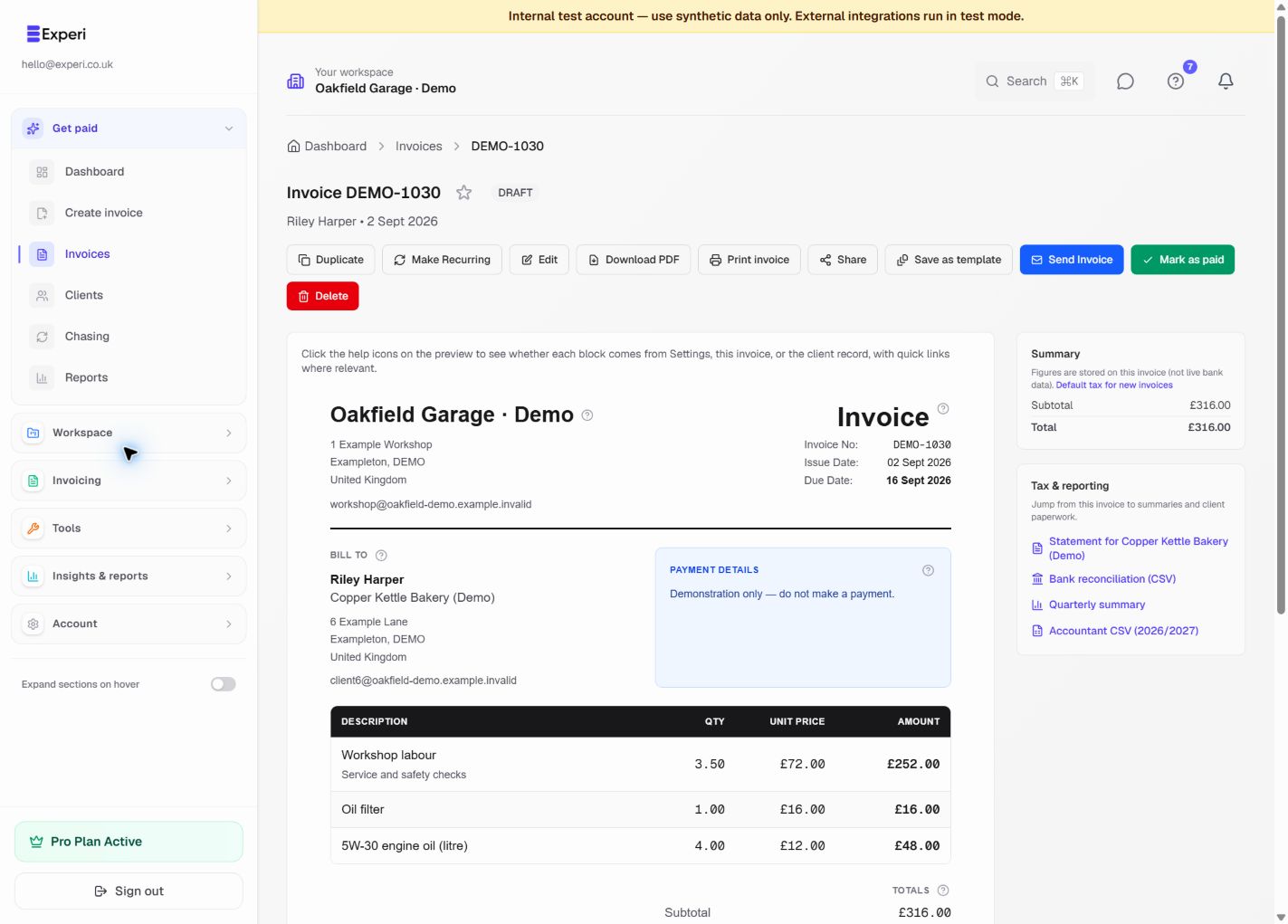
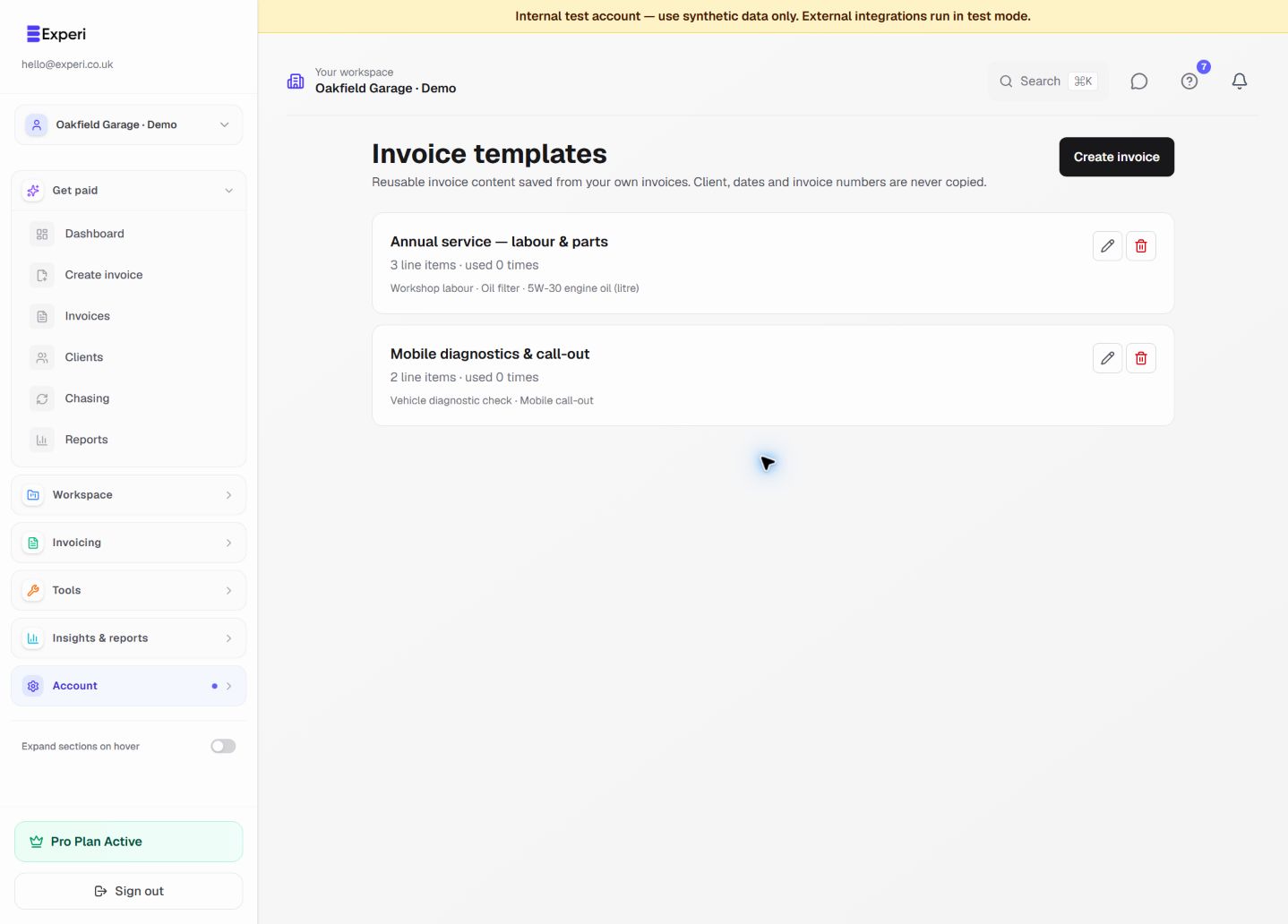
Invoice the job, not a blank page
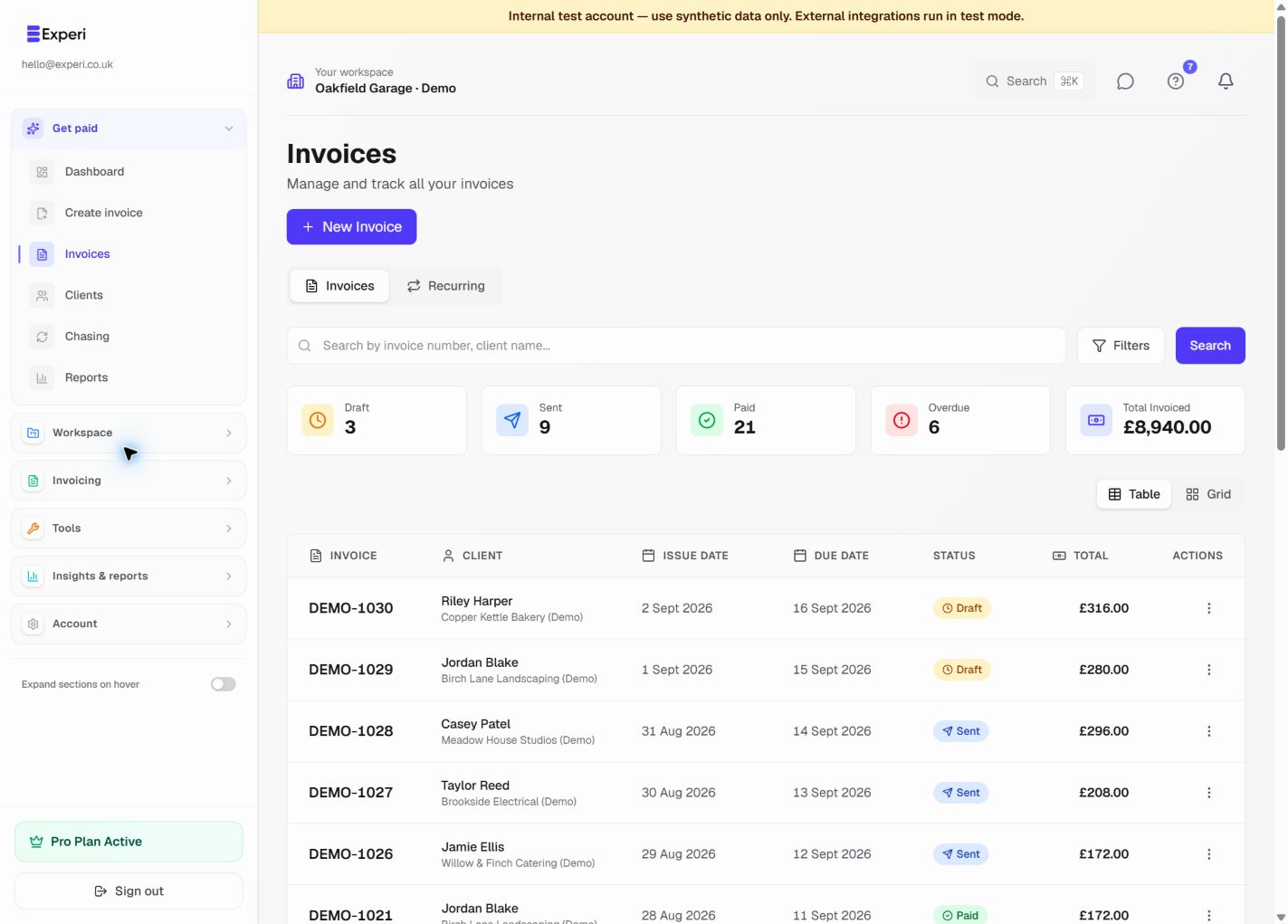
Build a mechanic invoice using reusable labour and parts, then choose email delivery or a paper handover.
Templates, inventory and printing on Free and Pro; invoice limits apply
Read the step-by-step guide →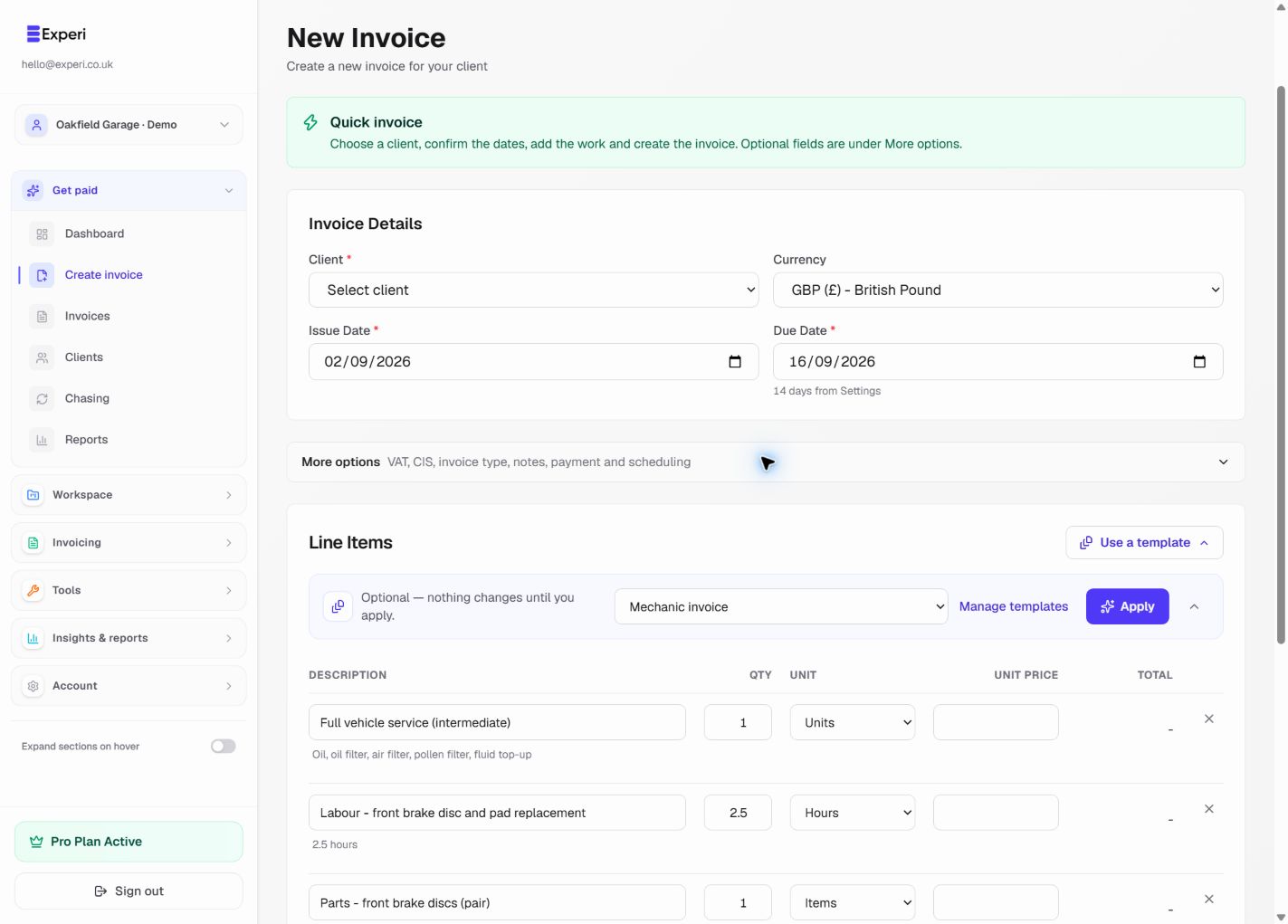
See 3 more screens from this workflow
Workflow 03
Keep repeat work ready to recall
Create a useful item catalogue, record deliveries and returns, and understand what changes stock when invoicing.
Free and Pro
Read the step-by-step guide →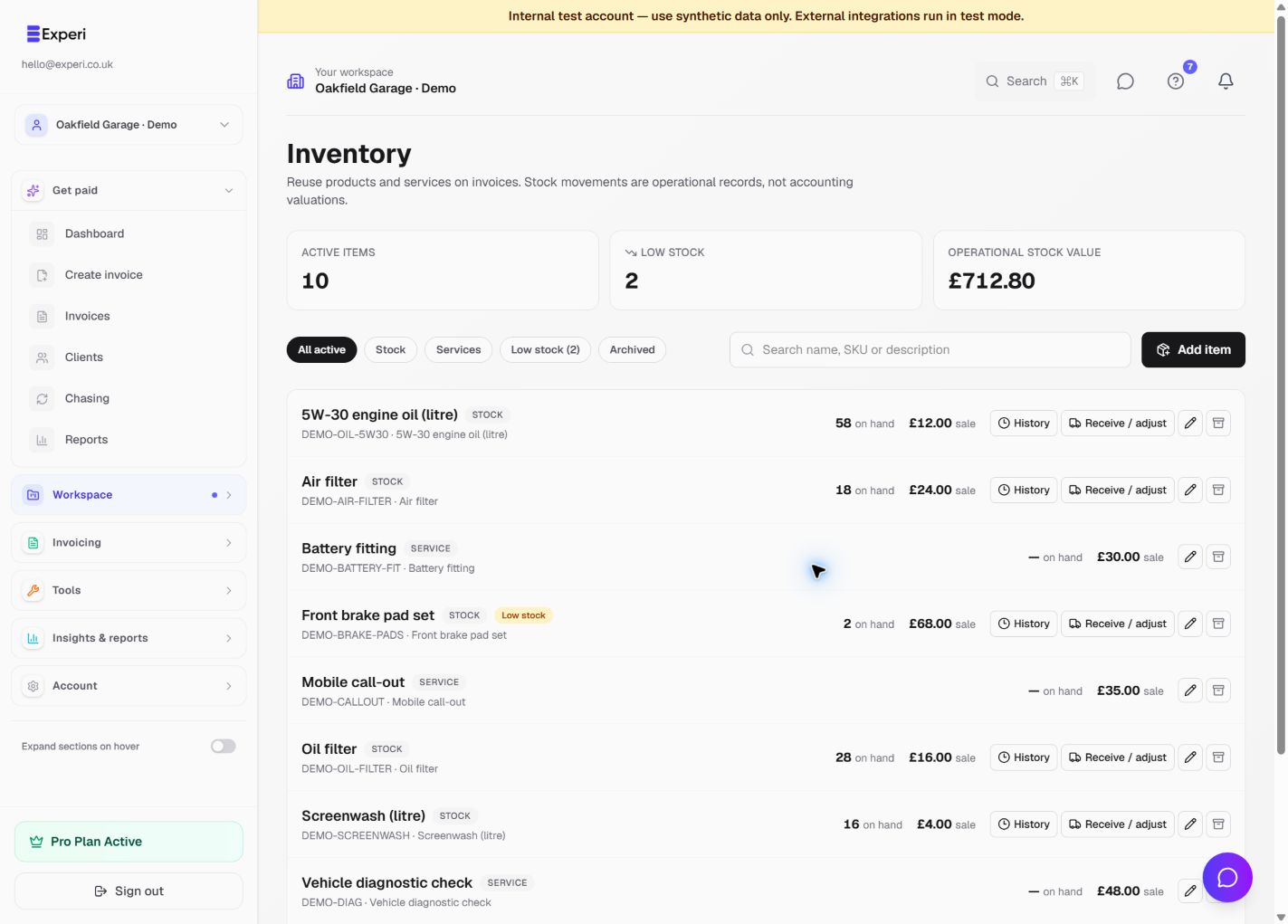
See 1 more screen from this workflow
Workflow 04
Agree the work before billing
Prepare a clear estimate, follow its acceptance and convert agreed work without treating a quote as payment.
Free quote allowance; Pro for unrestricted core quoting
Read the step-by-step guide →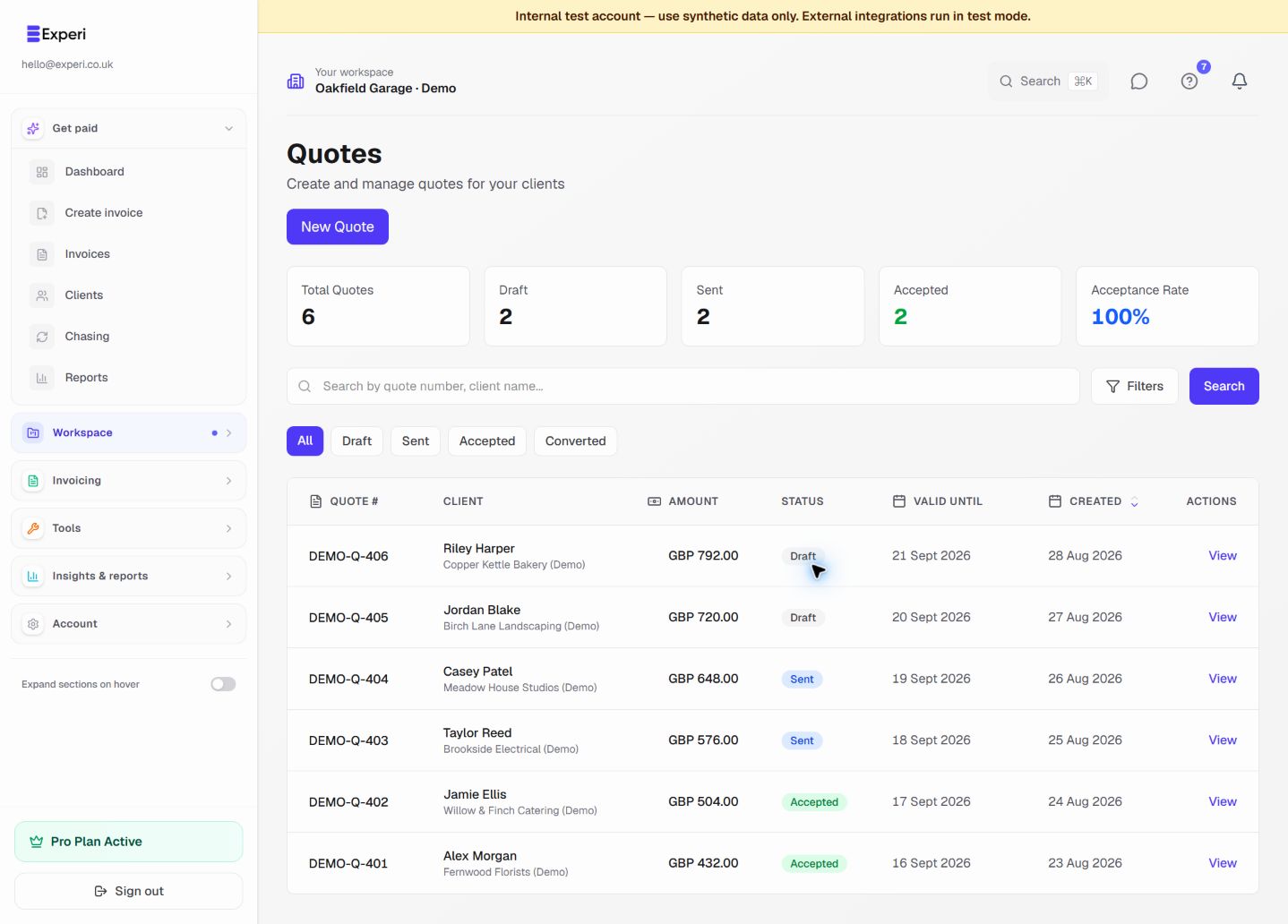
Workflow 05
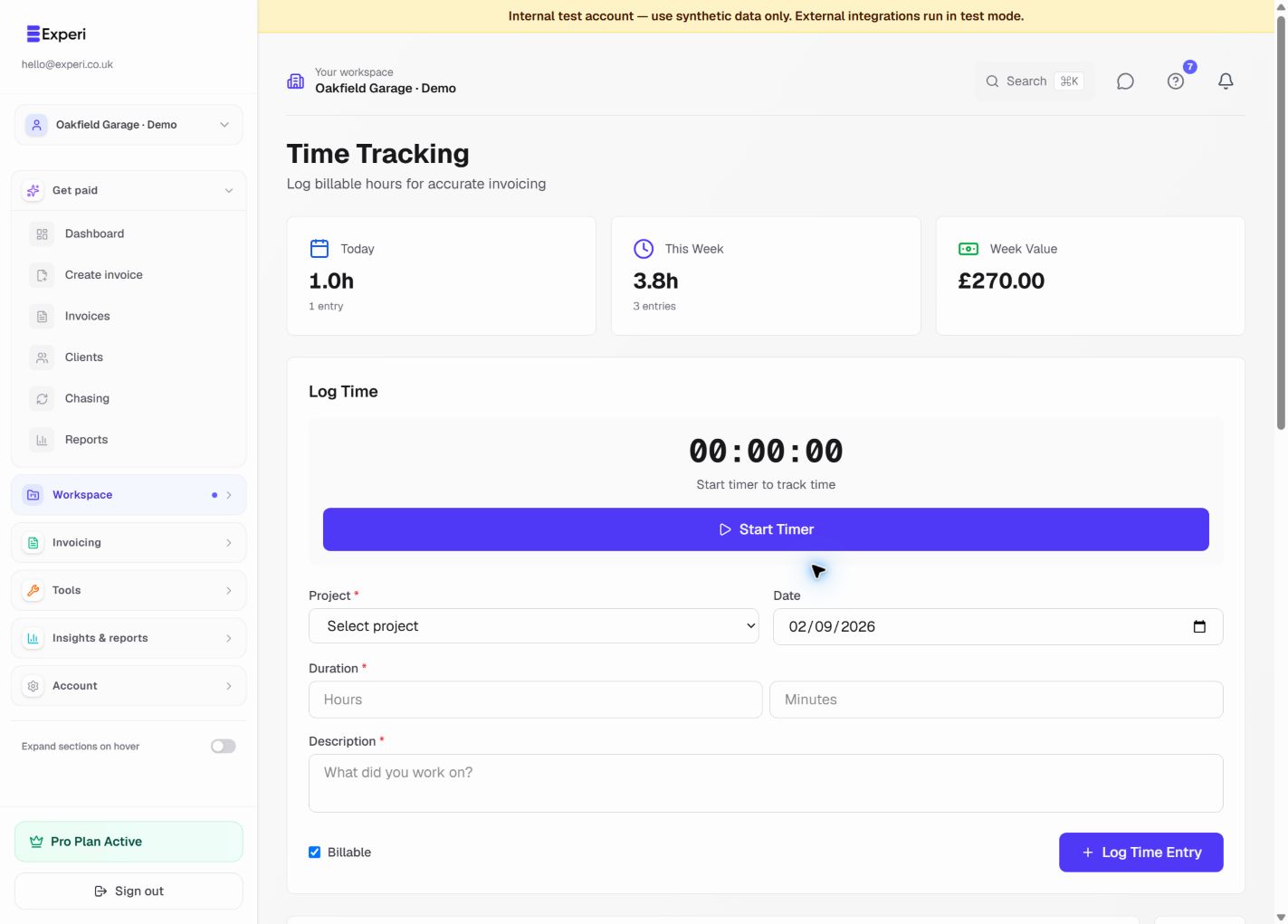
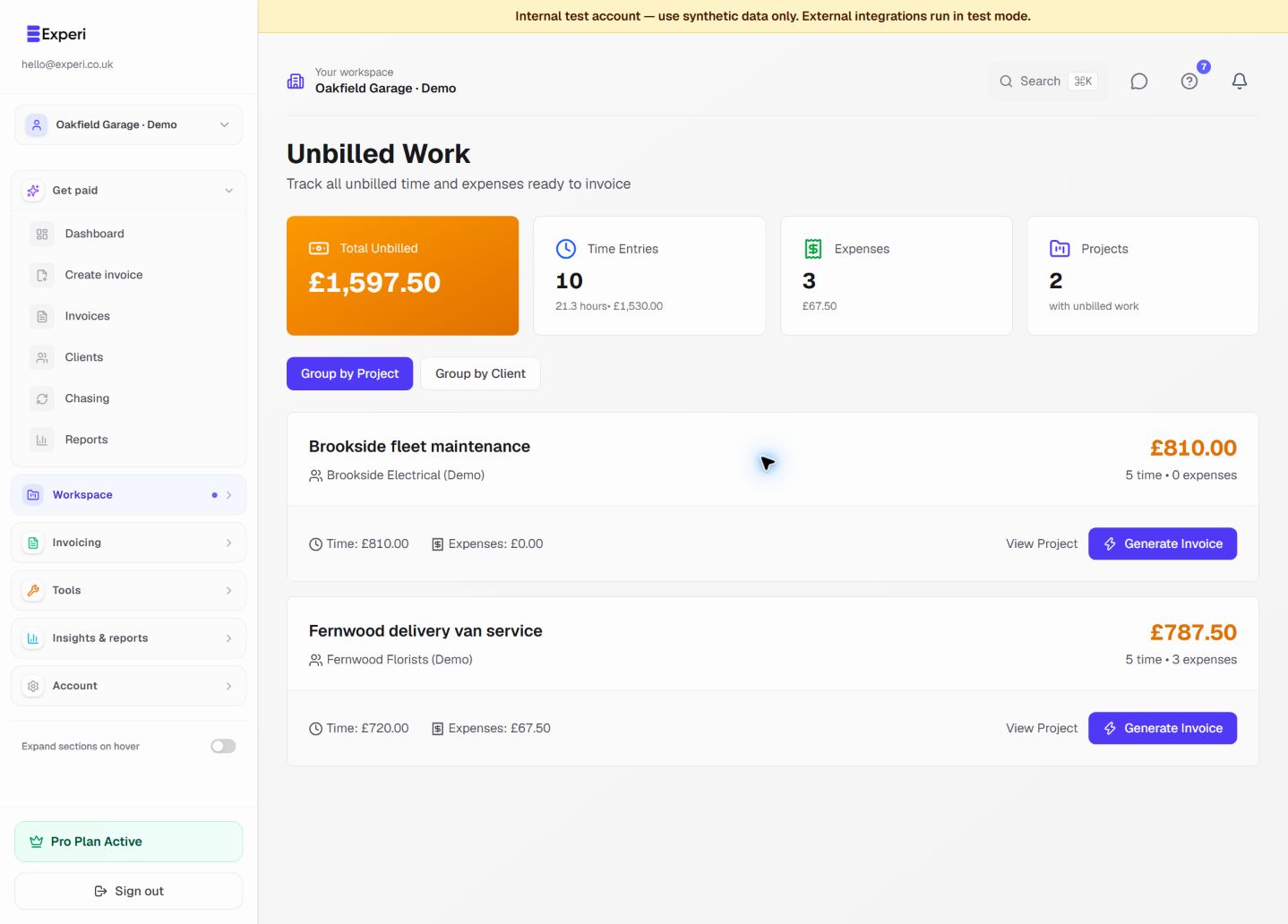
Turn tracked work into billable work
Track billable work against a client project, review what remains unbilled and avoid charging for the same entry twice.
Pro
Read the step-by-step guide →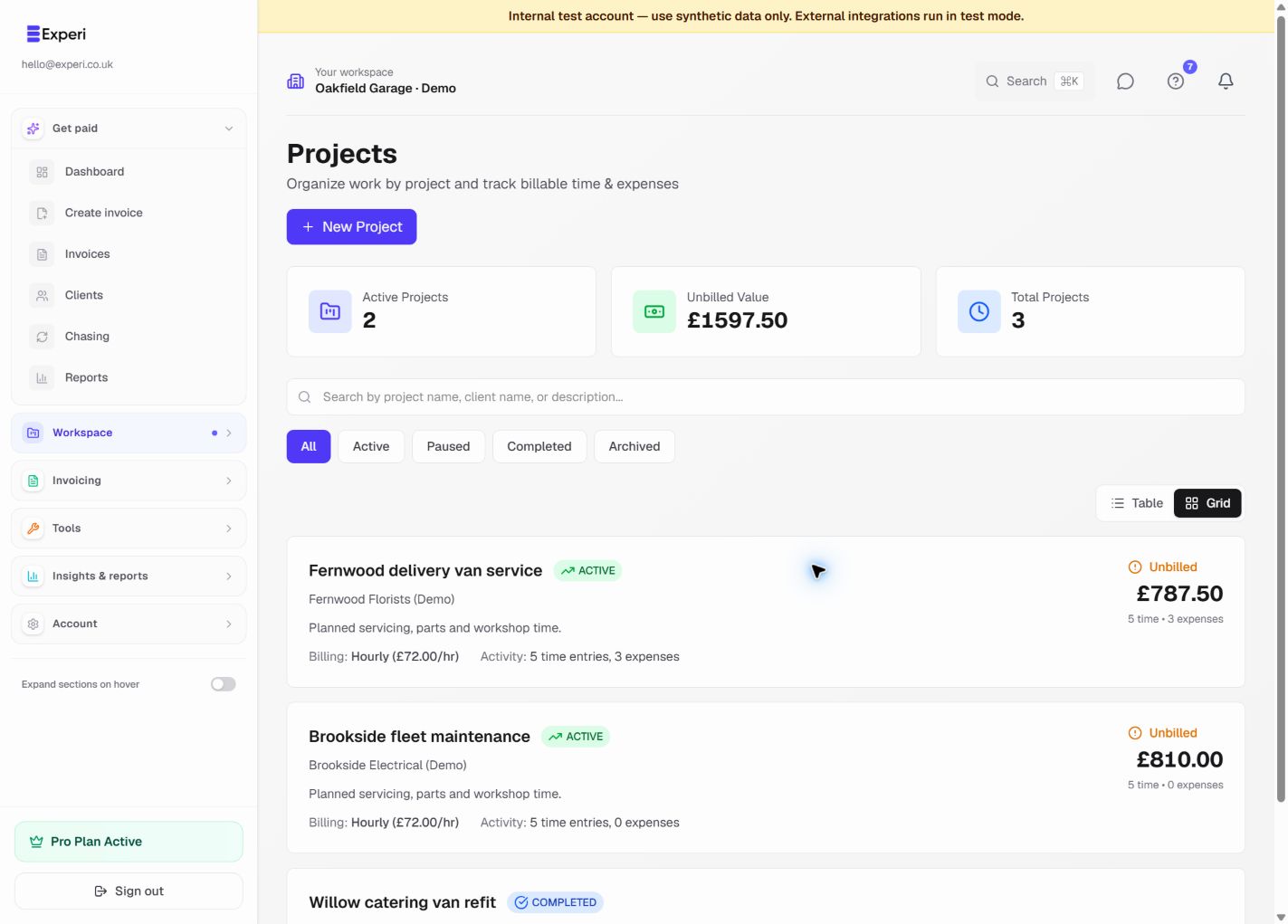
See 2 more screens from this workflow
Workflow 06
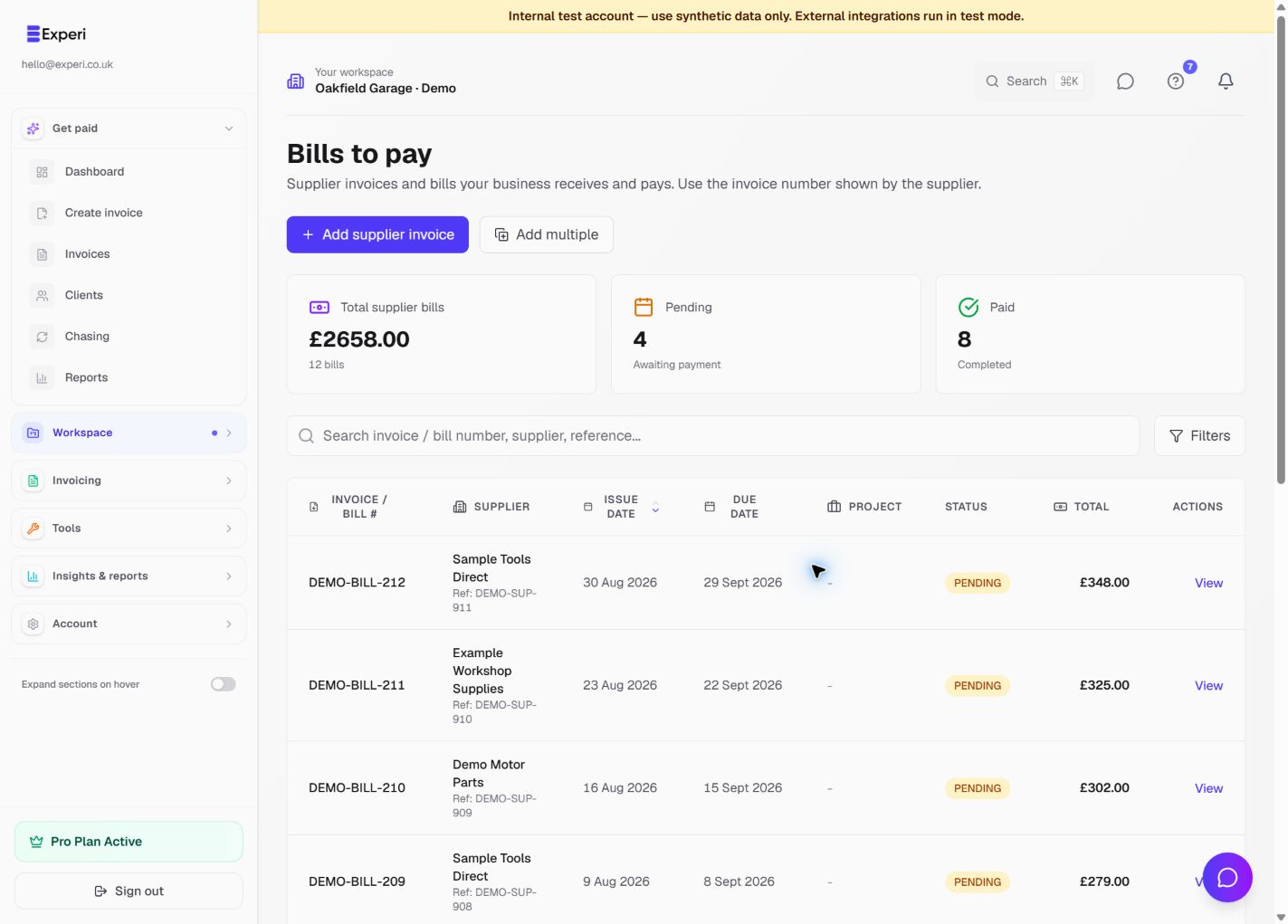
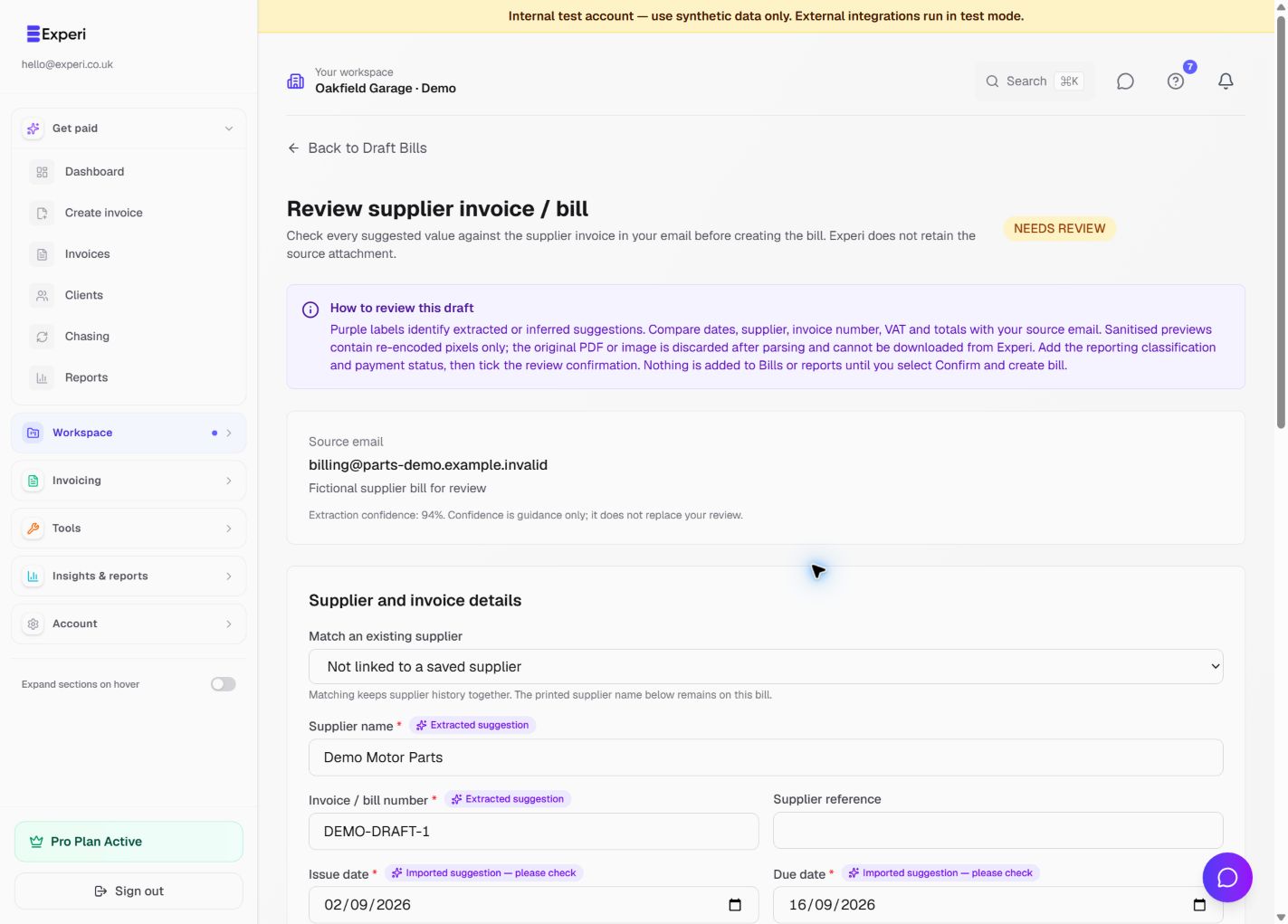
Turn supplier paperwork into reviewed records
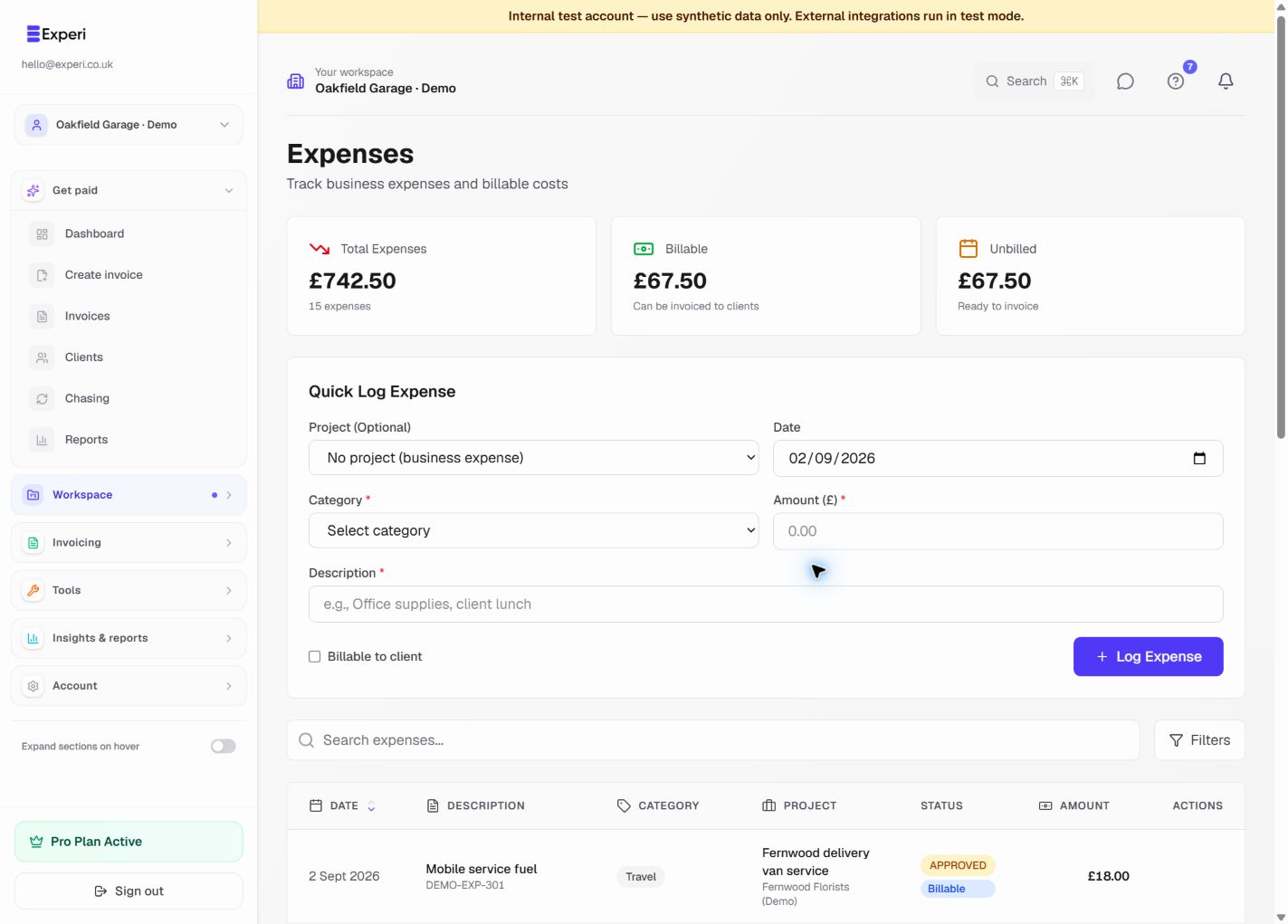
Keep supplier costs organised, review extracted bill fields and distinguish a bill from an expense or a stock receipt.
Pro; Email-to-Bill availability and limits apply
Read the step-by-step guide →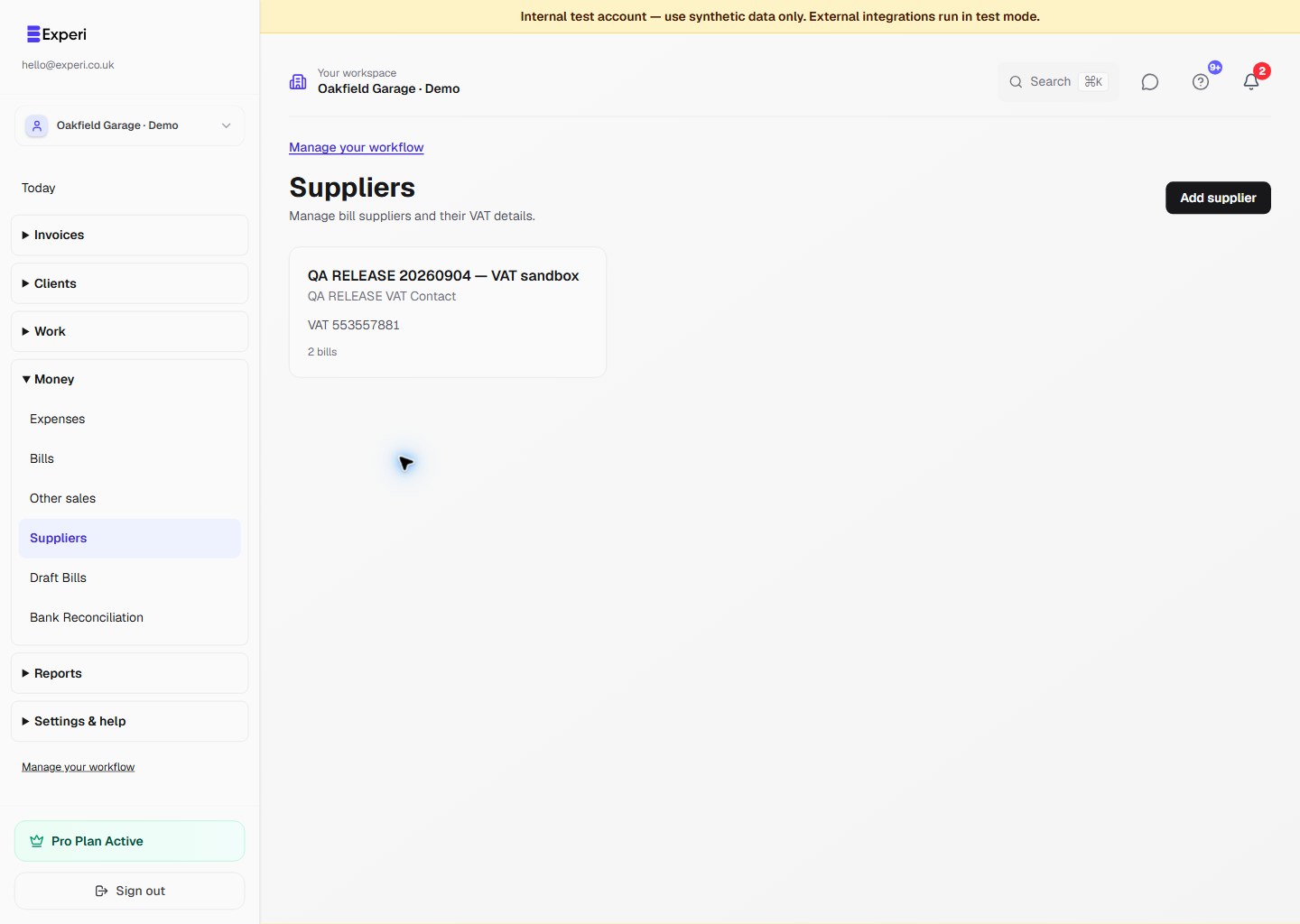
See 3 more screens from this workflow
Workflow 07
Know what is actually being chased
Use the dedicated Chasing view to distinguish automatic follow-up, paused work and invoices that need attention.
Free manual reminder allowance; Pro automation and recovery tools
Read the step-by-step guide →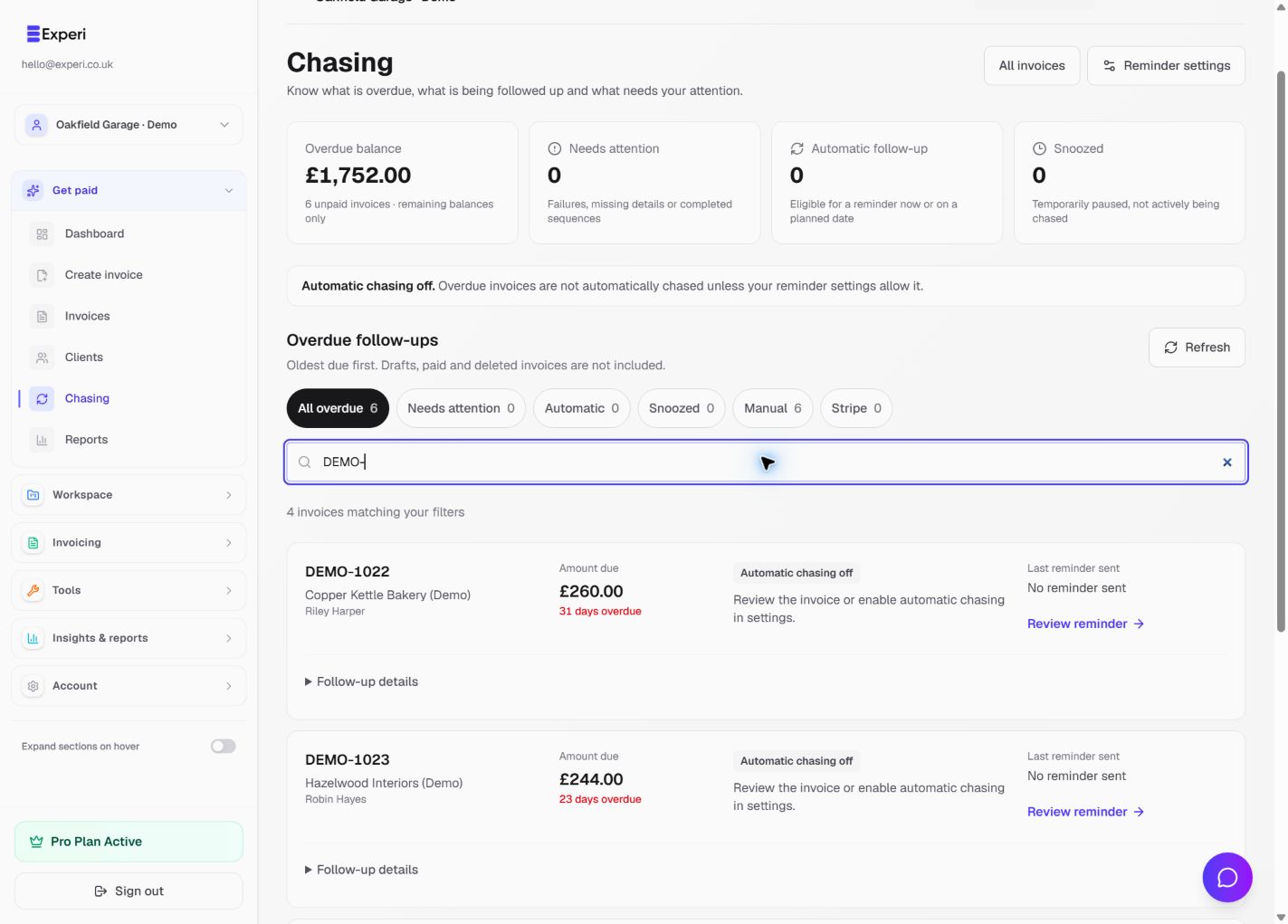
Workflow 08
Make repeat billing deliberate
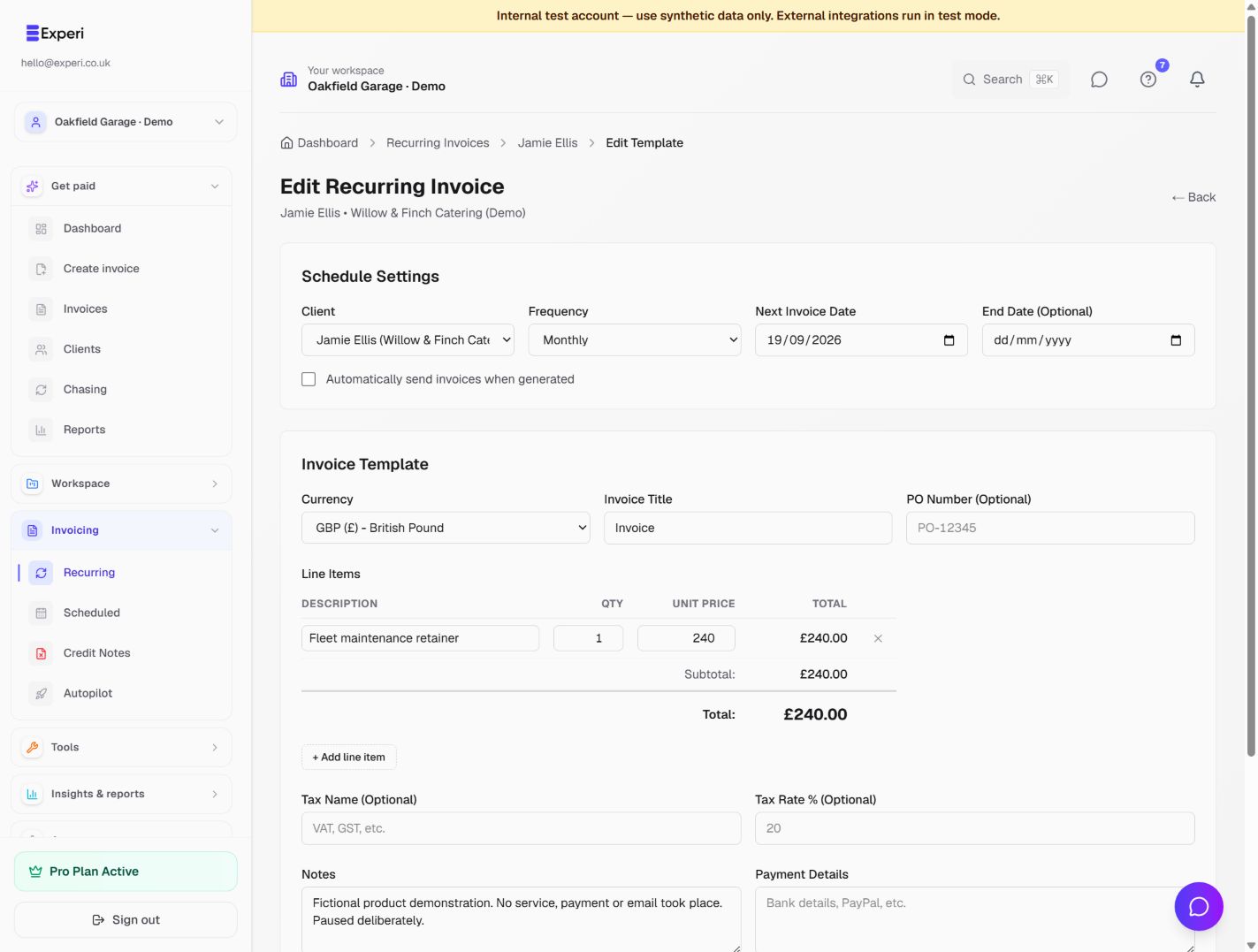
Choose between a one-off scheduled invoice, a recurring series and Stripe Autopilot, and check what will run automatically.
Pro; connected-provider eligibility applies
Read the step-by-step guide →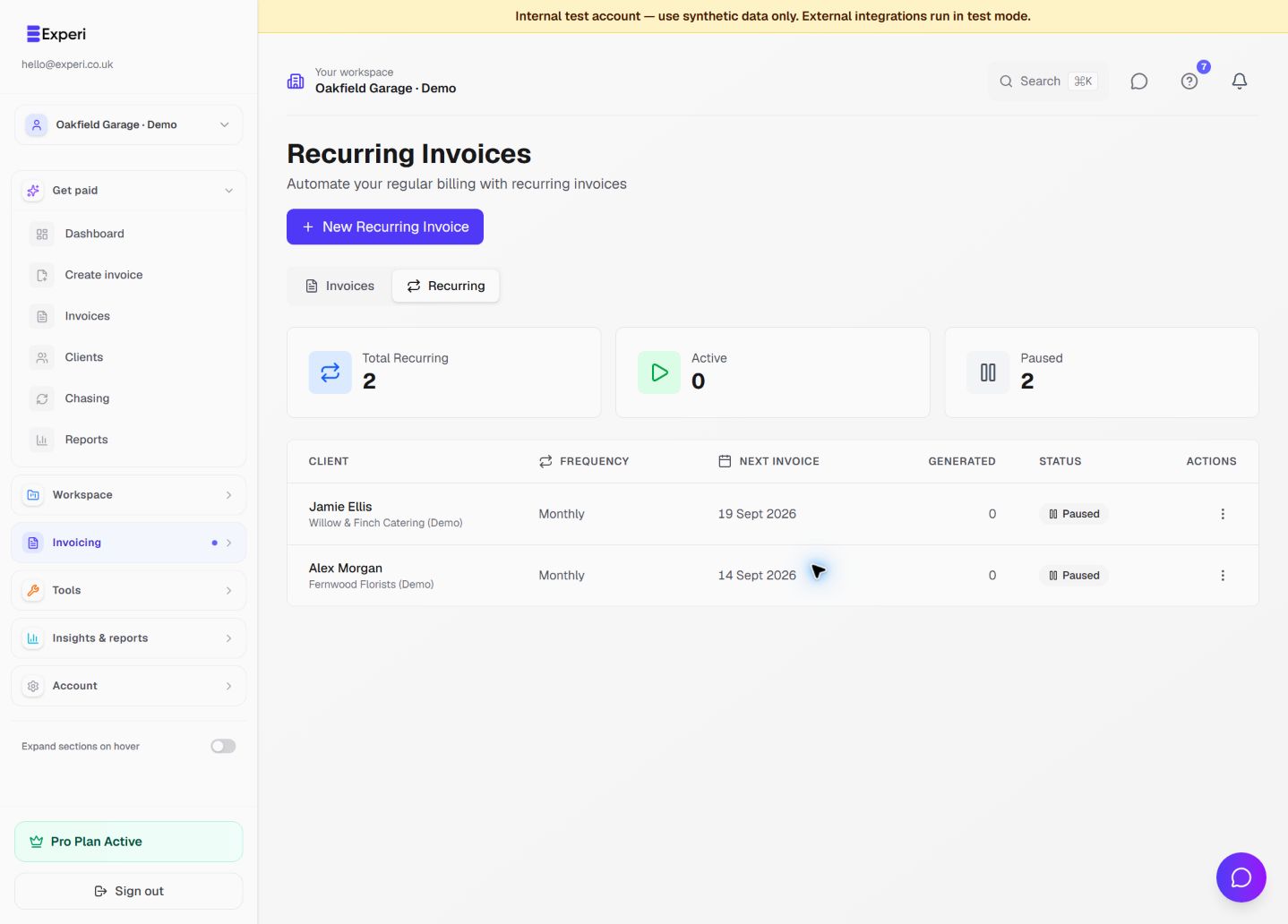
See 1 more screen from this workflow
Workflow 09
Correct records without losing the history
Correct a customer charge without confusing the credit document, money returned and products put back into stock.
Pro credit notes; inventory on Free and Pro
Read the step-by-step guide →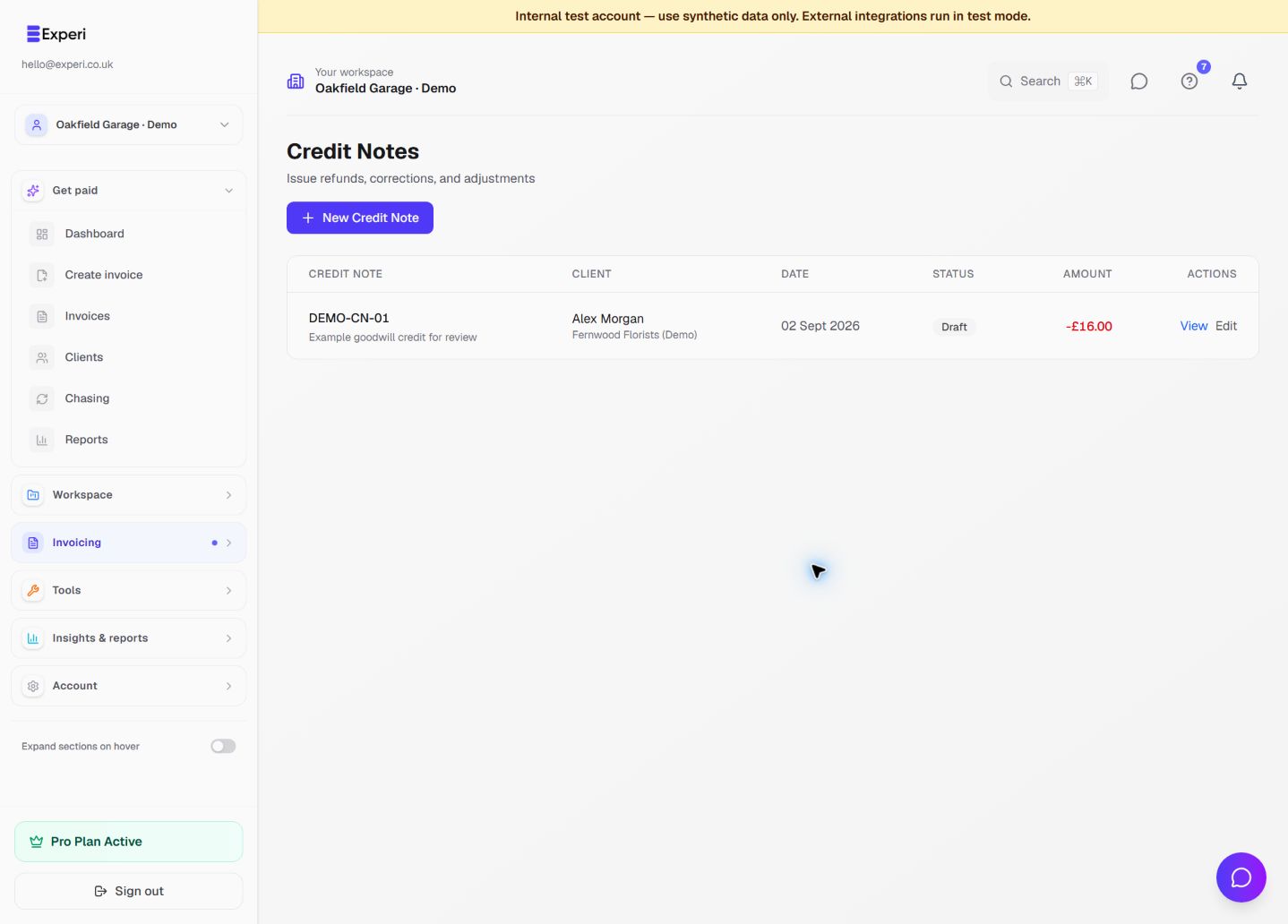
Workflow 10
Share the business, keep control of access
Choose a team role, track the invitation, verify the selected workspace and revoke access when the job is finished.
Pro team creation and invitations; existing access revocation remains available
Read the step-by-step guide →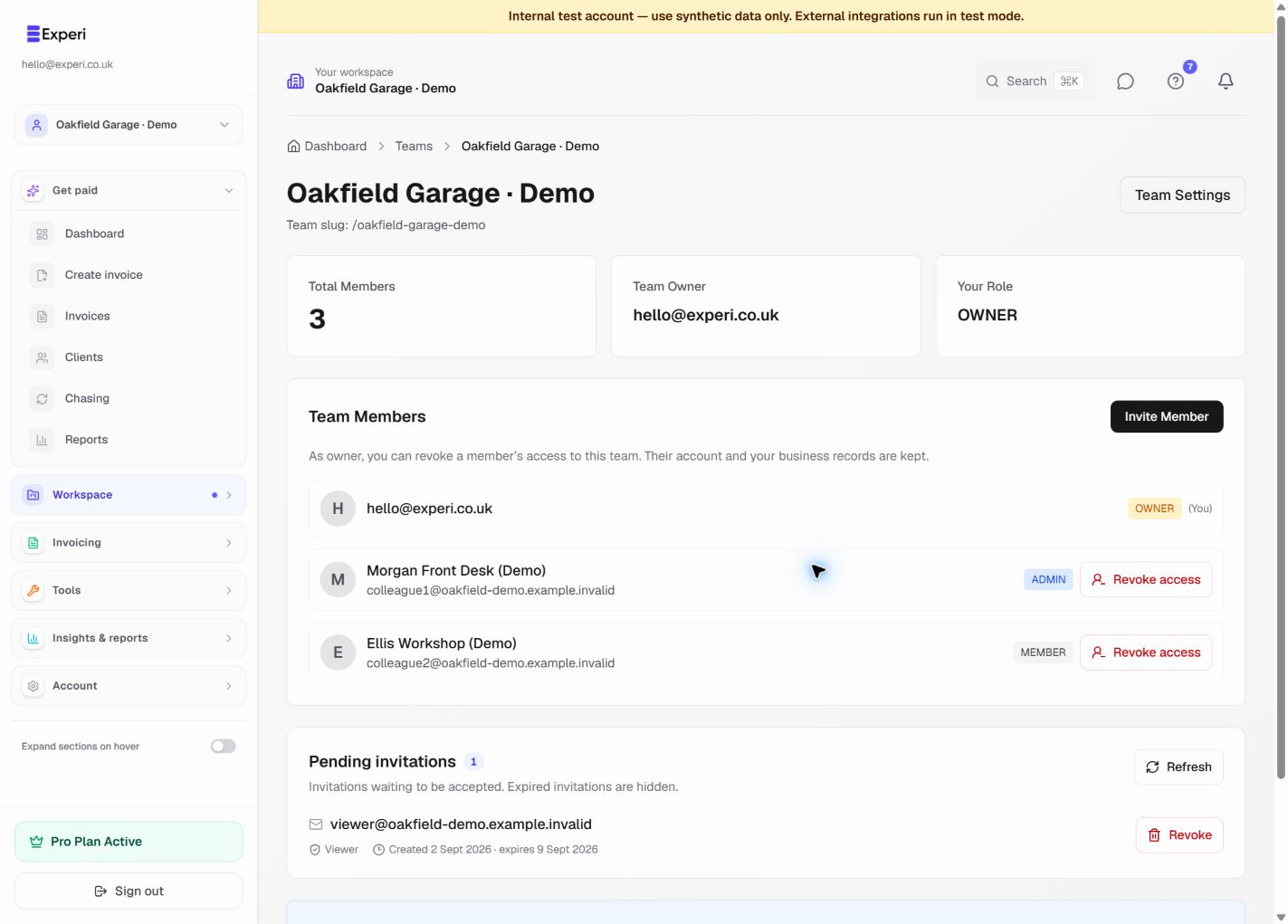
Workflow 11
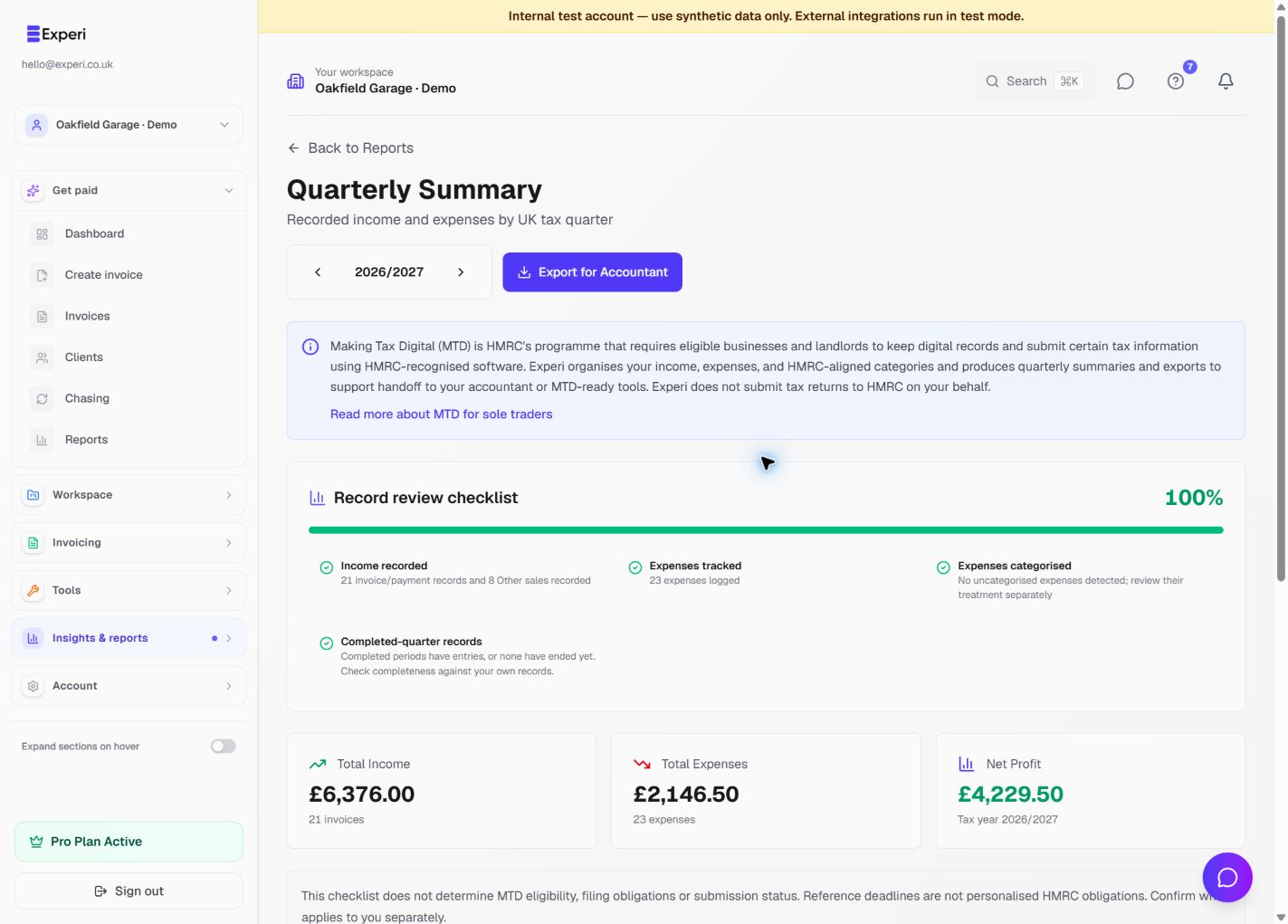
Understand what the numbers mean
Understand the dates, assumptions and source records behind each report instead of treating every total as cash in the bank.
Pro reporting; Tax Planner availability and eligibility apply
Read the step-by-step guide →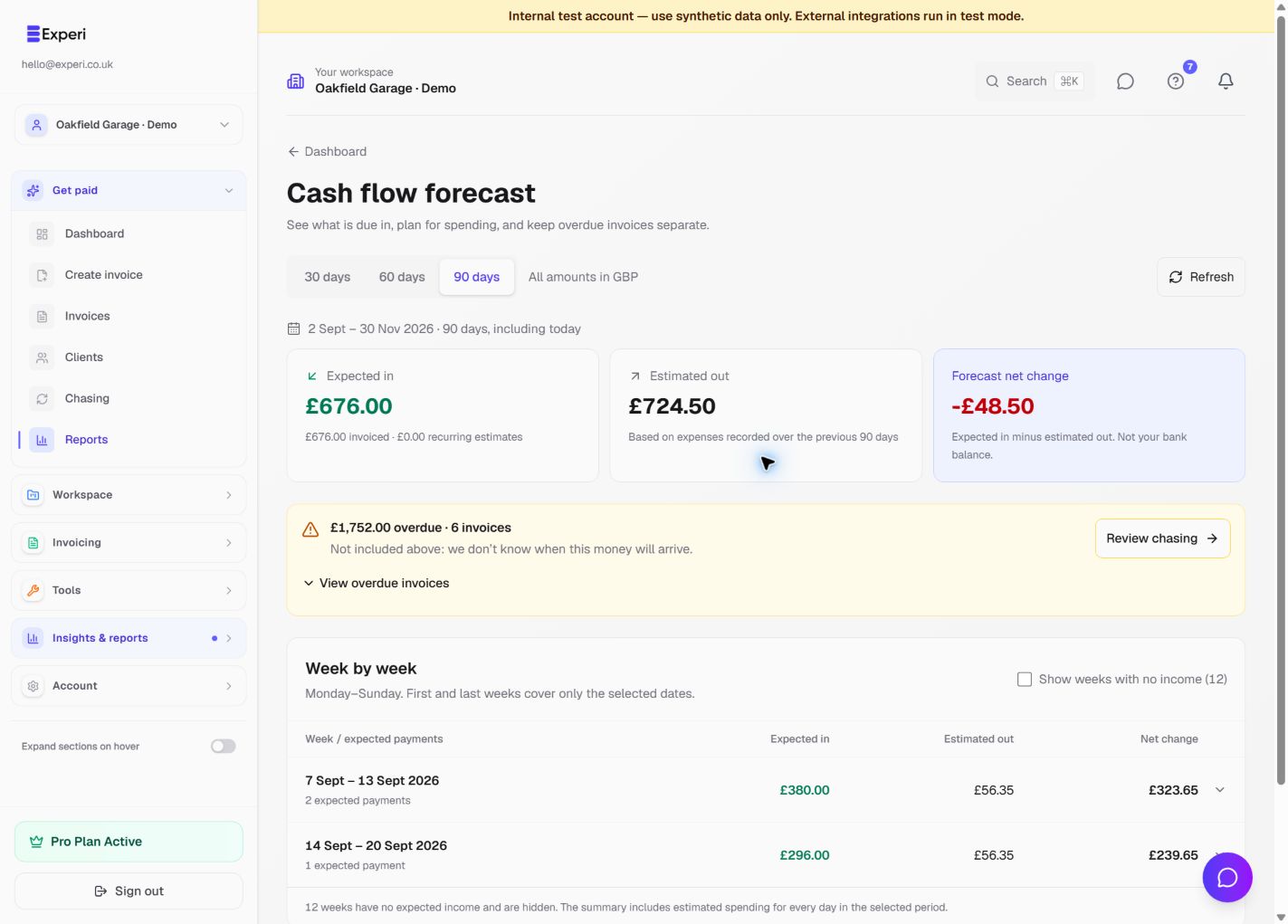
See 1 more screen from this workflow
Workflow 12
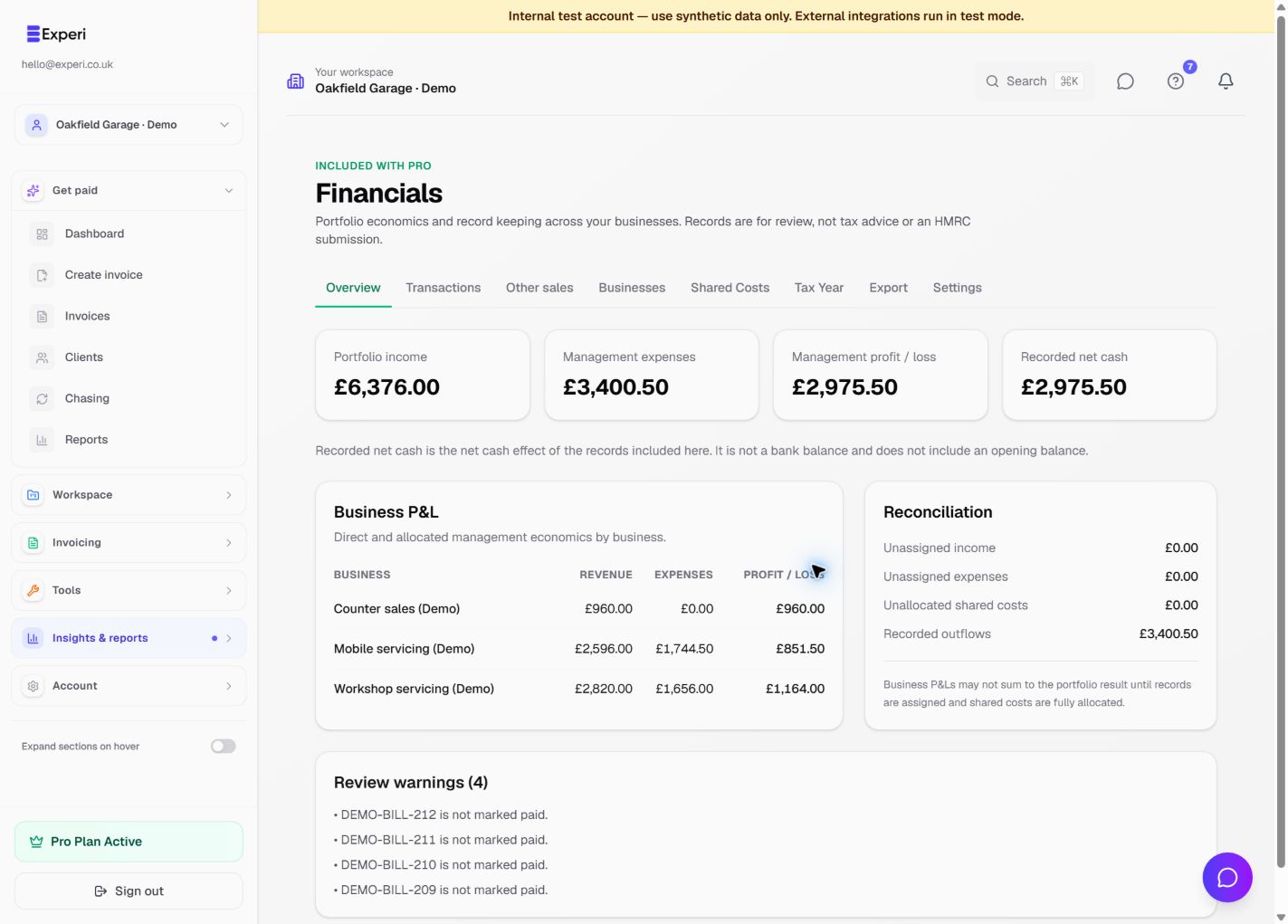
See income beyond invoices
Record counter or ecommerce sales, classify business activity and understand management results without double-counting income.
Pro, availability-controlled rollout; may not appear in every workspace
Read the step-by-step guide →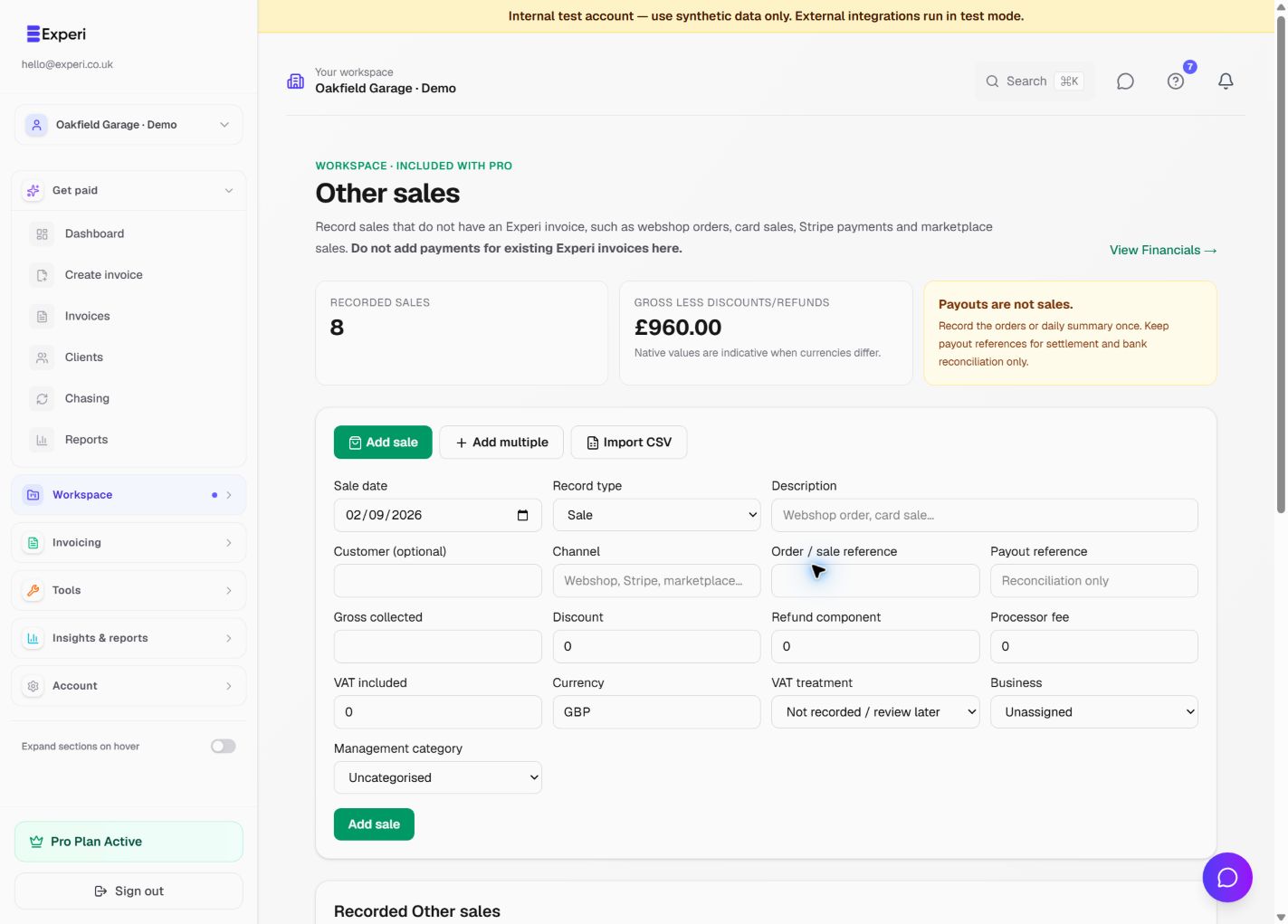
See 1 more screen from this workflow
Workflow 13
Check the evidence behind payment records
Review bank CSV matches before confirming them, then export the right workspace and period for your adviser.
Pro; bank CSV matching is separate from connected bank feeds
Read the step-by-step guide →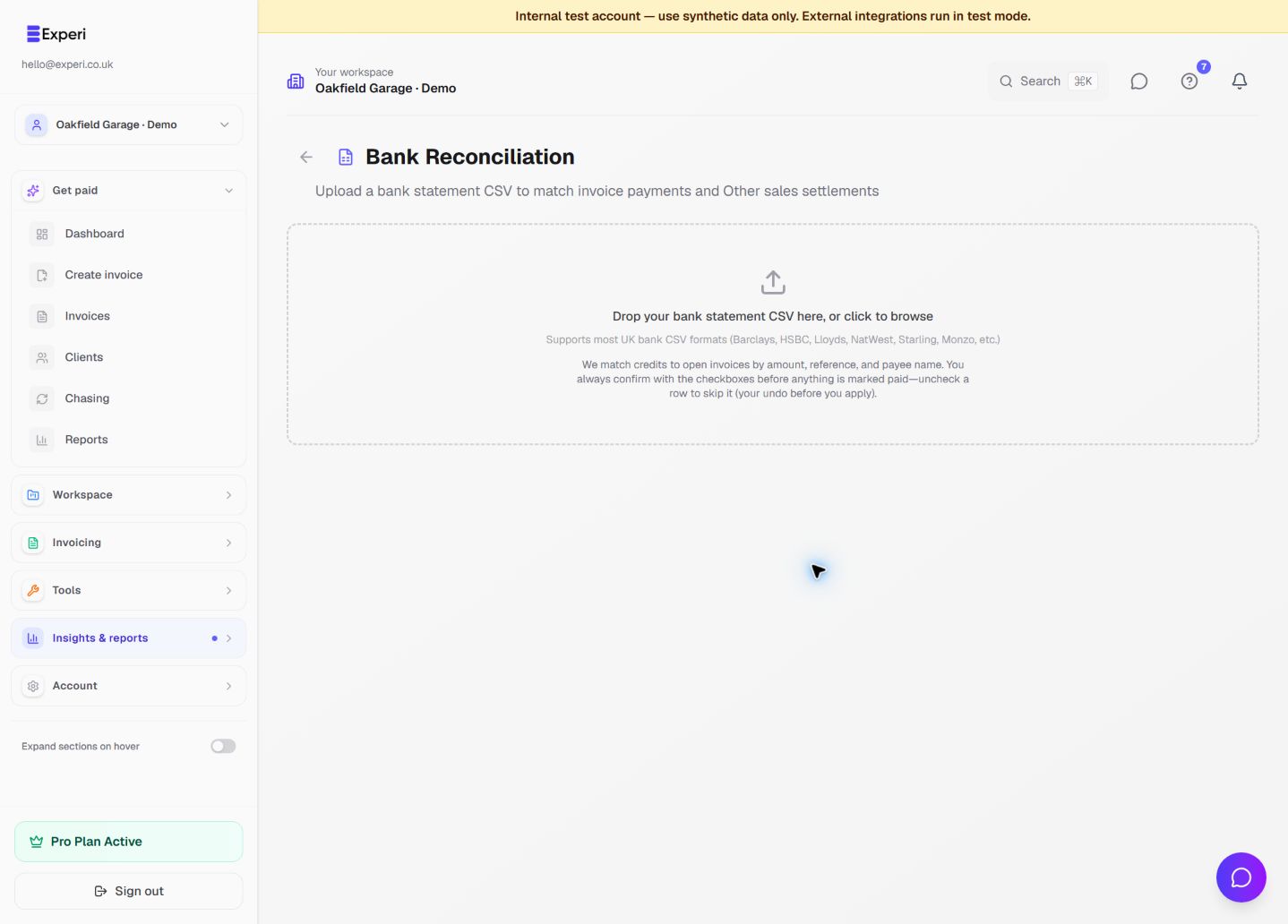
Workflow 14
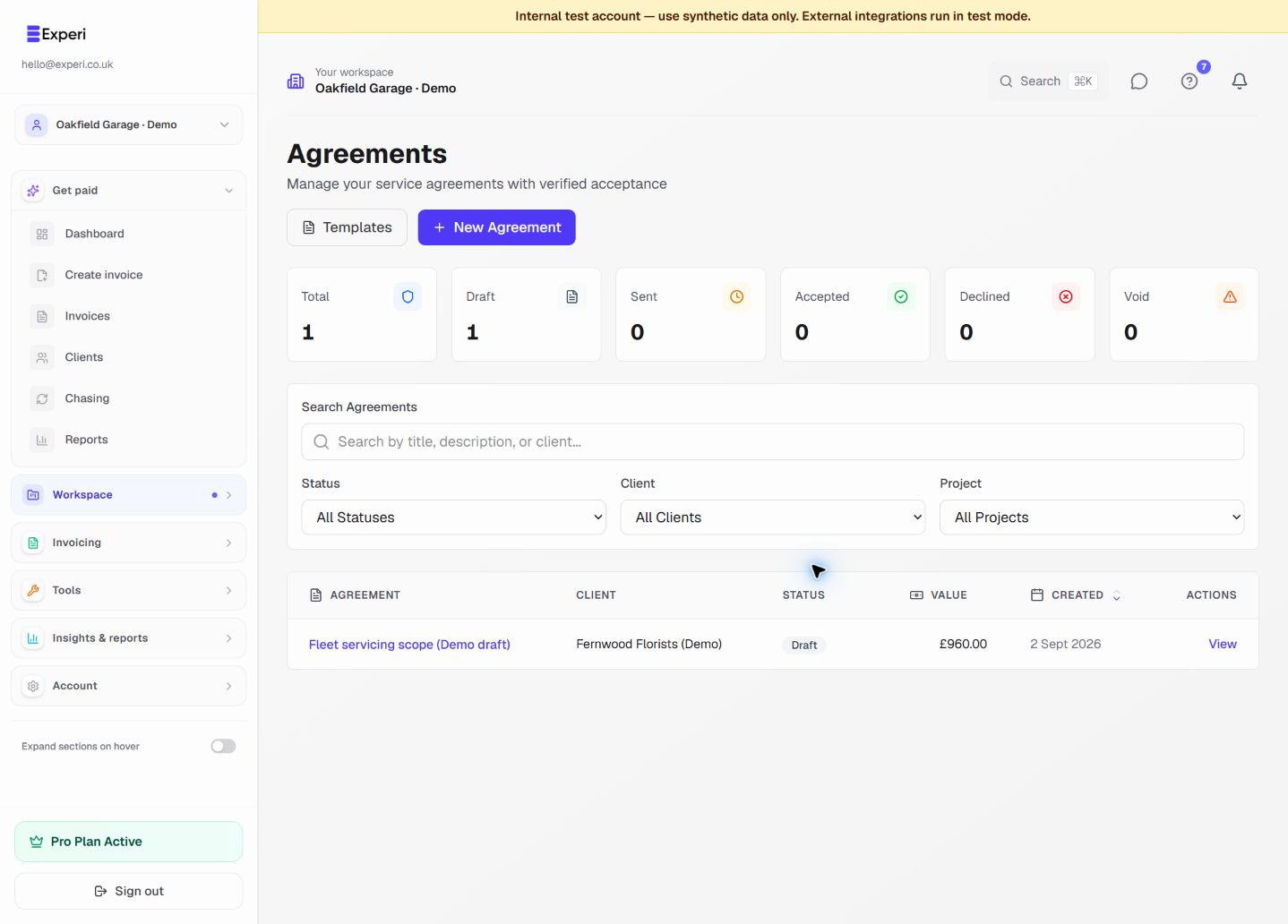
Give clients a clearer experience
Use a consistent client record, control private portal links and review service-agreement scope before requesting acceptance.
Free client allowance; Pro portal and agreement tools
Read the step-by-step guide →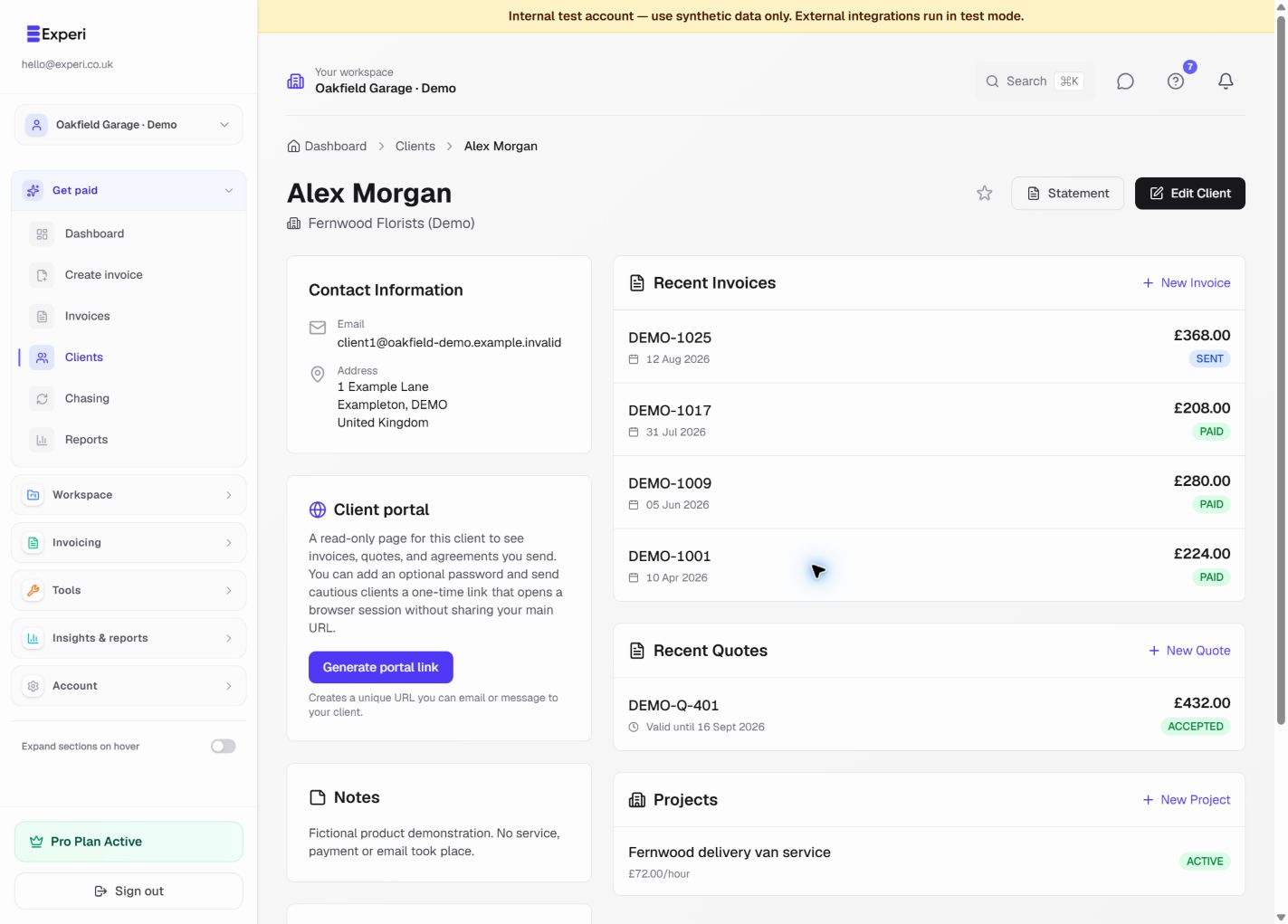
See 1 more screen from this workflow
Workflow 15
Give an agent only the access it needs
Approve a compatible AI agent through Experi, choose the work it may do and revoke access without sharing your password.
Pro; off by default until an owner approves a connection
Read the step-by-step guide →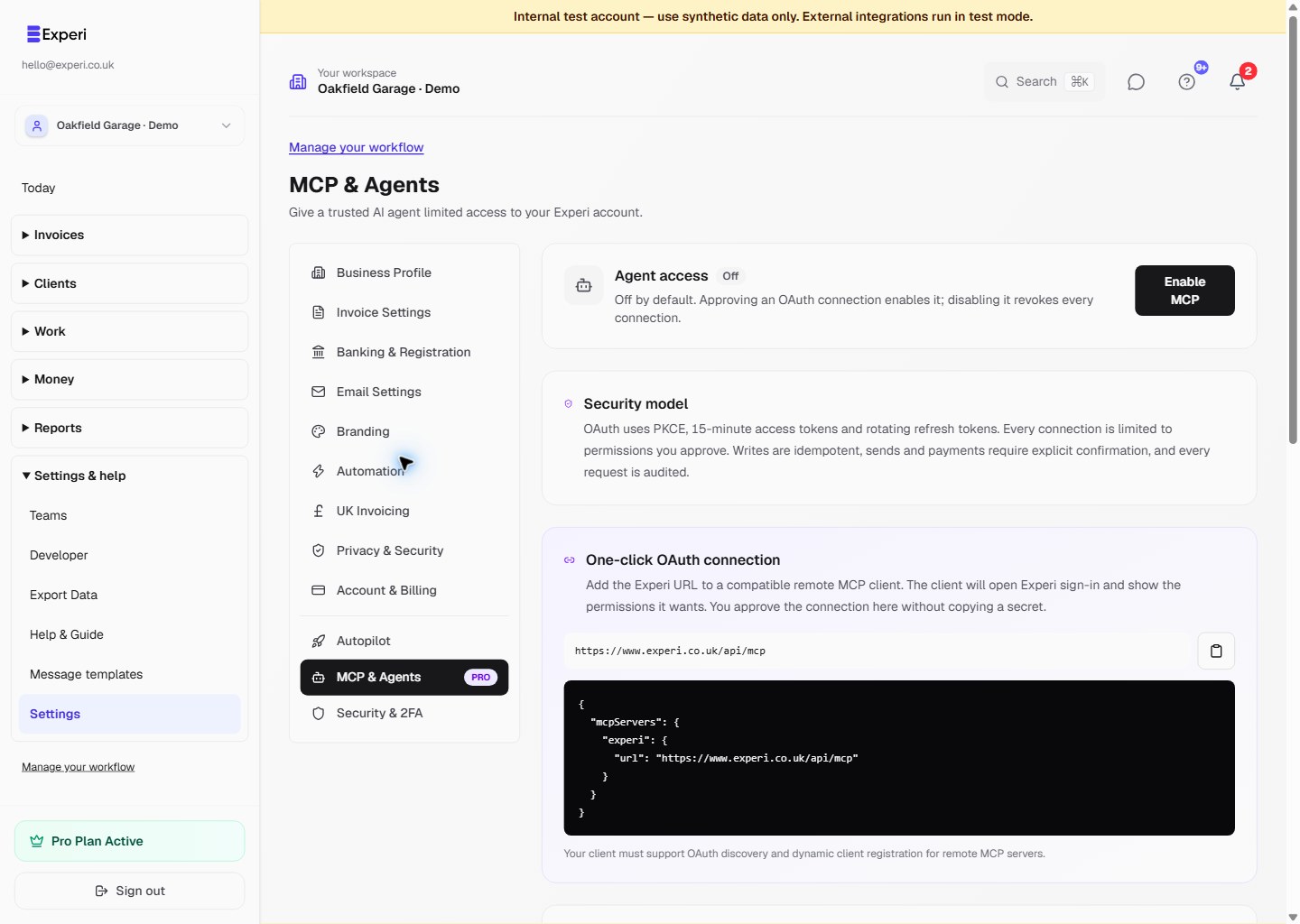
Workflow 16
Make the workspace fit your business
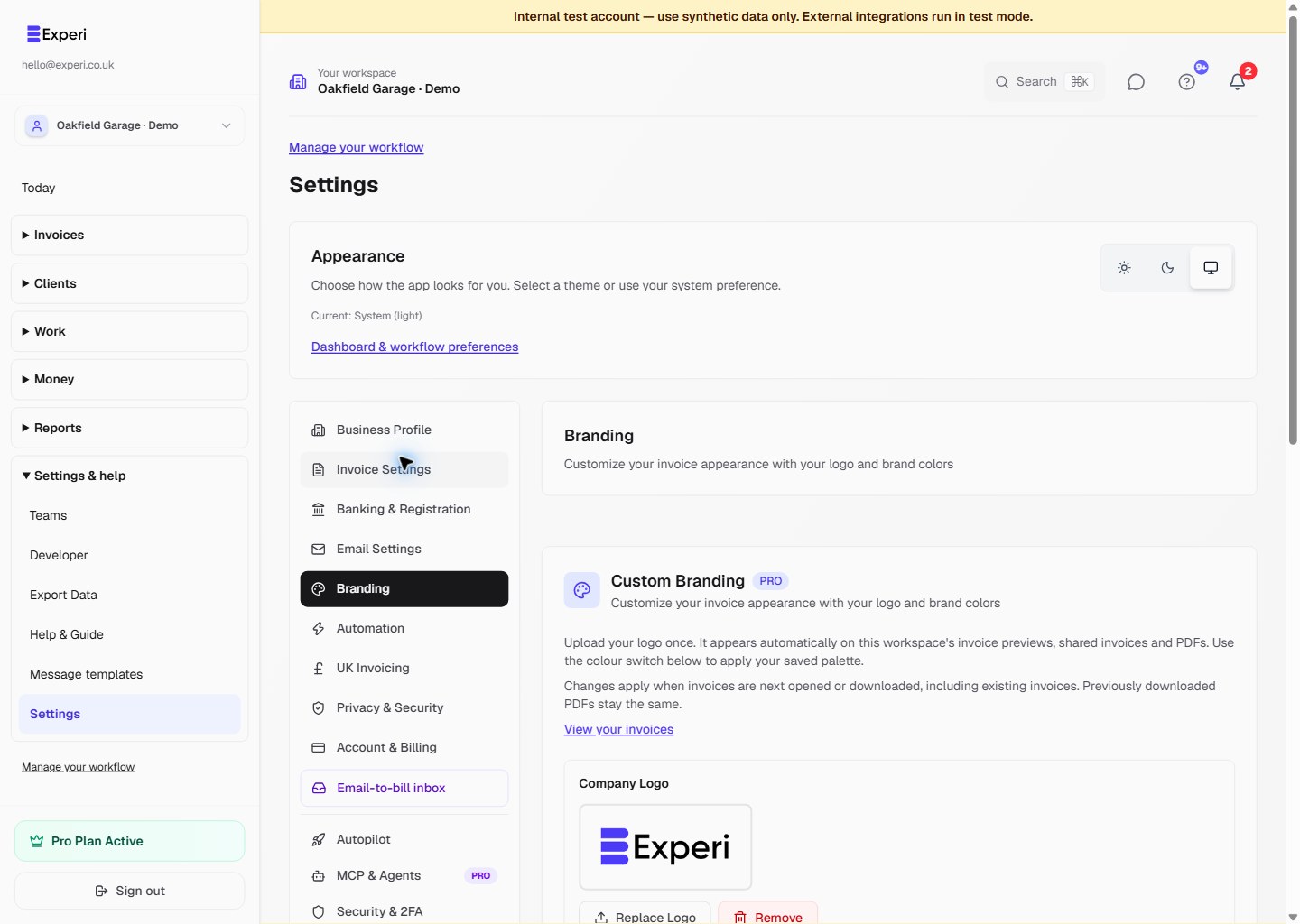
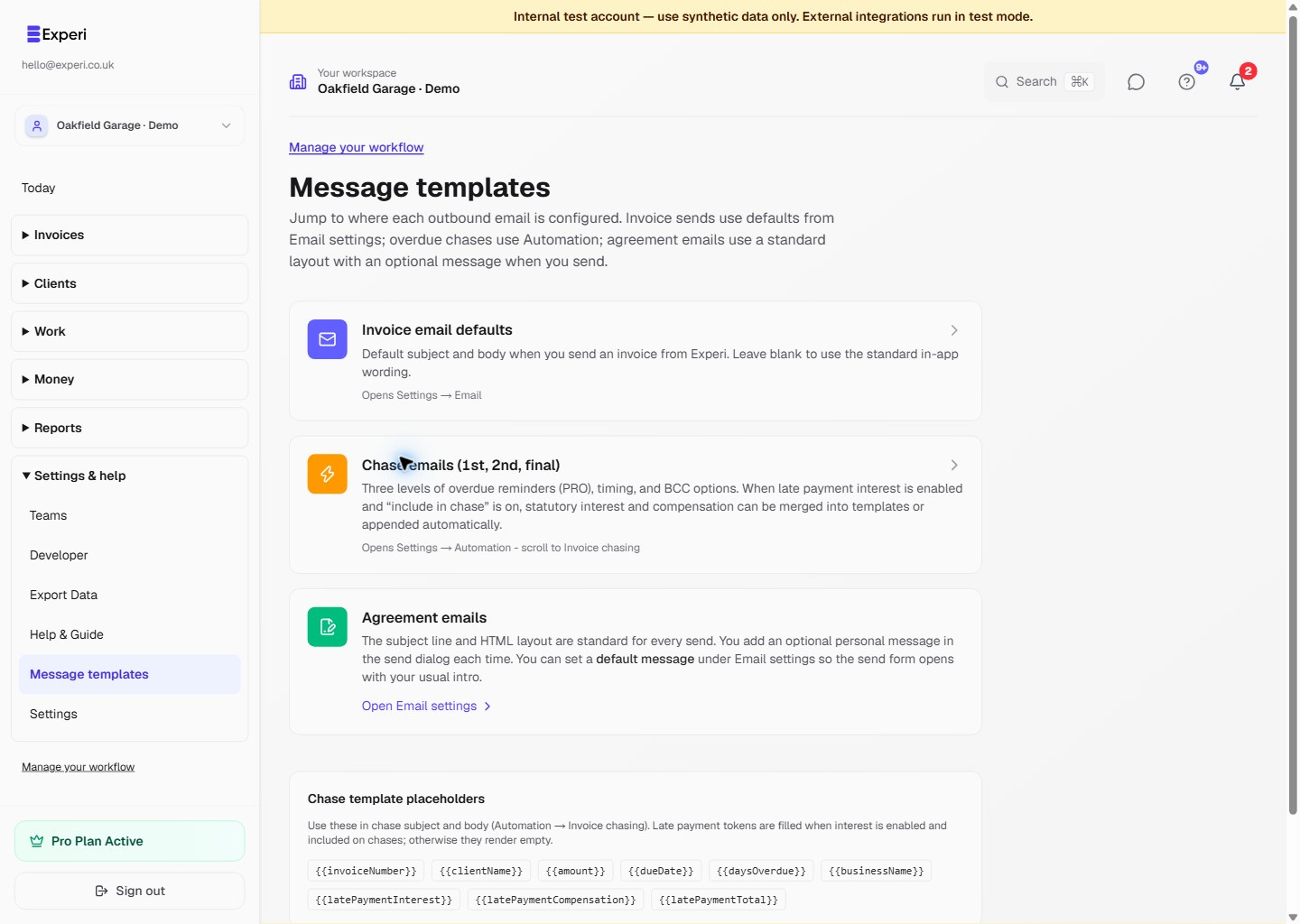
Review branding, message wording, Developer API access and secure MCP connections while keeping account and workspace settings in the right scope.
Plan, role, verification and integration requirements vary
Read the step-by-step guide →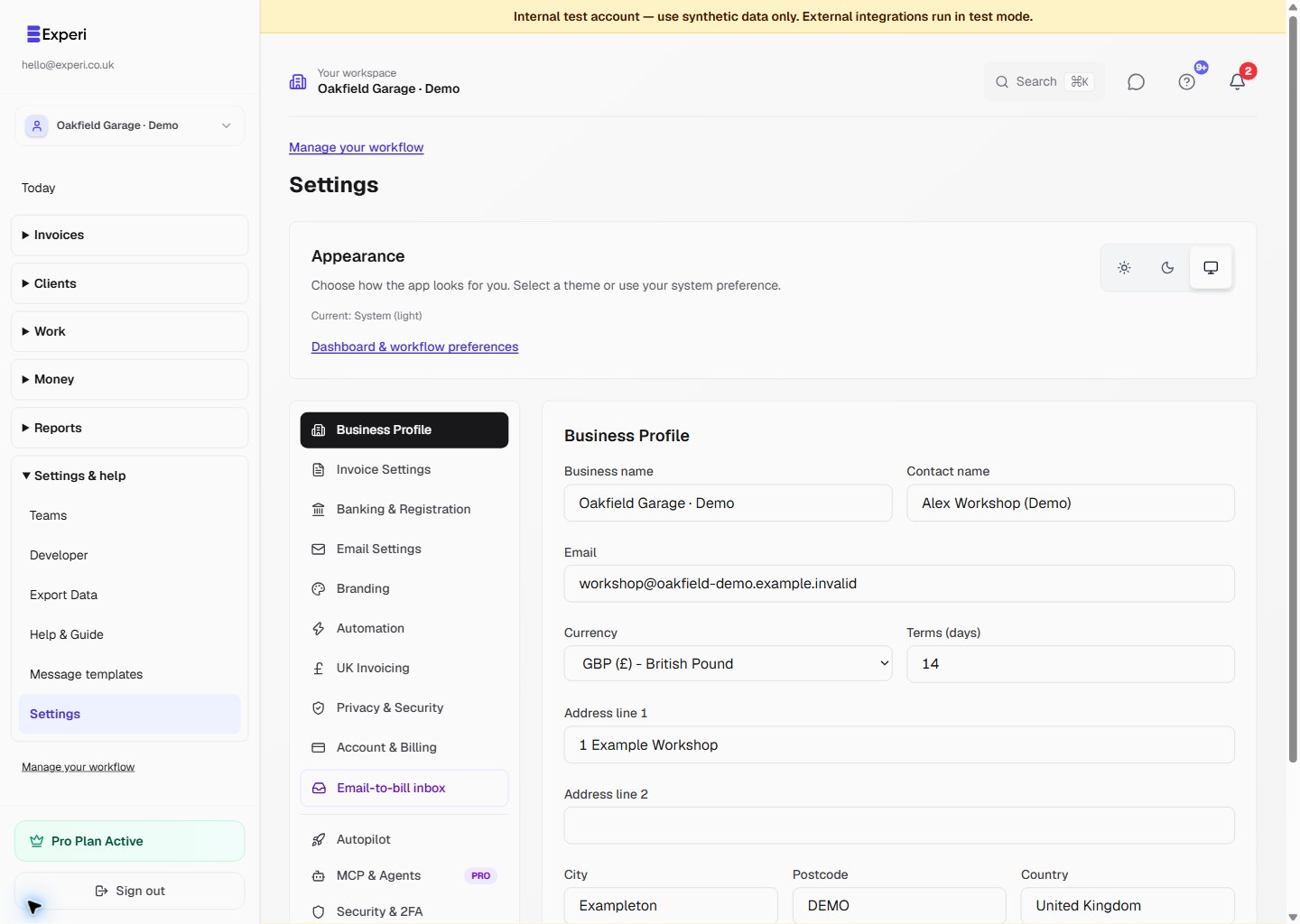
See 3 more screens from this workflow