

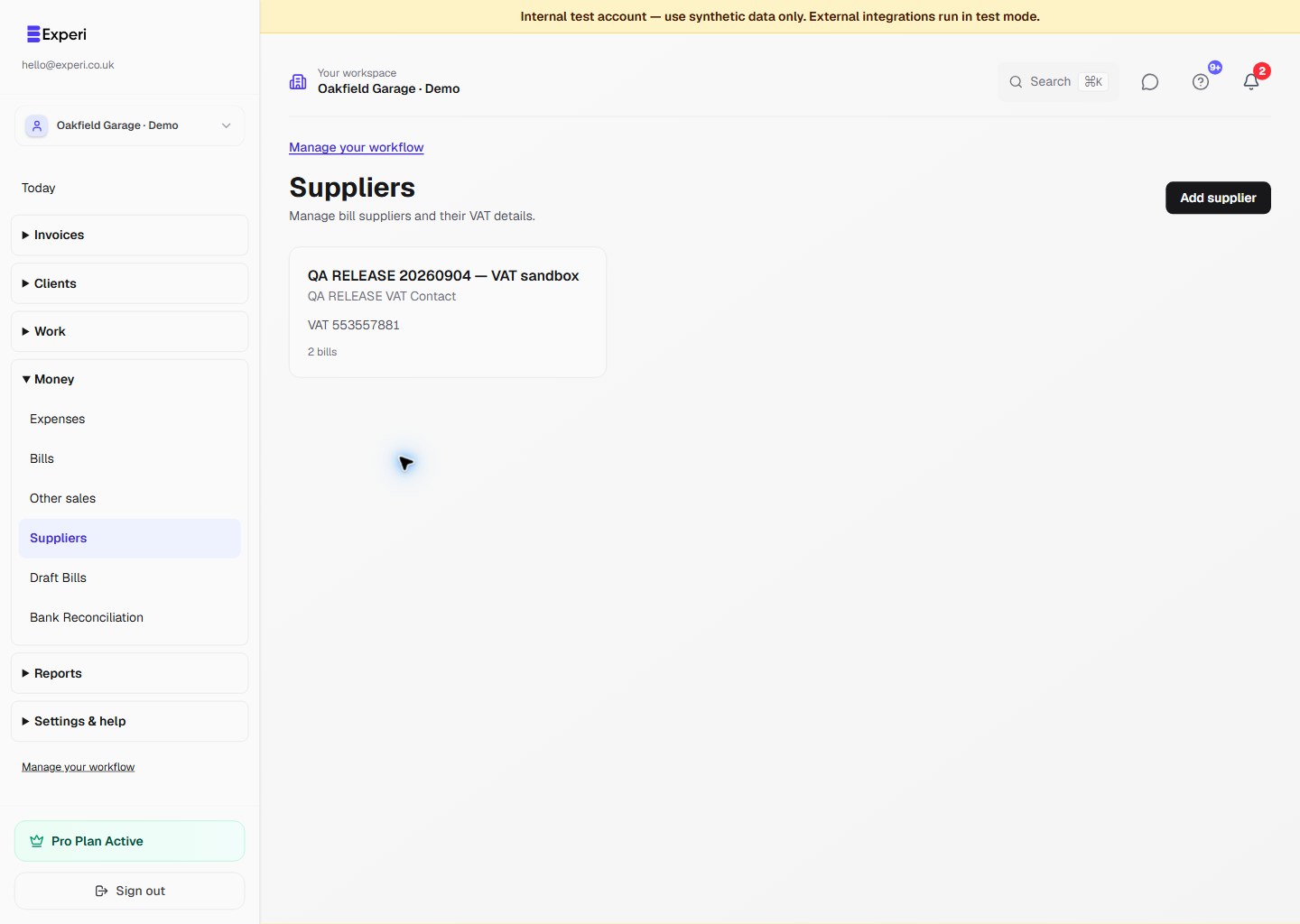
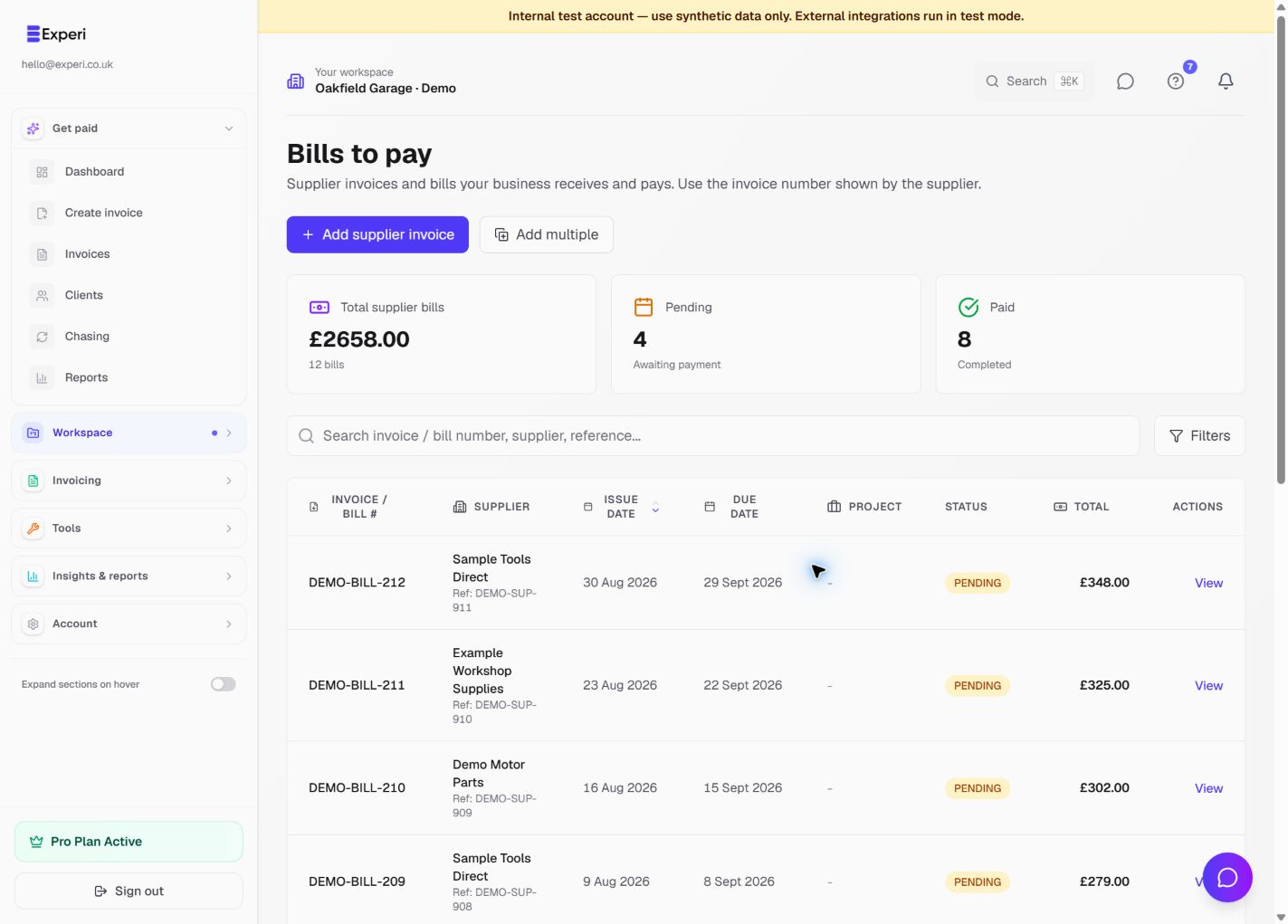
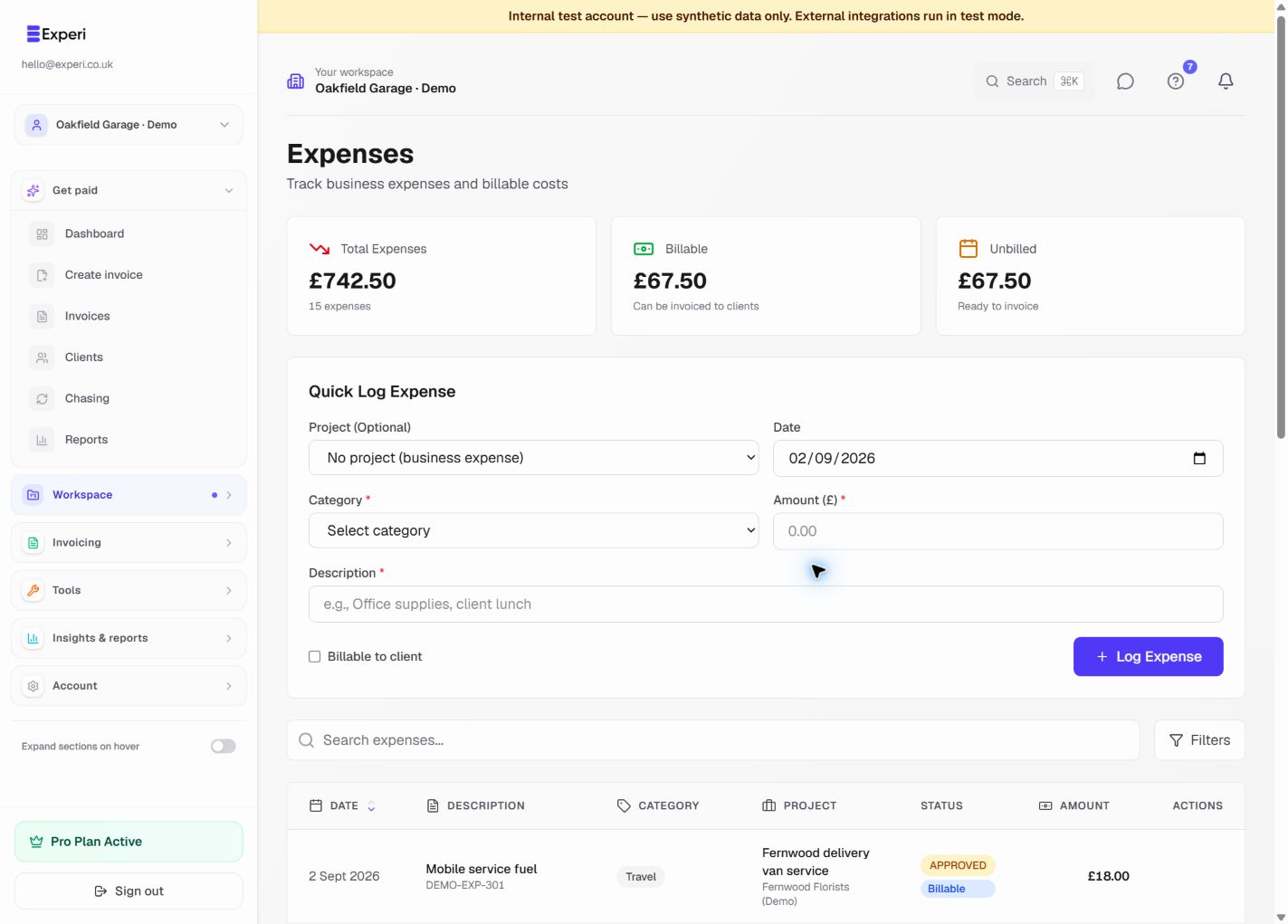
Use Bills for invoices you receive from suppliers. Use Expenses for other business costs. Both need accurate dates and amounts; neither proves that a payment happened merely because a record exists.
Enter a bill directly
- Open Bills and choose the add-bill action.
- Enter the supplier, bill number, issue date, due date, currency and amounts.
- Check the description, category and any supporting document.
- Save and review the record. Only mark it paid when payment has actually happened, using the correct payment date.
- Use the list's status and search controls to find pending or paid bills later.
Avoid entering the same supplier document twice, including once as a Bill and again as an Expense.
Review an email-created draft
Where Email-to-Bill is enabled, Draft Bills shows your private forwarding address. Share it only with trusted people who send your supplier paperwork; it is not a public marketing contact.
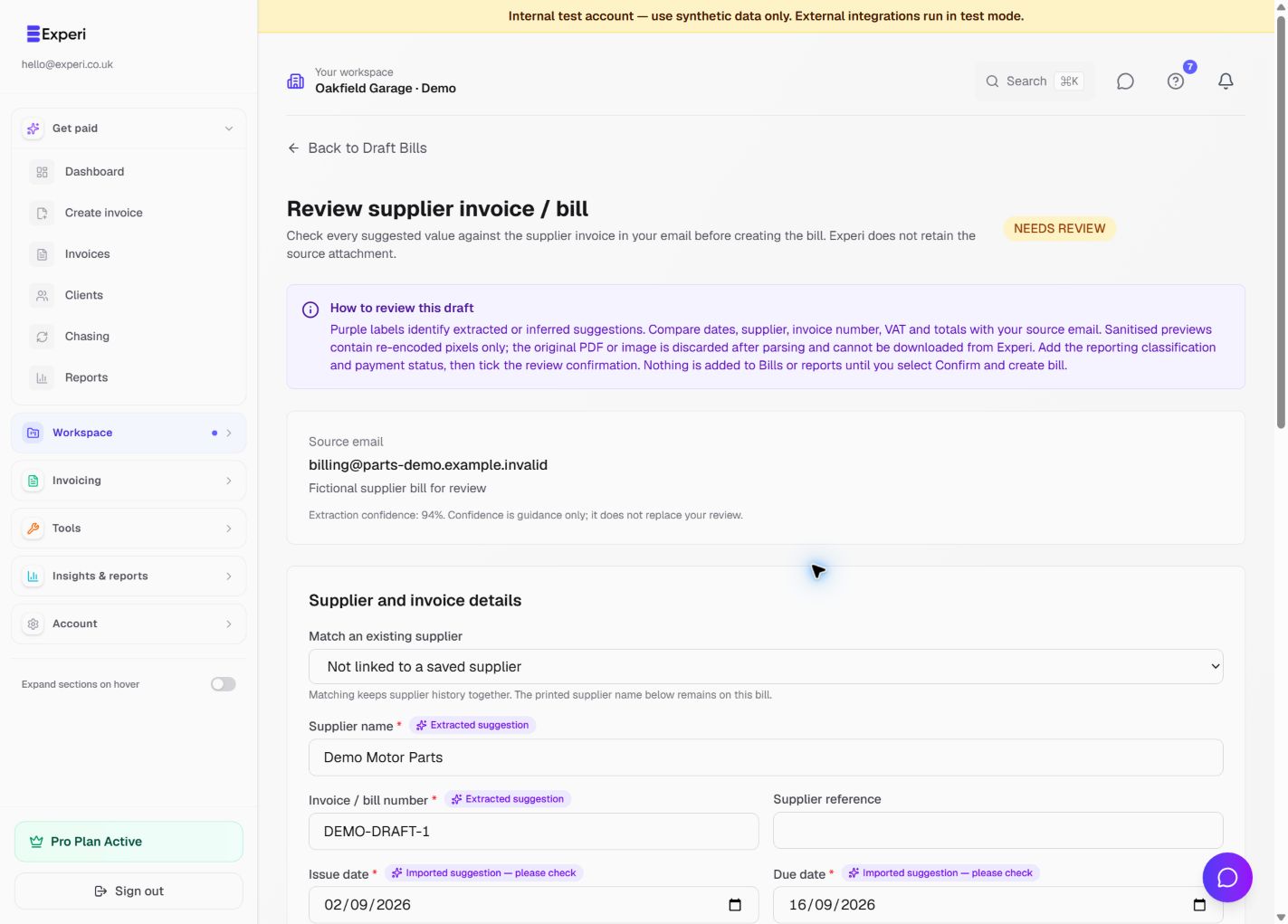
Forward a supported supplier document, wait for processing and open the resulting draft. Compare the supplier, invoice reference, dates, currency, subtotal, tax and total with the original. Correct missing or inaccurate fields before confirming the draft into Bills.
A confidence score is a review aid, not proof that the extraction is correct. Check every field against the supplier's original document.
If processing fails, inspect the draft's warnings and attachment availability. Do not repeatedly forward the same message hoping it will fix incorrect fields; review the existing draft or enter the bill directly.
Keep stock separate
Recording a parts bill does not automatically receive those parts into Inventory. Record a stock receipt separately when the goods arrive, with quantity and reason. This release does not connect supplier-bill lines to stock purchases.
See inventory movements, project expenses and reports and review.