

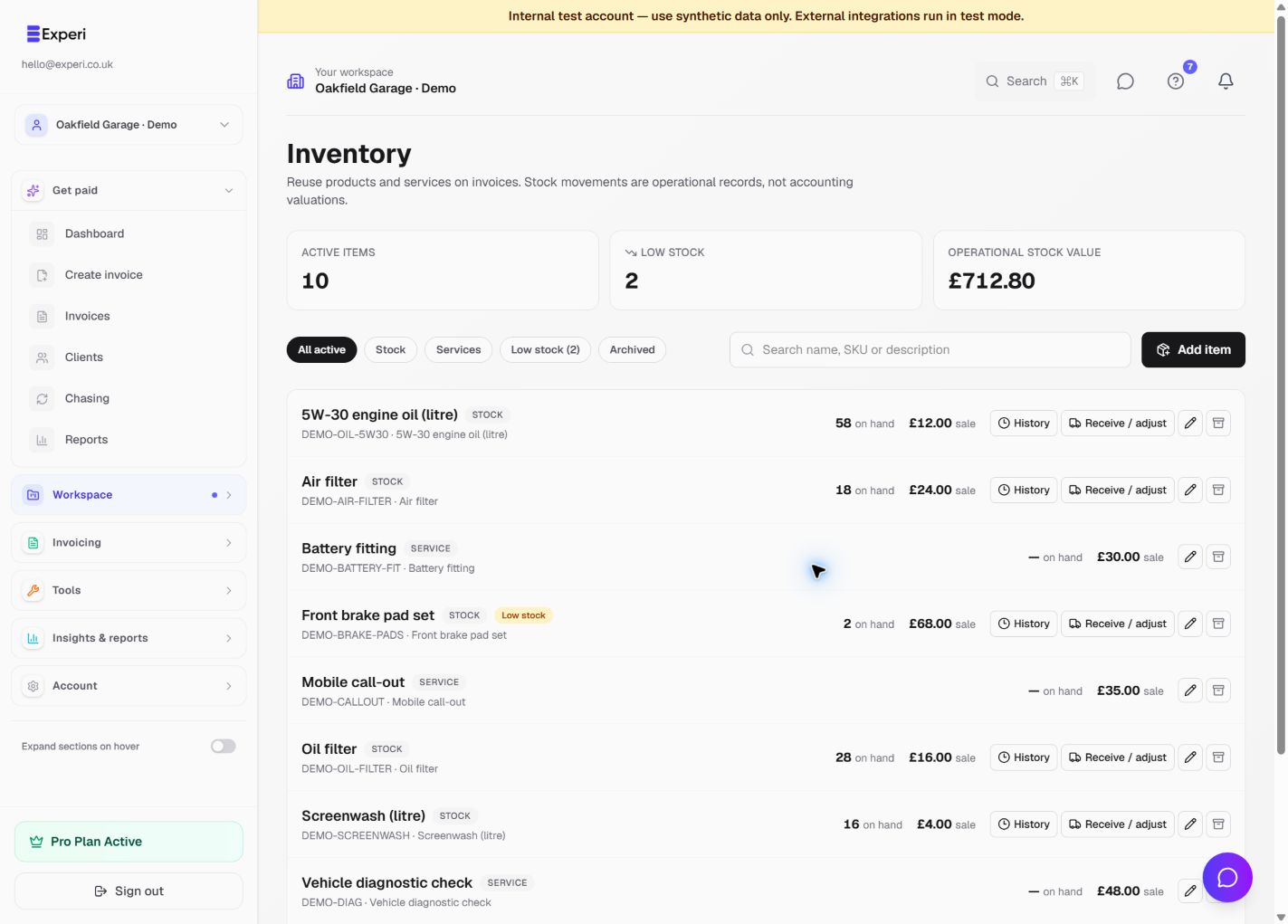
Check the selected workspace and open Inventory. For an active stock product, choose Receive / adjust. Services do not have stock movements.
- Choose Receive stock, Adjustment or Customer return.
- Enter the quantity change, not the new total on hand. Receipts and returns use a positive quantity; an adjustment can add or remove quantity.
- Add a unit cost if appropriate and a reference, such as the supplier receipt or original customer invoice number.
- Enter a reason. Reasons are required for returns and adjustments.
- Check the product and values, then choose Post movement.
For example, if the system shows 8 filters but you count 6, an adjustment of -2 records the difference. Use a clear reason such as "Stock count correction". Do not enter 6 as the adjustment.
Review and correct movements
Open History on the product to review its movements. The ledger is immutable: correct a mistake with a new, explained adjustment rather than trying to edit a past entry.
Creating a supplier Bill does not receive stock. Record the receipt here separately, without recording the purchase expense twice. A receipt with a unit cost updates the item's default cost, which changes the operational stock-value estimate. A return or adjustment does not replace that default cost.
Deleting or crediting a customer invoice does not automatically restock products. Only record a customer return when stock has actually come back; include the original invoice reference and reason. Editing an already issued invoice does not automatically reconcile its original stock posting, so review whether an explicit adjustment is needed.
These are operational stock records, not an accounting valuation or cost-of-goods-sold journal. See products, services and stock.