

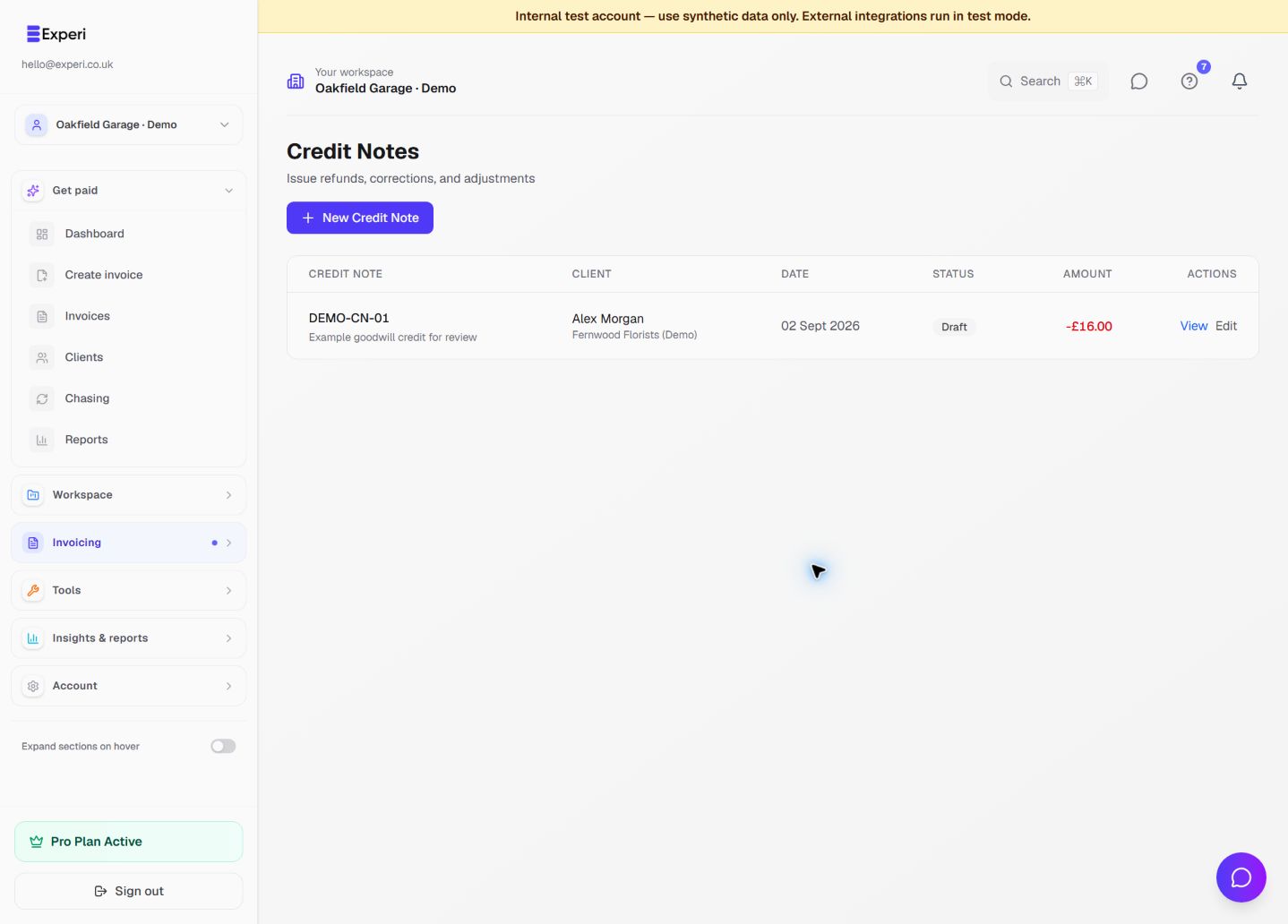
A credit note documents a reduction or correction. A refund moves money back to a customer. A stock return records goods received back. They are related events, but one does not automatically prove the others happened.
Prepare the correction
- Open the original invoice and confirm the client, invoice number and amount being corrected.
- Open Credit Notes and create a draft for the relevant client and invoice where applicable.
- Describe the correction clearly. Check quantities, prices, tax treatment and the reason.
- Save and review the draft. Confirm the credit is not already recorded elsewhere.
- Use the available issue/send action only when the document is ready and you have the necessary permissions.
Record the real-world outcome
If you refund money, follow the payment method's workflow and record the actual result. Creating a credit note does not itself transfer money. Check the invoice's payment history and remaining balance afterwards instead of assuming the document and bank movement are the same thing.
If a part is physically returned and should be available for sale again, record an explicit Inventory return with a quantity, reason and invoice reference. Do not return labour or other service quantities to stock.
Preserve a useful history
Avoid deleting the original invoice to hide a mistake. Keep enough description and references that the customer and your adviser can follow the correction. Deleting or crediting an issued invoice does not silently restock its products.
If a credit's effect on a balance looks wrong, stop before issuing another one. Review the original payment, existing credits, workspace and currency. For tax-sensitive corrections, confirm the appropriate treatment with your adviser.
See stock receipts, adjustments and returns and financial record review.