

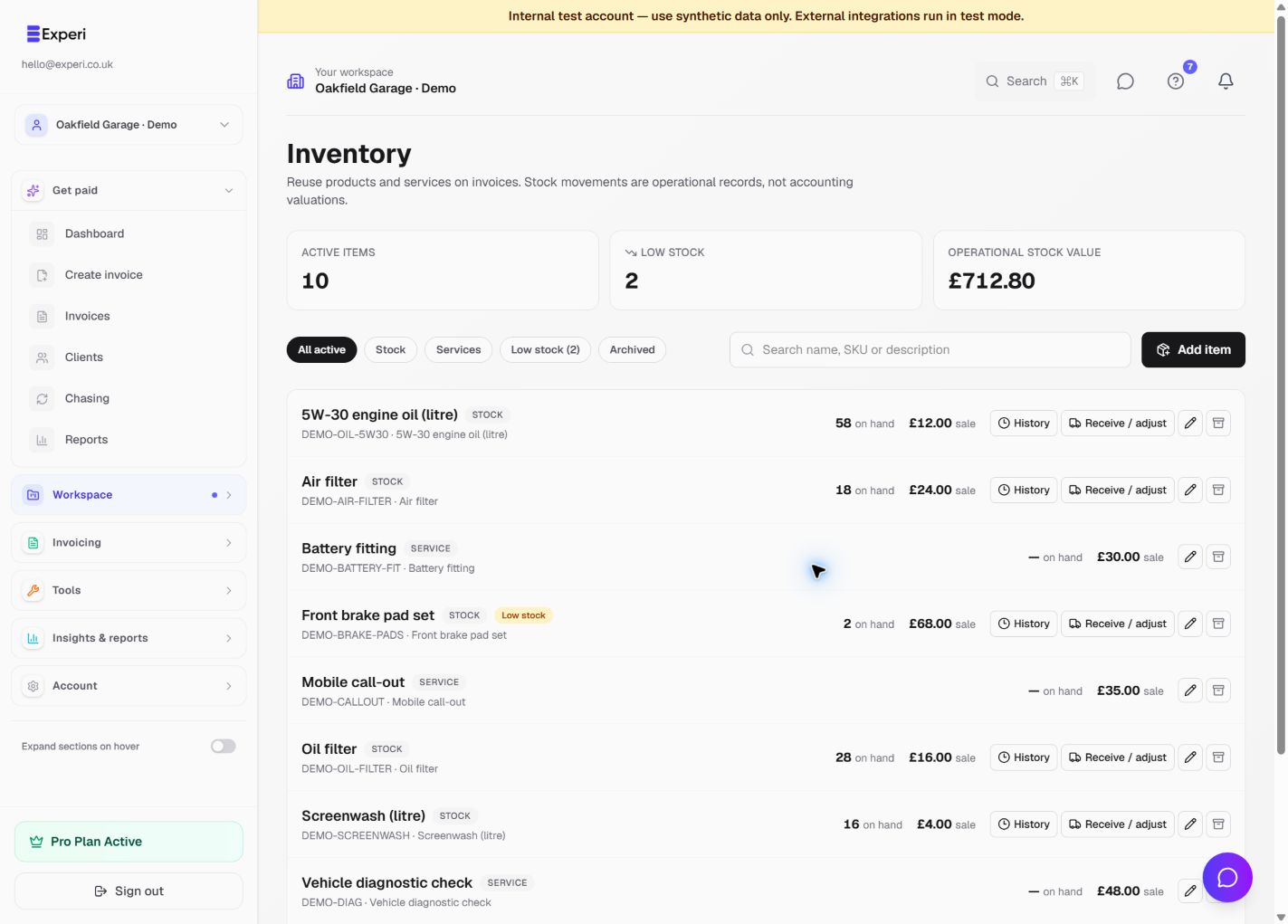
Inventory is an operational catalogue of what you sell. Use service items for labour, call-outs or consulting, and stock items for physical products. This avoids retyping descriptions and makes product quantities visible alongside invoicing.
Set up an item
- Open Inventory from the full sidebar or Explore and choose Add item.
- Choose stock or service, then enter a recognisable name, optional SKU, sales description and unit.
- Enter the selling price. For stock, review default cost, opening quantity and the low-stock threshold.
- Save the item and find it again using the search or Stock, Services and Low stock filters.
- On an invoice, use Add from inventory, select the items and enter the required quantities.
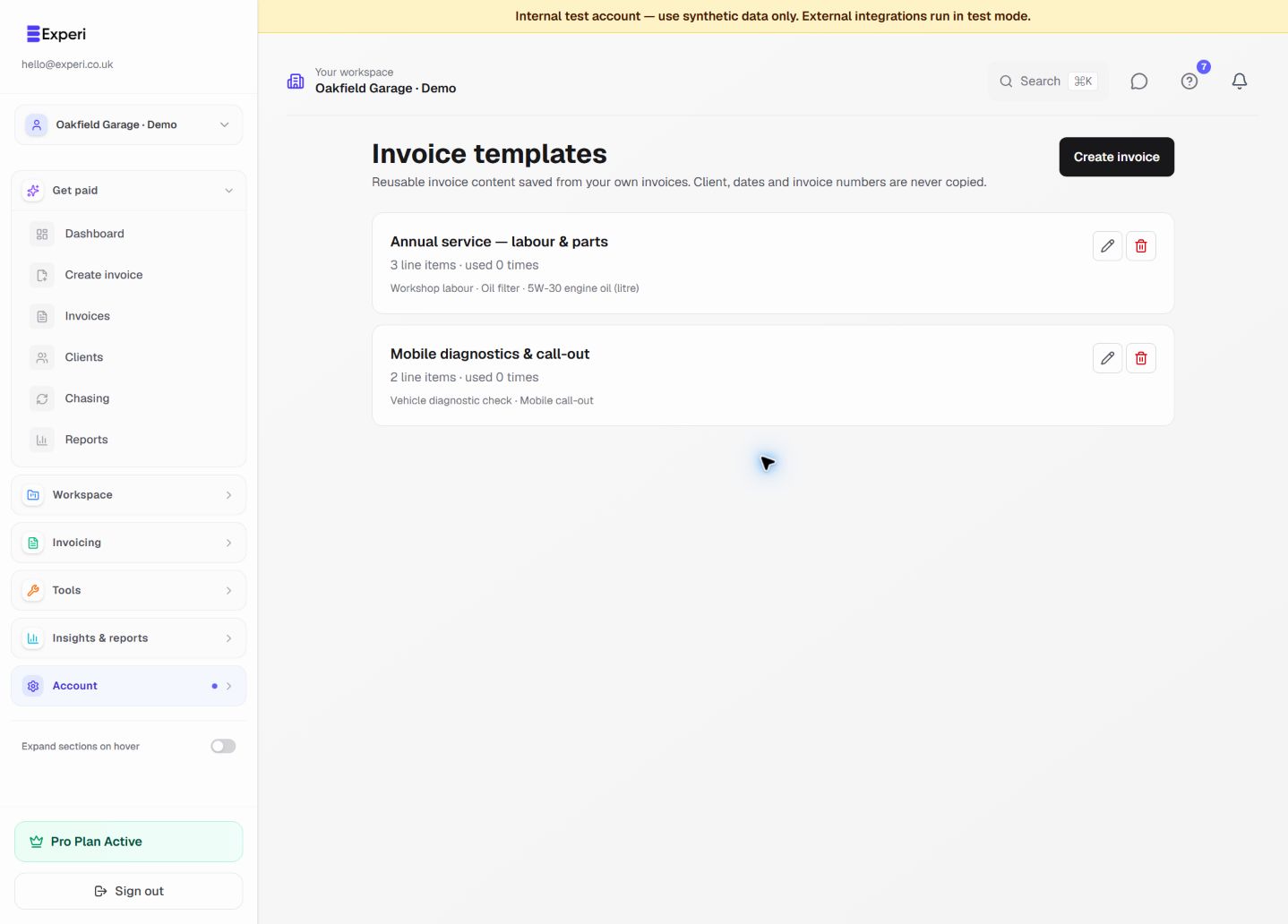
Invoice lines retain their own description, price and unit snapshots. Editing or archiving the catalogue item does not rewrite old invoices or saved templates.
Record a delivery or correction
Open the stock item's movement controls. Use a receipt for goods received, an adjustment for a counted correction, or a return for goods physically returned. Enter the quantity change, not the desired final balance, and record a meaningful reason. A receipt with a unit cost updates the item's default cost.
The movement history should explain how opening stock became the current quantity. Do not create a second receipt simply because you have also entered a supplier bill: Bills and stock receipts are separate in this release.
When quantities change
Draft invoices do not deduct stock. The first successful email issue or Issue & print posts the linked product quantities once. Repeat sends and extra print copies do not post a second deduction. Service lines never deduct stock.
Deleting or crediting an issued invoice does not automatically put parts back on the shelf. Record an explicit return or adjustment with the invoice reference when appropriate.
The value card is quantity on hand multiplied by default cost. It is an operational estimate, not an accounting valuation or COGS journal. See receipts, adjustments and returns.