Help CenterTime TrackingBillable vs Non-Billable Time

Billable vs Non-Billable Time

Understanding the difference and when to use each.

6 min read
intermediateUpdated 19 Sept 2026
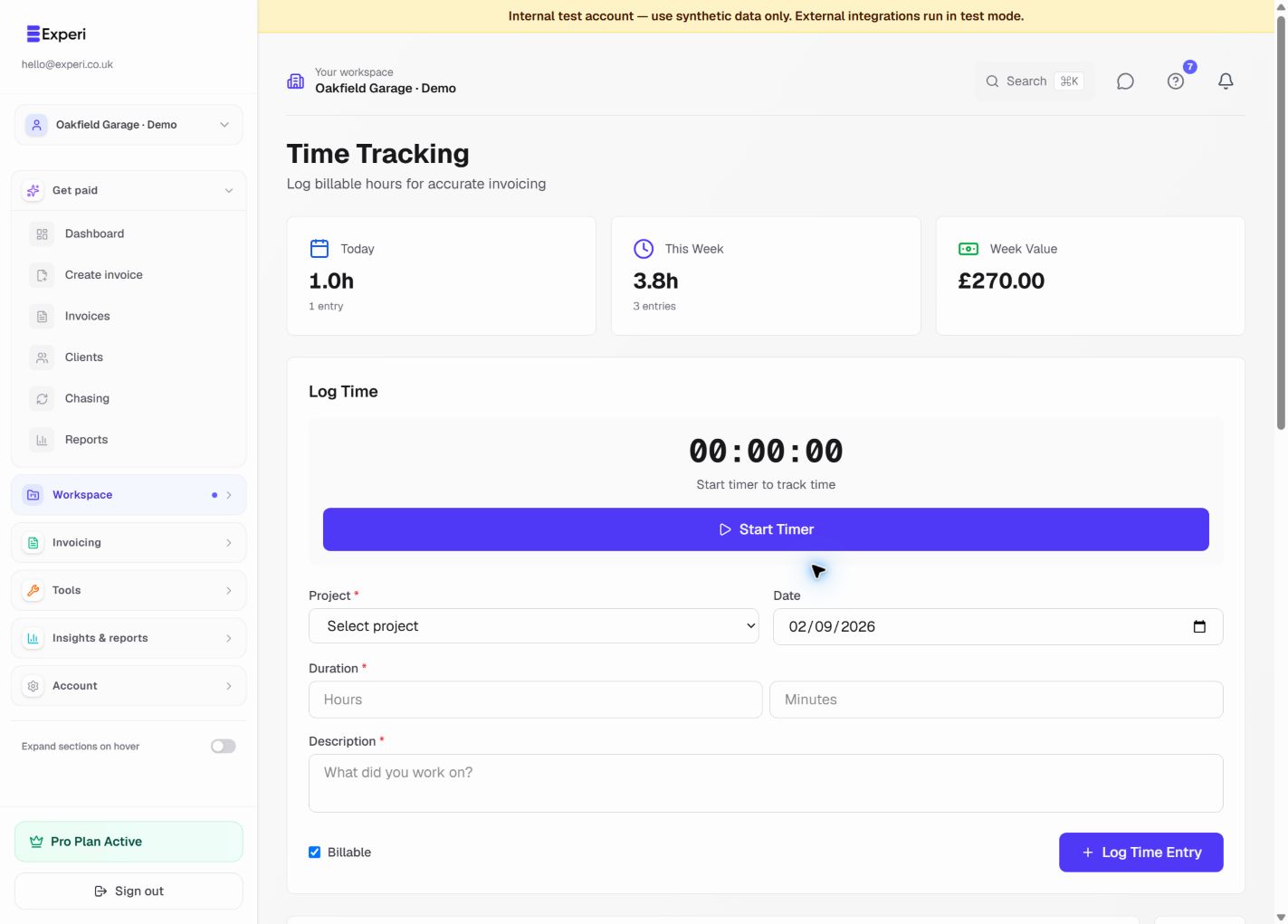
Time tracking with a timer, entry form and UK calendar-week totals.
Capture the work while it is fresh. Use the timer or add time manually. Weekly totals cover Monday through today.
More screens from this workflow
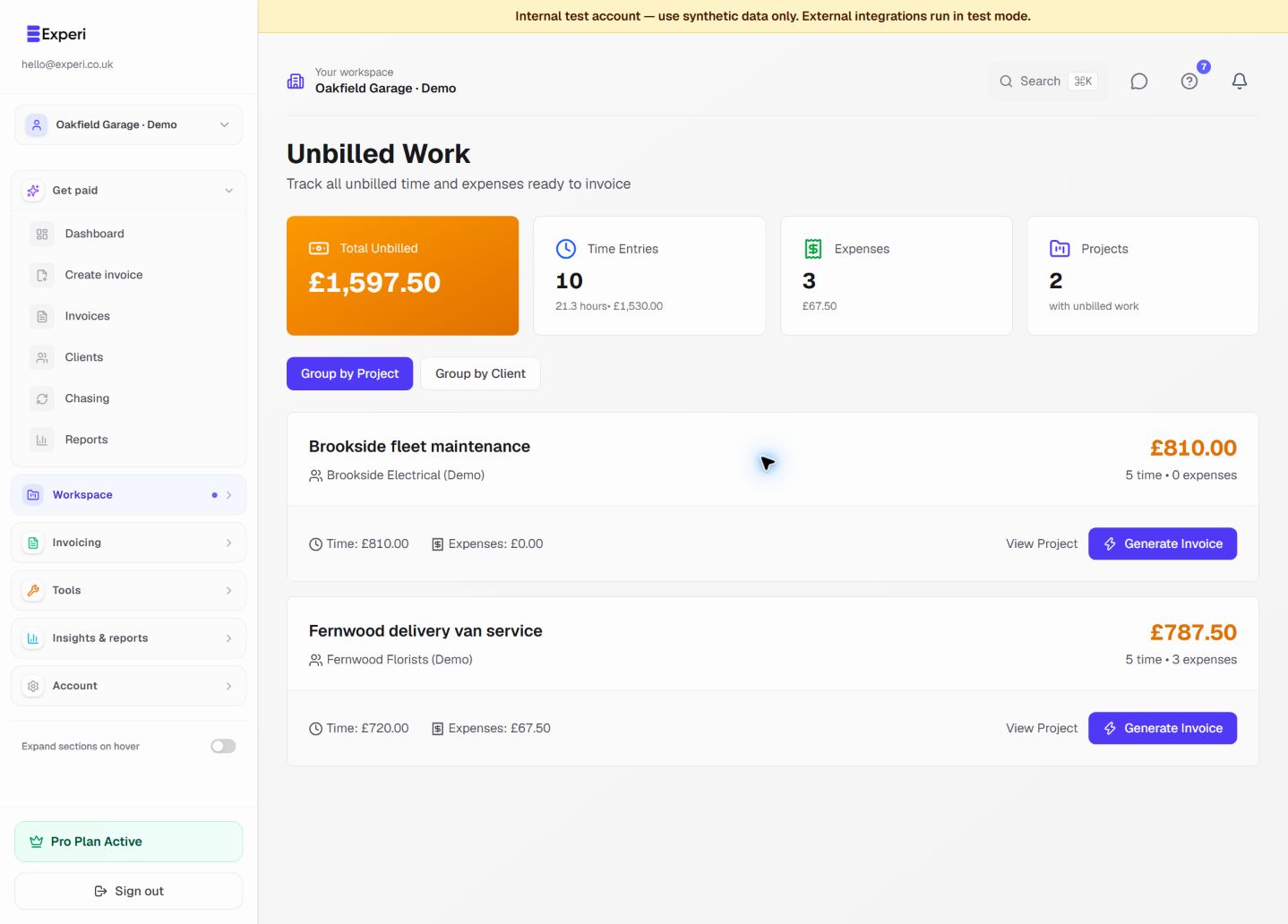
Unbilled time and expense summaries grouped by client project.
Review what still needs invoicing. Only billable work not already linked to an invoice belongs here.
Explore the product tour →

Not all work hours go on the invoice.

Billable Time

Work done for the client:

  • Client meetings
  • Project work
  • Revisions
  • Client presentations

Non-Billable Time

Internal work:

  • Learning new skills
  • General admin
  • Internal meetings
  • Proposal writing

Marking Entries

Toggle Billable switch when tracking time.

Why Track Non-Billable?

  • See where time goes
  • Calculate true project costs
  • Make better pricing decisions

Was this article helpful?

Still need help?

Can't find what you're looking for? Our support team is here to help you succeed.

Contact Support