

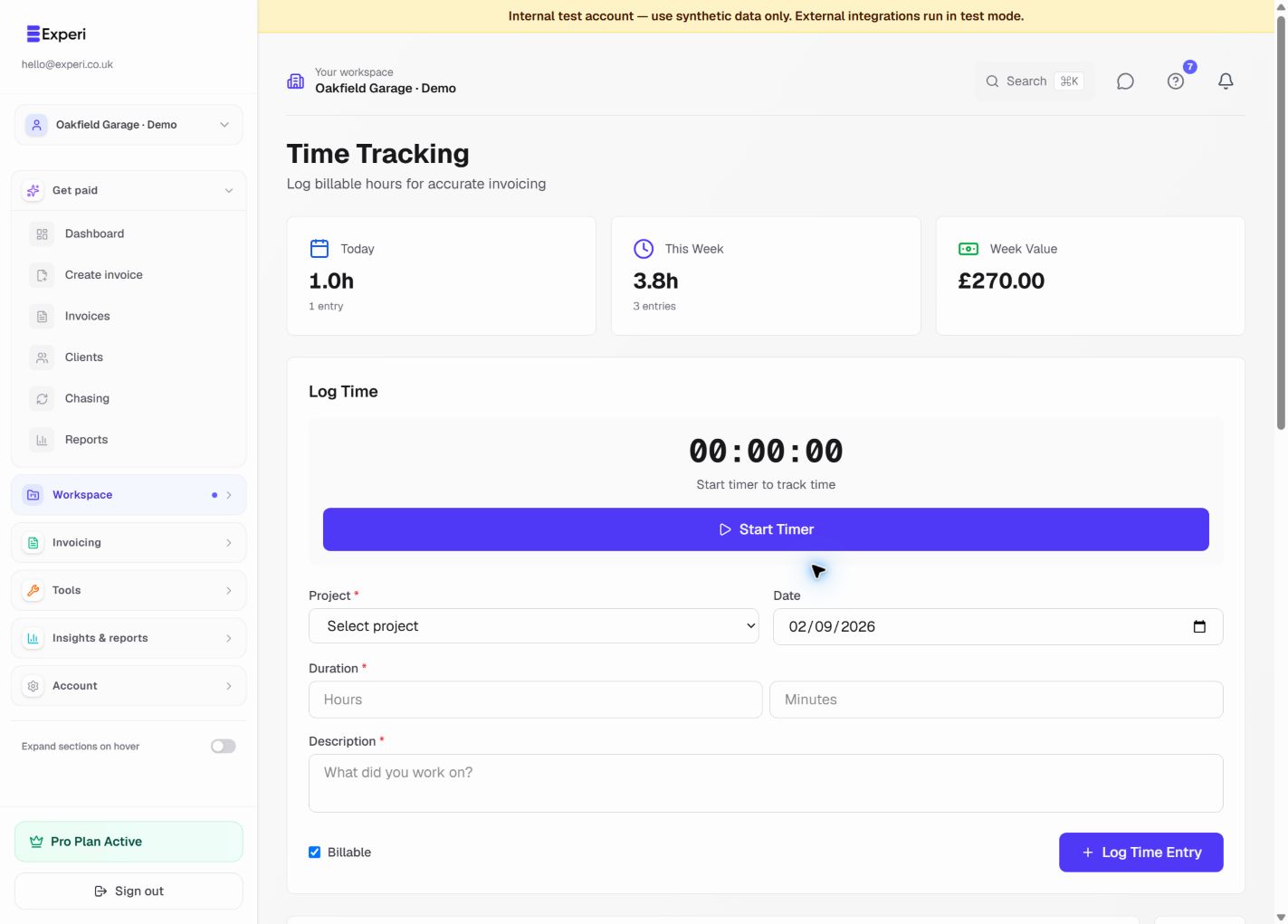
Accurate time tracking is the foundation of fair billing.
Live Timer
- Click Start Timer
- Select client and project
- Add task description
- Timer runs in background
Manual Time Entry
For work already completed:
- Click Add Manual Entry
- Fill in date, start/end time
- Add description
- Save
Best Practices
- Track time daily
- Use descriptive notes
- Invoice regularly
- Review before sending