

Get Paid Without Lifting a Finger
Autopilot links your Stripe account (Connect) and adds Stripe-hosted payment links to invoices. Clients pay Stripe's familiar checkout; money settles in your Stripe balance, then your bank. Experi syncs status - we are not the merchant of record.
Enable AutopilotFrom Sending to Collecting - Automatically
Experi creates payment sessions on Stripe for your invoices. Your clients see Stripe checkout - the brand they already trust for online payments. When Stripe confirms payment, your invoice is marked paid. If payment fails, Stripe handles retries and dunning. The cycle runs on Stripe rails; Experi orchestrates links and bookkeeping.
See the workflow in Experi
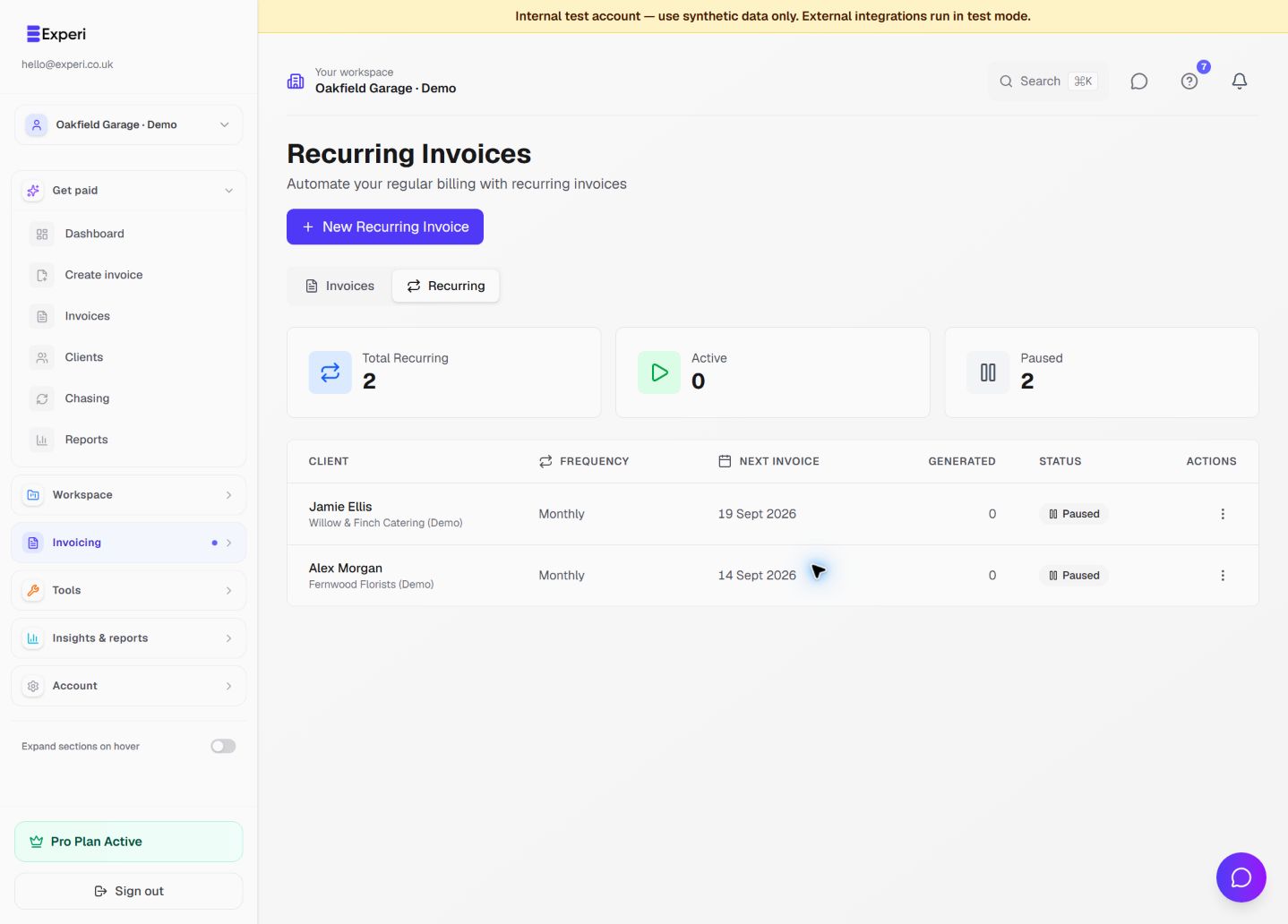
Choose between a one-off scheduled invoice, a recurring series and Stripe Autopilot, and check what will run automatically.
Pro; connected-provider eligibility applies
Key Benefits
Stripe-hosted checkout
Every invoice can include a link to a Stripe-hosted payment page. Clients pay card or bank through Stripe - not a generic 'pay us' page that hides who is actually charging the card.
Auto-Reconciliation
When a payment clears, Experi automatically marks the invoice as paid. No more checking your bank and manually updating records. Your dashboard stays accurate in real time.
Smart Dunning
If a payment fails or a client doesn't pay, Stripe handles the follow-ups. Failed cards get retried automatically. Experi's own chase system defers to Stripe - no double-chasing.
How It Works
Connect Your Stripe Account
Link your Stripe account in Settings → Autopilot. Stripe handles all compliance, card processing, and payouts. Takes about 5 minutes.
Send Invoices as Normal
Create and send invoices the way you always do. Autopilot automatically attaches a payment link so clients can pay online.
Clients Pay via Payment Page
Your client clicks the payment link, sees a professional Stripe-hosted page, and pays by card or bank transfer. Fast, secure, mobile-friendly.
Invoice Marked Paid Automatically
Stripe notifies Experi the moment payment clears. Your invoice status updates to Paid automatically. Funds are transferred to your bank on Stripe's payout schedule.
Perfect For
Pro (opt-in)
Autopilot is included with Pro at no extra monthly cost. No platform fees from Experi - you only pay Stripe's standard processing rates for payments Stripe collects.
View Pricing DetailsFrequently Asked Questions
Do I need Autopilot to use Experi?
No. Experi works perfectly without Autopilot - you can send invoices with your bank details and manually mark them as paid. Autopilot is a completely optional add-on for Pro users who want automatic payment collection.
Where does the money go?
Stripe collects from your client and credits your connected Stripe account, then pays out to your bank on Stripe's schedule. Experi never holds your funds and is not the merchant of record.
Do clients pay Experi or Stripe?
They pay through Stripe's checkout on your behalf. The charge is processed by Stripe as part of your connected account; Experi does not appear as the party collecting card or bank details.
What does it cost?
Autopilot is included with your Pro subscription (£9/month) at no extra cost. There are no platform fees from Experi - you only pay Stripe's standard processing fees (typically 1.4% + 20p for UK cards).
Does Autopilot work with recurring invoices?
Yes. When Autopilot is enabled and auto-collection is turned on, recurring invoices are automatically sent with payment links. Fully hands-off billing.
What happens if a payment fails?
Stripe automatically retries failed payments. If the retry also fails, Experi's chase system can take over. There's no gap in coverage.
Ready to Try This Feature?
Start using Experi today. All features available to try risk-free.
No credit card required • Start invoicing in under 60 seconds