

Use one client record for each relationship and check the selected workspace before editing it.
Keep useful details current
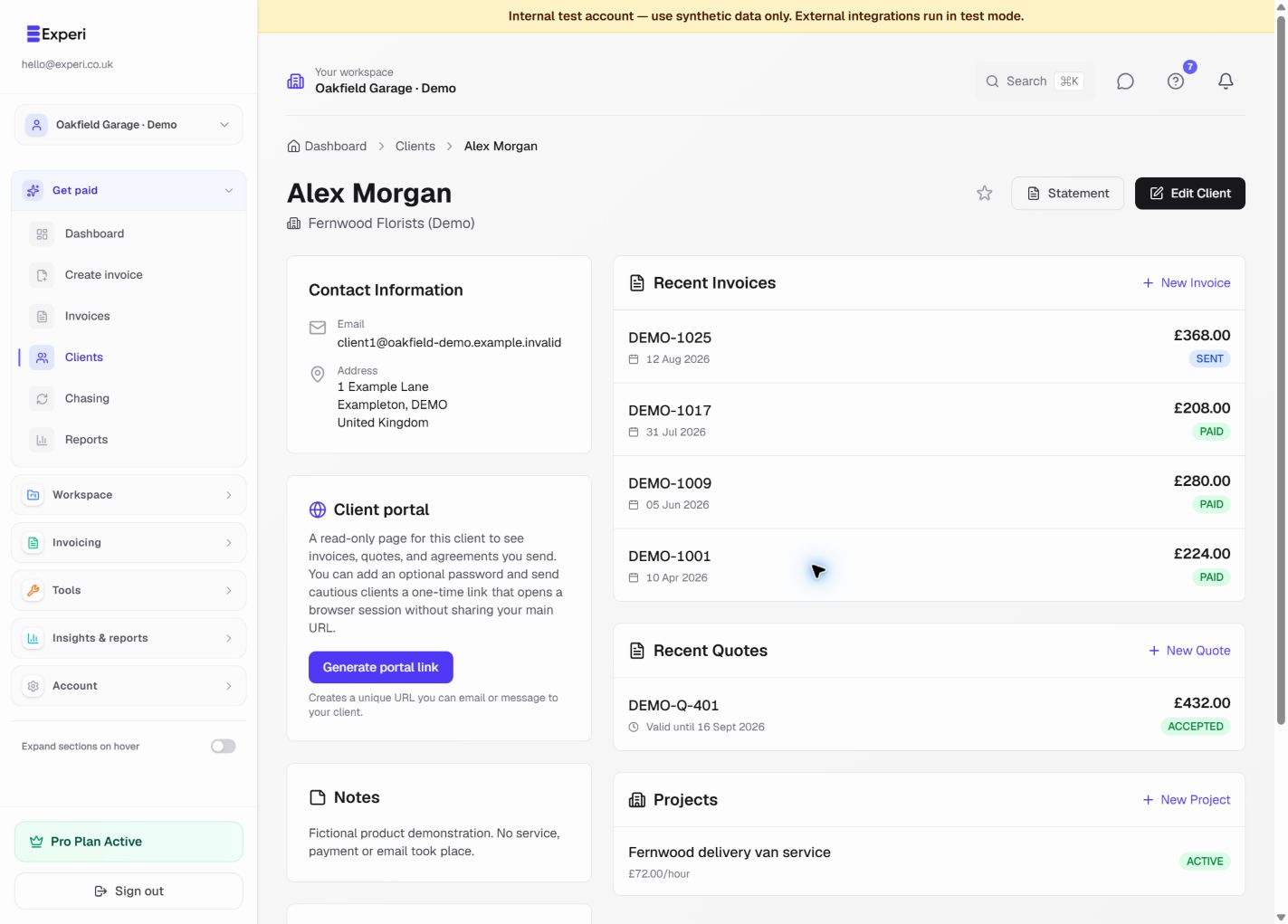
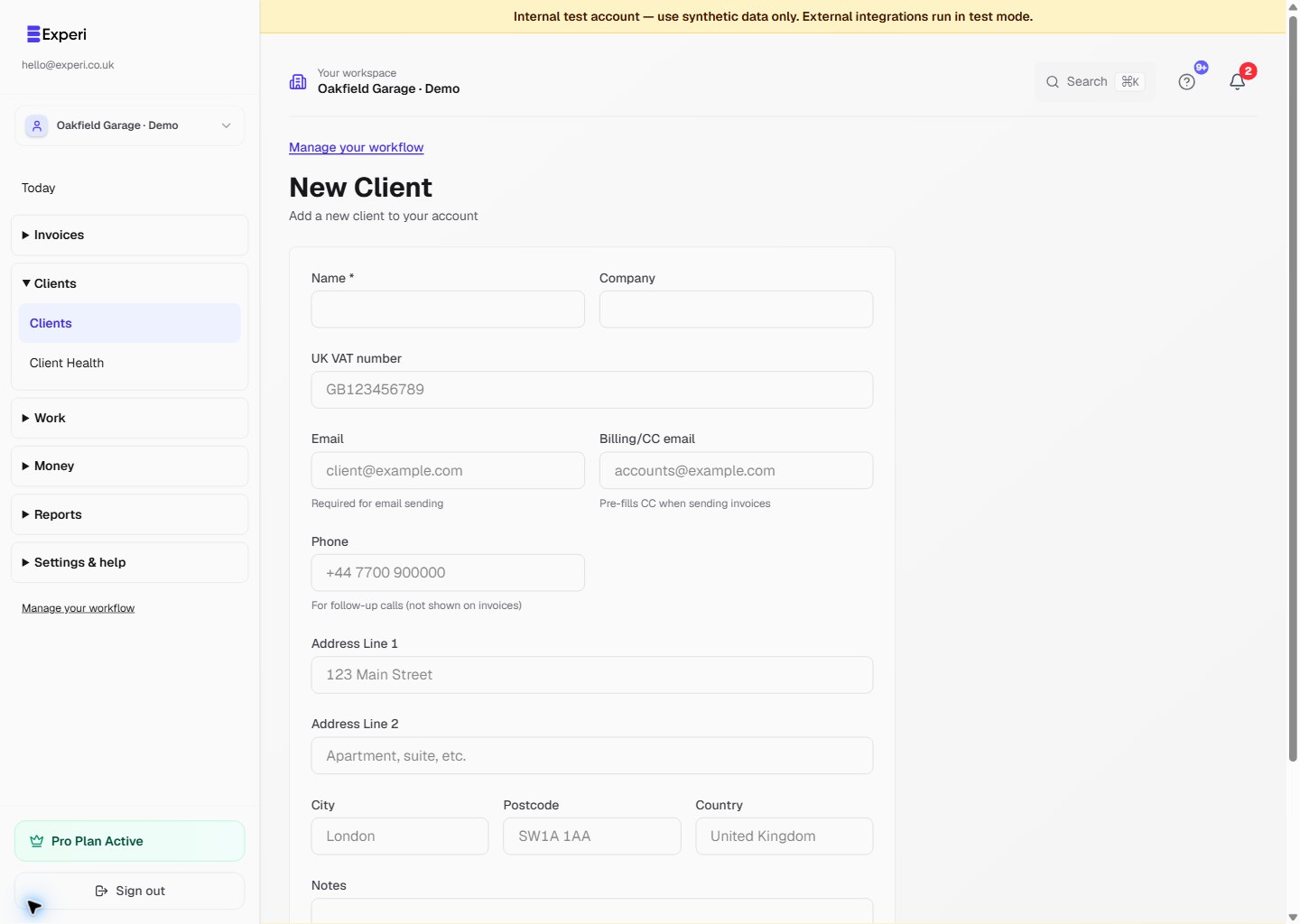
Record a recognisable name, company where relevant, email, optional billing/CC email, phone and address. Email is needed for email delivery; the phone field is for follow-up calls and is not shown on invoices.
Use Notes for relevant billing instructions or work context. Avoid collecting unrelated personal information just because a notes field exists.
Review linked work
The client overview brings together recent invoices, quotes and projects. Read statuses carefully: a sent invoice is not proof of payment, and an accepted quote is not a bank receipt.
Use the star control for favourites where available. The current interface does not provide the general-purpose client tags described in older guidance.
Protect portal access
Review portal controls separately. Generate and share a client link only when intended, and never publish that private URL in screenshots.
For an inactive relationship, retain useful history and record context in Notes rather than treating deletion as an archive. See managing inactive clients.