

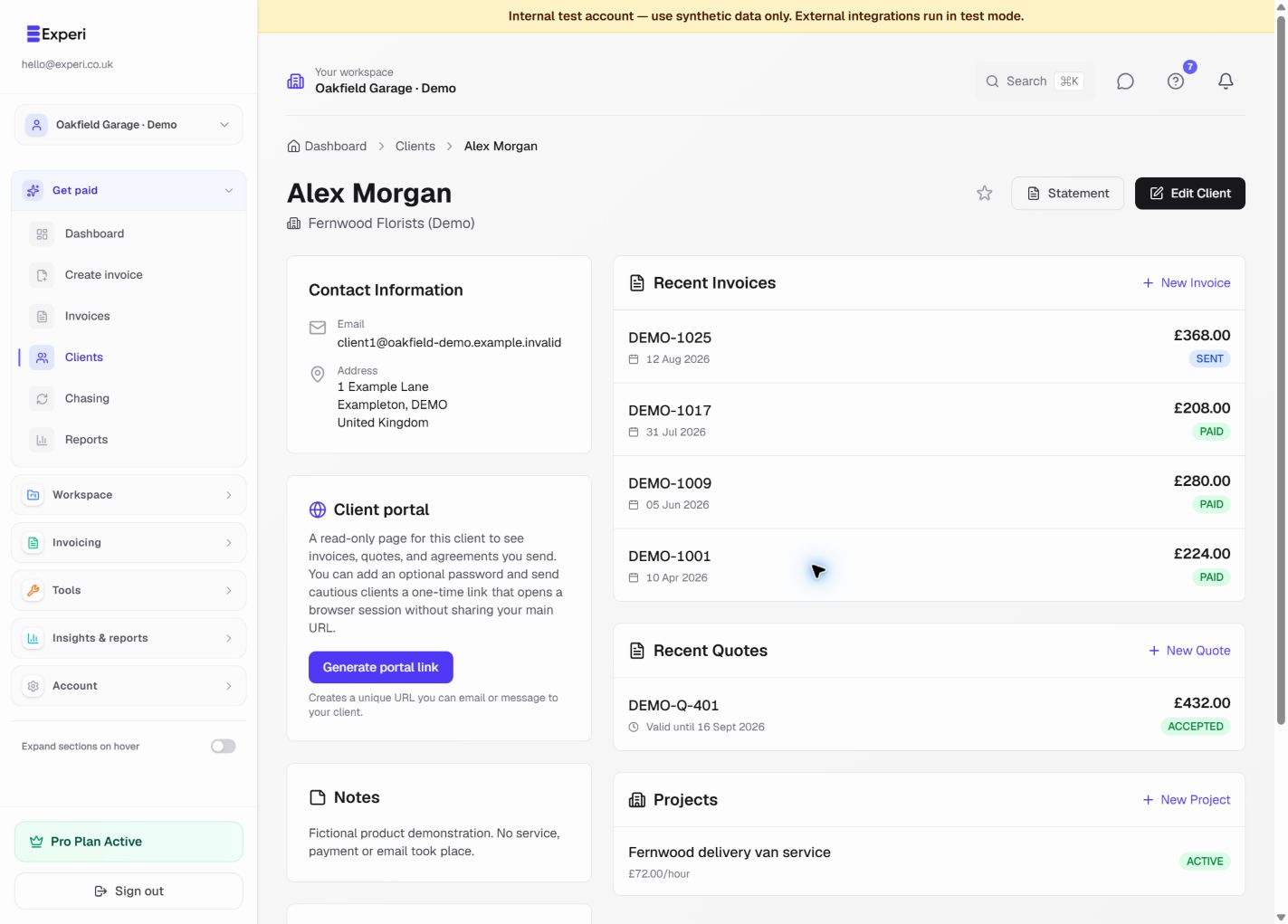
The client portal is a read-only view for documents you share with a client. Clients are not added to your Experi workspace and cannot see other clients or private workspace records.
Access starts from a secure link in an Experi email. Depending on the document and your settings, the client may use the signed link directly or complete the portal access check. Do not forward a client link to unrelated recipients.
Clients can review the documents and actions made available to them, such as viewing an invoice or accepting a quote or agreement. They cannot edit your internal client record, Financials classification, bills or workspace settings.
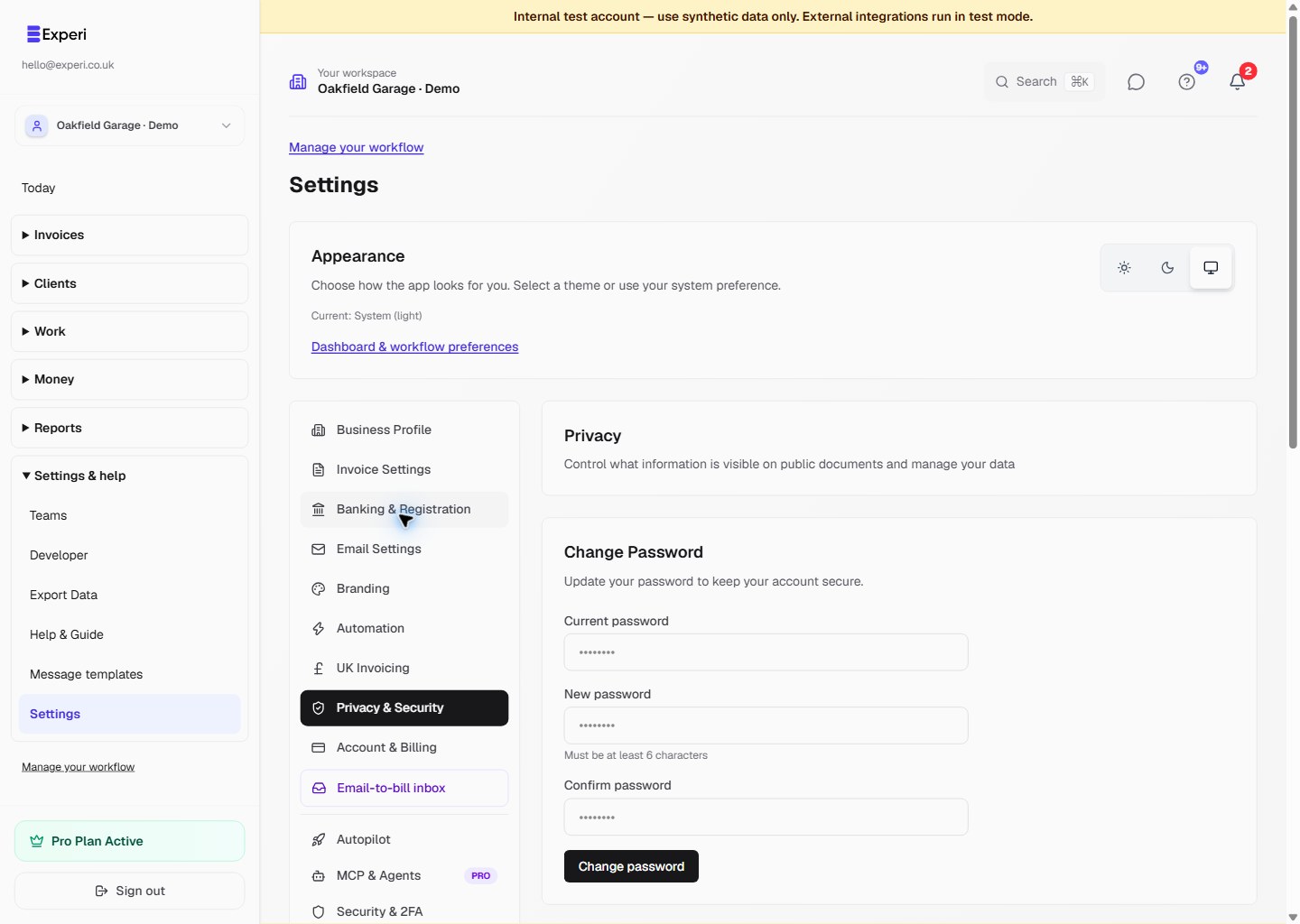
If a link has expired or reached the wrong recipient, send the document again from Experi. For a suspected disclosure, rotate or revoke access where available and contact hello@experi.co.uk.