

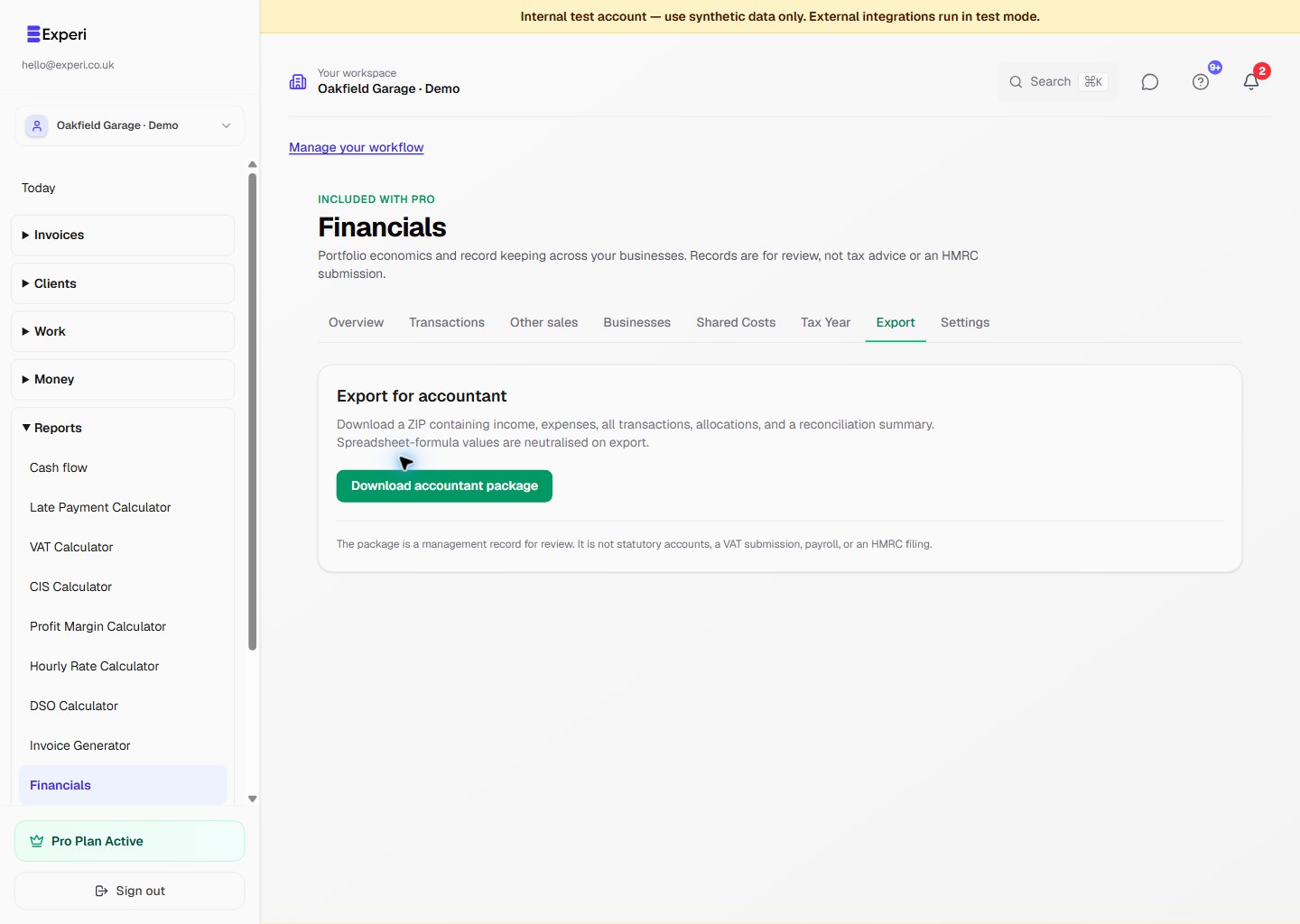
Open Financials → Export to download the accountant package. The ZIP contains CSV files for income, expenses, all transactions, allocations and summary totals.
Before exporting:
- review records marked provisional or missing FX;
- assign important income and costs to the correct business and category;
- check business-use percentages;
- resolve unallocated shared costs where appropriate;
- confirm supplier bills and Other Sales are not duplicated elsewhere;
- review tax and VAT warnings.
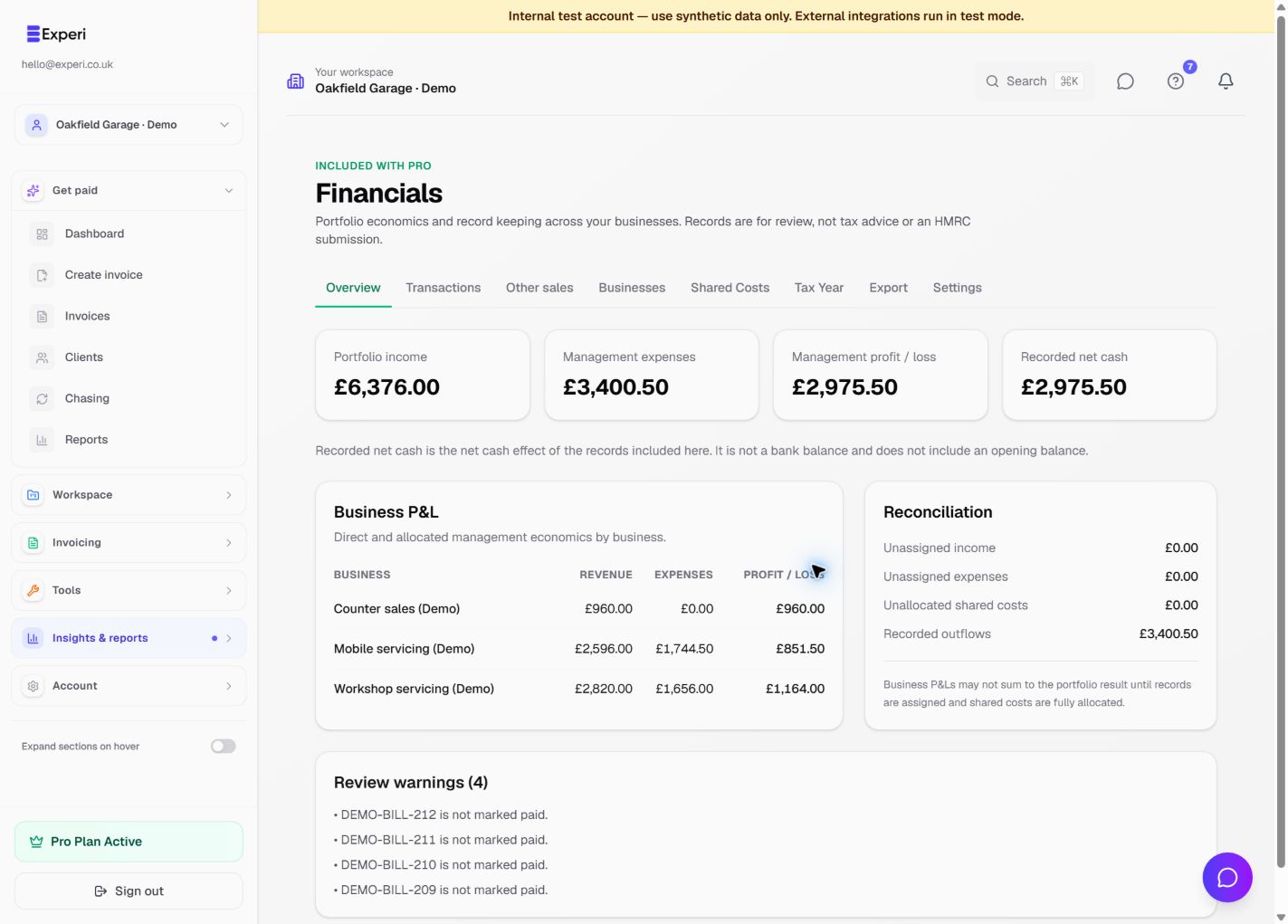
The portfolio totals should reconcile to the included source records and standalone transactions. Business P&Ls may not add up to the portfolio result while records are unassigned or shared costs are under-allocated; the reconciliation panel shows those differences.
Accountant and viewer roles can read Financials. Export availability follows the workspace's Financials export permission. The package is a record export, not a filed return or a replacement for accounting software.