

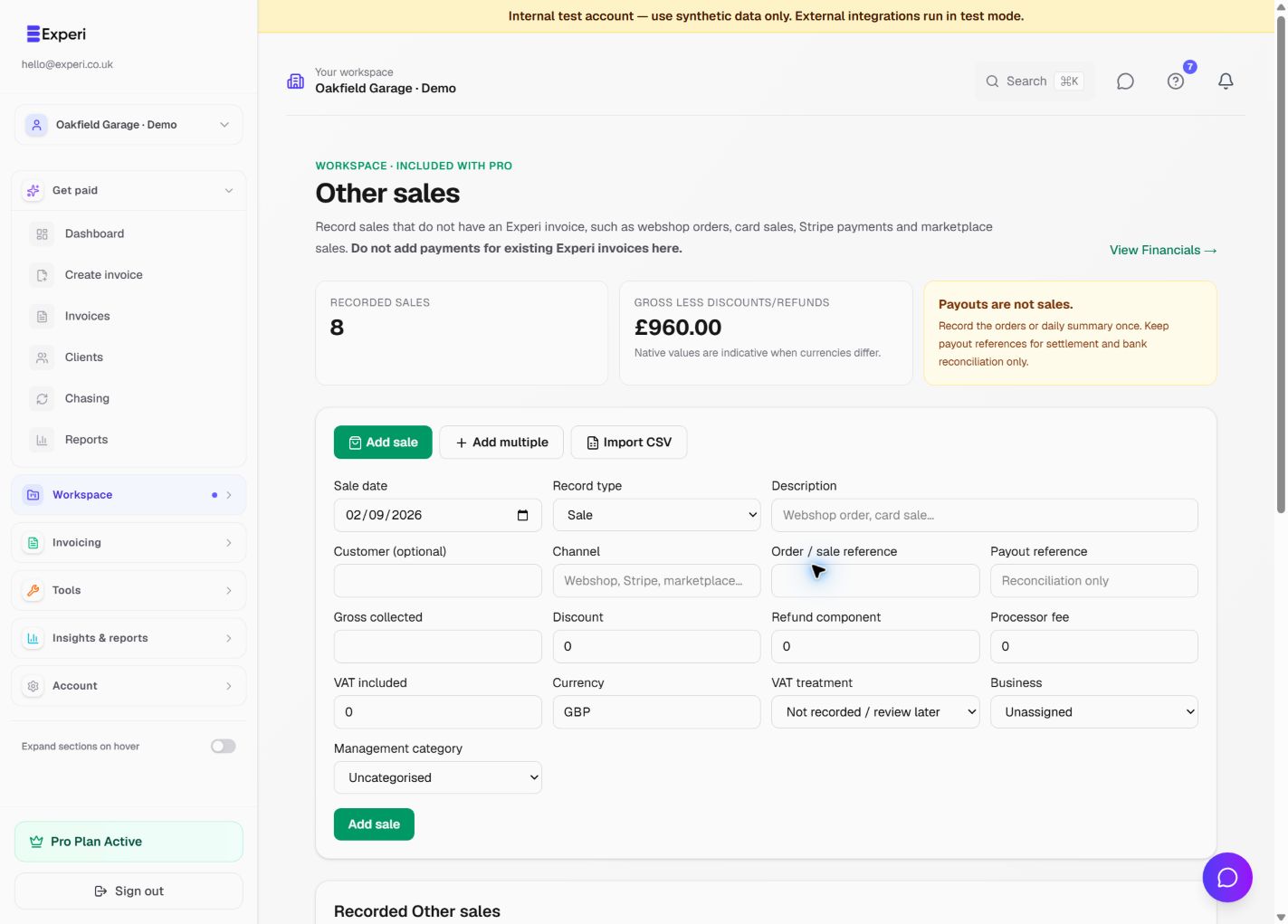
Use Workspace → Other sales for revenue that does not have an Experi sales invoice, such as webshop orders, card sales, Stripe payments or marketplace sales.
Do not add a payment for an existing Experi invoice here. That invoice and its payment already feed reporting.
Three entry methods
- Add sale records one transaction.
- Add multiple provides spreadsheet-style rows with shared defaults.
- Import CSV stages a file, validates rows and shows a preview before anything is added.
For a high-volume source, choose either individual orders or daily summaries for a given source and period. Do not mix methods for the same sales, because that would duplicate revenue.
Discounts, refunds and processor fees are components of the sale. A Stripe or marketplace payout is settlement and reconciliation, not another sale. Keep its payout reference for bank matching.
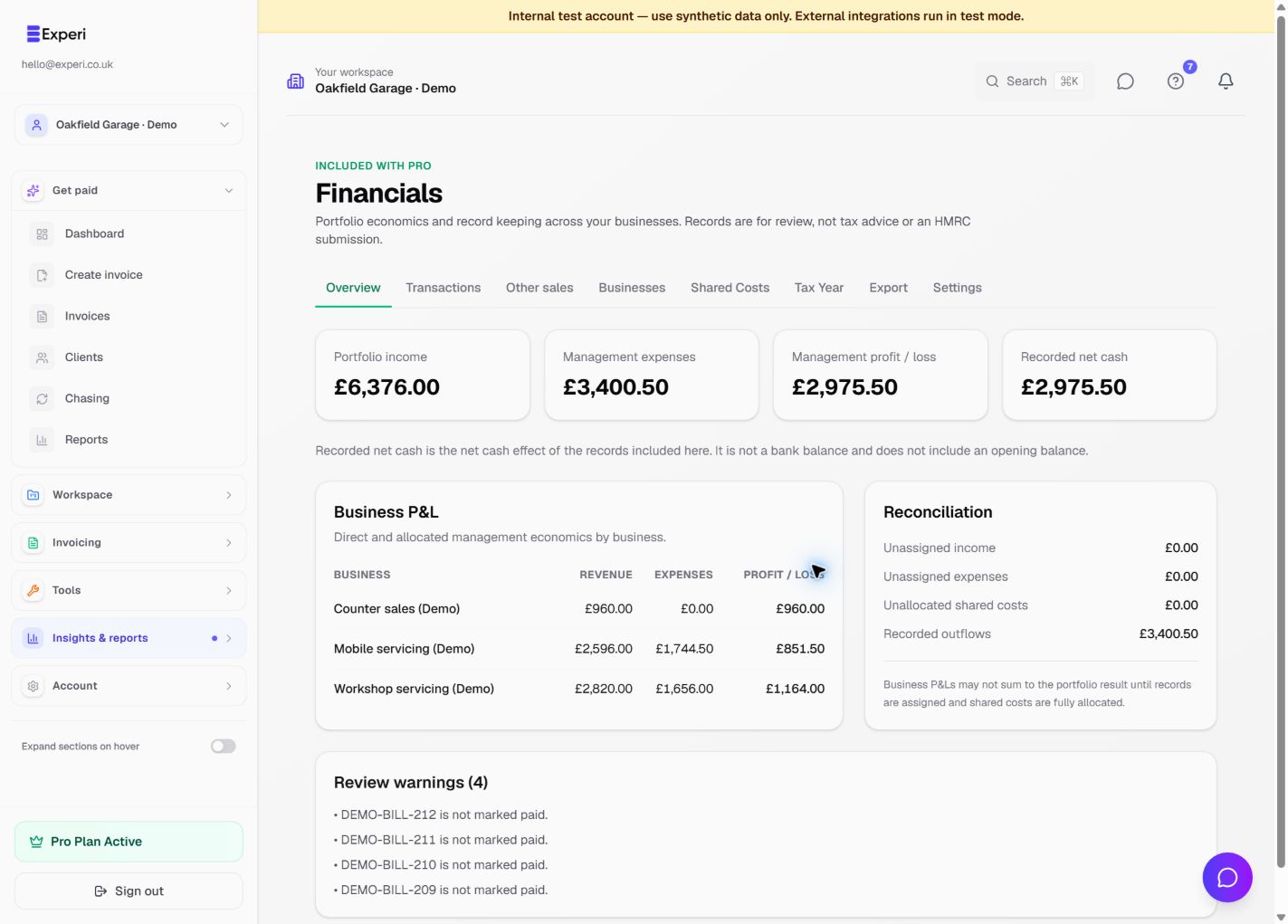
CSV imports require a stable platform account and external transaction ID. Repeating the same import skips identified duplicates. Invalid and duplicate rows remain outside reporting. Other Sales feed Financials and relevant dashboard, tax-year, quarterly, VAT and export views; VAT reporting requires sufficient VAT information.