

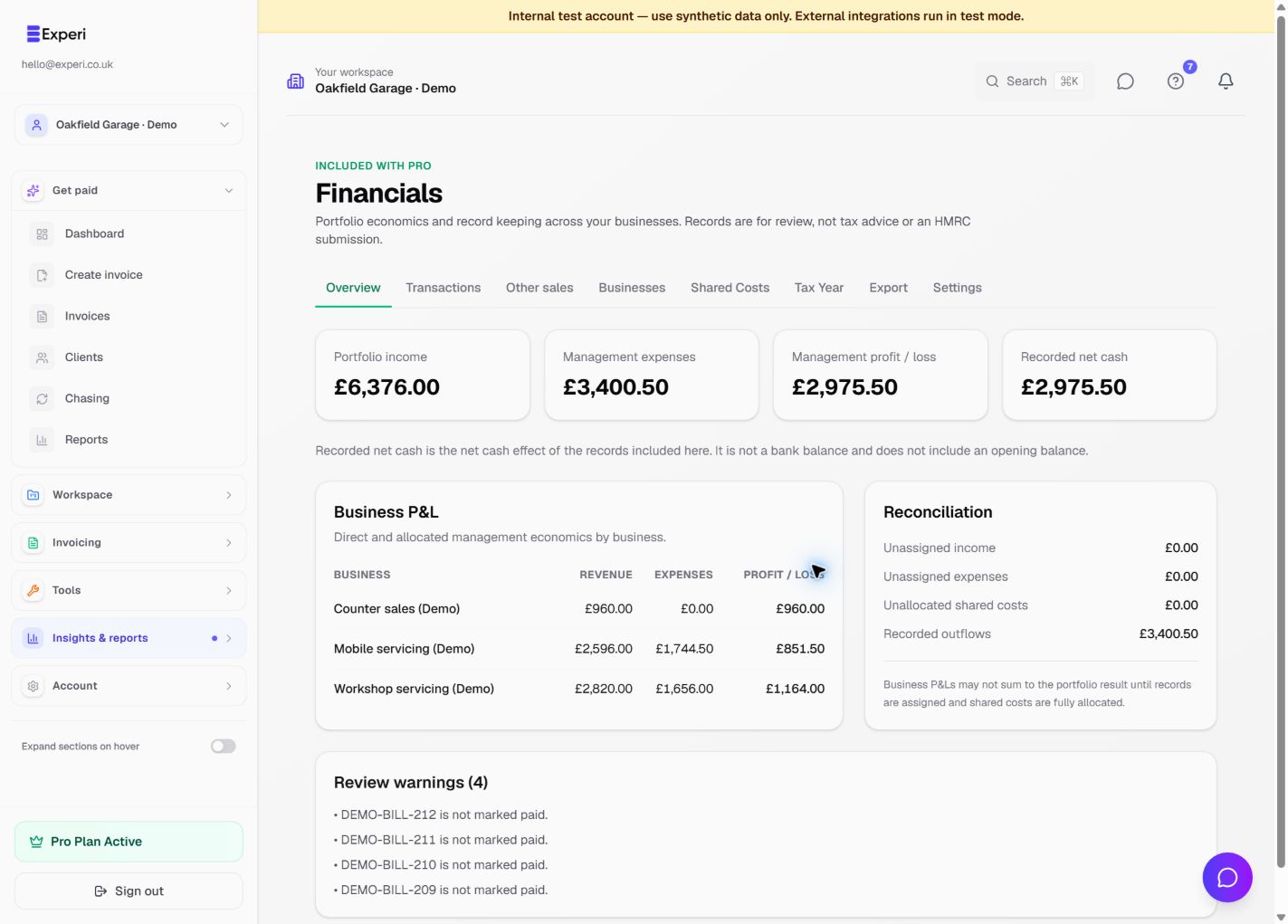
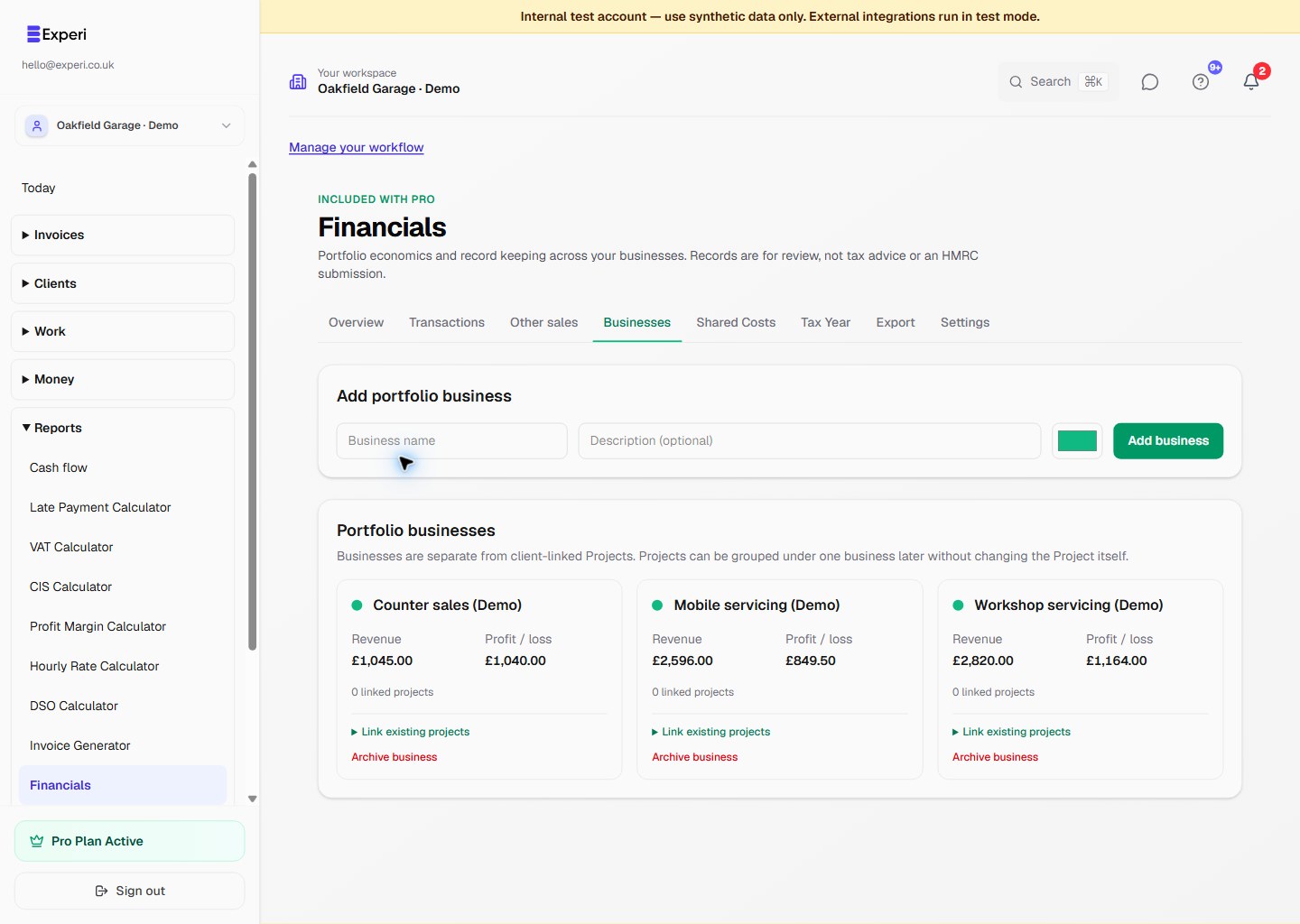
Financials is an included Pro capability when enabled for the workspace. Find it under Insights & reports → Financials.
Financials automatically reads existing Experi income and cost sources: invoices, payments, credit notes, expenses and supplier bills. It does not copy or replace those records. Correct original dates or amounts in the source section.
First setup
- Review the portfolio base currency under Financials → Settings. It defaults from the business profile and becomes locked after the first valued record.
- Add portfolio businesses if you want separate management P&Ls. These are not clients and do not replace Projects.
- Open Transactions and review unassigned, uncategorised or provisional records.
- Add a standalone transaction only when no Experi invoice, payment, expense or bill already represents it.
Foreign-currency records use actual settlement first, then a manual FX value, then a future Experi FX value. A record without a usable conversion remains visible but is excluded from trusted totals and clearly marked.
Financials is management reporting and record keeping. It is not double-entry bookkeeping, statutory accounts, payroll, a submitted tax return or tax advice.