

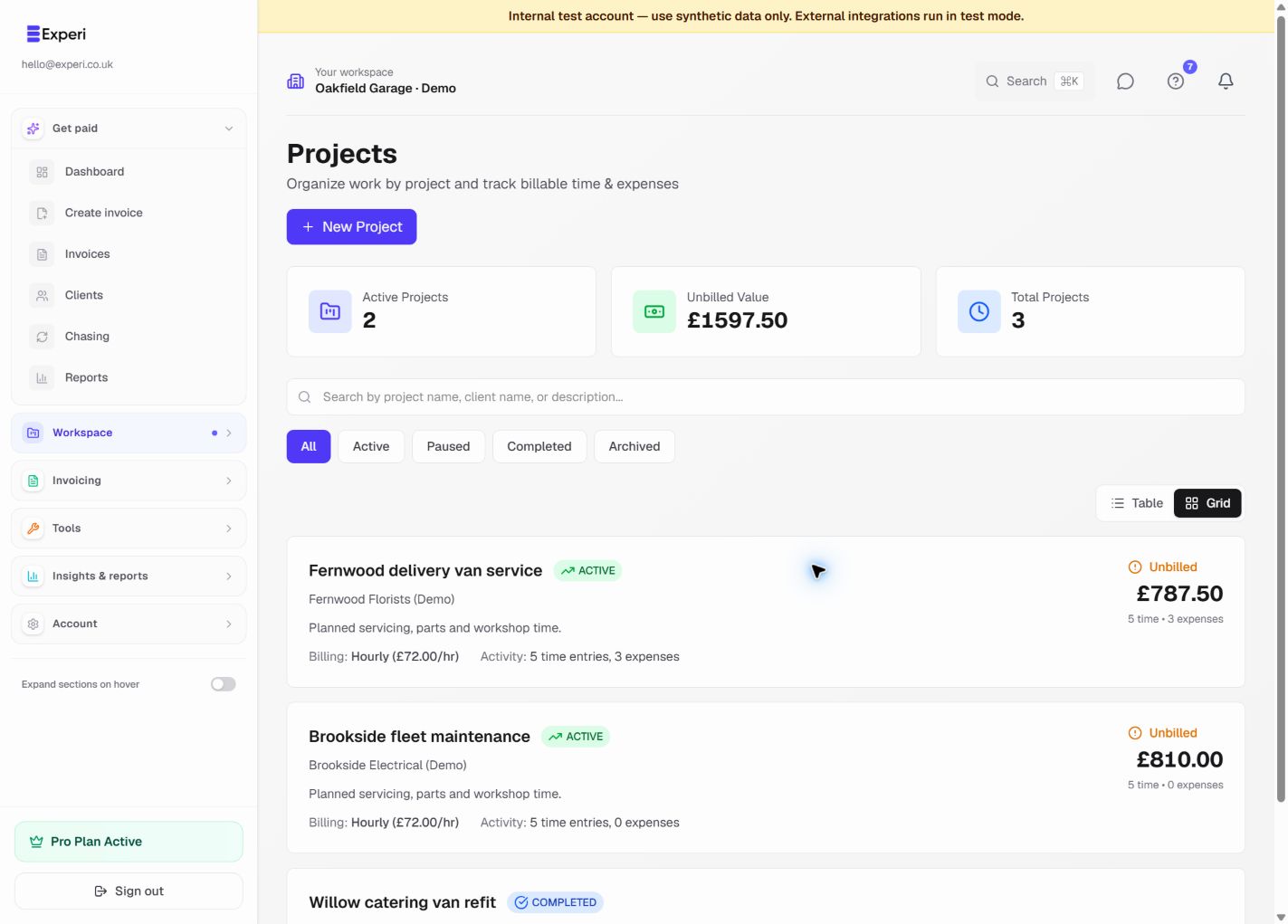
Projects are a Pro capability and are linked to an existing client.
Choose Workspace → Projects → New project, then select the client and enter a name. You can also set a billing type (hourly, day rate, fixed price or retainer), currency, rates, start and end dates, estimated hours, budget hours or amount, notes and an external reference.
Use Active, Paused, Completed and Archived to keep the project list useful. Archived projects are hidden from the default list but their historical records remain linked.
The project page brings together time, expenses, invoices, billed value and unbilled value. Use Generate invoice when the work is ready to bill, and review the generated draft before sending it.
Experi does not currently provide reusable project templates. Duplicate common details manually and verify the client, dates, rate and budget each time.