

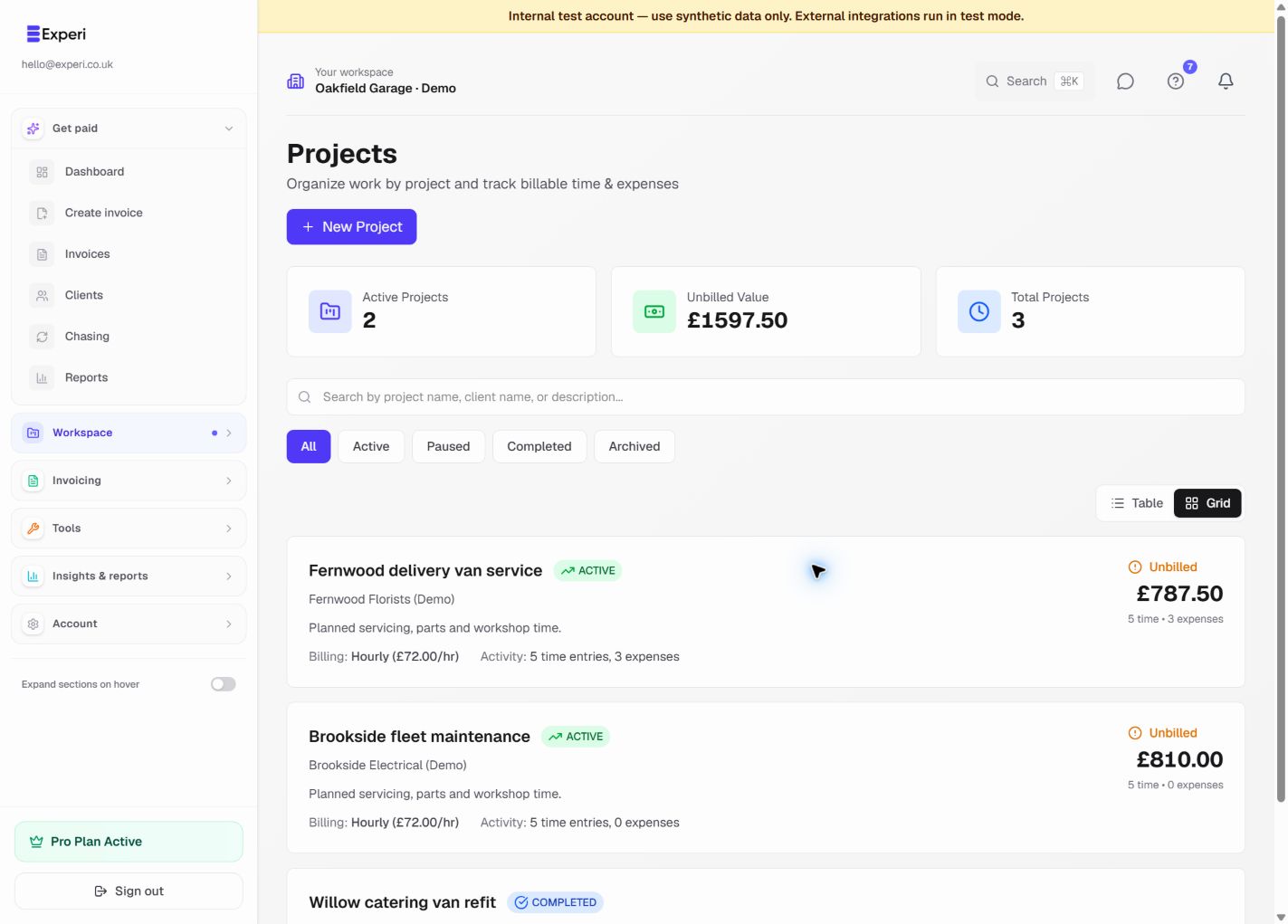
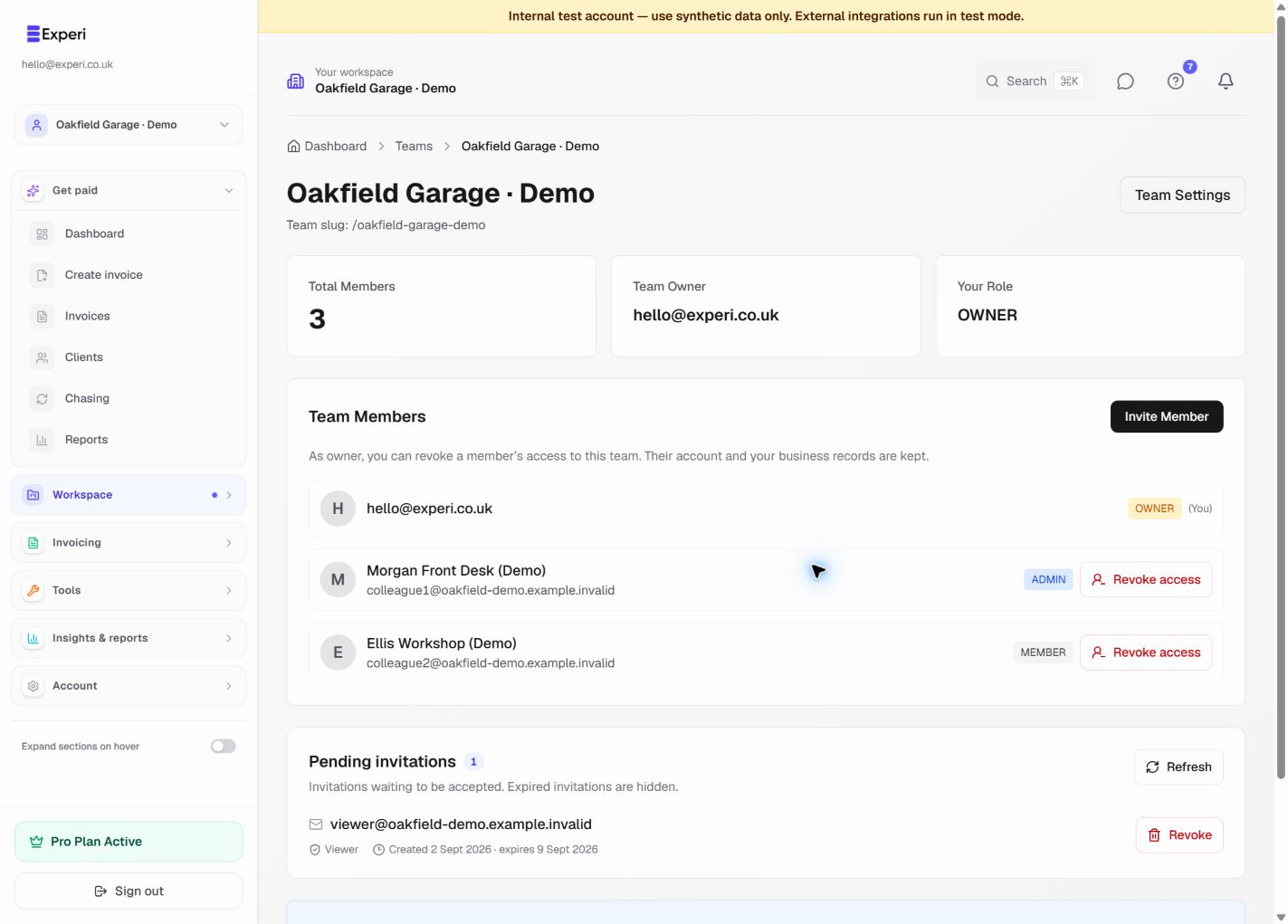
Projects belong to the workspace owner. Invited workspace members work with the same owner-scoped client and project records; a project is not copied into each member's account.
What a person can see or change depends on their workspace role and permissions. Owners and administrators normally manage project setup. Members can work with permitted project records, while viewer-style roles remain read-only.
Before inviting someone, check that their role matches the data they need. Financials and Bills have separate permissions, so project access does not automatically grant access to all financial records.
Experi does not currently support a separate project-only guest or per-project invitation. Clients use secure shared-document or portal links rather than joining the workspace as team members.