

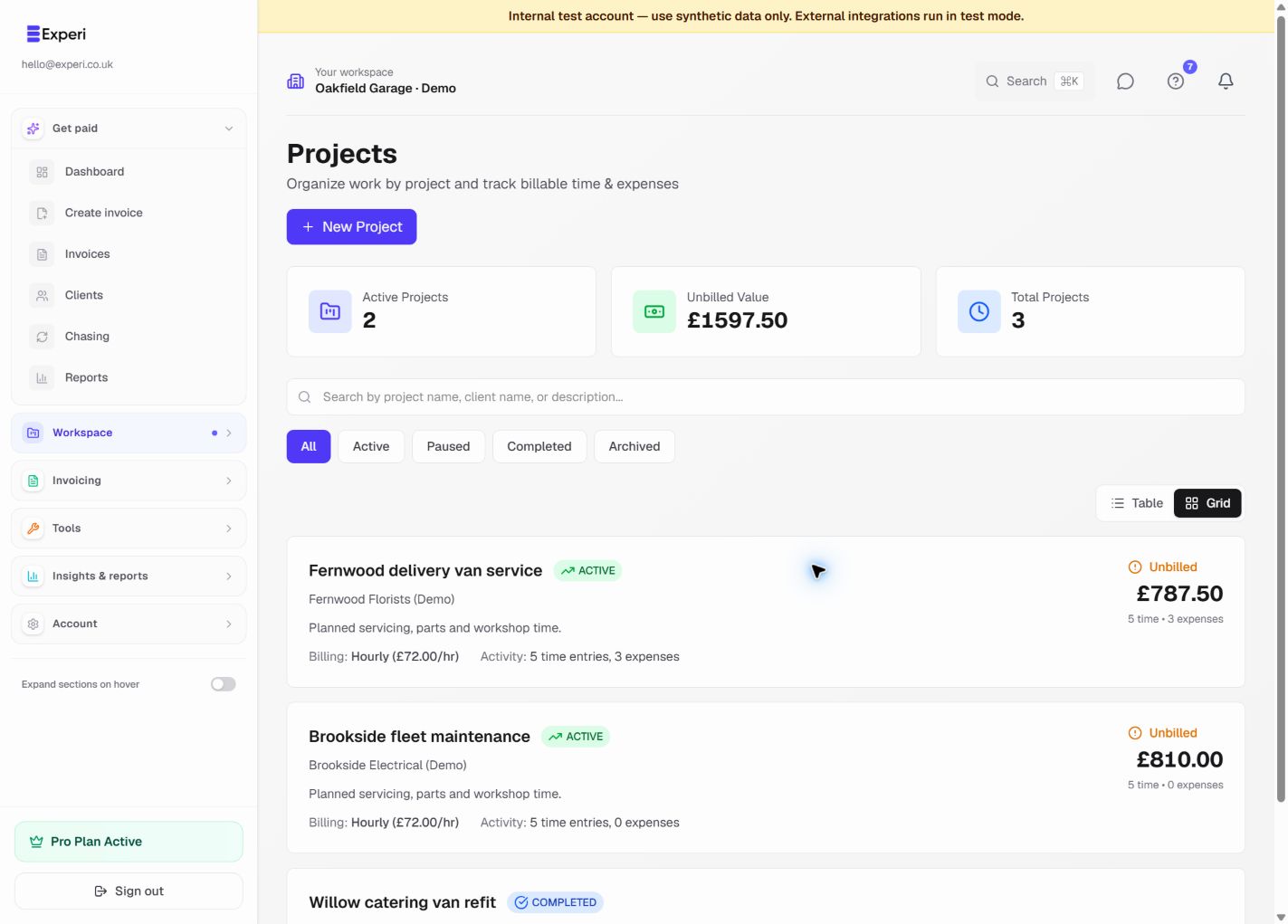
Add budget hours or a budget amount when creating or editing a project. These values are planning controls; they do not change invoice totals.
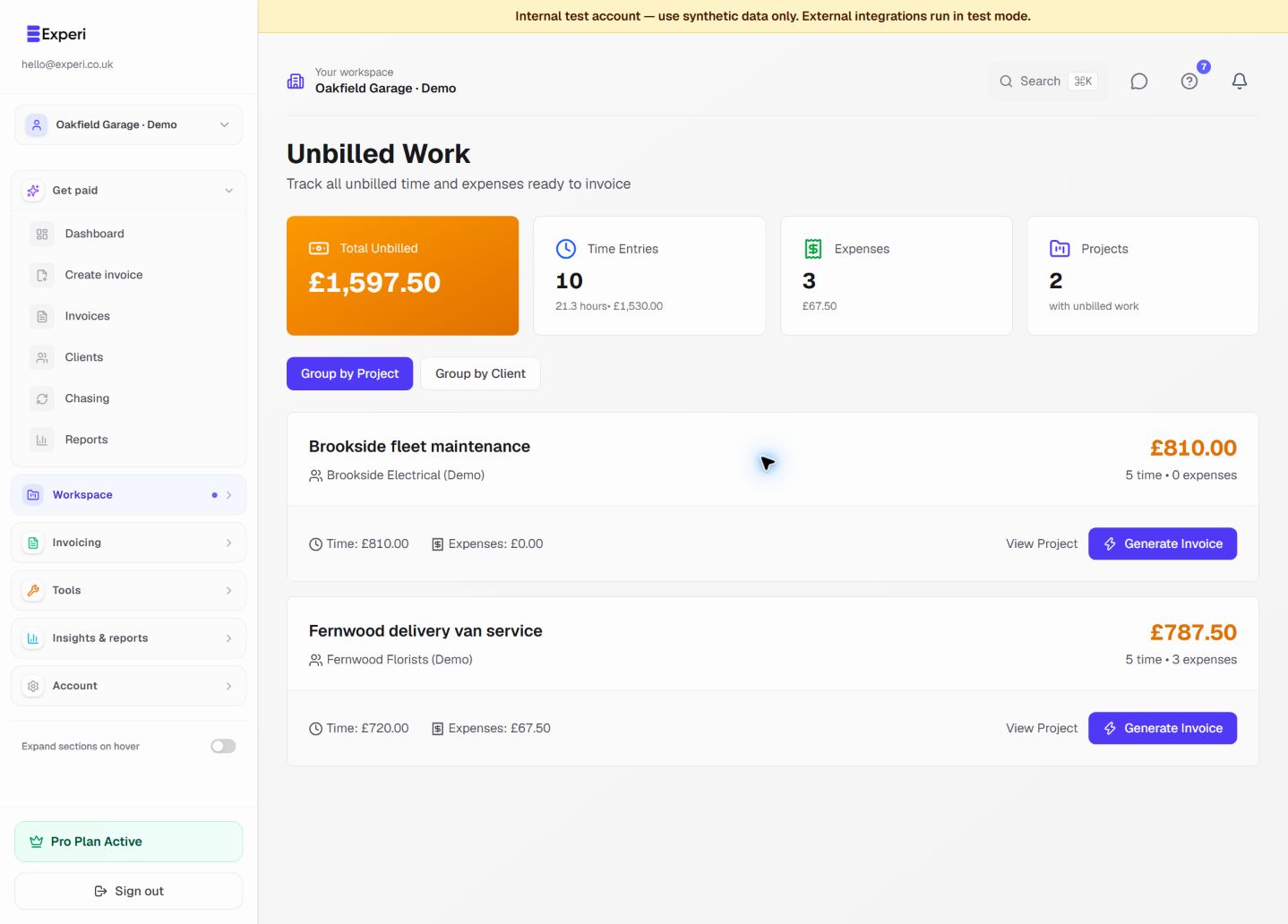
The project page shows recorded time, expenses, billed value and unbilled value. For an amount budget, Experi compares the budget with billed plus unbilled work and displays the remaining value and percentage used.
Keep the view accurate by:
- logging time and expenses against the correct project;
- marking only recoverable work as billable;
- linking generated invoices back to the project;
- updating the project status when work pauses or completes.
Budget warnings are management indicators, not a guarantee of project profitability. Supplier bills and portfolio shared costs may need separate review in Financials.