

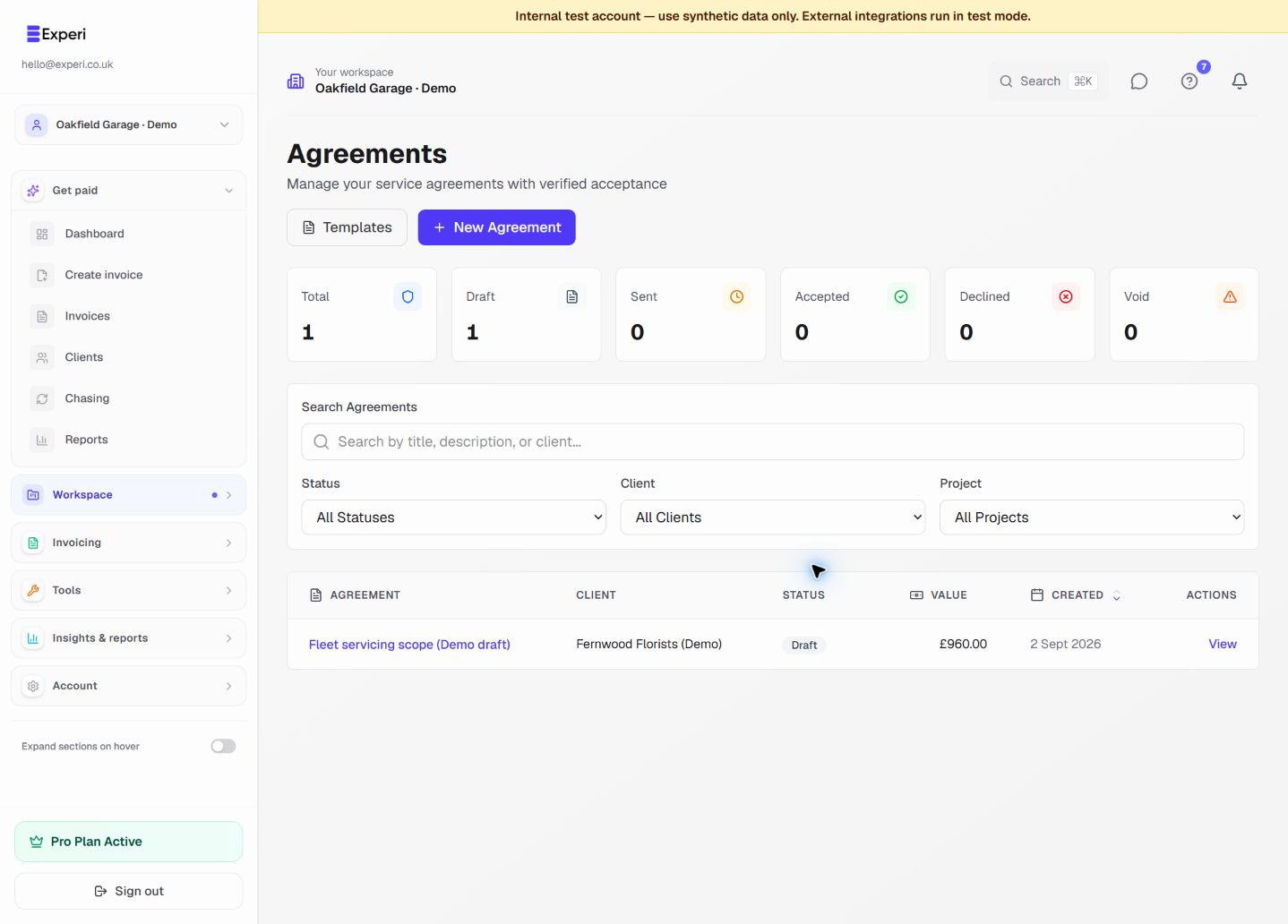
E-Signature Process
Secure, legally-valid electronic signatures.
How It Works
- You send: Agreement emailed to client
- Client receives: Secure link to view
- Client reviews: Can read and download
- Email verification: Code sent to confirm identity
- Client signs: Electronic signature captured
- Both notified: Signed PDF sent to both parties
Email Verification
Before signing, clients must:
- Receive verification code via email
- Enter code to confirm identity
- Then allowed to sign
This proves the signer controls the email address.
Legal Validity
E-signatures in Experi are legally binding:
- Complies with e-signature laws
- Timestamp recorded
- IP address logged
- Email verification
- Audit trail maintained
Audit Trail
For each signature:
- Who signed
- When signed
- IP address used
- Email verified
- Document version
After Signing
Both parties receive:
- Signed PDF via email
- Certificate of completion
- Access to download anytime
Refusing to Sign
If client doesn't sign:
- Agreement stays in "pending" status
- You can send reminder
- Edit and resend if needed
- Cancel if no longer needed