

Prerequisites
- PRO subscription
- Email verified
- Business profile completed
- At least one client added
Step-by-Step
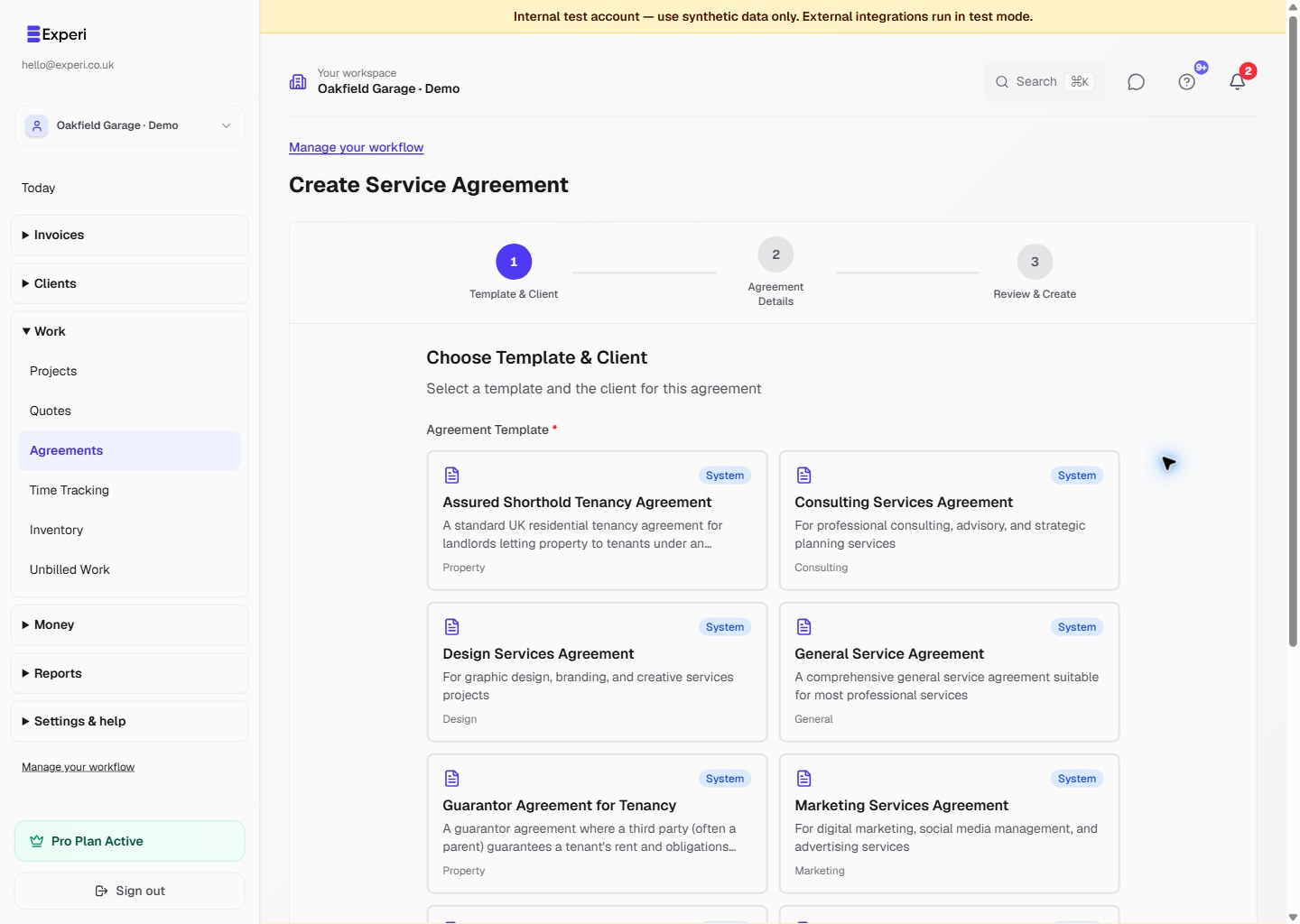
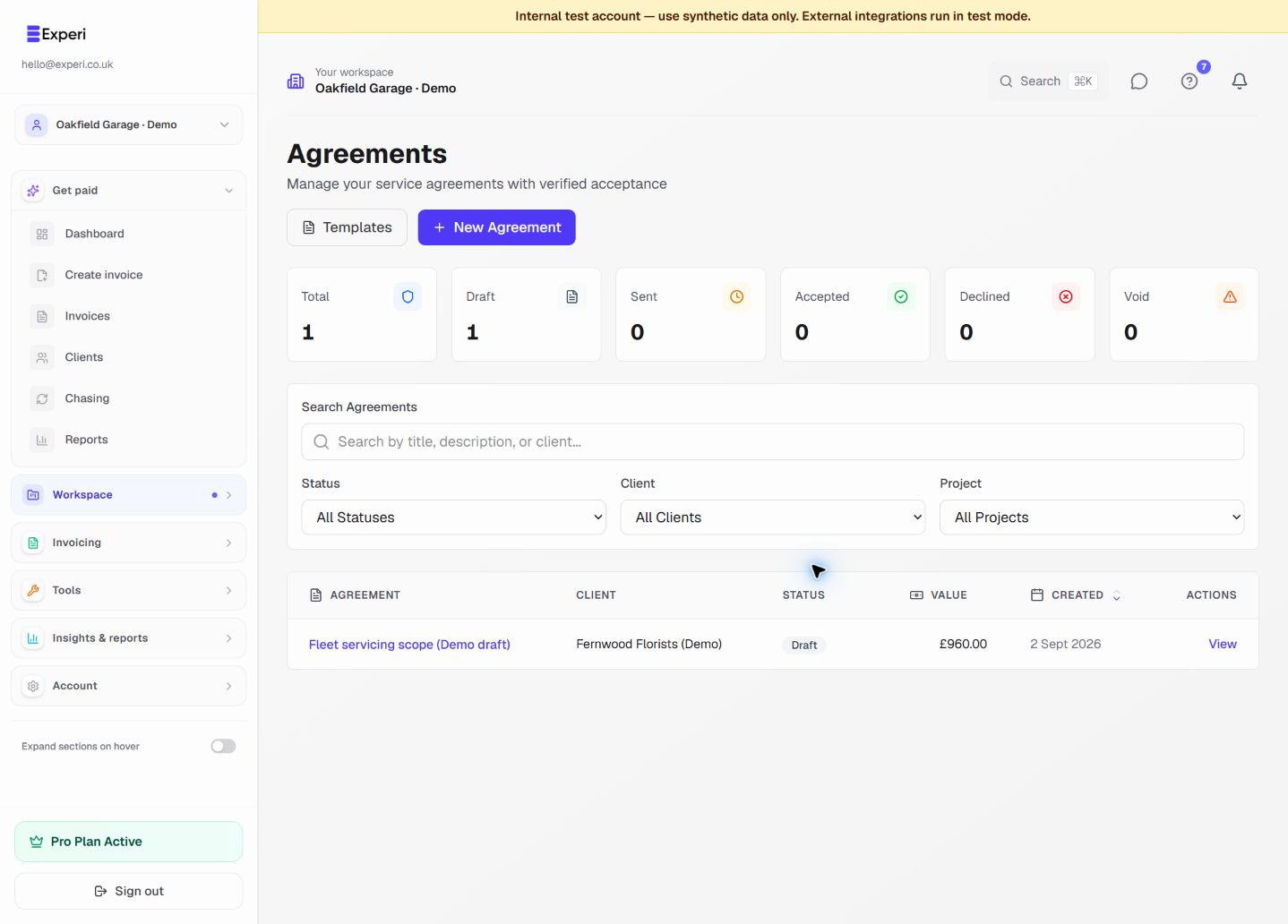
- Navigate: Click "Agreements" > "New Agreement"
- Choose Template: Select a pre-built template or start from scratch
- Fill Details:
- Title and description
- Select client
- Optional: project, currency, total value
- Set effective date and optional expiry
- Edit Content: Customize agreement terms in the editor
- Save as Draft: Review everything
- Send: Click "Send Agreement" when ready
What Happens Next
For You: Agreement status changes to "SENT", you can view audit trail
For Client: Receives email, verifies identity, reviews terms, accepts
After Acceptance: Both receive certificate PDFs, agreement is locked
Tips
- Use clear language
- Be specific about scope
- Set clear payment terms
- Review before sending (can't edit after!)