

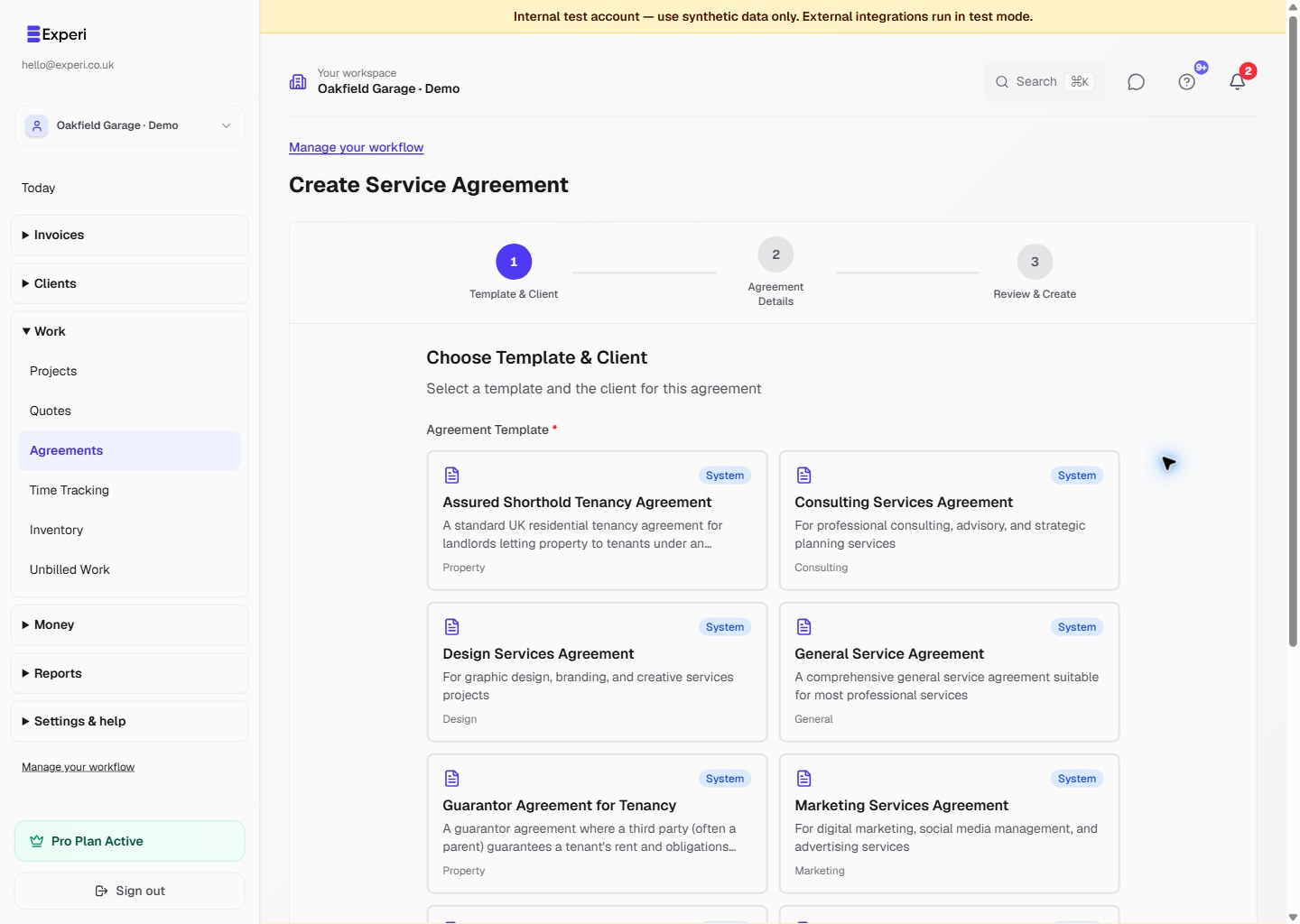
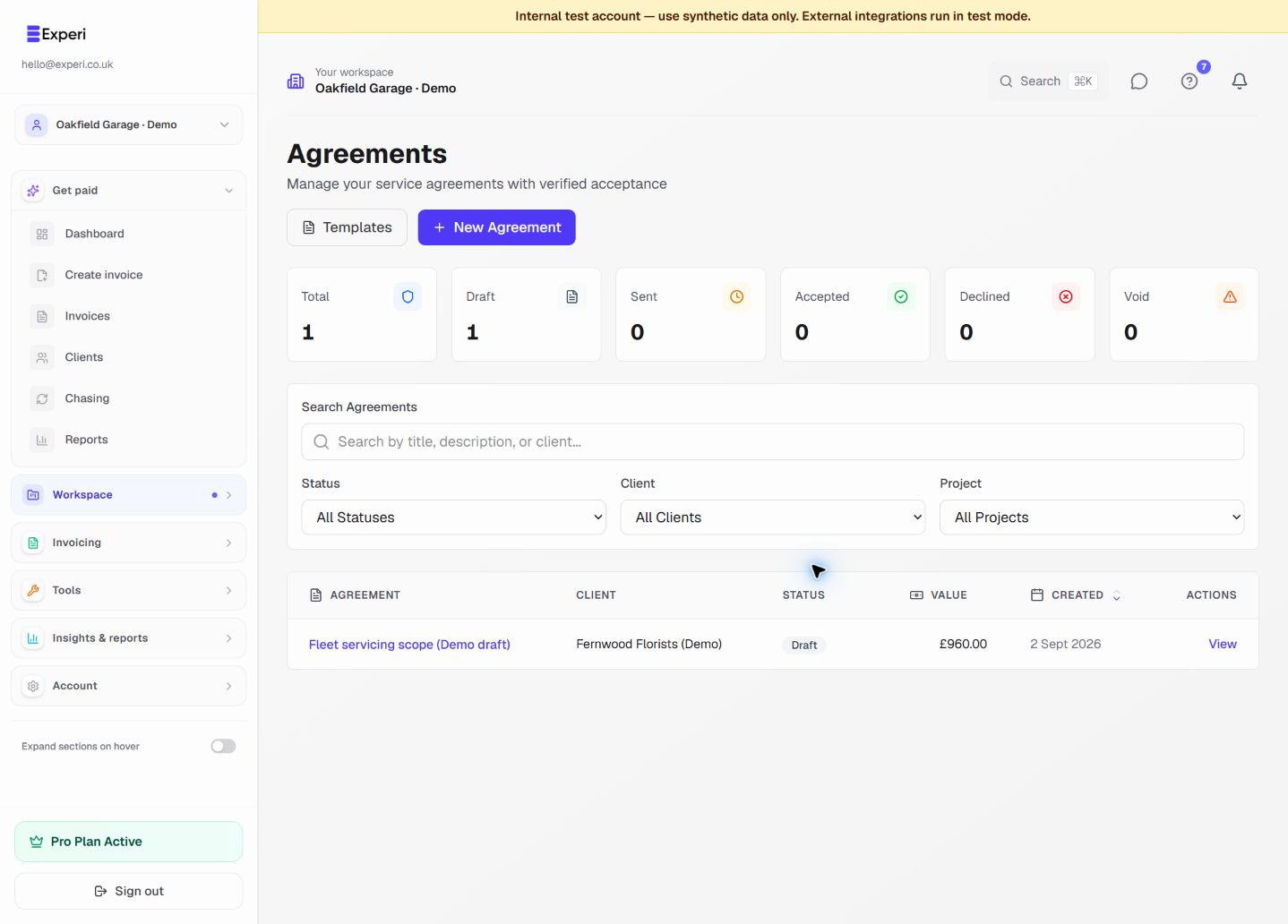
Professional templates for common service agreements.
Available Templates
Experi provides templates for:
- Website Development: Full site builds
- Logo Design: Branding projects
- Monthly Retainer: Ongoing services
- Consulting: Advisory services
- Content Creation: Writing, design
- Social Media Management: Marketing services
Customizing Templates
- Select template
- Replace placeholders with your details
- Adjust terms as needed
- Add/remove sections
- Save as your own template
Creating Custom Templates
Build your own reusable templates:
- Go to Agreements > Templates
- Click New Template
- Name the template
- Add all sections
- Use placeholders: [CLIENT_NAME], [PROJECT_NAME]
- Save
Template Best Practices
Clear Language
Use simple, understandable language, not legal jargon.
Comprehensive but Concise
Include everything important but stay readable.
Fair Terms
Balanced terms build trust and reduce disputes.
Get Legal Review
Have a lawyer review your templates once.