

Create professional agreements in minutes.
Creating an Agreement
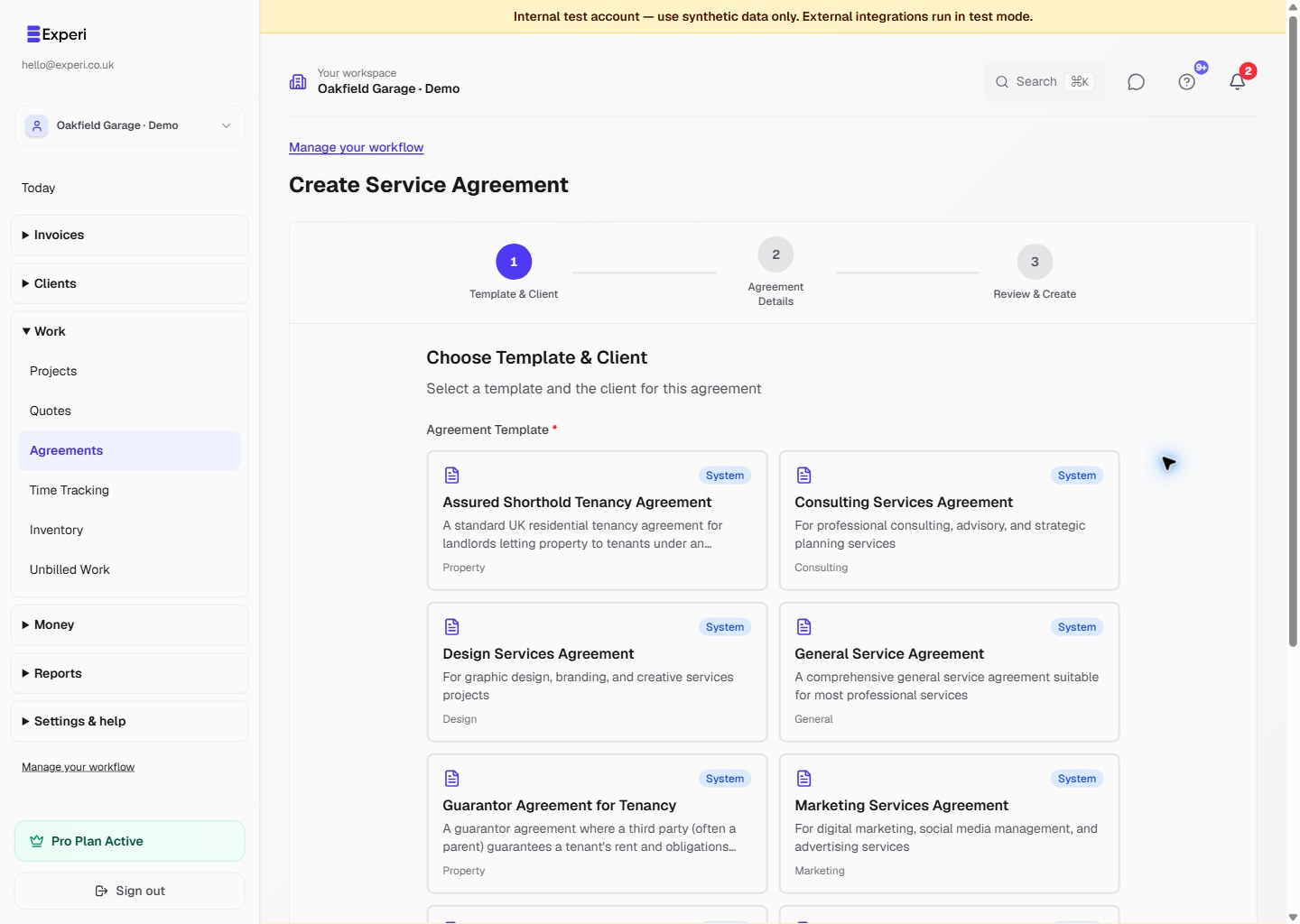
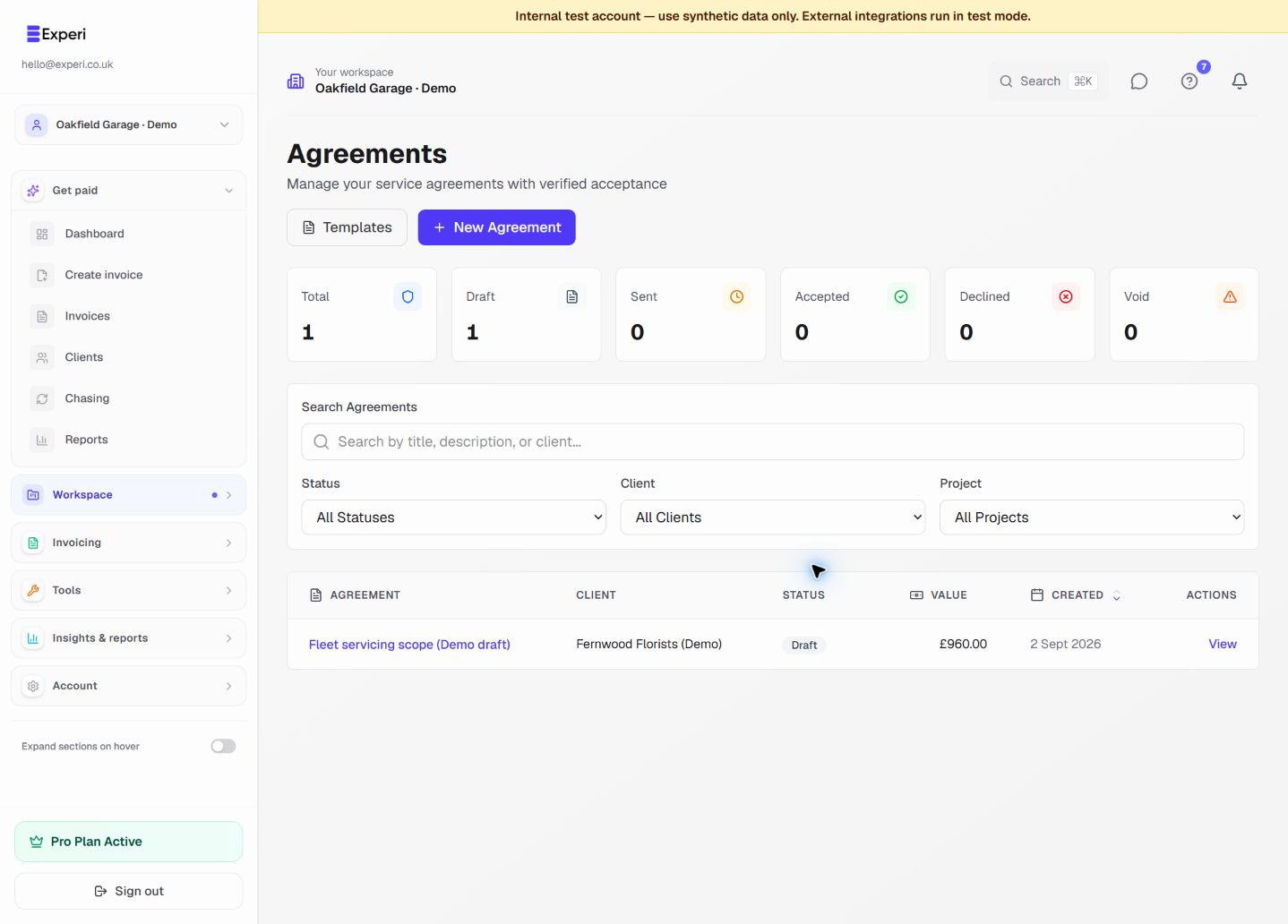
- Go to Agreements > New Agreement
- Select client
- Choose template or start blank
- Fill in sections
- Review and send
Agreement Sections
Parties
- Your business details
- Client details
- Effective date
Scope of Work
Detail exactly what you'll deliver:
- Specific services
- Deliverables
- Timeline
- Milestones
Payment Terms
- Total cost
- Payment schedule
- Payment method
- Late payment terms
Terms and Conditions
- Intellectual property
- Confidentiality
- Termination clause
- Liability limits
- Dispute resolution
Using Templates
Save time with pre-built templates for:
- Website development
- Logo design
- Monthly retainer
- Consulting services
Sending for Signature
- Review agreement thoroughly
- Click Send for Signature
- Client receives email
- They review and sign online
- You're notified when signed
After Signing
- Both parties receive signed PDF
- Agreement stored securely
- Timestamp recorded
- Audit trail preserved