

Experi does not have a separate notification centre or a do-not-disturb schedule.
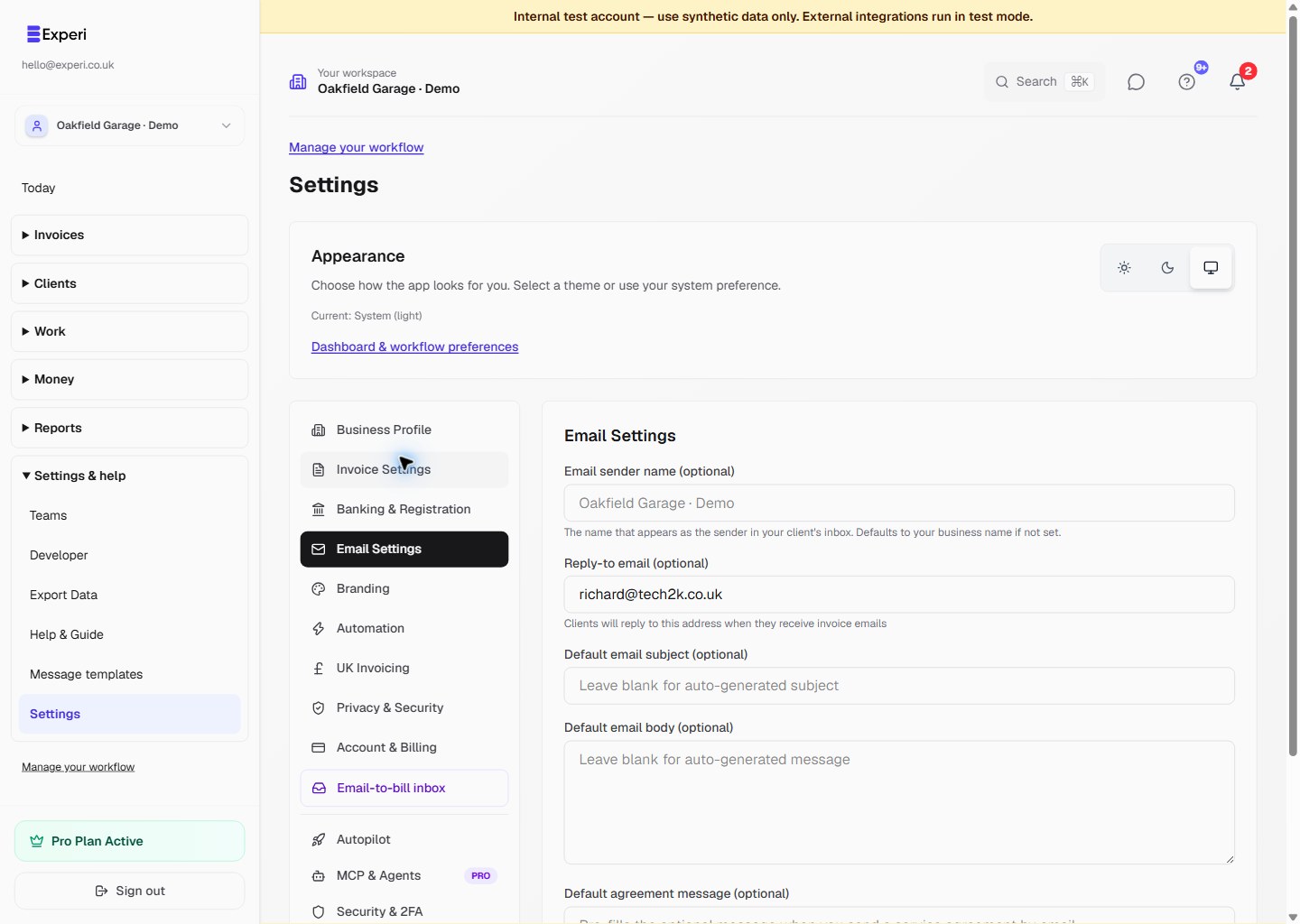
Use Settings → Email Settings to configure sender and reply-to details plus the default subject and body used when sending invoices.
Use Settings → Automation for:
- the weekly business digest switch;
- automated invoice-chasing settings;
- your Email-to-Bill address when that capability is available.
The weekly digest is sent on Monday mornings and summarises outstanding invoices, payments, overdue items and suggested actions. Turn its switch off if you do not want to receive it.
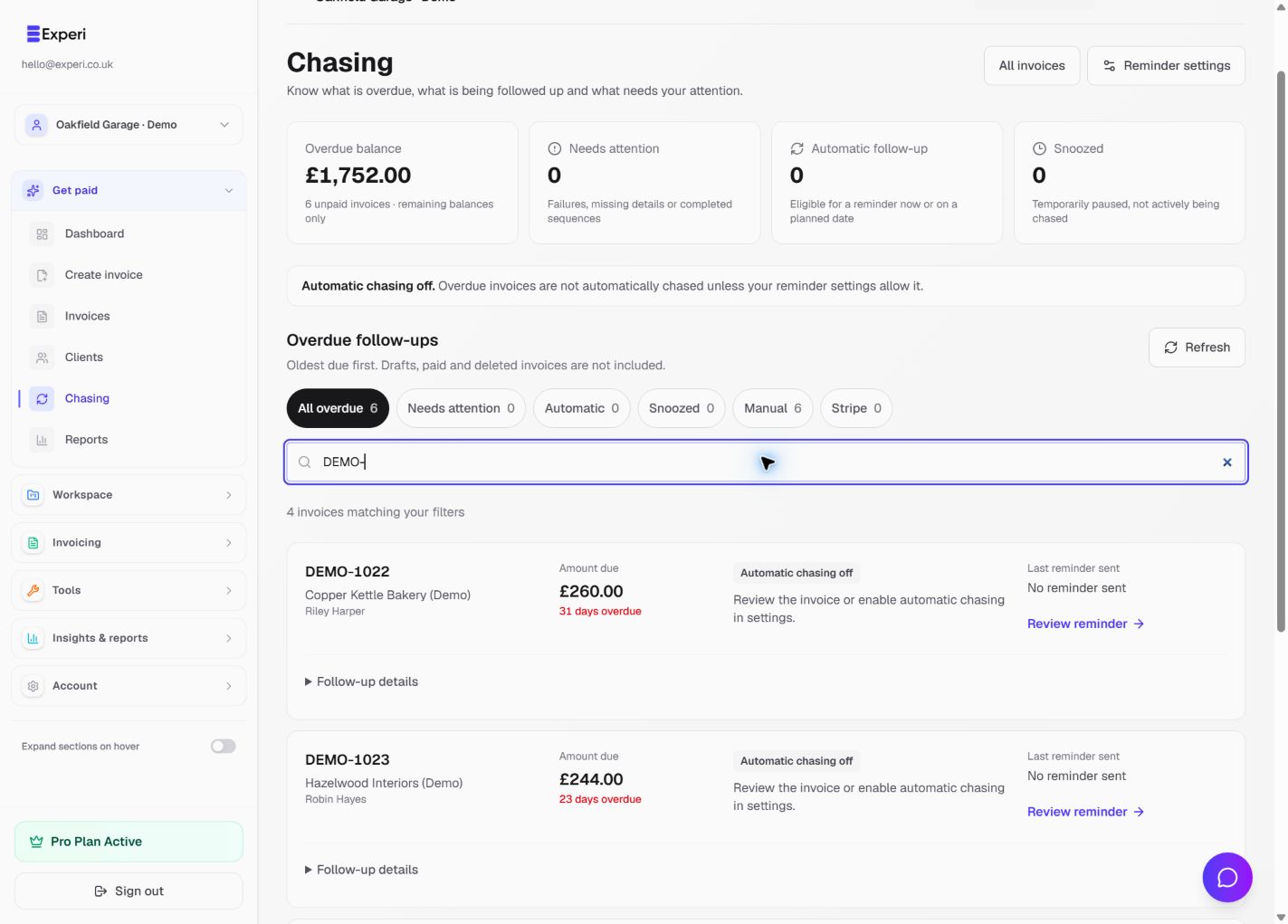
Individual invoice sends, reminders and automated chasing remain separate workflows. Always review recipient addresses before sending client documents.