

Make the Repair and Replacement Parts Clear
A washing-machine visit leads to a diagnosis, an approved replacement pump and repair labour. The customer needs to recognise the appliance and understand whether the diagnostic charge is separate or included in the repair fee.
Why Choose Experi?
Identify the appliance and visit
Start with the appliance-repair template and record the make, model and job reference. Describe the completed repair rather than copying a diagnosis or specification from another customer's invoice.
Check labour and parts
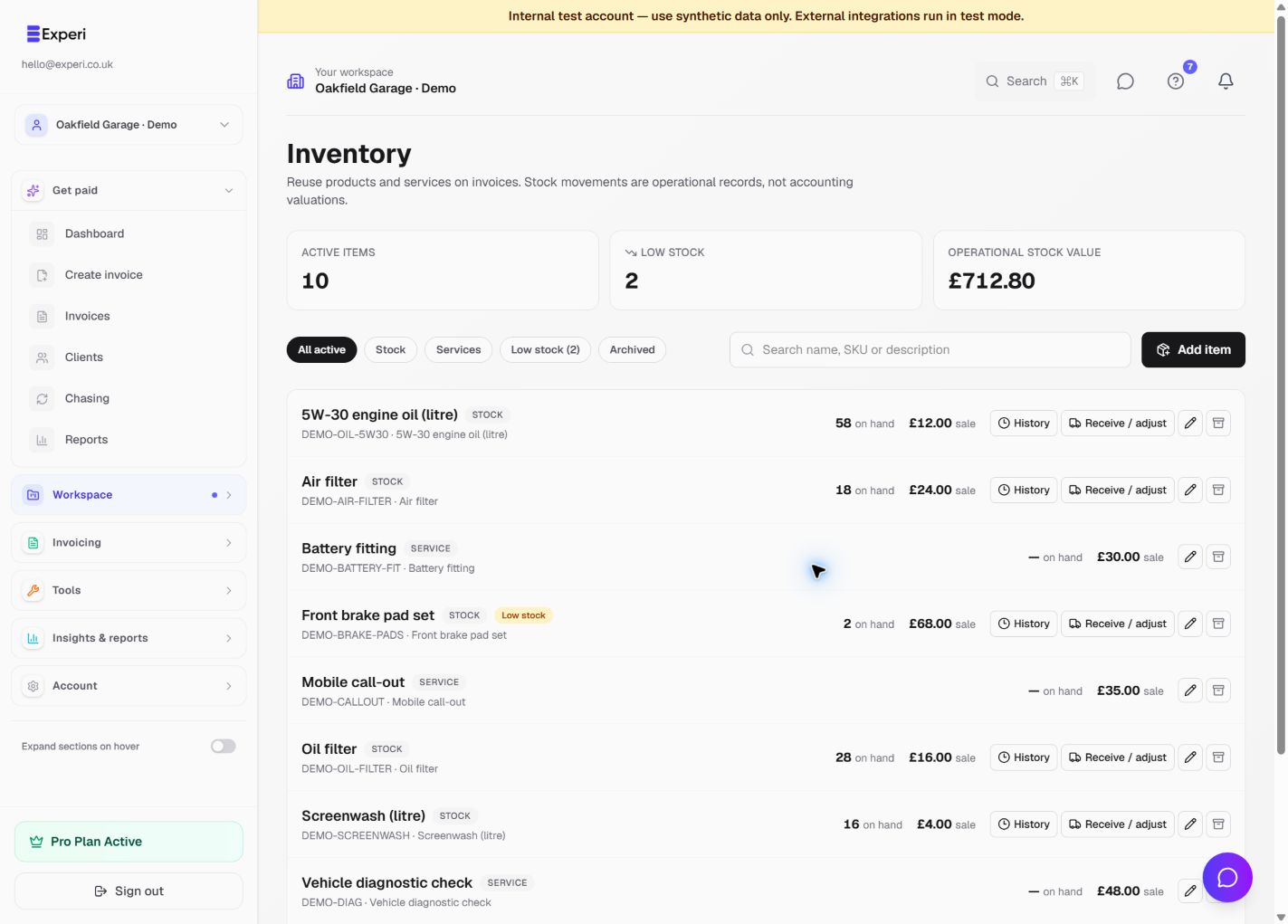
Enter the approved labour and the actual part supplied. Recall stock parts by SKU if you use Inventory, and remove a separate diagnostic charge when your repair price already includes it.
Give the customer a useful record
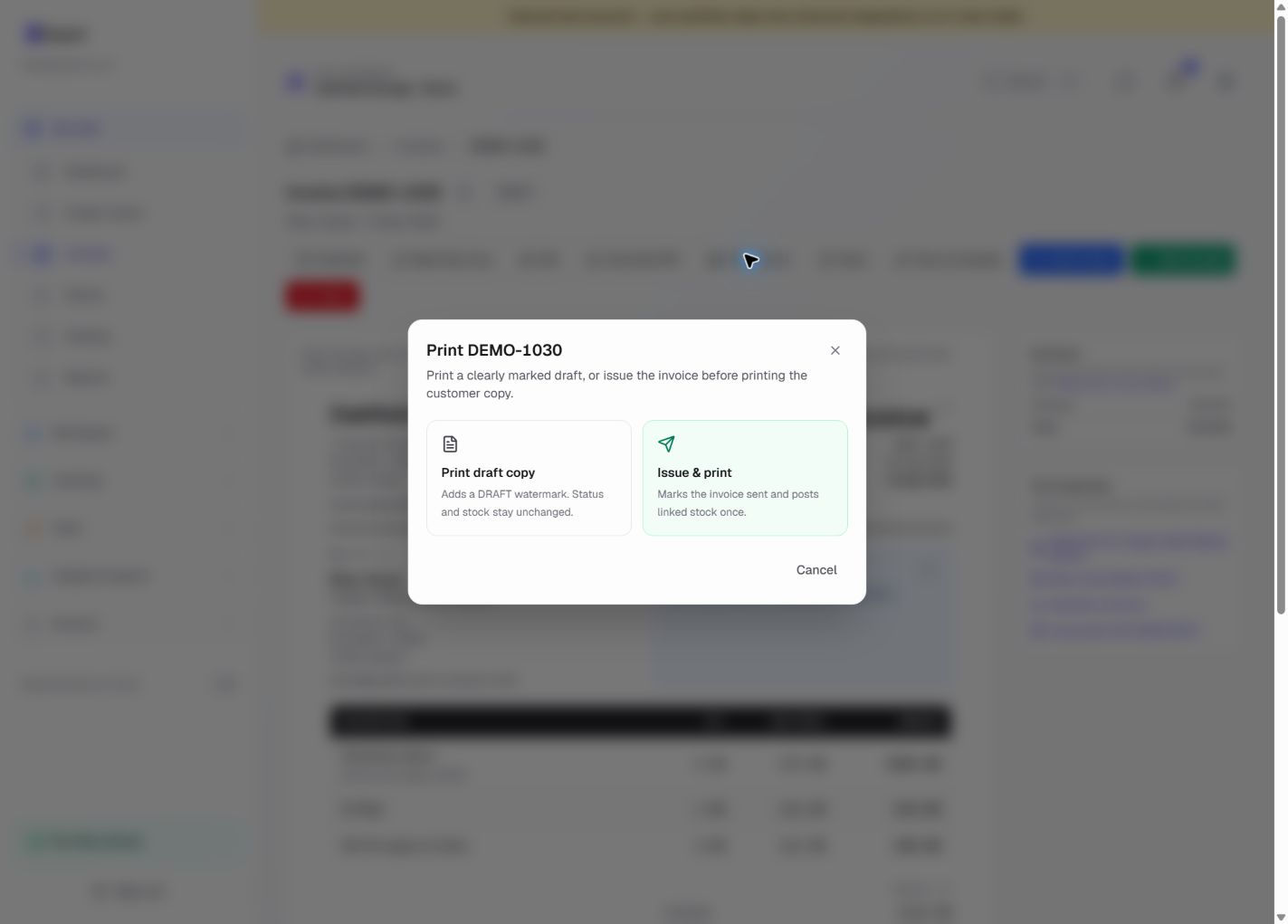
Check any warranty text against the cover that actually applies, then preview and issue the invoice. Print a copy for the visit if needed and save the neutral repair structure, not another appliance's identifying details.
From job to customer invoice
An invoice workflow for appliance repair businesses
A washing-machine visit leads to a diagnosis, an approved replacement pump and repair labour. The customer needs to recognise the appliance and understand whether the diagnostic charge is separate or included in the repair fee.
Identify the appliance and visit
Start with the appliance-repair template and record the make, model and job reference. Describe the completed repair rather than copying a diagnosis or specification from another customer's invoice.
Check labour and parts
Enter the approved labour and the actual part supplied. Recall stock parts by SKU if you use Inventory, and remove a separate diagnostic charge when your repair price already includes it.
Give the customer a useful record
Check any warranty text against the cover that actually applies, then preview and issue the invoice. Print a copy for the visit if needed and save the neutral repair structure, not another appliance's identifying details.
Preselected, never automatically applied. Enter your own prices and review the client, dates and tax settings.
Before you invoice: Do not copy an example warranty or safety statement onto a real repair. Templates do not diagnose faults, certify safety or verify a part's suitability for the appliance.
![Fictional appliance repairs worked invoice showing appliance diagnostic visit, approved repair labour, replacement part — [specification] and illustrative GBP totals.](/product/template-examples/appliance-repair.webp)
The tools behind this workflow
Explore the tools behind this workflow. Templates and inventory are free capabilities; document allowances apply. Time tracking, recurring invoices and automated chasing require Pro.
Perfect For
Key Features
Frequently Asked Questions
Can I keep common repair parts ready to add?
Yes. Save actual parts as stock items and labour as services. Select the appropriate part when invoicing; a generic template line is not automatically linked to an inventory record.
Which features are available on Free?
Curated and saved templates, operational inventory and invoice printing are available on Free and Pro. Free has document allowances; check Pricing for current limits. Time tracking, recurring invoicing and automated chasing require Pro.
Get Back to the Work You Love
Spend less time on invoicing and more time doing what you're great at.
No credit card required • Start invoicing in under 60 seconds