

An Event Invoice the Organiser Can Follow
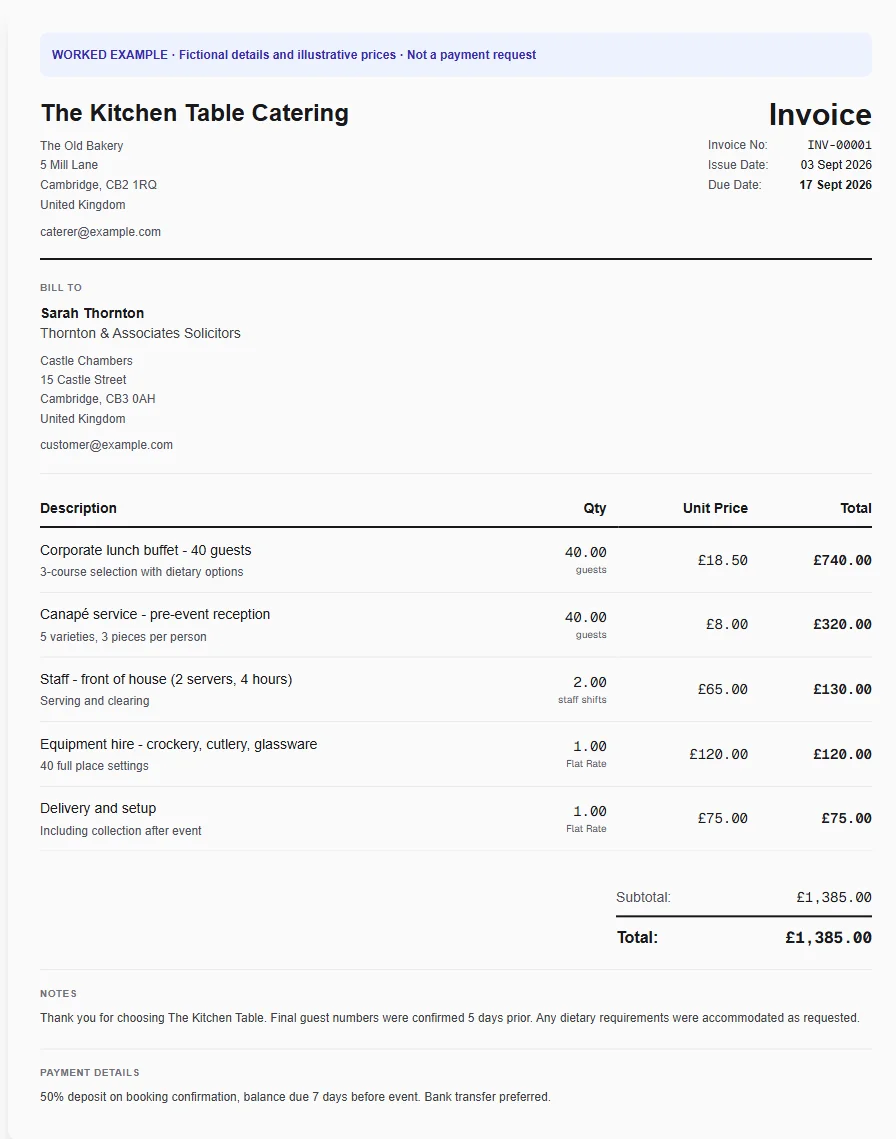
Show the menu, agreed guest count, staffing and extras clearly. Reuse your common catering services and keep the event reference with every invoice.
Why Choose Experi?
Explain per-person charges
Separate guest quantities from fixed setup, hire and delivery fees so the final total is easy to understand.
Reuse your service menu
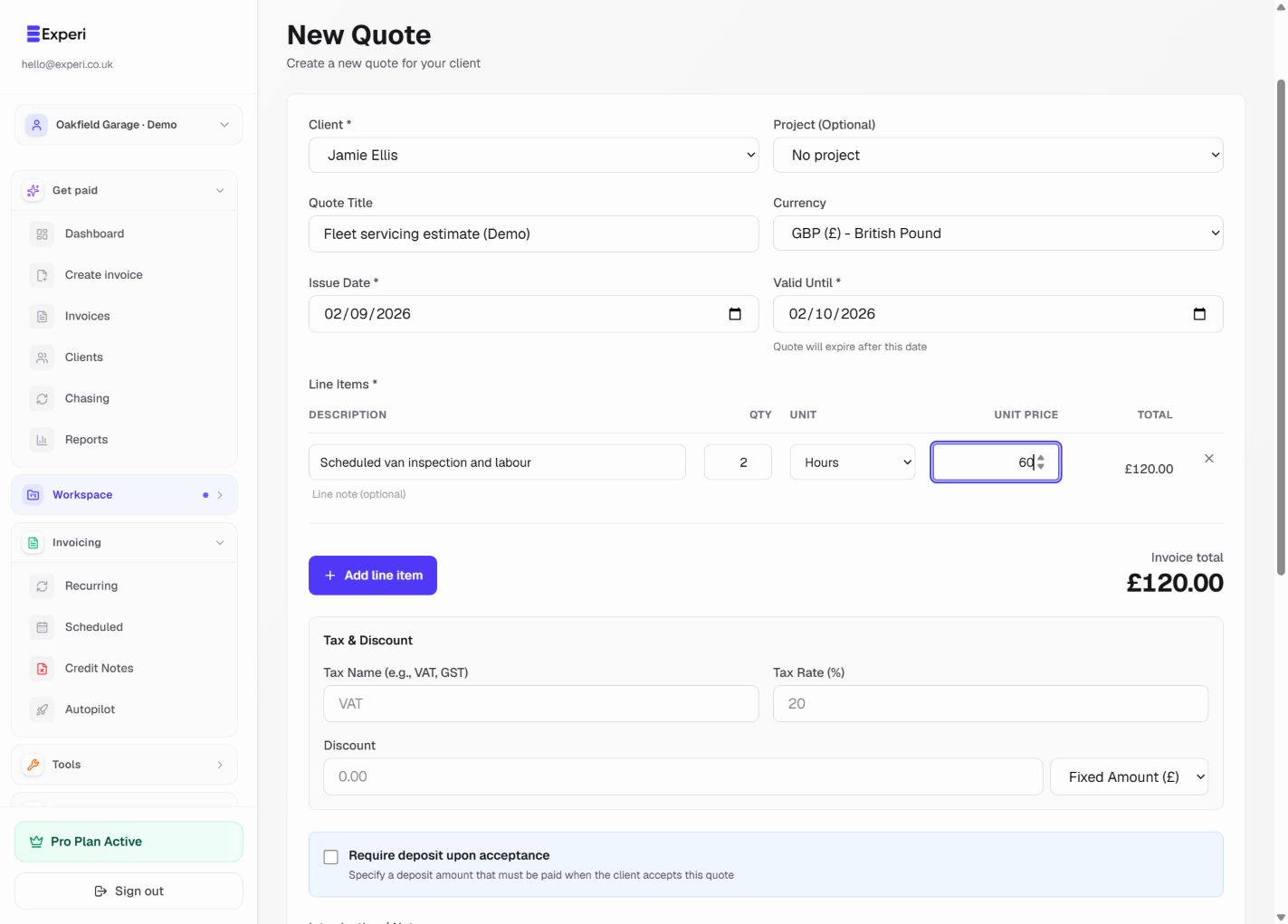
Save catering packages and staffing lines with your prices, then adjust the quantities for the event.
Check the final balance
Review prior billing, payments and approved changes before issuing the customer copy.
From job to customer invoice
An invoice workflow for caterers
An event invoice combines food priced per guest with service staff, equipment and delivery. Reference the agreed guest count and menu version so the organiser can reconcile the final bill with the booking.
Build around the event
Apply the catering template and use the final agreed guest count for per-person lines. Keep fixed setup or delivery fees separate from quantities that change with attendance.
Reuse menus and services
Save catering packages and staffing as Inventory services. These speed up invoicing but do not consume recipes, ingredients or equipment reservations automatically.
Check the final amount
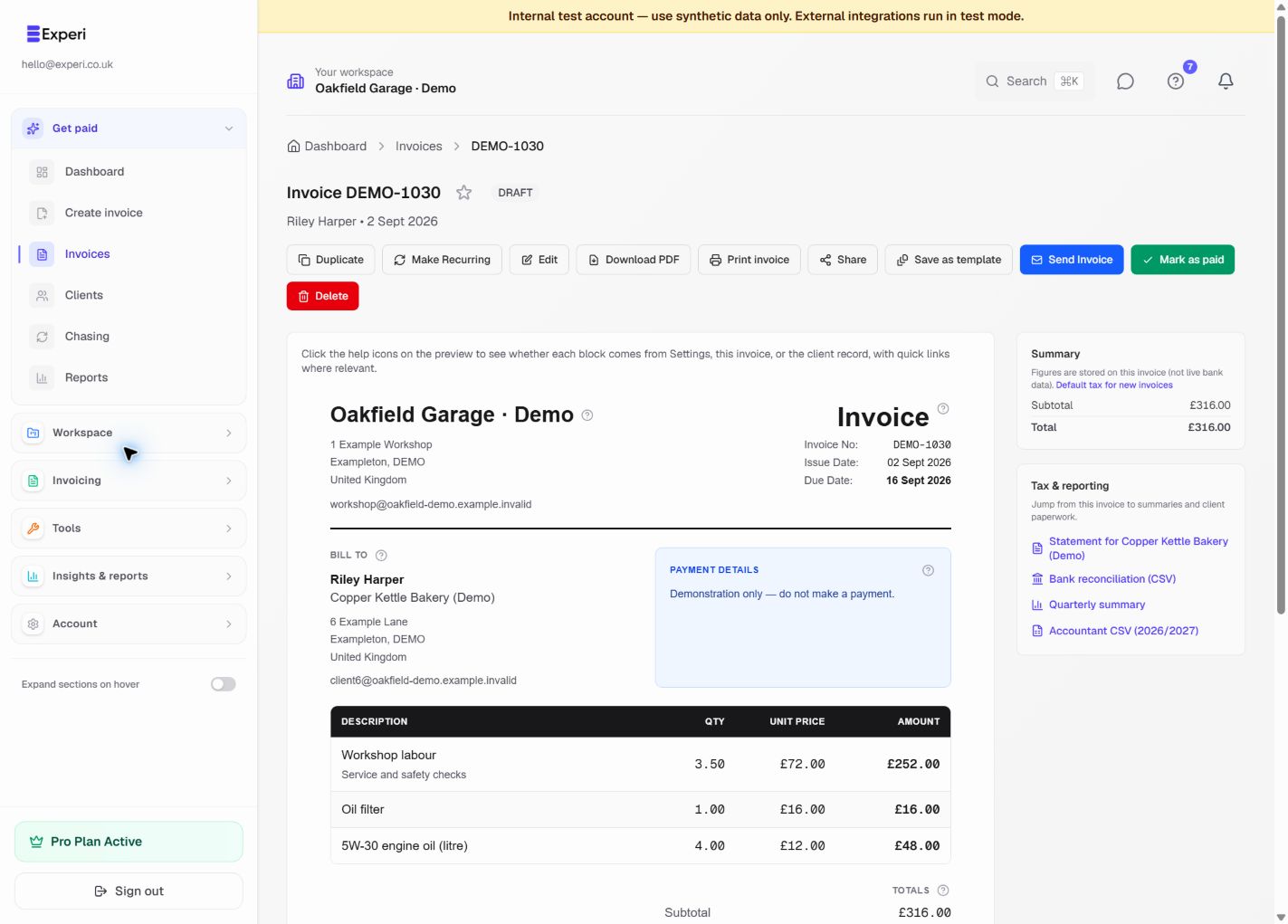
Review earlier deposit invoices or recorded payments and agreed changes before issuing a balance. Preview the invoice with the venue and event reference, then send it to the organiser.
Preselected, never automatically applied. Enter your own prices and review the client, dates and tax settings.
Before you invoice: Do not bill a deposit twice or rely on inventory service lines for ingredient usage. Keep sensitive guest dietary or allergy information out of invoice notes.
The tools behind this workflow
Explore the tools behind this workflow. Templates and inventory are free capabilities; document allowances apply. Time tracking, recurring invoices and automated chasing require Pro.
Perfect For
Frequently Asked Questions
Can I price catering per guest?
Yes. Use the agreed guest count as the quantity and your per-person price. Keep fixed charges such as delivery on separate lines.
Does Inventory manage recipes or food ingredients?
No. Saved catering services are reusable invoice lines, not recipes. Operational stock items and manual adjustments do not replace food stock, allergens or kitchen management.
Can I use the template for a final event invoice?
Yes, after checking previous invoices and recorded payments. The standard template does not automatically subtract a deposit; use the appropriate supported invoice workflow and verify the amount due before issuing.
Get Back to the Work You Love
Spend less time on invoicing and more time doing what you're great at.
No credit card required • Start invoicing in under 60 seconds