

Turn Technical Work into Understandable Charges
A small-business IT project includes an assessment, migration work and handover support. The client needs deliverables and a project reference, not a list of server credentials or an unqualified promise that every system is secure.
Why Choose Experi?
Describe the agreed outcome
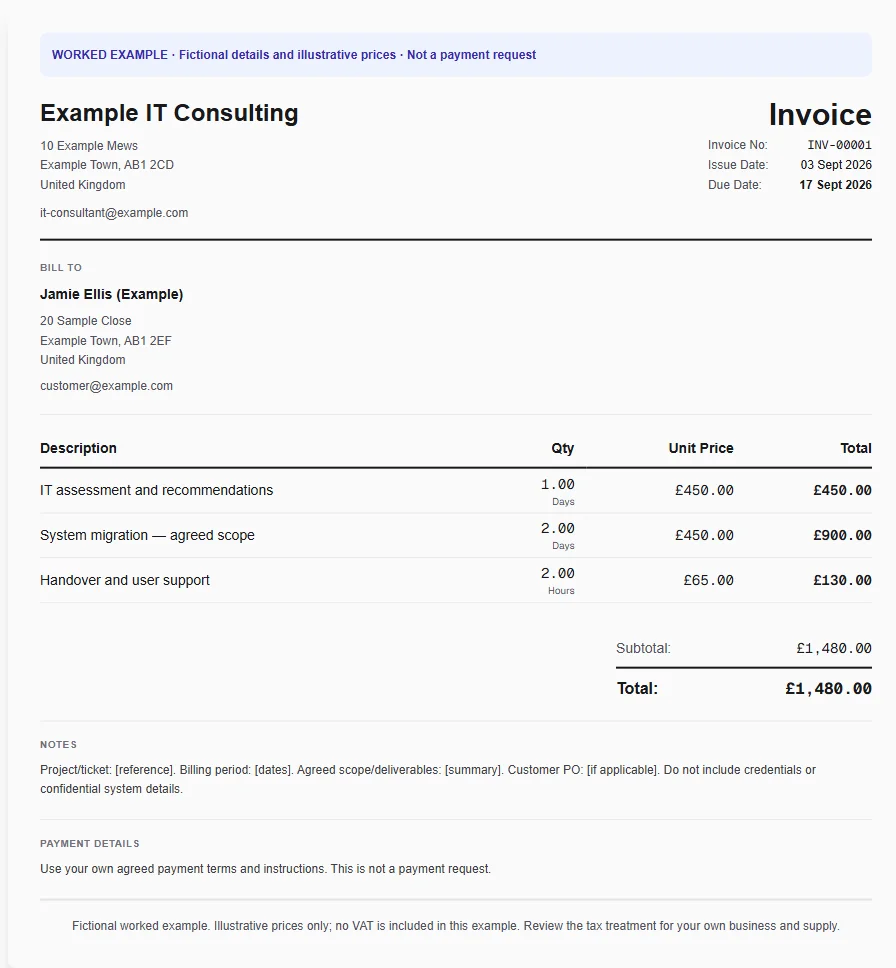
Select the IT consulting template and rename each line to the deliverable in the statement of work. Use the agreed days, hours or fixed milestone amount and include the project or ticket reference for approval.
Check time and pass-through costs
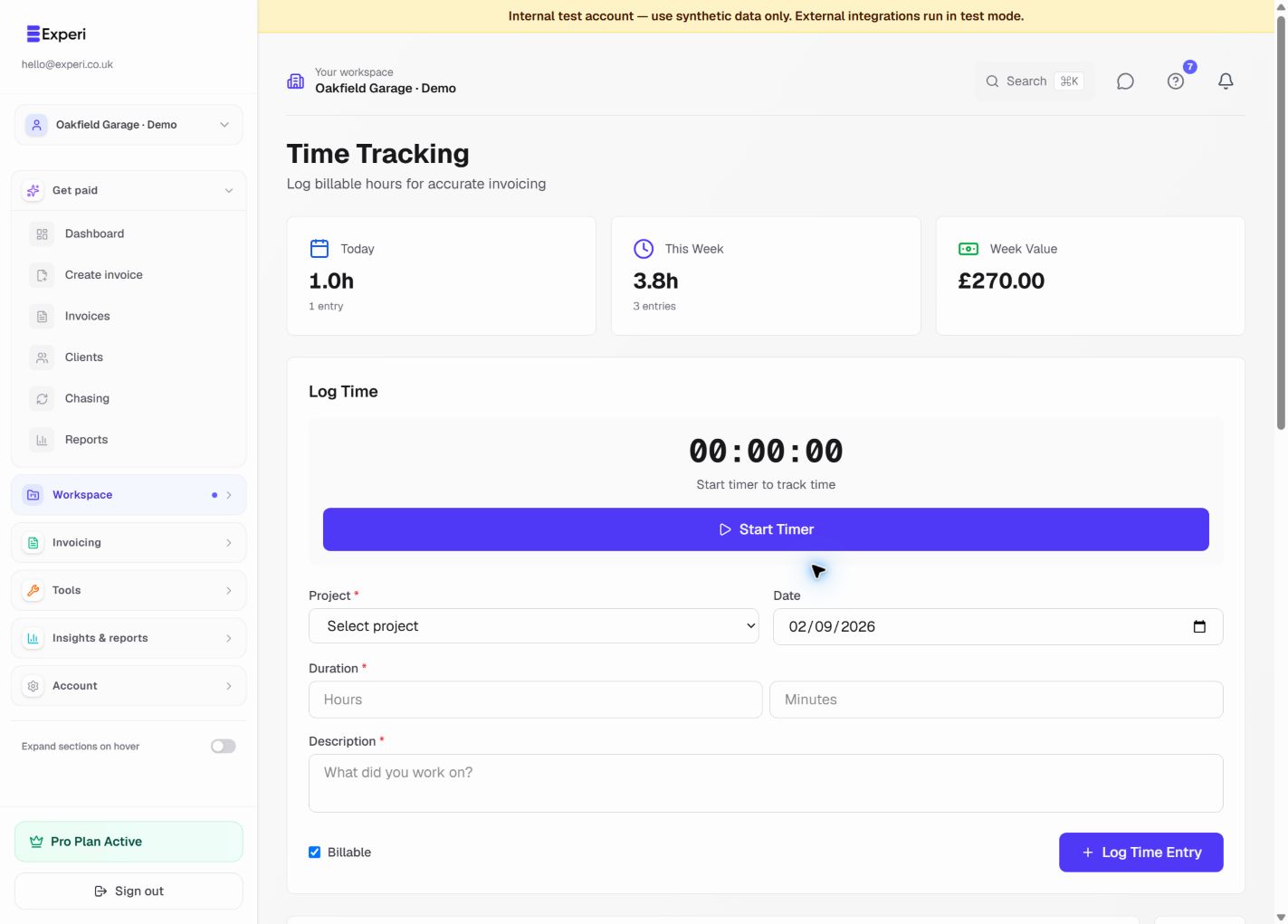
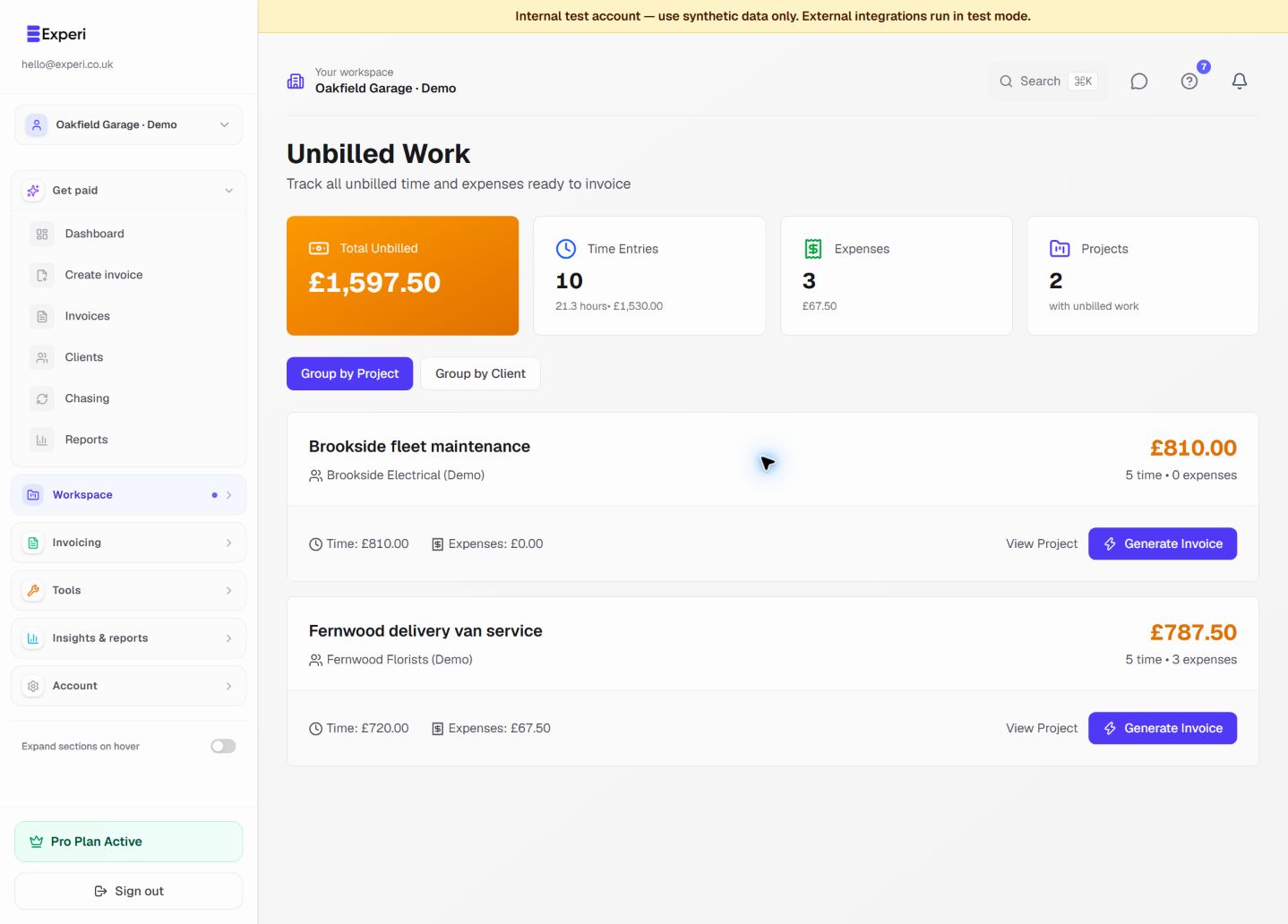
Review tracked time and unbilled work before adding template quantities. Keep separately supplied equipment and licence charges distinct, and do not rebill a subscription that the customer has already purchased directly from the vendor.
Send a client-readable summary
Use plain descriptions and a billing period so the client can understand the charge without opening a technical ticket. Preview the invoice, remove confidential system information and save the reusable services for future work.
From job to customer invoice
An invoice workflow for it consultants and support providers
A small-business IT project includes an assessment, migration work and handover support. The client needs deliverables and a project reference, not a list of server credentials or an unqualified promise that every system is secure.
Describe the agreed outcome
Select the IT consulting template and rename each line to the deliverable in the statement of work. Use the agreed days, hours or fixed milestone amount and include the project or ticket reference for approval.
Check time and pass-through costs
Review tracked time and unbilled work before adding template quantities. Keep separately supplied equipment and licence charges distinct, and do not rebill a subscription that the customer has already purchased directly from the vendor.
Send a client-readable summary
Use plain descriptions and a billing period so the client can understand the charge without opening a technical ticket. Preview the invoice, remove confidential system information and save the reusable services for future work.
Preselected, never automatically applied. Enter your own prices and review the client, dates and tax settings.
Before you invoice: Keep passwords, IP addresses, recovery codes and security findings out of customer invoices and saved templates. Experi is not a helpdesk, licence-provisioning tool or managed-device platform.
The tools behind this workflow
Explore the tools behind this workflow. Templates and inventory are free capabilities; document allowances apply. Time tracking, recurring invoices and automated chasing require Pro.
Perfect For
Key Features
Frequently Asked Questions
Can I invoice a support retainer and project work separately?
Yes. Give the retainer its covered period and scope, then add only approved work outside that allowance. Saved templates and services are free capabilities; time tracking and recurring invoicing require Pro.
Which features are available on Free?
Curated and saved templates, operational inventory and invoice printing are available on Free and Pro. Free has document allowances; check Pricing for current limits. Time tracking, recurring invoicing and automated chasing require Pro.
Get Back to the Work You Love
Spend less time on invoicing and more time doing what you're great at.
No credit card required • Start invoicing in under 60 seconds