

Professional Billing Without Clinical Detail
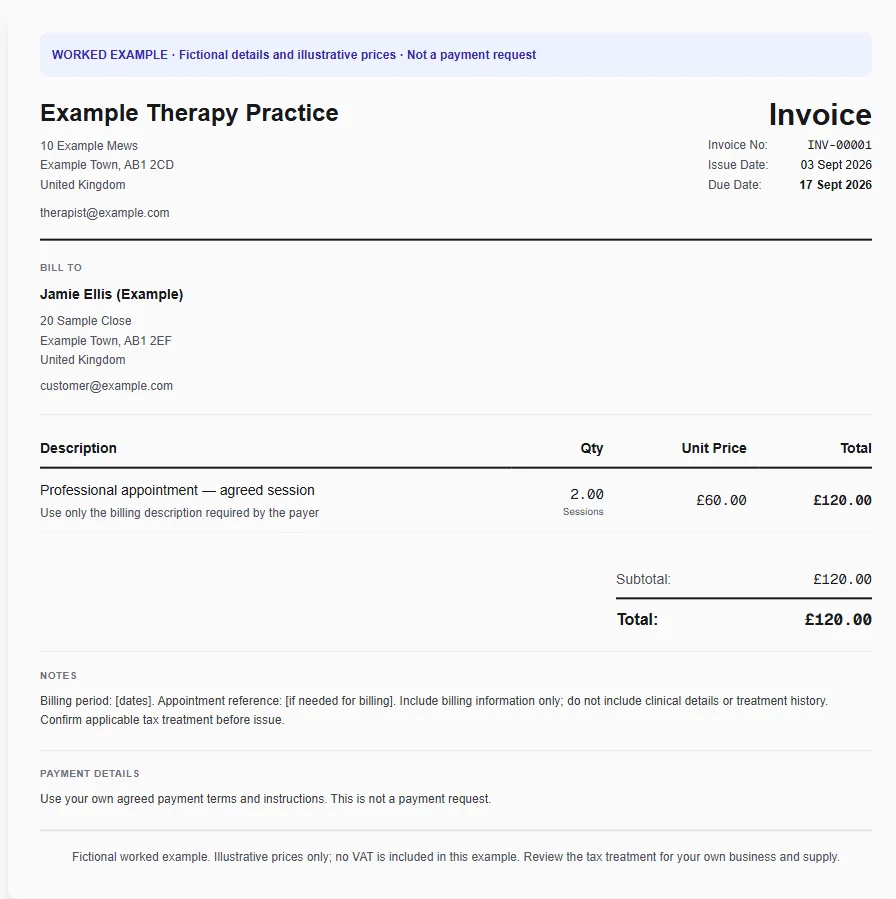
A client requests one invoice for two appointments in a month. A neutral service description and the necessary billing dates are enough to explain the charges without exposing the reason for treatment, a diagnosis or session notes.
Why Choose Experi?
Use a neutral description
Select the therapy template and keep the service description appropriate for billing. Add the session quantity and your agreed fee without including diagnoses, treatment details or sensitive personal history in line notes.
Check the payer and dates
Confirm whether the client or another agreed payer should receive the invoice. Include only the dates and references needed for billing, and review the tax treatment of your specific service rather than assuming every therapy service is exempt.
Review the customer copy
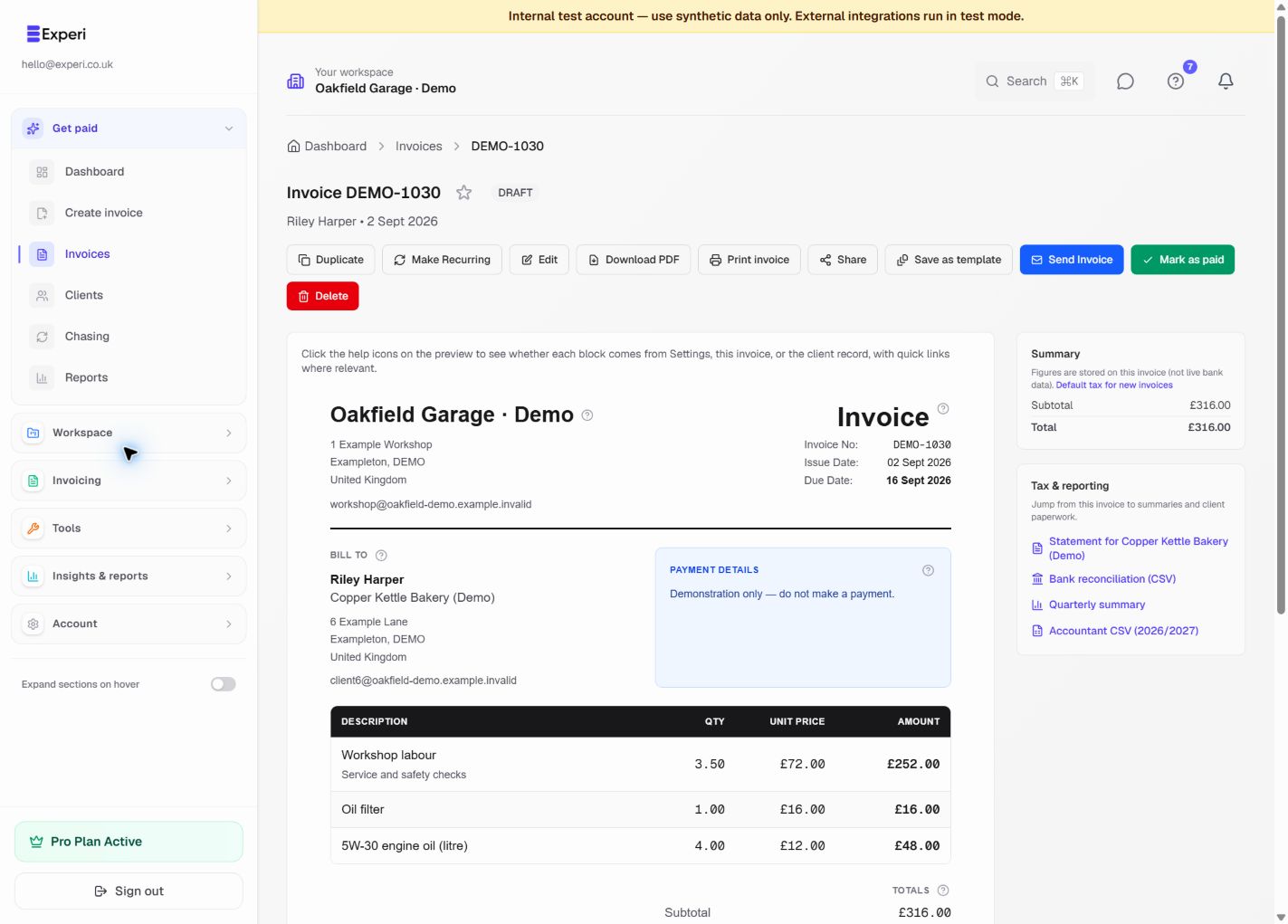
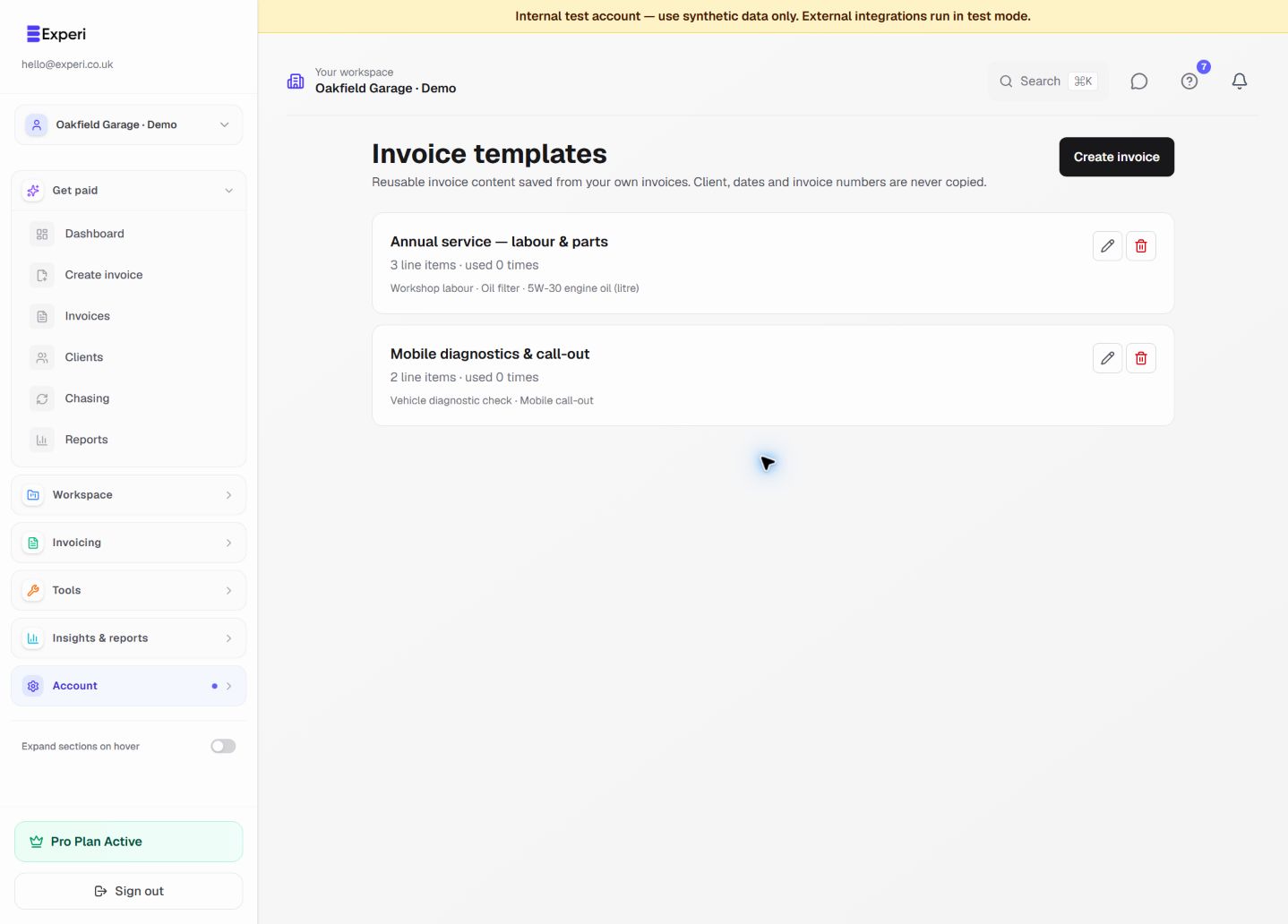
Preview the invoice before emailing or printing and remove clinical information. Save the neutral reusable structure for future billing, keeping clinical records in the appropriate separate system and recording payments only when actually received.
From job to customer invoice
An invoice workflow for therapists and counsellors
A client requests one invoice for two appointments in a month. A neutral service description and the necessary billing dates are enough to explain the charges without exposing the reason for treatment, a diagnosis or session notes.
Use a neutral description
Select the therapy template and keep the service description appropriate for billing. Add the session quantity and your agreed fee without including diagnoses, treatment details or sensitive personal history in line notes.
Check the payer and dates
Confirm whether the client or another agreed payer should receive the invoice. Include only the dates and references needed for billing, and review the tax treatment of your specific service rather than assuming every therapy service is exempt.
Review the customer copy
Preview the invoice before emailing or printing and remove clinical information. Save the neutral reusable structure for future billing, keeping clinical records in the appropriate separate system and recording payments only when actually received.
Preselected, never automatically applied. Enter your own prices and review the client, dates and tax settings.
Before you invoice: Experi is not a clinical-record or therapy booking system. Do not enter diagnoses, clinical notes or treatment history in invoices or saved templates. VAT exemption is not assumed; check the service and practitioner's eligibility separately.
The tools behind this workflow
Explore the tools behind this workflow. Templates and inventory are free capabilities; document allowances apply. Time tracking, recurring invoices and automated chasing require Pro.
Perfect For
Key Features
Frequently Asked Questions
Are therapy services automatically VAT exempt?
No. Treatment depends on the service and the practitioner's eligibility; this template does not decide it. Review HMRC's healthcare guidance and your circumstances before setting the invoice tax treatment.
Which features are available on Free?
Curated and saved templates, operational inventory and invoice printing are available on Free and Pro. Free has document allowances; check Pricing for current limits. Time tracking, recurring invoicing and automated chasing require Pro.
Get Back to the Work You Love
Spend less time on invoicing and more time doing what you're great at.
No credit card required • Start invoicing in under 60 seconds