

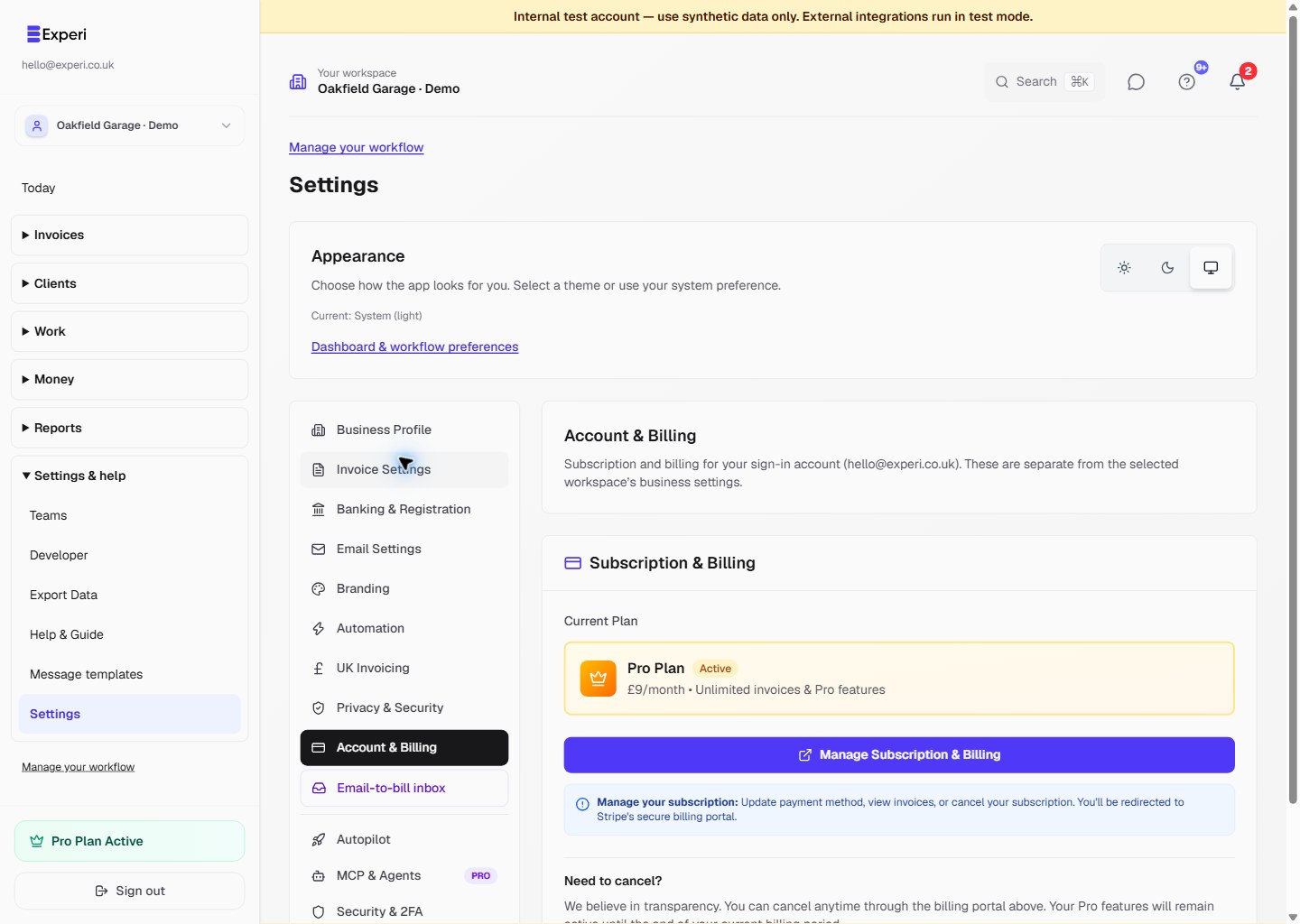
Open Settings → Account & Billing and check the sign-in email shown there. Manage subscription opens the Stripe billing portal for your own account, not the owner of a different selected workspace.
The portal provides the available subscription controls, such as billing receipts, payment-method updates and cancellation. Never share a billing-portal session link.
Business features follow the selected business owner's plan. If that business needs Pro, ask its owner to manage their own subscription; buying Pro for a different member's personal account does not upgrade the owner's business.
Pro costs £9 per month. Experi is not VAT-registered and does not charge VAT. Financials, Other Sales, Email-to-Bill and team creation do not require separate Experi add-ons. External payment-provider fees are separate.
Cancelling paid Pro stops renewal; access continues until the end of the paid period. After Pro ends, data is retained, Free limits and Pro restrictions apply, and owners can still open existing teams and revoke member access. Cancellation is not account deletion.