

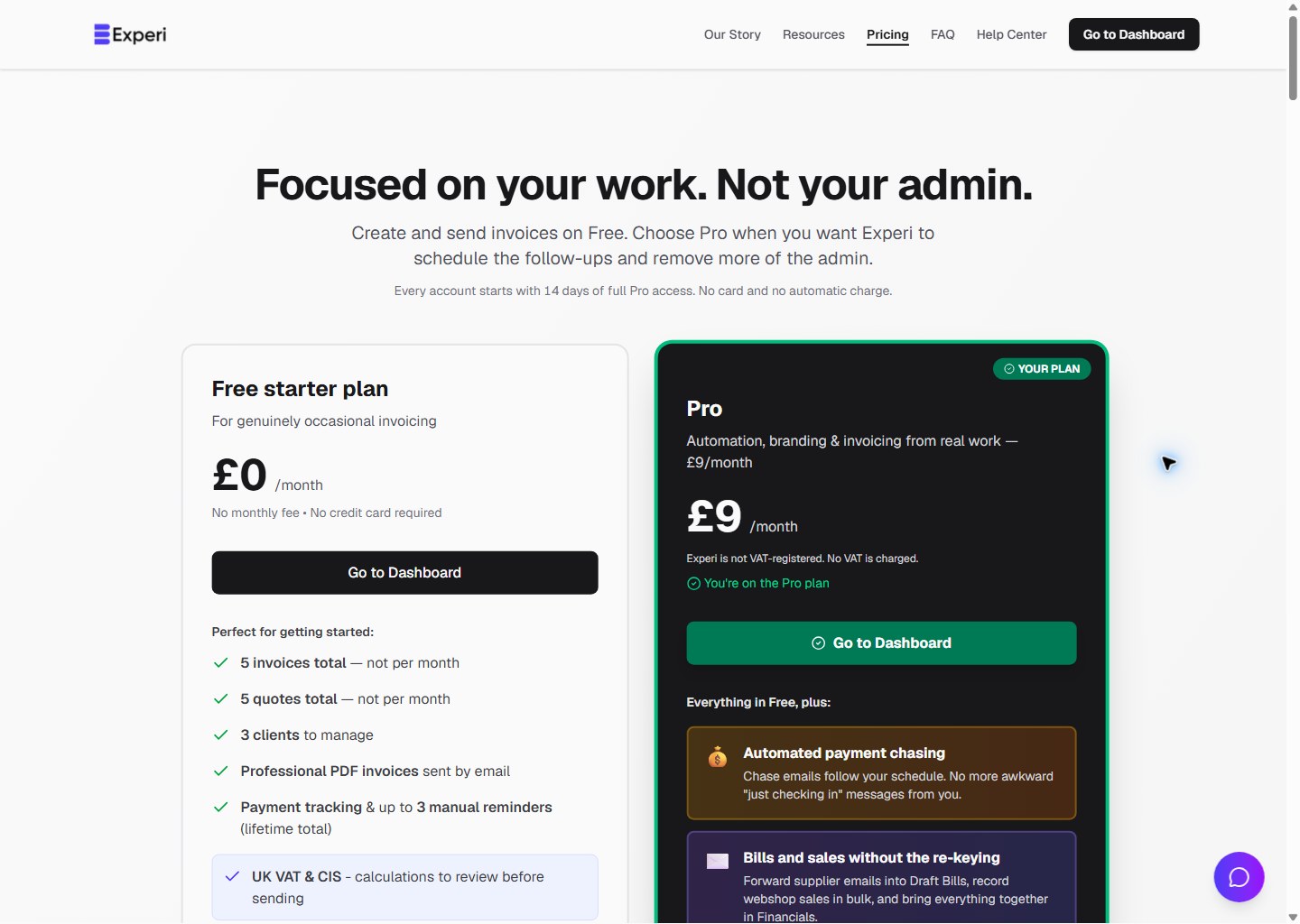
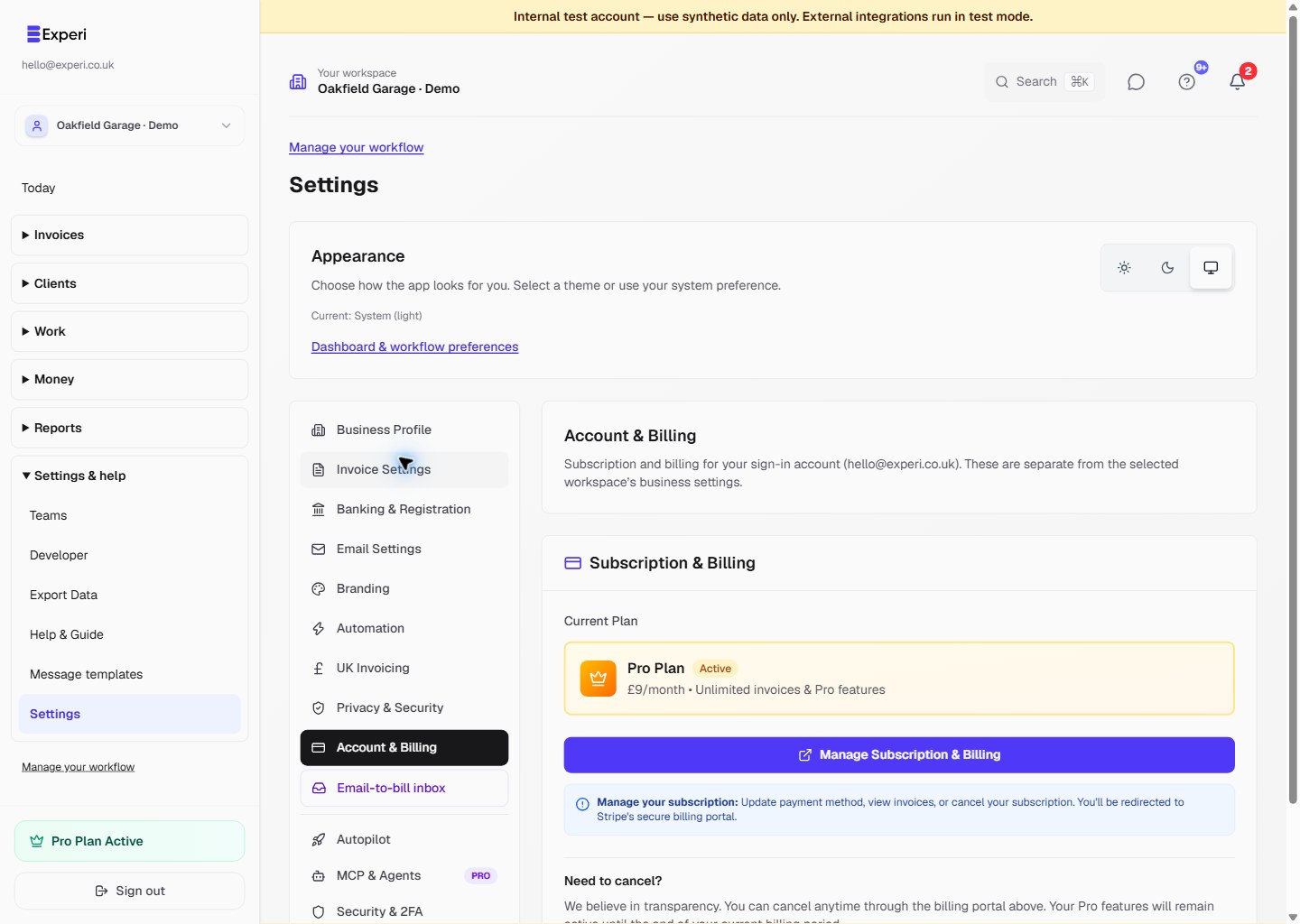
Open Settings → Account & Billing or Upgrade, review the £9/month Pro subscription and complete Stripe Checkout. Check which account is signed in before paying.
The subscription belongs to that signed-in account. In a team workspace, business features use the owner's plan. Buying Pro on a colleague's personal account does not upgrade a different owner's business; ask the business owner to manage their own subscription.
After Stripe confirms payment, refresh to see the new access. Pro includes team creation, automated chasing, recurring invoices, projects, tracked work, Bills, Email-to-Bill, Other Sales and Financials. Normal roles, sending approval and feature availability checks still apply.
If checkout completed but the business still shows Free, do not subscribe again. Check the account email and billing portal, then contact hello@experi.co.uk if needed. Do not share card details or billing session links.
Invoice templates, inventory and printing are available on Free as well, within Free invoice limits. See Free vs Pro.