

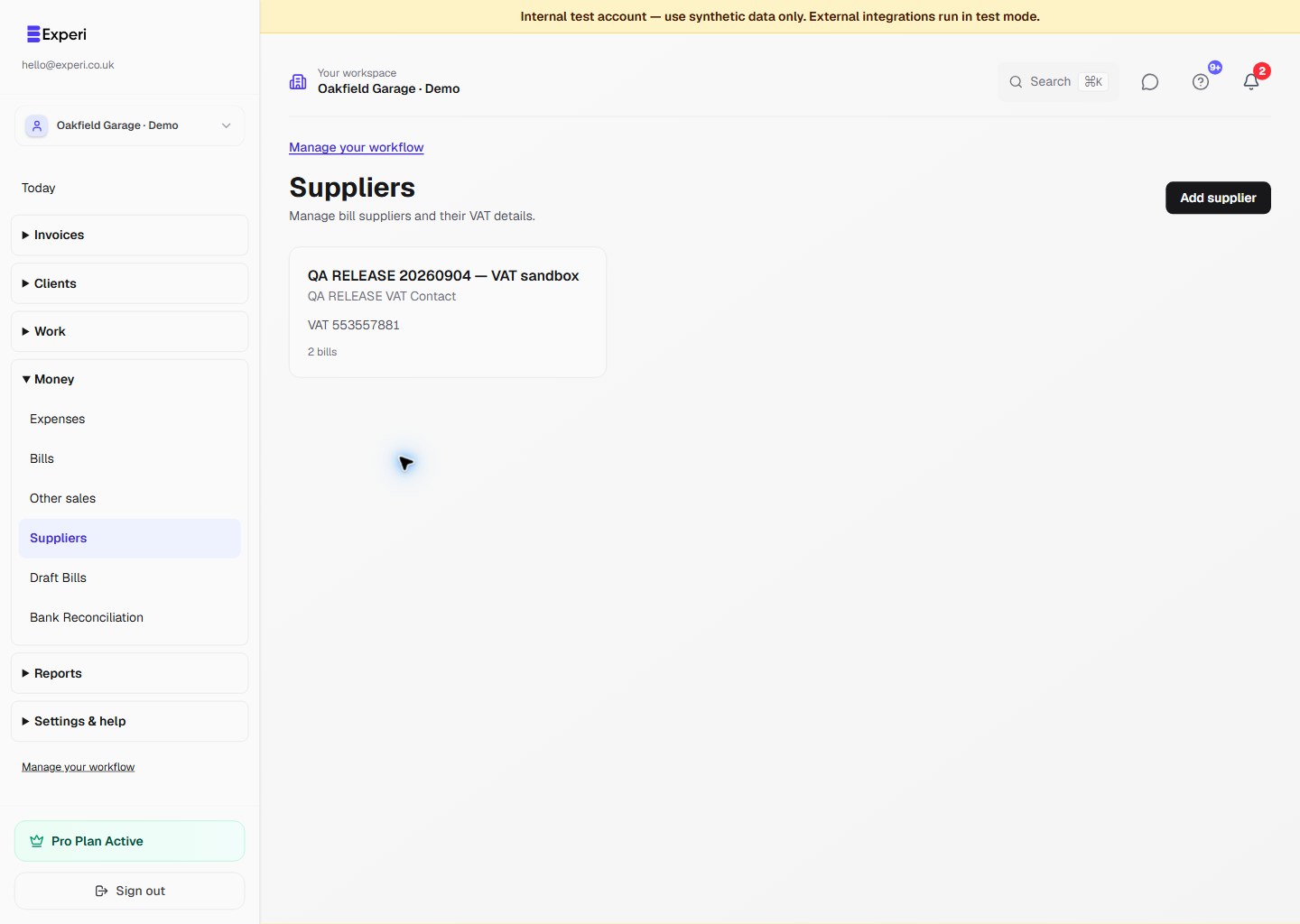
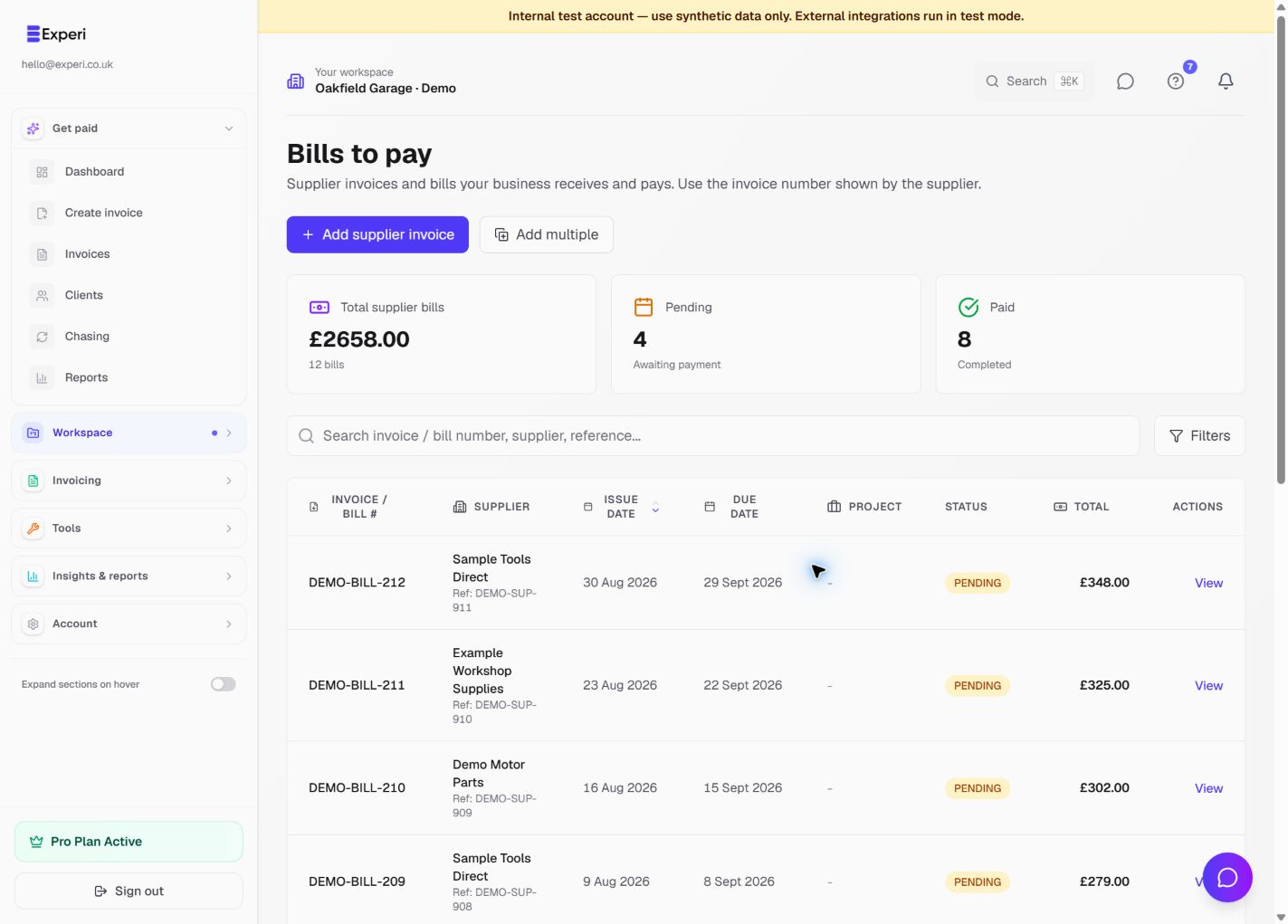
Open Workspace → Bills. Choose Add supplier invoice for one bill or Add multiple when several invoices share supplier details, currency or tax defaults.
Review the supplier's invoice number, issue and due dates, description, category, currency, subtotal, VAT and total. Link a project only when the cost belongs to that client job.
Payment status and paid date
Mark a bill paid when money actually leaves the business. Enter the real paid date and payment method. To correct a paid bill, open it, choose Edit bill, and update its payment details. Revert to pending removes the paid status when the bill has not actually been settled.
Adding several from one supplier
Use Add multiple, set shared defaults, add a row for each supplier invoice, and review every invoice number, date and amount before saving. Each row becomes its own Bill so reporting and payment status remain traceable.