

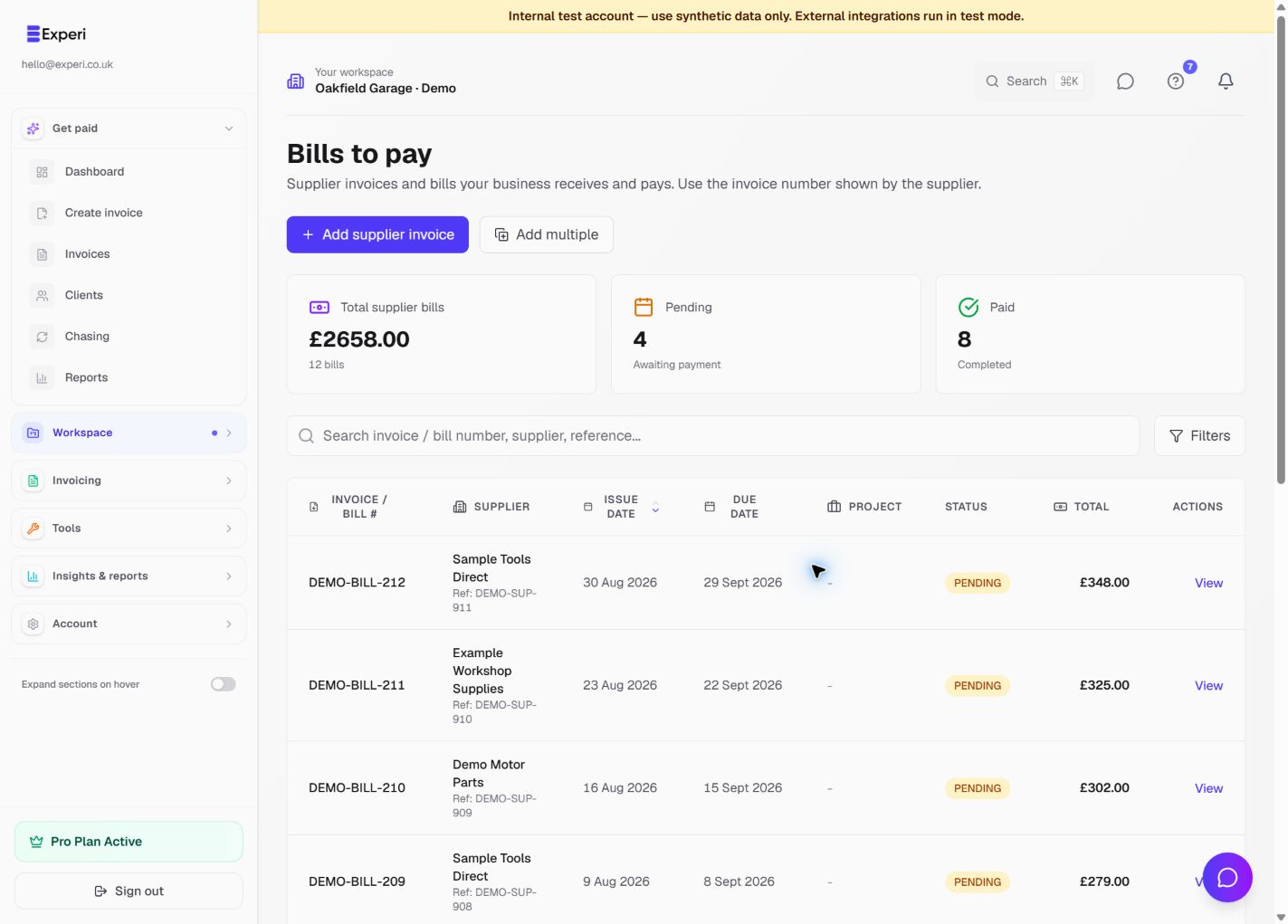
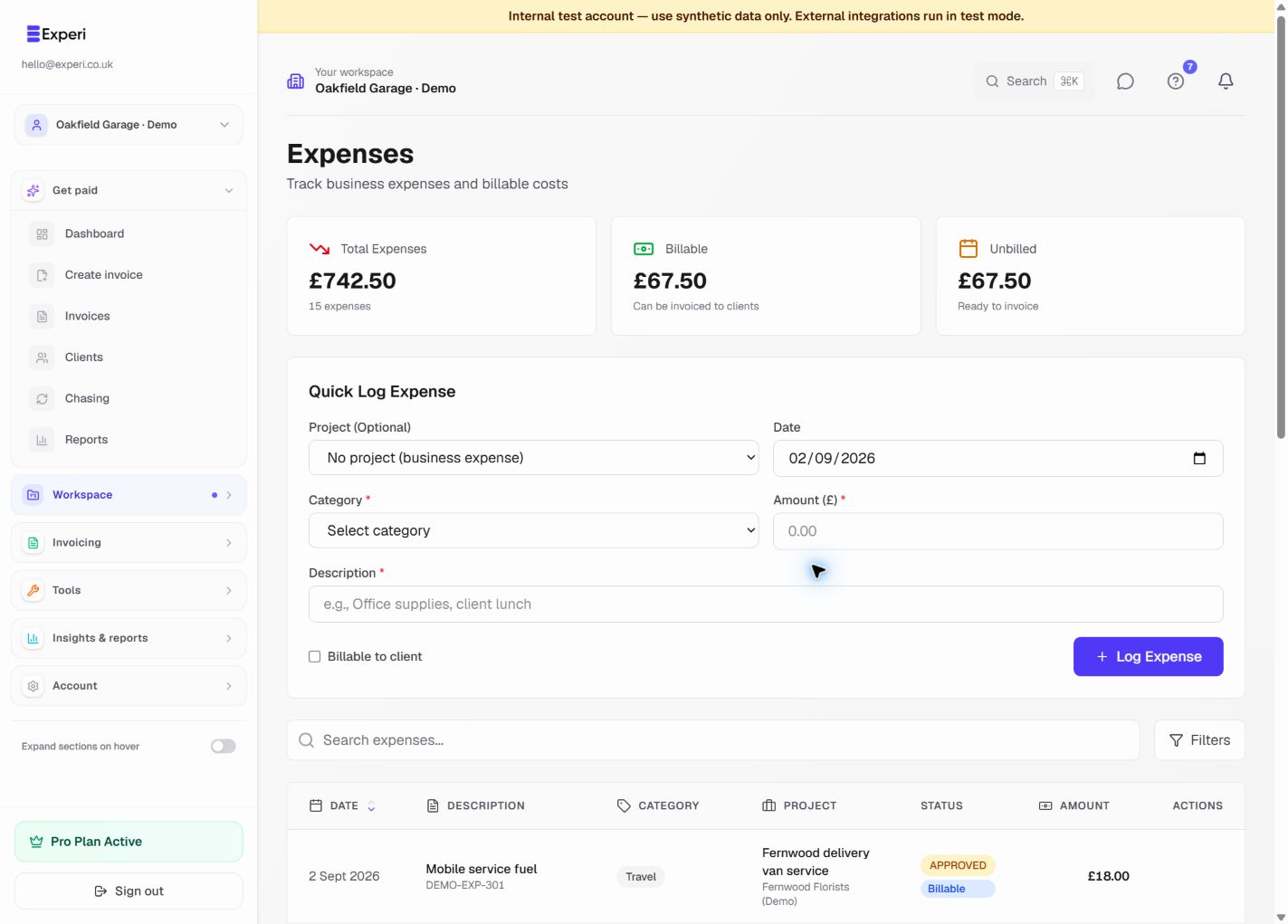
In Experi, a sales invoice is money a client owes your business. A bill (supplier invoice or purchase invoice) is money your business owes a supplier.
Use Bills to pay when you receive a supplier invoice with an invoice number, issue date, due date and total. Use Expenses for other business costs you need to record or recharge to a project.
Avoid duplicates
Record a cost once. If a supplier invoice is already under Bills, do not create a second Expense for the same purchase. Financials includes both sources and deliberately keeps their original records authoritative.
The Invoice number on a Bill should normally be the number printed by the supplier. Experi may generate a working number if none is provided, but a supplier reference makes reconciliation easier.
When a bill is paid, record the actual paid date and payment method. Correct the source bill if those facts change; use Financials only for management classification, business allocation or currency valuation.