

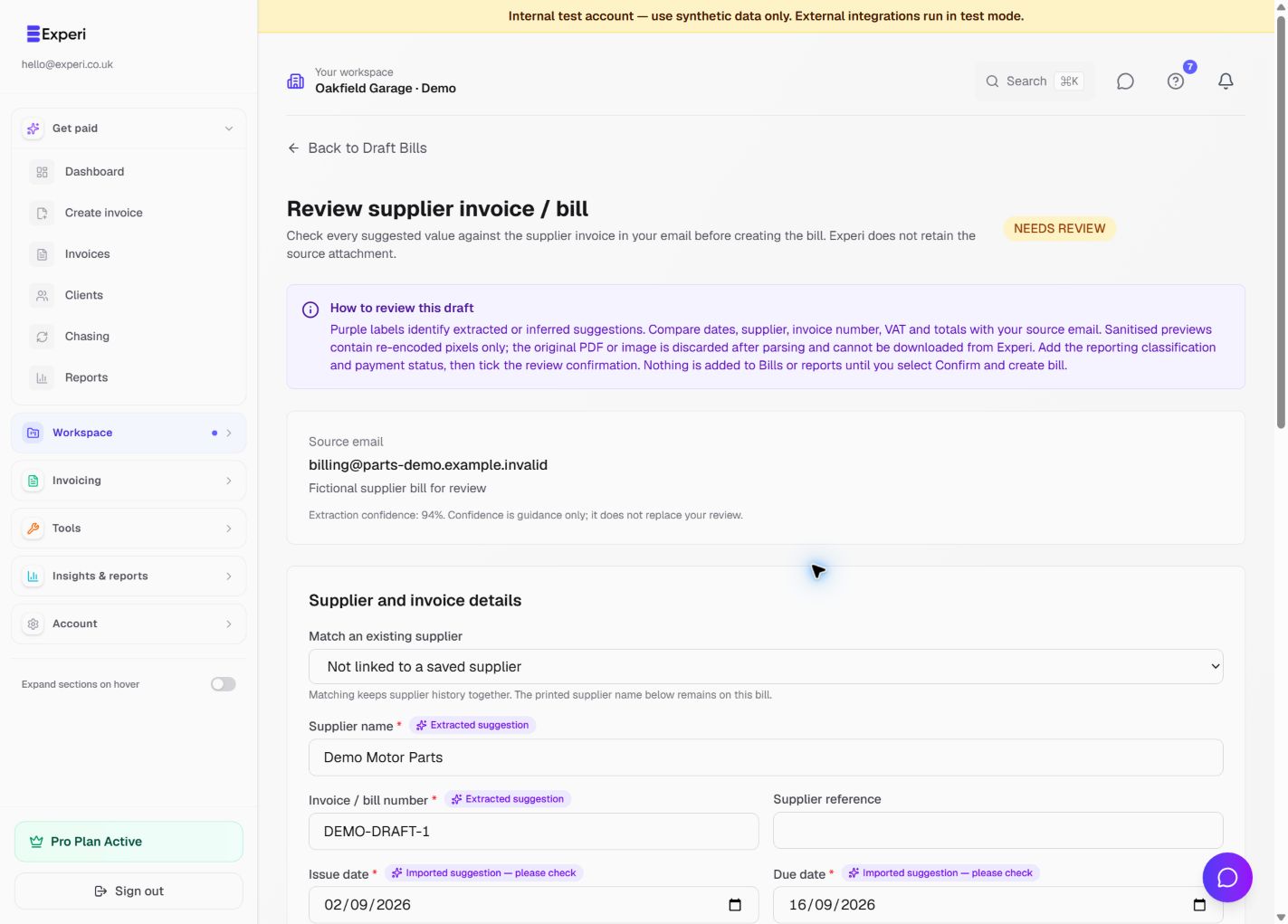
Email-to-Bill is an included Pro capability when it is enabled for your workspace. Your unique address appears under Settings → Automation → Email-to-bill and on Workspace → Draft Bills.
Forward a supplier invoice from a trusted sender to that exact address. Experi validates supported PDF, JPEG, PNG and WebP attachments, extracts text and values in an isolated, resource-limited process, and discards the original attachment. Sanitised previews may be shown for review, but the original file is not offered for download.
Always review the draft
Parsing is a suggestion, not approval. Check or complete:
- supplier and supplier invoice number;
- issue date, due date and any inferred dates;
- subtotal, VAT and total;
- currency and exchange information;
- description, category, tax treatment and VAT handling;
- optional project;
- payment status, method and paid date.
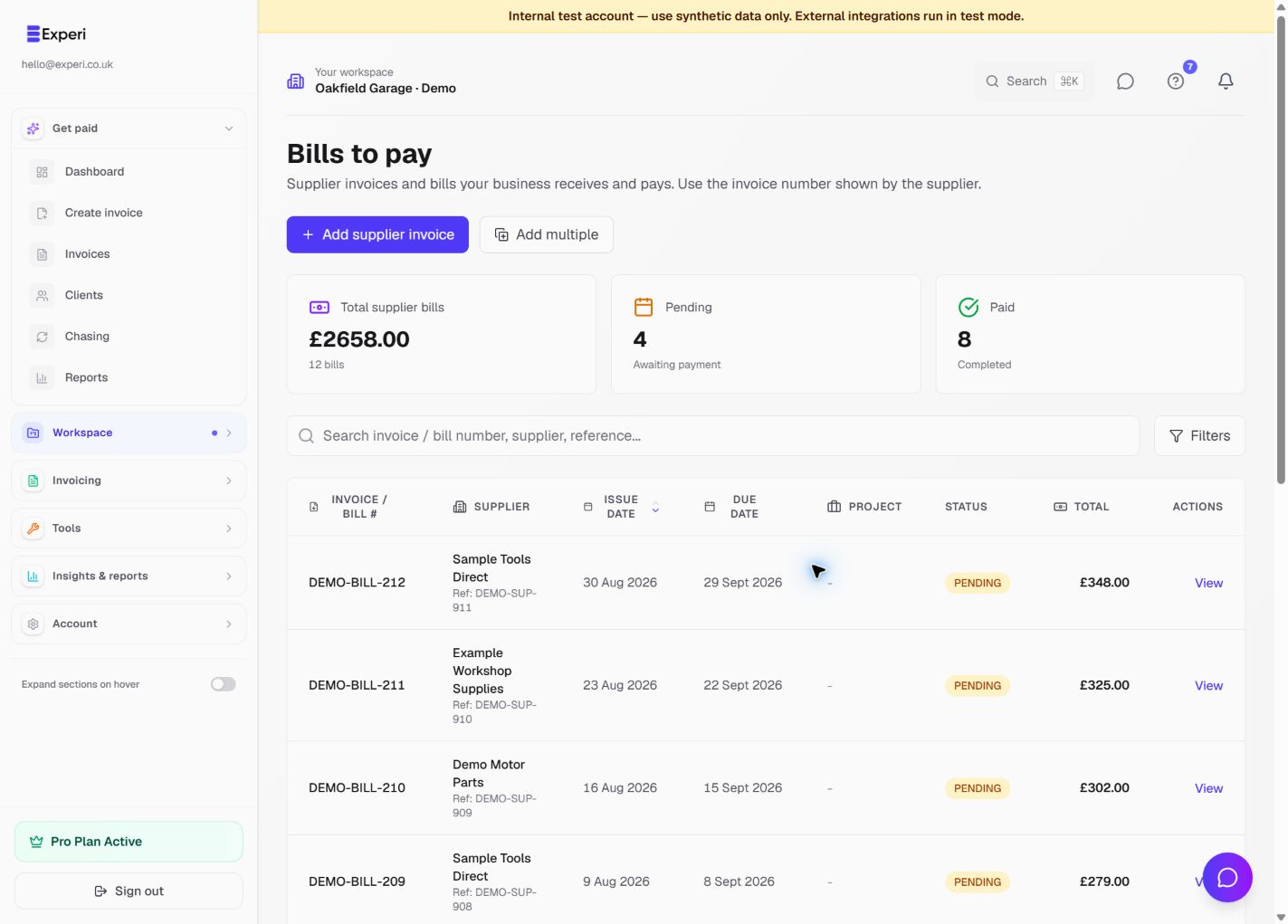
Confirm only after the fields match the supplier invoice. Confirmation creates the Bill; the email draft itself is not included in financial reporting. Delete an unwanted draft from its review screen.
Unsupported, unreadable or suspicious files show a warning and are not silently turned into a Bill. Rotate the inbox address in Settings if it is exposed or receiving unwanted mail.