

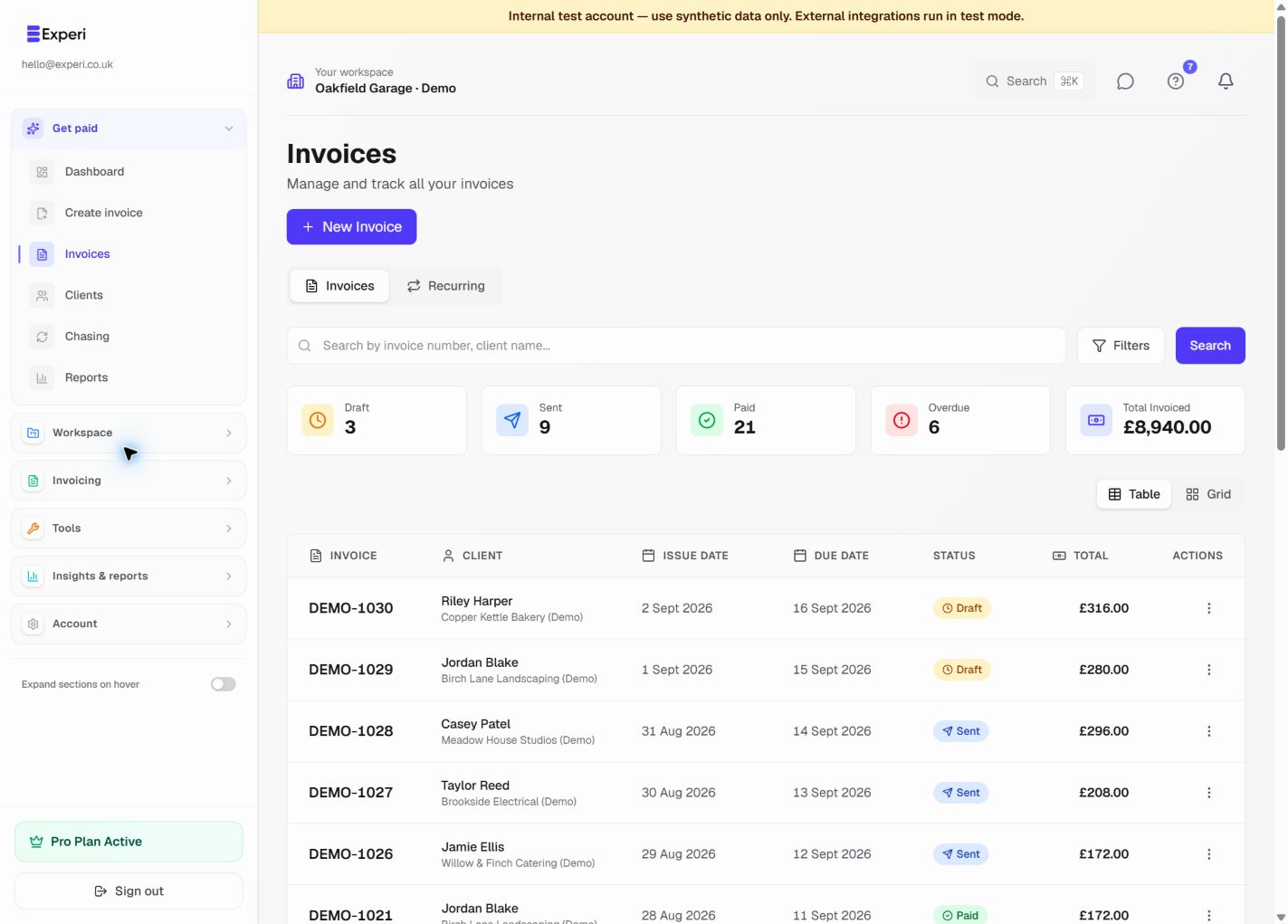
Every invoice has a status showing where it is in the payment lifecycle.
Draft
Not yet sent to client. Can be edited freely.
Sent
Sent to client, awaiting payment. Shows as "outstanding".
Paid
Payment received. Shows in revenue reports.
Overdue
Past due date, not paid. Good time to send reminder.
Void
Cancelled or invalid. Removed from reports but visible in history.