

The Modern Way to Invoice
Instead of creating invoices from scratch, generate them from real work.
How It Works
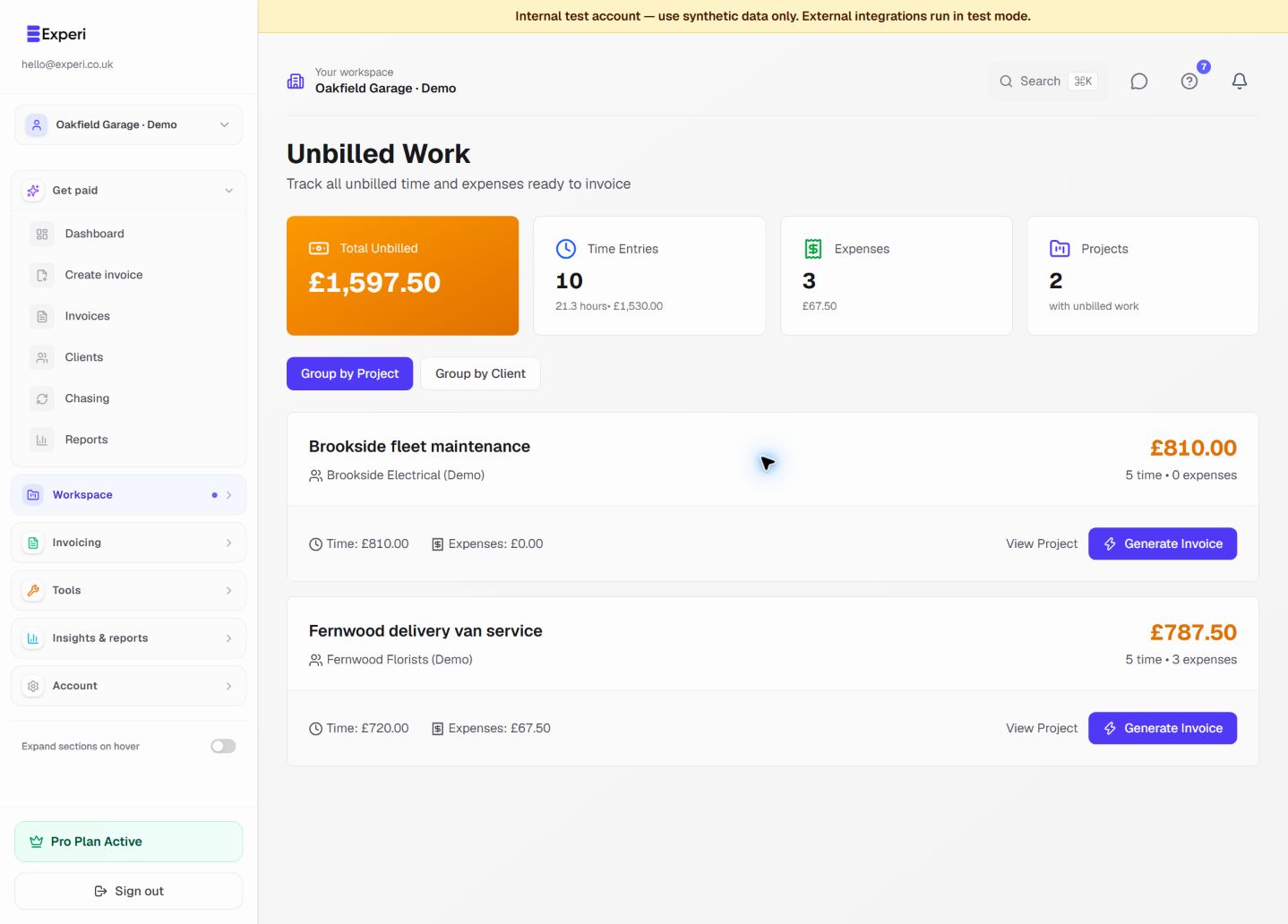
- Track time and log expenses on projects
- View unbilled work in Dashboard > Unbilled
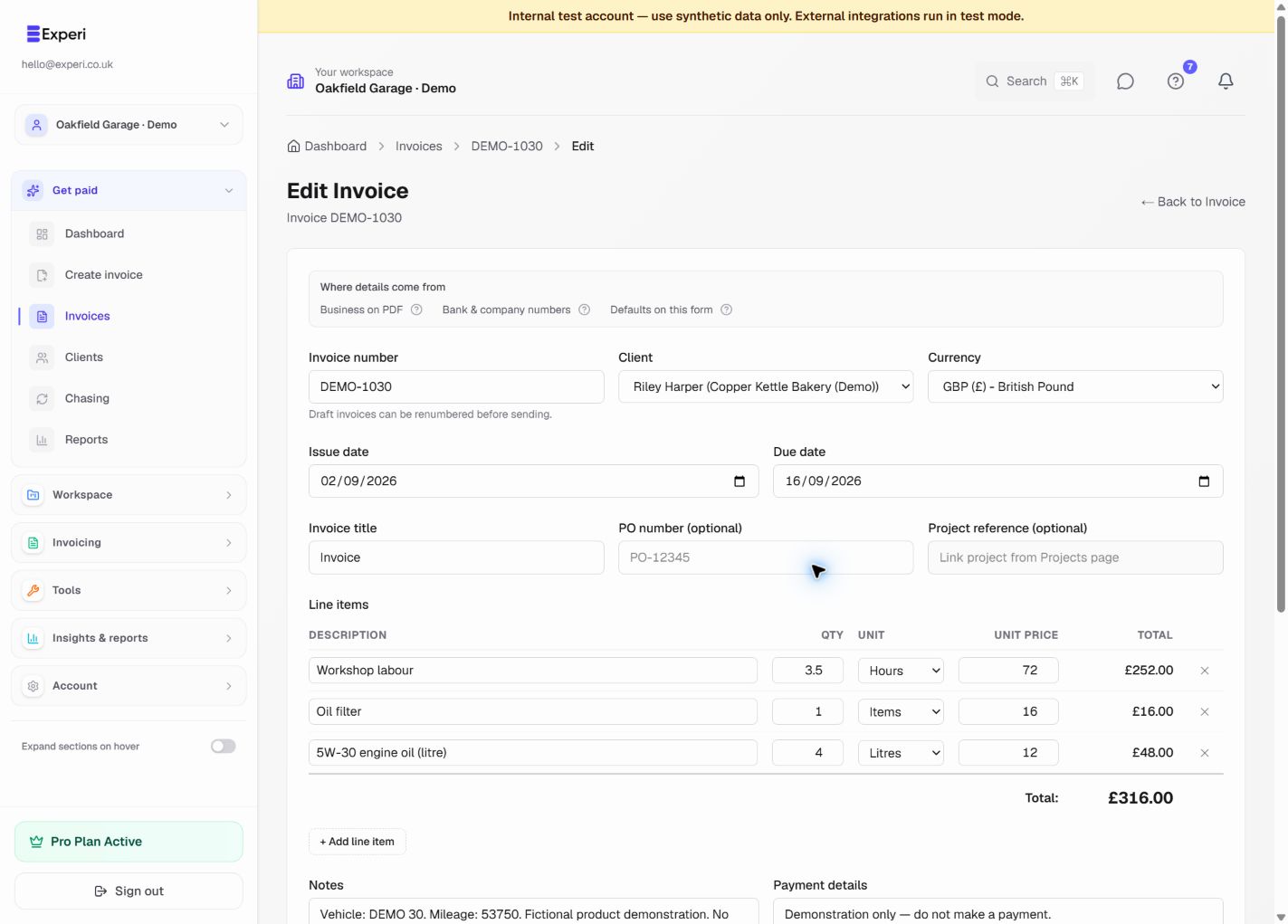
- Click "Generate Invoice" - automatically creates invoice with all unbilled items
- Review and send
Benefits
- Never forget billable hours
- Accurate time tracking
- Fast invoice creation (30 seconds vs 10 minutes)
- Transparent client breakdown
Best Practices
- Track time daily
- Use descriptive notes
- Invoice regularly (weekly or bi-weekly)
- Review before sending