

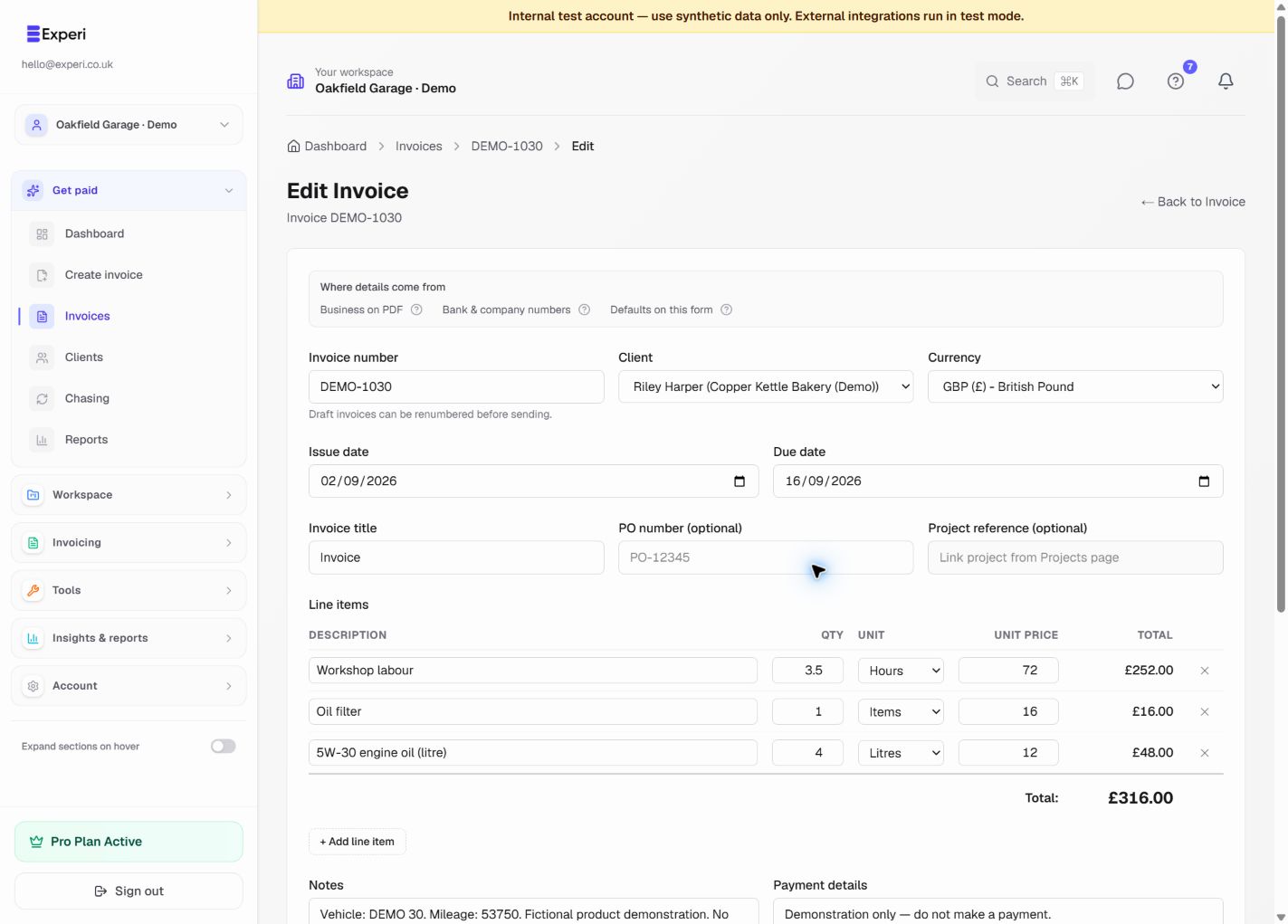
- Check the workspace name in the header. Select the right business before creating the invoice.
- Choose Create invoice or New Invoice, then select the client and dates.
- Add descriptions, quantities, units and prices. Blank invoice remains the default.
- Optionally apply an invoice template or use Add from inventory to recall your products and services.
- Review discounts, taxes, totals, notes and payment details. Replace any template placeholders and fill blank prices.
- Choose Create Invoice to save it. Creating a draft does not send an email or deduct stock.
- Open the invoice to send it, download its PDF or print a customer copy.
Email sending requires the selected business's sending access to be approved, as well as the other verification and delivery checks. A paid plan does not bypass those safeguards. Review any negative-stock warning before issuing linked products.
Free includes 5 invoices total, not per month. Templates, inventory and printing do not increase this allowance. Pro users can also create invoices from permitted tracked time and billable expenses in Unbilled Work.