

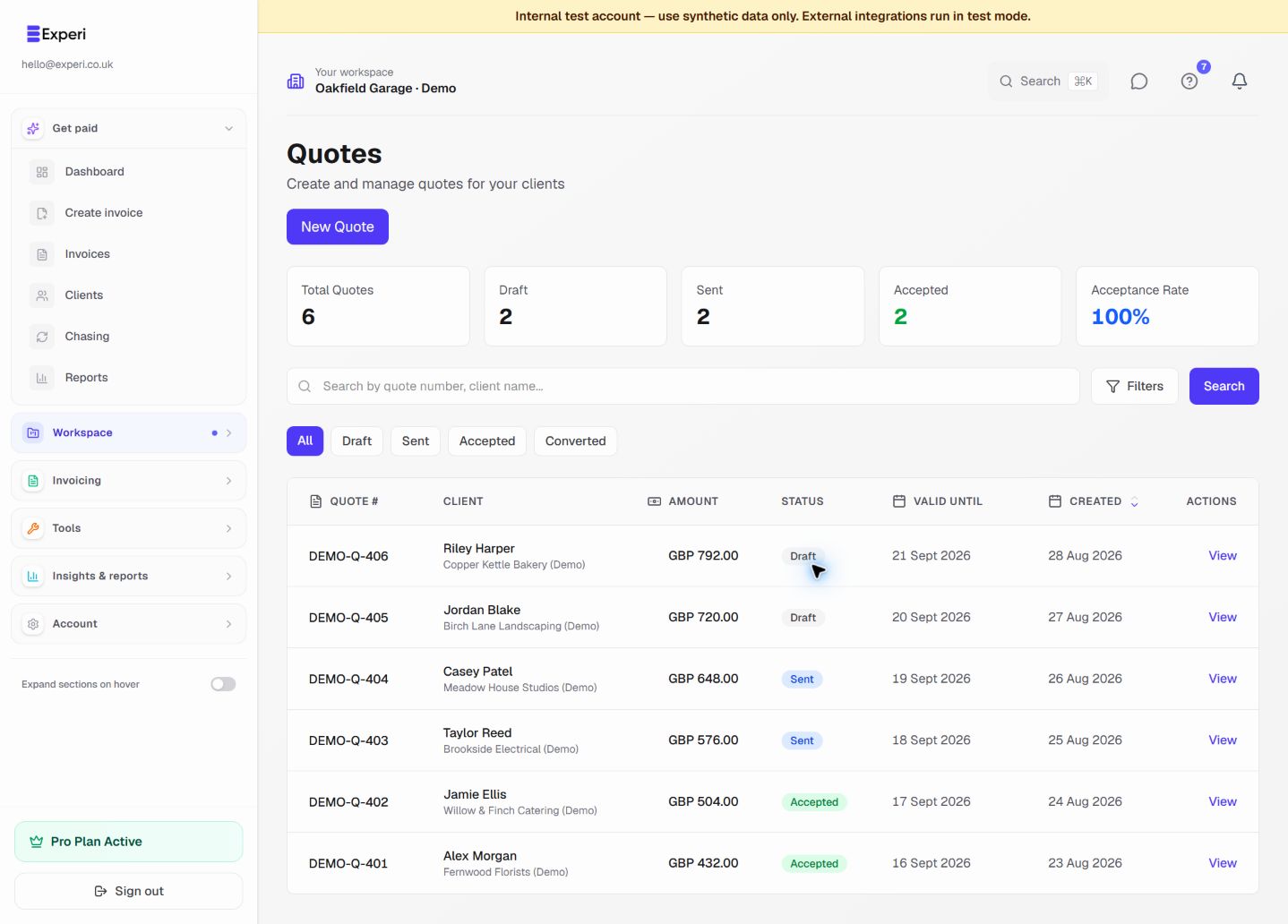
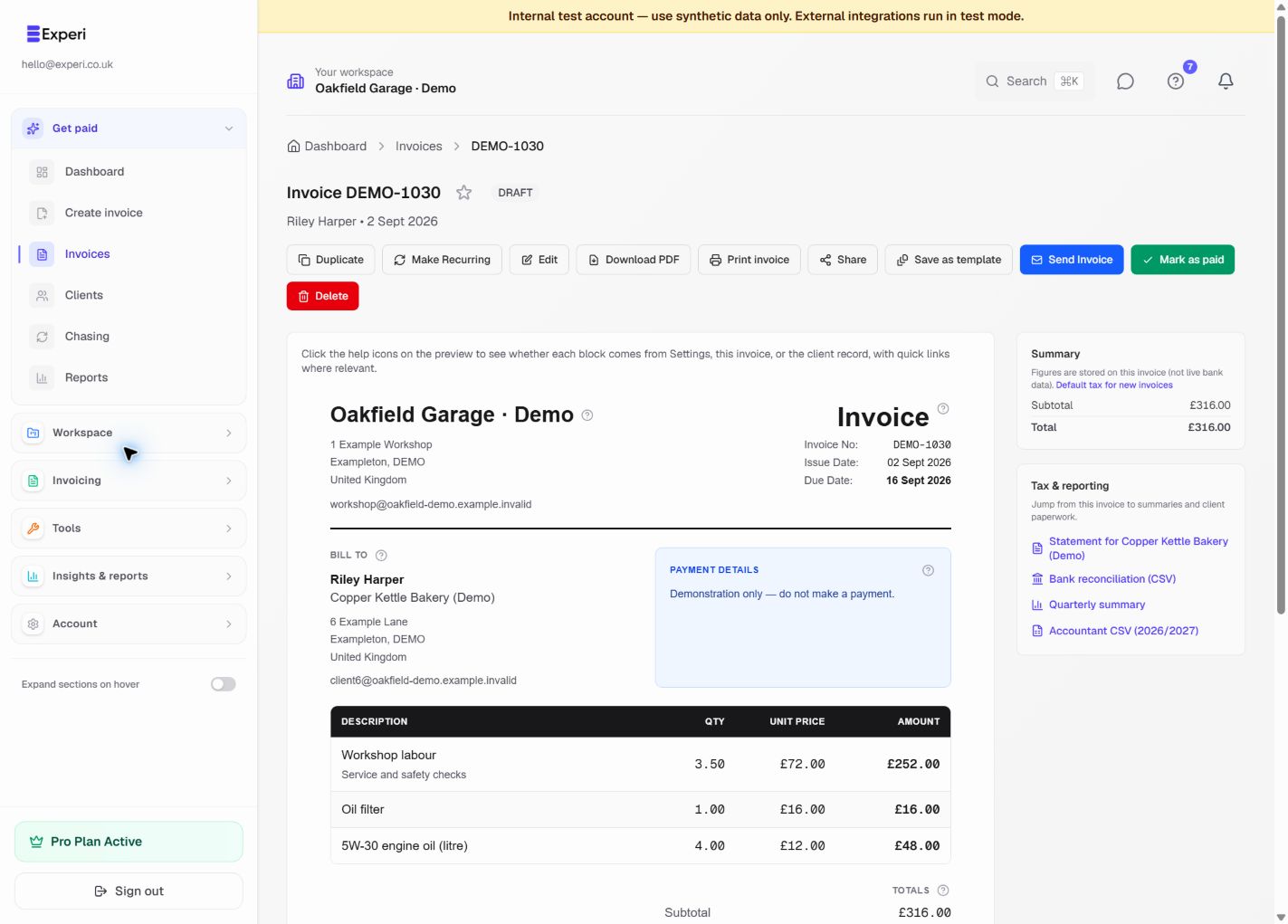
Seamlessly move from quote to invoice.
Option 1: Convert to Project
When quote is accepted:
- Click Convert to Project
- Project created with quote details
- Track time against project
- Generate invoice from tracked work
Best for: Time-based projects, ongoing work
Option 2: Direct to Invoice
For fixed-price work:
- Open accepted quote
- Click Convert to Invoice
- Invoice created with same line items
- Review and send
Best for: Fixed-price projects, one-time services
Quote vs Invoice Differences
Quotes:
- Estimates and proposals
- Can be accepted/rejected
- Have expiry dates
- Not payment requests
Invoices:
- Payment requests
- Based on completed work
- Have due dates
- Legally binding
Best Practice Workflow
- Send quote
- Client accepts
- Convert to project
- Track time
- Complete work
- Generate invoice from tracked time
- Client pays
This ensures accurate billing based on actual work done.