

The reliable reusable starting point in the current quote workflow is Quote Settings. It is separate from saved invoice templates and service-agreement templates.
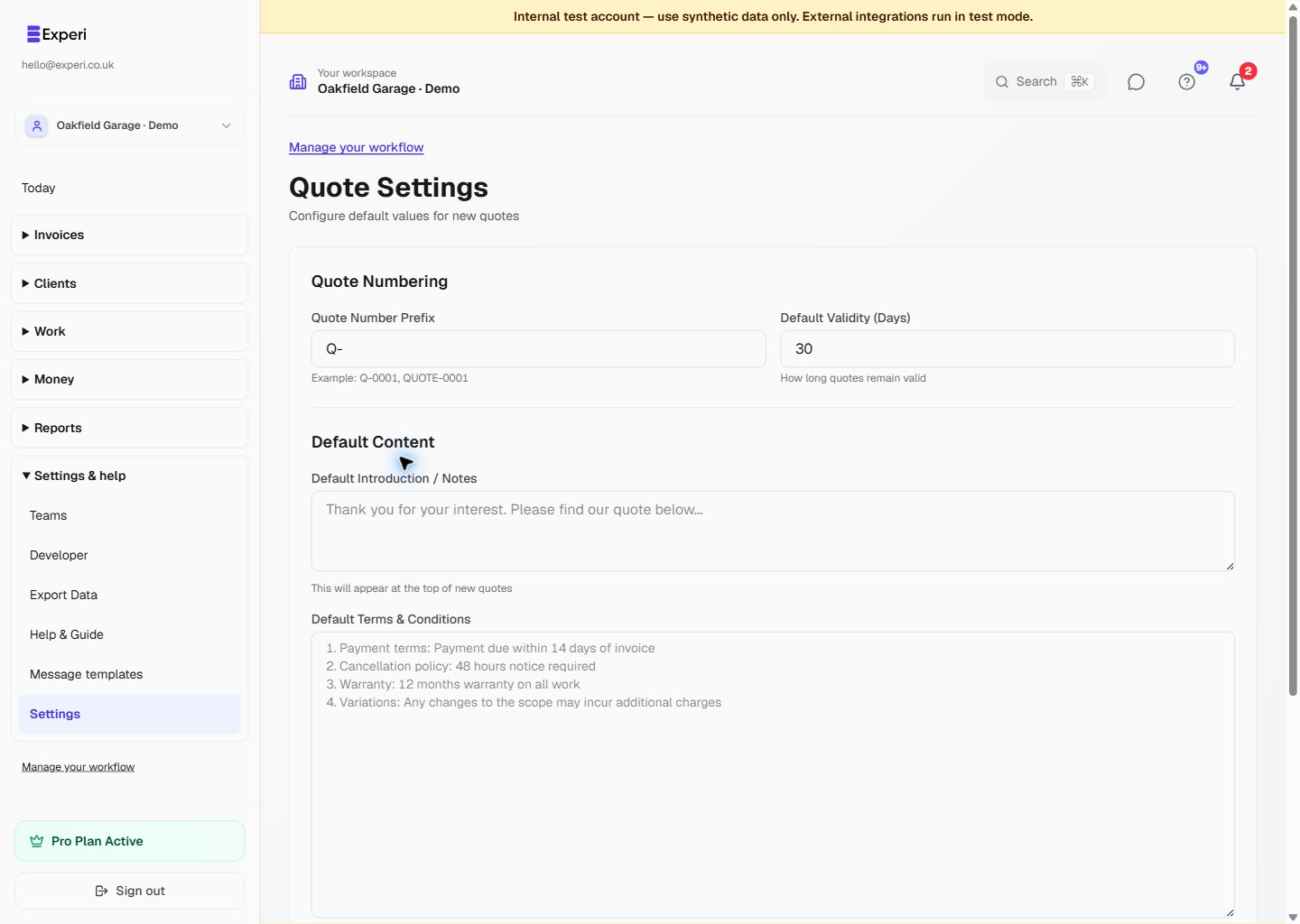
Follow the settings screenshot
Open Quote Settings in the intended workspace. Review:
- the quote-number prefix;
- default validity in days;
- introduction or notes;
- default terms and conditions;
- default deposit requirements.
Choose Save Settings when ready. Review the terms for your own work before reusing them.
Create the next quote
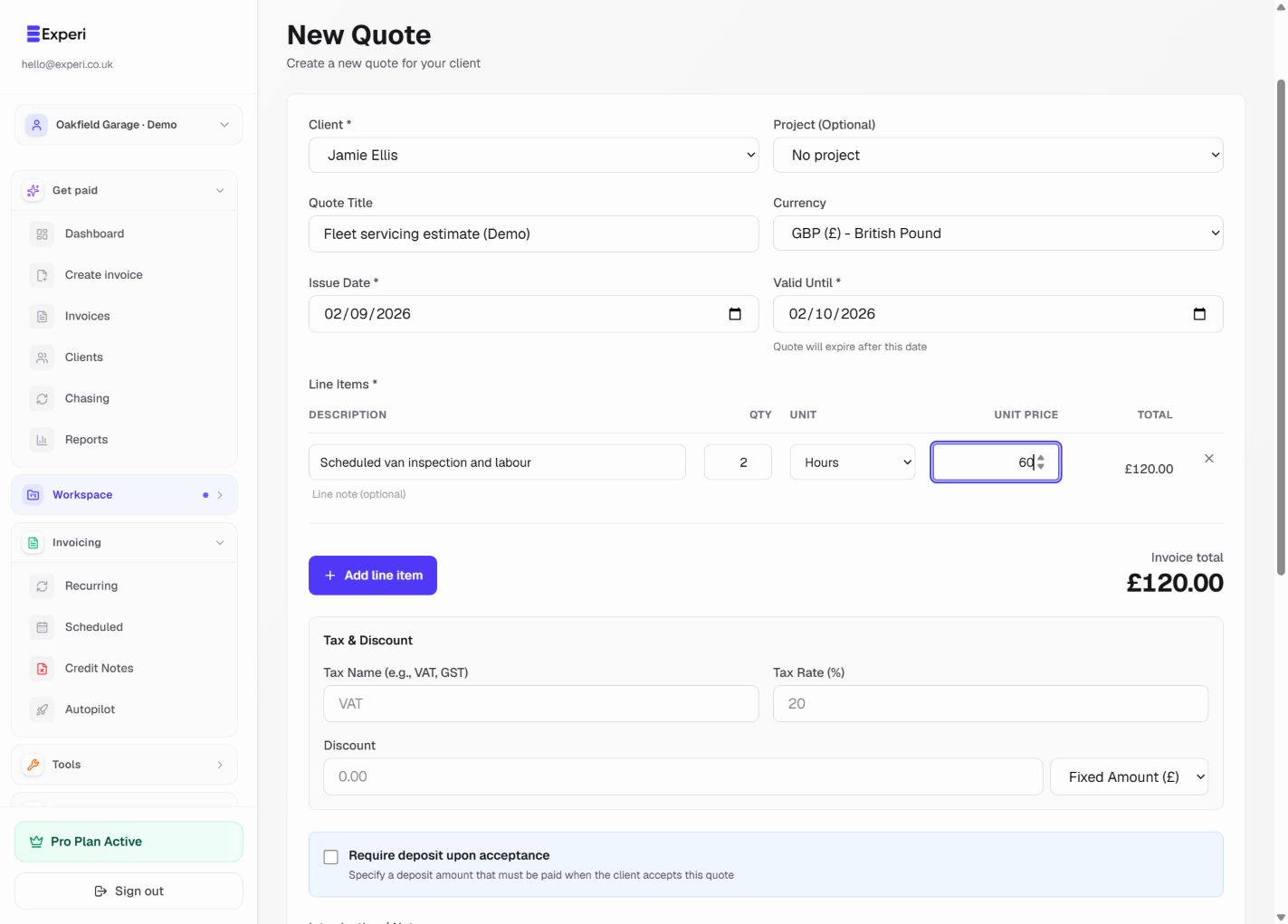
Open Quotes → New Quote. Review the prefilled wording and validity date, select the client, and enter the line items and prices for this job. Check the deposit and total before saving a draft.
Saved quote-template limitation
Older guidance described New Template and Use Template as a complete quote workflow. Dedicated saved quote-template creation and application are not currently wired end to end in the new-quote UI. Do not rely on those instructions or assume a template identifier has populated the form.
Use quote defaults for now and review every line. Saved invoice templates are a different, supported feature.