

Export your workspace data
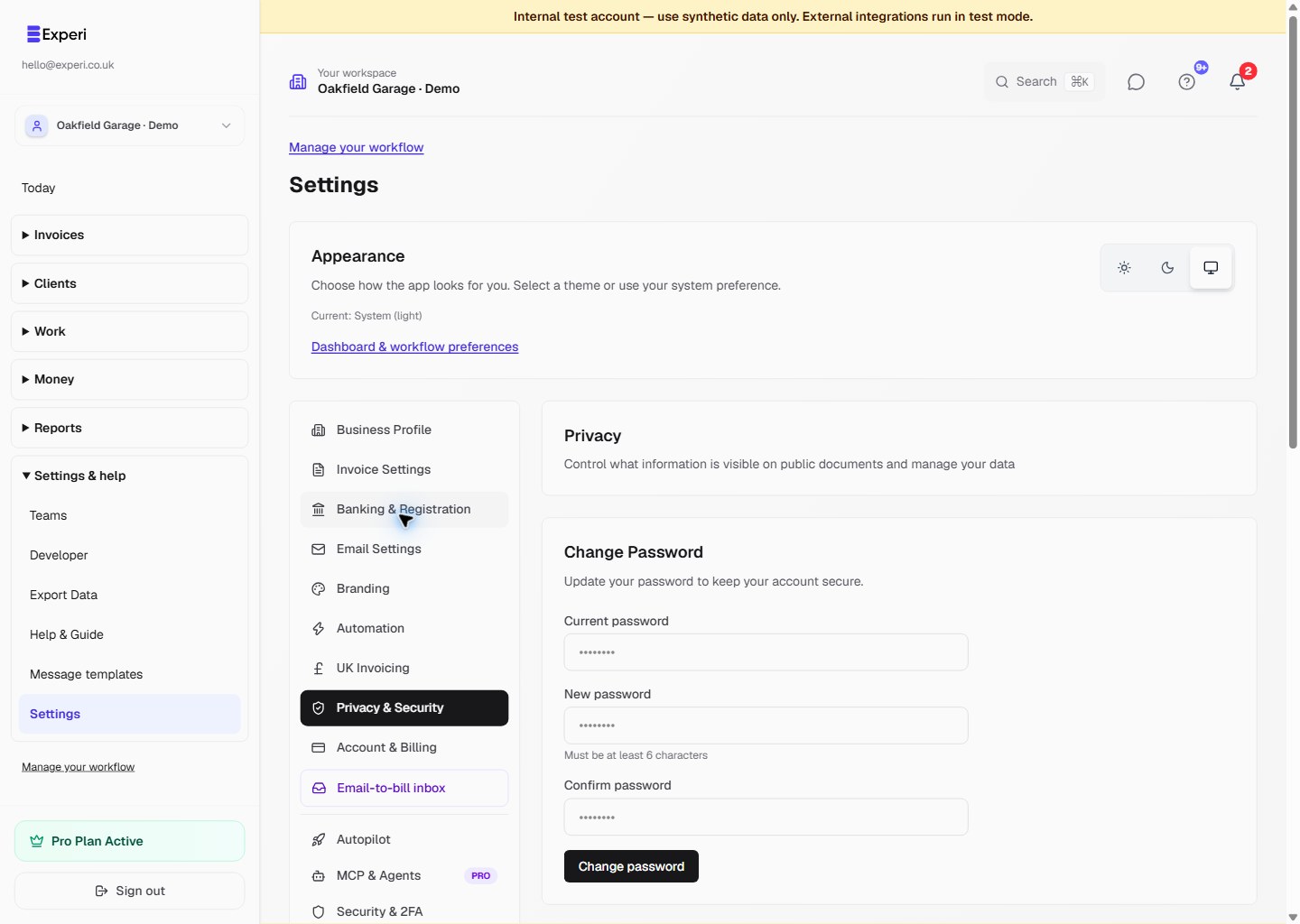
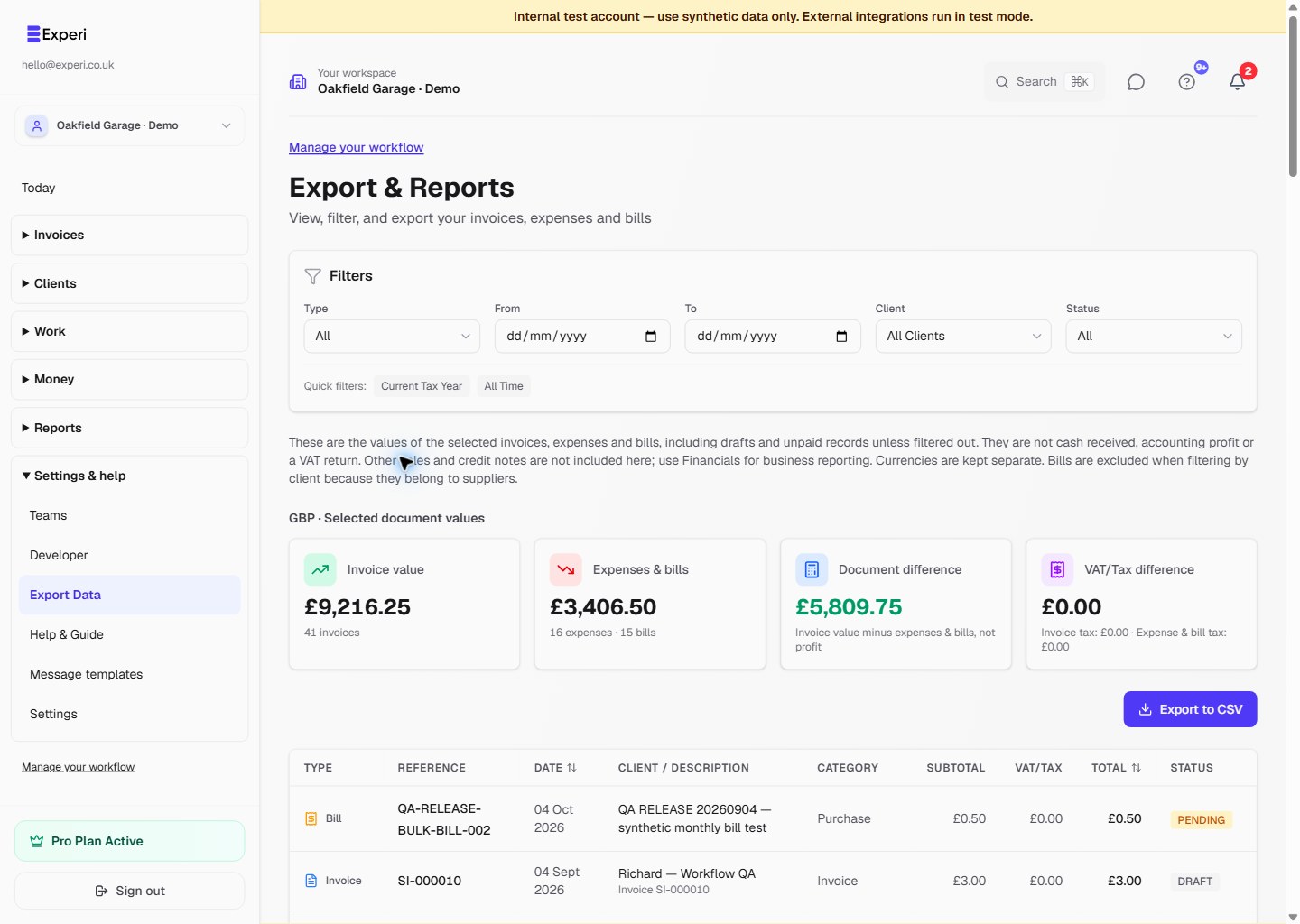
Workspace owners can use the data-export control under Settings → Privacy & Security. The export covers the supported owner-scoped records, including current Financials data. Keep exported files encrypted and restrict who can access them because they may contain client and financial information.
Deleted records
Do not assume an individually deleted invoice, client, project, bill or draft can be restored on request. Where Experi offers archive, revert or undo controls, use those instead of deletion when you may need the record again.
Account deletion is a separate privacy action. The current retention and backup treatment is described in Experi's Privacy Policy; it should not be treated as a user-accessible version history.
Account access
Use password reset for a forgotten password. If two-factor authentication is enabled, keep the one-time backup codes in a secure location. Regenerating backup codes invalidates the old set.
Contact hello@experi.co.uk if you cannot regain access. Support will need to verify the request and cannot promise recovery of a deleted business record.