

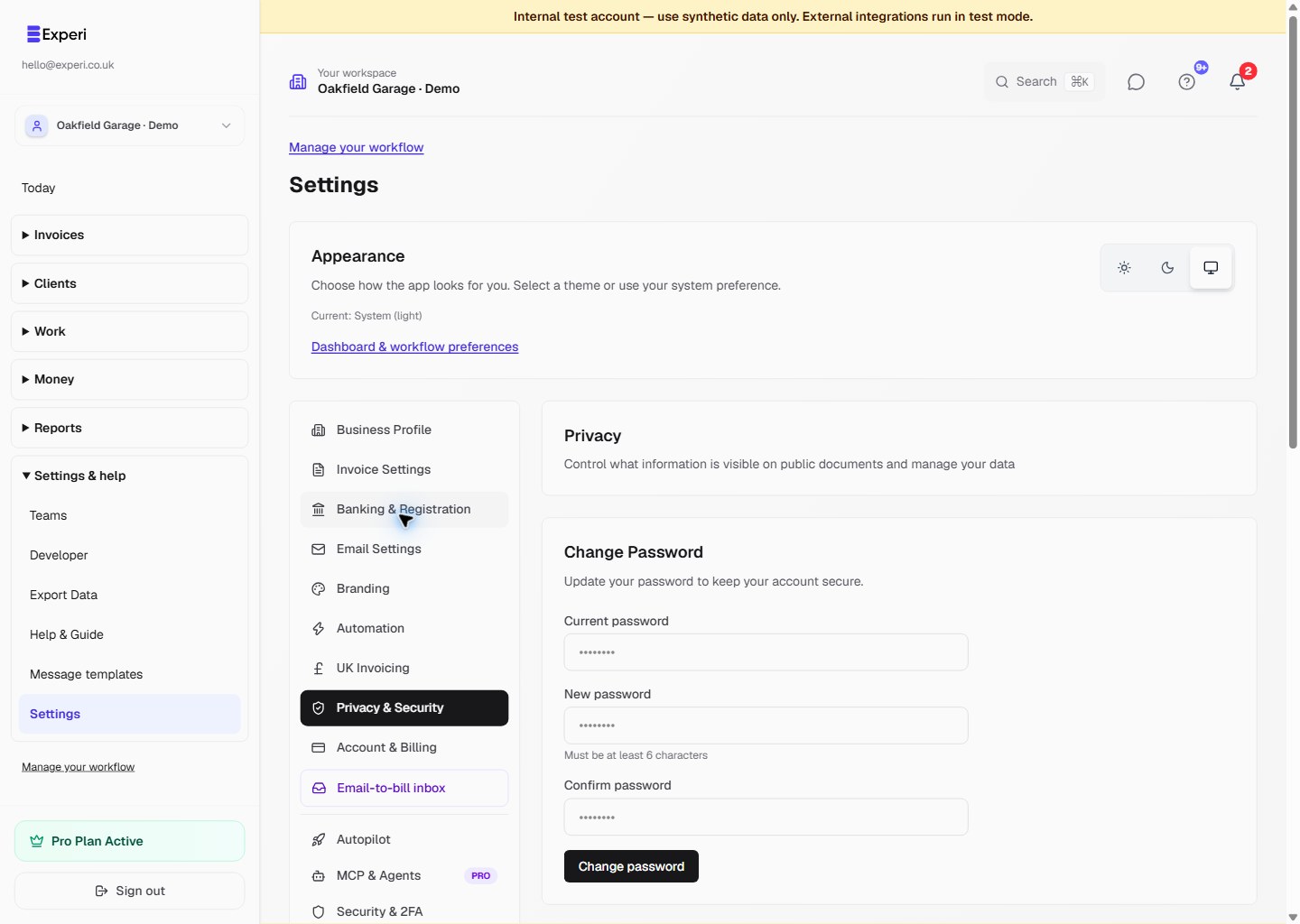
Open Settings → Privacy & Security to find the public-document controls and the Data & Privacy (GDPR) section.
Public-document visibility
Review the Hide client email, Hide client phone and Hide client address switches before sharing a public invoice or quote link.
These switches affect public-document display, not the details visible to authorised workspace users. Treat document and portal links as private access links even when some contact fields are hidden.
Download your data
Use Export Data in Data & Privacy when authorised. The current control downloads a JSON file directly; it does not email a ZIP download link.
This is different from the CSV reporting export and the Financials accountant package. Check the chosen workspace and permissions, keep exported files private and share them only with an intended recipient.
Account deletion is separate
Delete My Account starts a separate confirmation flow requiring the sign-in email. Do not use deletion to cancel a subscription, remove a team member or archive an old client. Read the confirmation carefully before continuing.
For the current explanation of data use, retention, privacy requests and contact details, read the Privacy Policy. This guide describes the controls; it does not replace that policy or promise recovery of deleted records.
Contact hello@experi.co.uk for help. Do not put passwords, backup codes, private links or exported client data into a public support message.