

Use a long, unique password stored in a trusted password manager. Do not share an owner’s sign-in with colleagues; invite each person to the appropriate team role instead.
Two-factor authentication
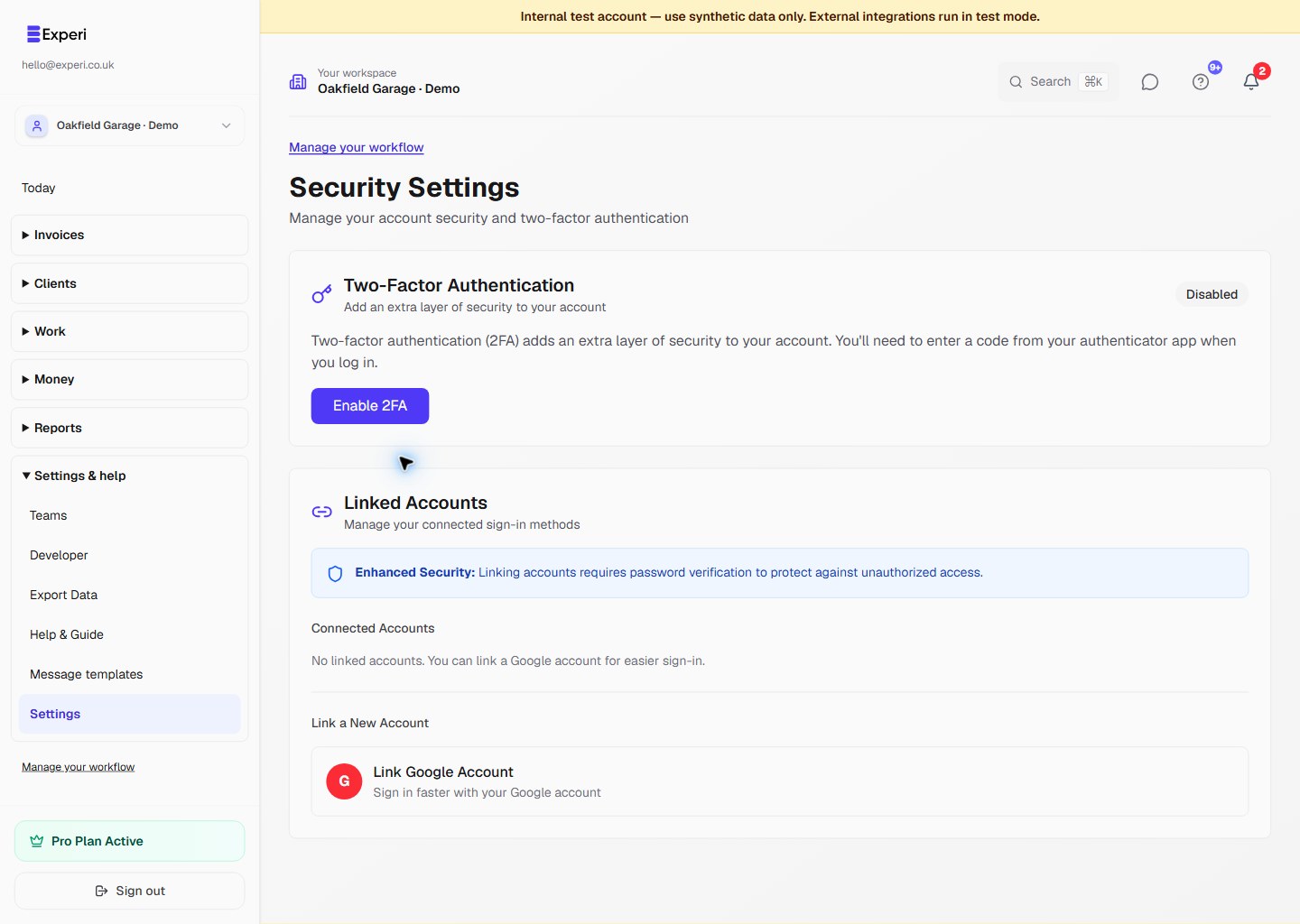
Open Settings → Security & 2FA and choose Enable 2FA to start setup.
Follow the setup instructions with your authenticator, verify the code and store recovery codes securely. Never include those codes or the setup QR code in screenshots or support messages. See two-factor authentication.
Review access
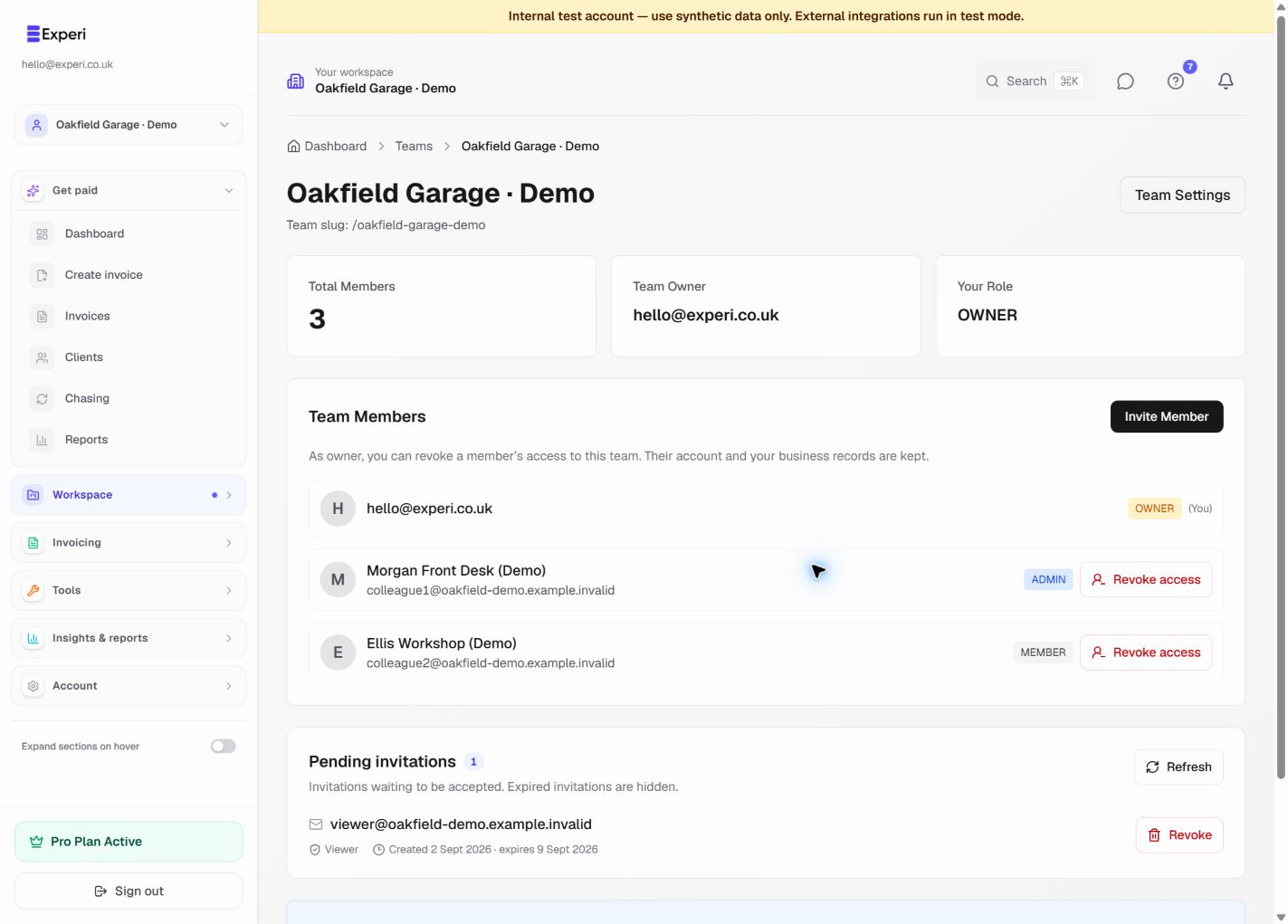
Check the selected workspace and your role before working. Owners should review team members and pending invitations regularly and revoke access no longer needed. Removing one team membership does not delete the person’s account or retract previously downloaded files.
Use the team access guide.
If something seems wrong
Change an exposed password, review team access and contact hello@experi.co.uk. Do not promise yourself a session-history screen, an automatic inactivity timeout or a “log out all devices” control that is not shown in your current account.
Check the sender and destination before following account emails. Keep exports, portal links and API credentials private. Account security is separate from the selected business’s profile settings.