

Give Every Walk a Clear Place on the Bill
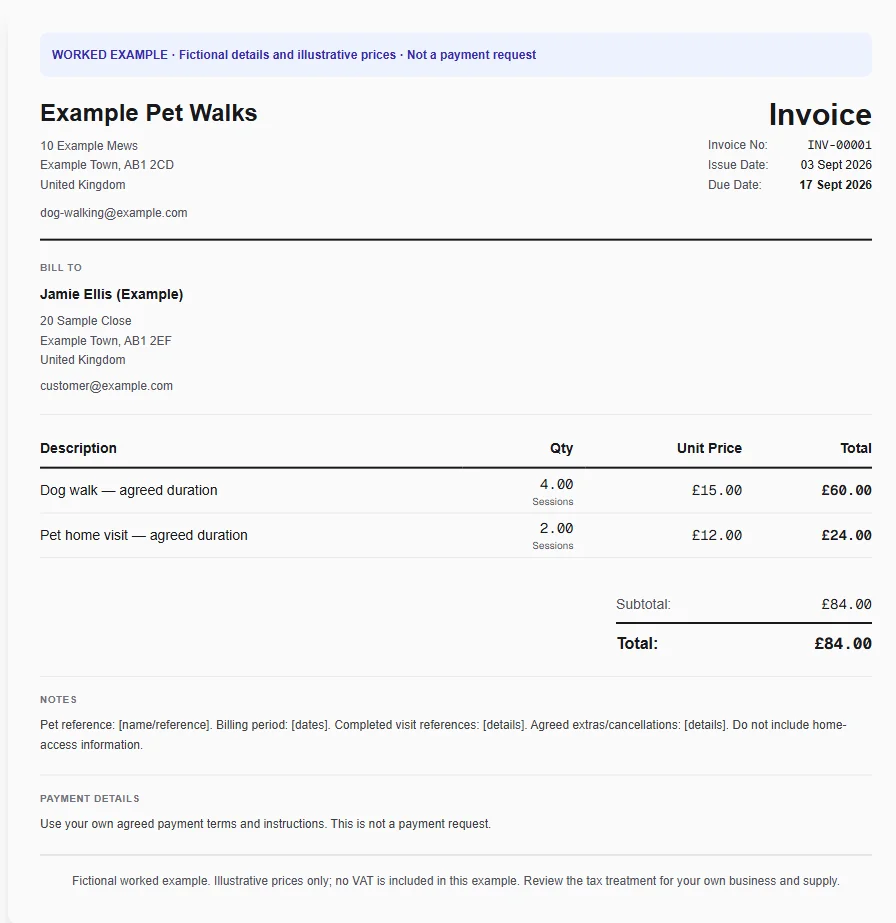
An owner receives a weekly bill for four completed walks and two home visits. The invoice needs a recognisable period and visit count, especially if a regular walk was cancelled and should not be included as completed work.
Why Choose Experi?
Count completed visits
Start with the dog-walking template and check the visit record for the billed period. Enter completed walks and home visits separately, adjusting for cancelled appointments before using your own session rates.
Reuse the service descriptions
Save your solo walks, group walks and home visits as services. Keep durations in the description so the owner can distinguish them, and add an additional-pet fee only if it was agreed outside the base price.
Review the weekly bill
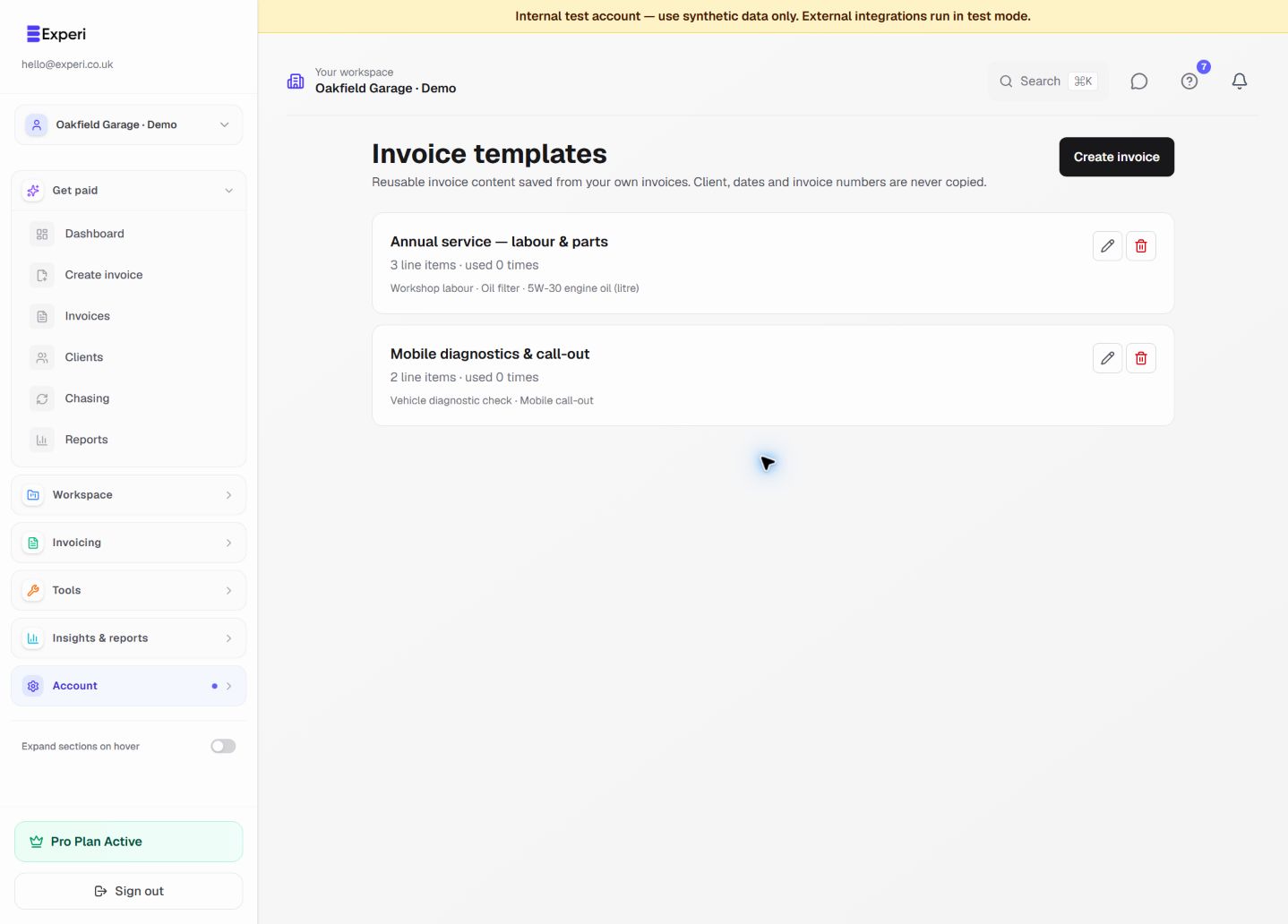
Add the date range and a short pet reference, then send the owner the reviewed invoice. A saved template is useful for the next period, but always replace the dates and recheck the visit quantities first.
From job to customer invoice
An invoice workflow for dog walkers and pet visitors
An owner receives a weekly bill for four completed walks and two home visits. The invoice needs a recognisable period and visit count, especially if a regular walk was cancelled and should not be included as completed work.
Count completed visits
Start with the dog-walking template and check the visit record for the billed period. Enter completed walks and home visits separately, adjusting for cancelled appointments before using your own session rates.
Reuse the service descriptions
Save your solo walks, group walks and home visits as services. Keep durations in the description so the owner can distinguish them, and add an additional-pet fee only if it was agreed outside the base price.
Review the weekly bill
Add the date range and a short pet reference, then send the owner the reviewed invoice. A saved template is useful for the next period, but always replace the dates and recheck the visit quantities first.
Preselected, never automatically applied. Enter your own prices and review the client, dates and tax settings.
Before you invoice: Do not put key-safe codes, alarm details or the owner's absence schedule on an invoice. Experi does not track live walks, manage pet-care bookings or reconcile prepaid visit credits automatically.
The tools behind this workflow
Explore the tools behind this workflow. Templates and inventory are free capabilities; document allowances apply. Time tracking, recurring invoices and automated chasing require Pro.
Perfect For
Key Features
Frequently Asked Questions
Can recurring invoices bill every booked walk automatically?
Recurring invoicing on Pro can repeat an agreed fee, but it does not check your diary for completed or cancelled walks. Review actual visits and cancellations before issuing a variable visit invoice.
Which features are available on Free?
Curated and saved templates, operational inventory and invoice printing are available on Free and Pro. Free has document allowances; check Pricing for current limits. Time tracking, recurring invoicing and automated chasing require Pro.
Get Back to the Work You Love
Spend less time on invoicing and more time doing what you're great at.
No credit card required • Start invoicing in under 60 seconds