

Invoicing That Works As Hard As You Do
Quick invoices for quick jobs. Perfect for handymen juggling multiple small tasks.
Why Choose Experi?
Quick Job Invoicing
Create invoices in seconds for small repairs, odd jobs, and quick fixes.
Flexible Pricing
Hourly rates, flat fees, or itemized costs. Whatever works for the job.
Invoice On-Site
Send invoices before you leave. Get paid faster for completed work.
From job to customer invoice
An invoice workflow for handymen and maintenance businesses
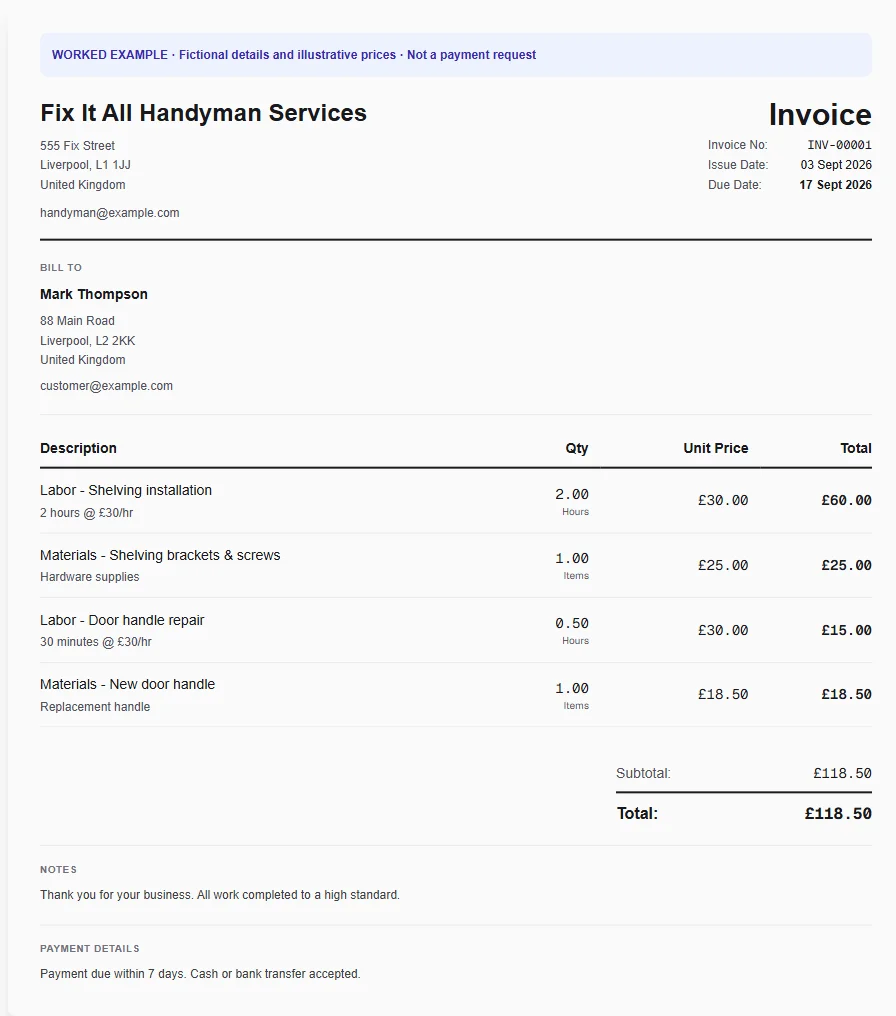
A property-maintenance visit covers several small repairs and purchased fittings. A task-by-task description helps a landlord see which requests were completed and which remain outside this invoice.
List the completed tasks
Start with the handyman template and replace generic descriptions with the actual repairs. Put room or fitting details in line notes rather than combining the whole visit into an unexplained total.
Add materials once
Enter purchased items separately or recall repeat fittings from Inventory. Check whether a minimum visit charge already includes some labour before adding more hours.
Close out the work order
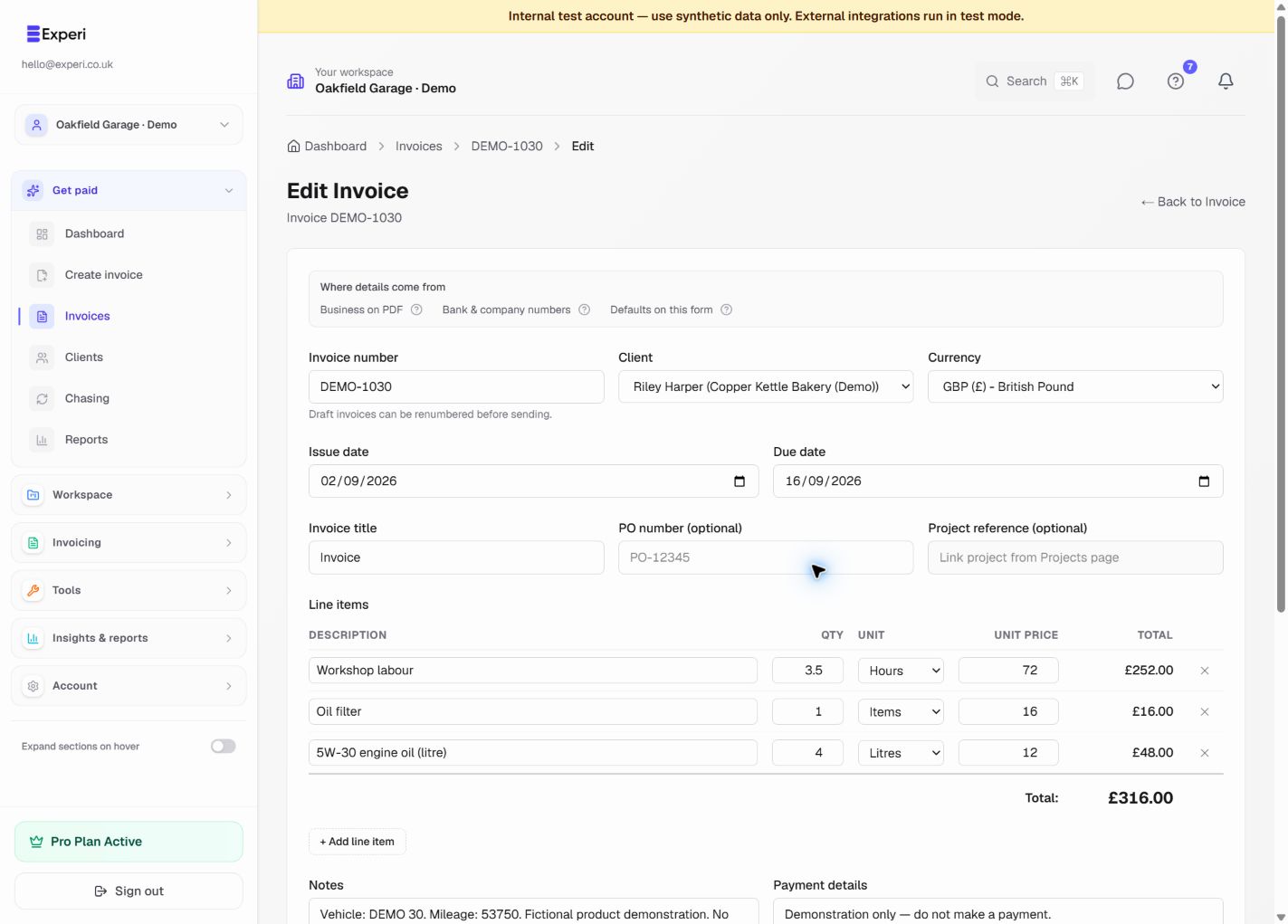
Add the property and order reference, review the invoice and send or print it for the customer. Save the common service lines for future maintenance visits.
Preselected, never automatically applied. Enter your own prices and review the client, dates and tax settings.
Before you invoice: Do not charge the same labour through both a minimum visit fee and hourly lines unless the agreed pricing clearly distinguishes them.
The tools behind this workflow
Explore the tools behind this workflow. Templates and inventory are free capabilities; document allowances apply. Time tracking, recurring invoices and automated chasing require Pro.
Perfect For
Key Features
Get Back to the Work You Love
Spend less time on invoicing and more time doing what you're great at.
No credit card required • Start invoicing in under 60 seconds