

Make the Vehicle Sale Easy to Identify
A straightforward vehicle sale includes one identified car and a separately agreed delivery charge. The invoice needs to distinguish the vehicle being sold from the dealership's repair work, and the payer needs to see exactly what the sale price covers.
Why Choose Experi?
Identify the actual vehicle
Select the vehicle-sales template and replace the vehicle placeholder with the sale description. Add a reference to your vehicle record and check the mileage and handover date rather than copying details from a previous sale.
Check the sale calculation
Enter the agreed selling price and only add extras that are not already included. Review deposits and earlier invoices manually; this standard template does not settle finance, calculate a part-exchange allowance or apply a VAT margin scheme.
Review the handover copy
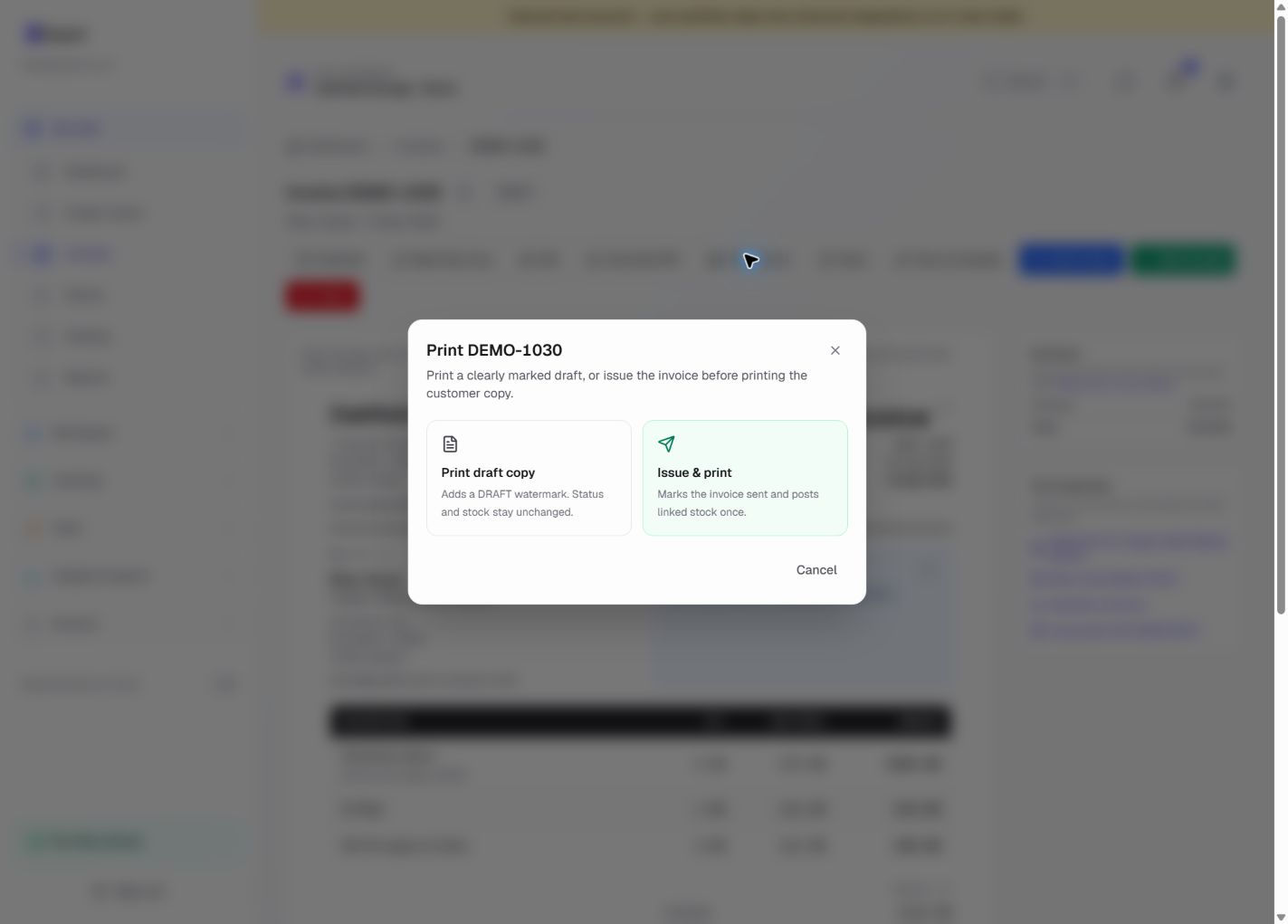
Confirm the buyer, payment position and tax treatment before issuing a PDF or printed copy. Store your signed sale documents separately and record payment only once funds have actually arrived in your business account.
From job to customer invoice
An invoice workflow for motor companies and vehicle sellers
A straightforward vehicle sale includes one identified car and a separately agreed delivery charge. The invoice needs to distinguish the vehicle being sold from the dealership's repair work, and the payer needs to see exactly what the sale price covers.
Identify the actual vehicle
Select the vehicle-sales template and replace the vehicle placeholder with the sale description. Add a reference to your vehicle record and check the mileage and handover date rather than copying details from a previous sale.
Check the sale calculation
Enter the agreed selling price and only add extras that are not already included. Review deposits and earlier invoices manually; this standard template does not settle finance, calculate a part-exchange allowance or apply a VAT margin scheme.
Review the handover copy
Confirm the buyer, payment position and tax treatment before issuing a PDF or printed copy. Store your signed sale documents separately and record payment only once funds have actually arrived in your business account.
Preselected, never automatically applied. Enter your own prices and review the client, dates and tax settings.
Before you invoice: This is a simple sales-invoice starting point, not a dealer stockbook or VAT margin-scheme invoice. Experi does not calculate vehicle margin VAT, part-exchange settlement or finance balances. Check suitability with your accountant before issuing.
![Fictional motor vehicle sales worked invoice showing vehicle sale — [make/model and registration], agreed vehicle delivery and illustrative GBP totals.](/product/template-examples/vehicle-sales.webp)
The tools behind this workflow
Explore the tools behind this workflow. Templates and inventory are free capabilities; document allowances apply. Time tracking, recurring invoices and automated chasing require Pro.
Perfect For
Key Features
Frequently Asked Questions
Does the template support VAT margin-scheme vehicle sales?
No. It does not calculate margin VAT or create the specialist records for a margin-scheme sale. Review HMRC's requirements with your accountant and use a suitable process for margin schemes, finance and part-exchange transactions.
Which features are available on Free?
Curated and saved templates, operational inventory and invoice printing are available on Free and Pro. Free has document allowances; check Pricing for current limits. Time tracking, recurring invoicing and automated chasing require Pro.
Get Back to the Work You Love
Spend less time on invoicing and more time doing what you're great at.
No credit card required • Start invoicing in under 60 seconds