

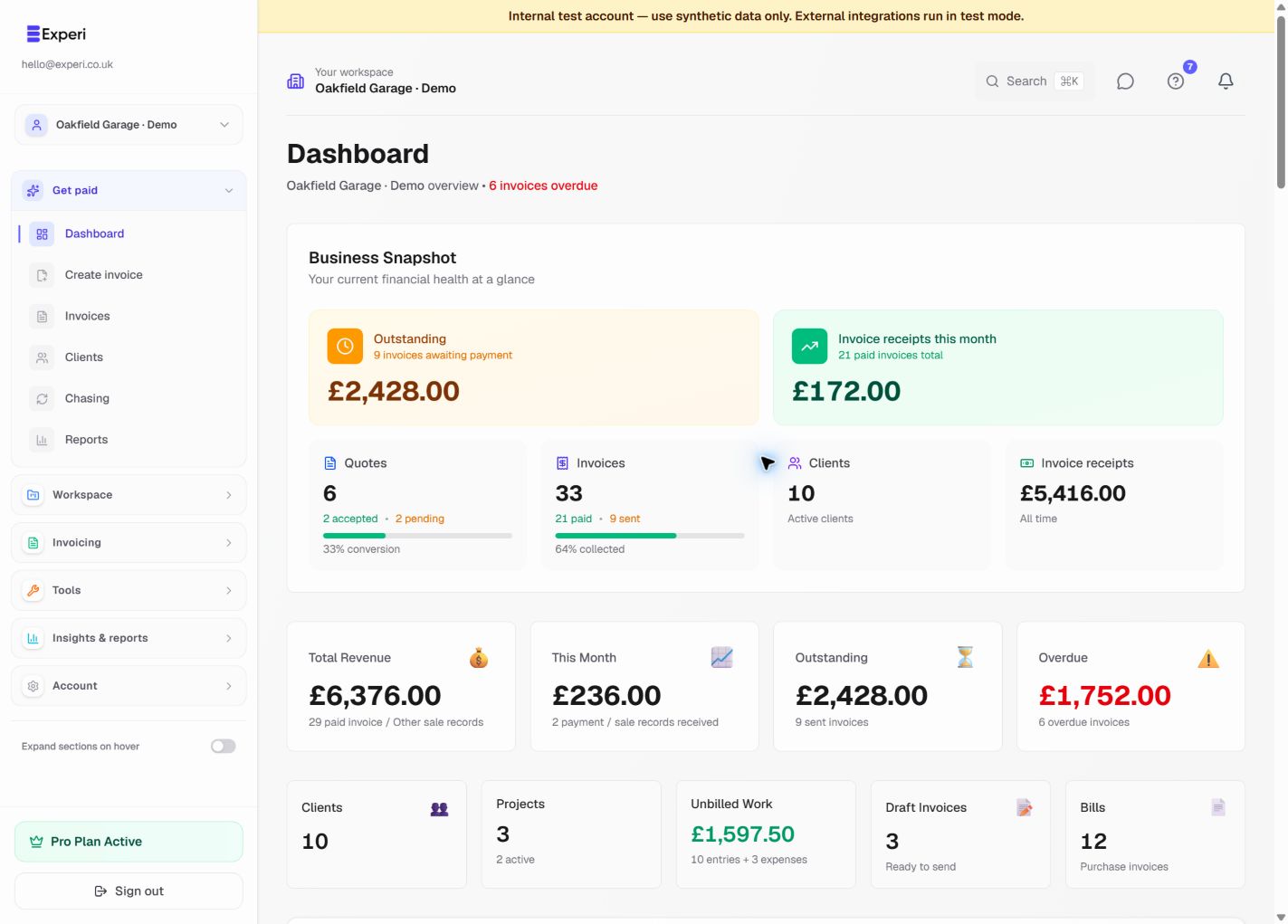
Experi brings client invoicing, work records, incoming supplier bills and management financials into one focused workspace.
Getting started checklist
- Verify your email so Experi can send account and document messages safely.
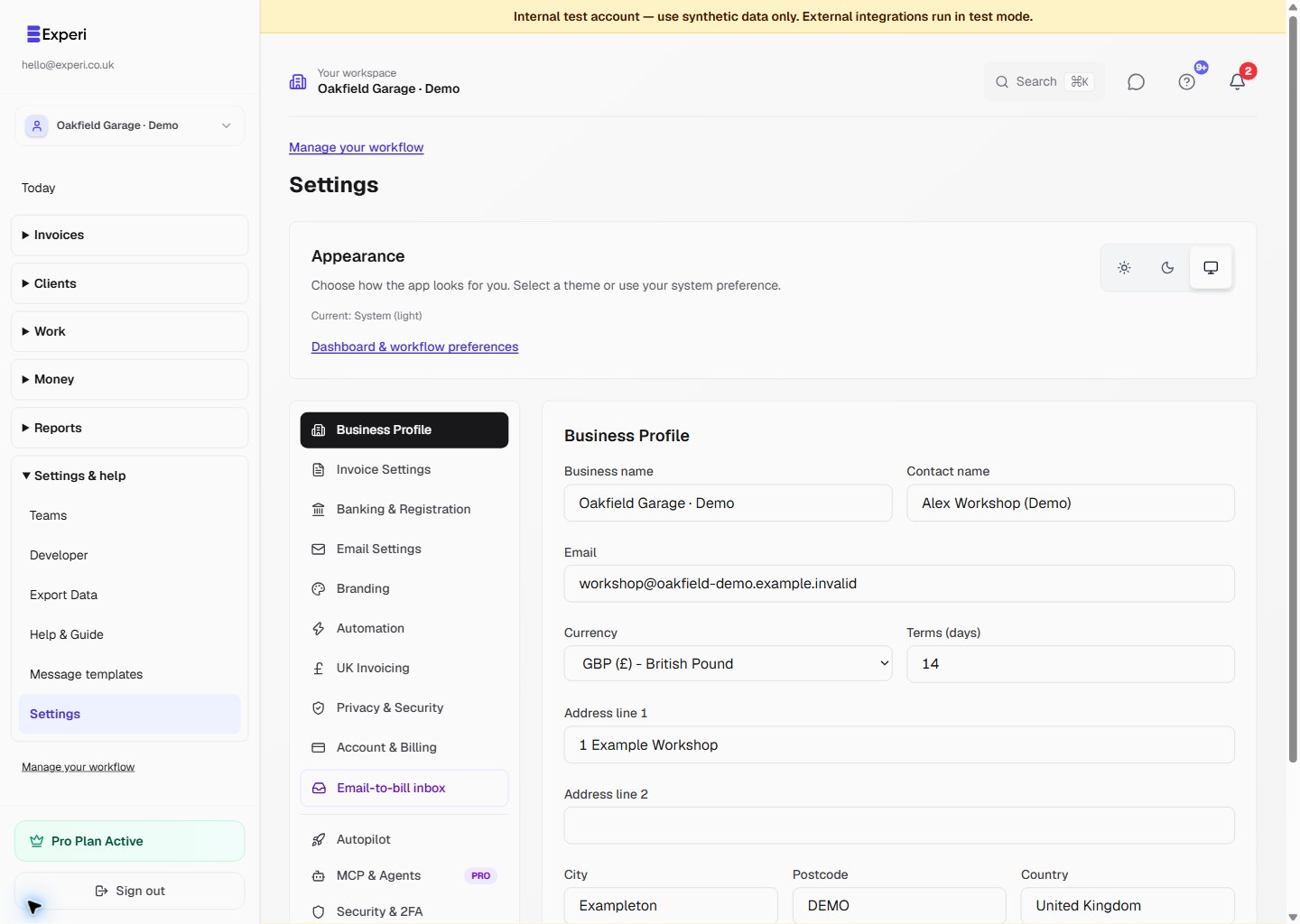
- Complete Settings → Business Profile, invoice defaults, bank details and VAT information where relevant.
- Add a client and create an invoice or quote.
- During Pro access, add projects, track time or expenses, and configure automated chasing or recurring invoices if useful.
- Record incoming supplier invoices under Bills to pay or use Email-to-Bill when it is visible for the workspace.
- Use Other Sales only for revenue without an Experi invoice.
- Review combined records, warnings and exports under Financials.
New accounts start with 14 days of Pro access without a payment card. Afterwards you can subscribe to Pro or continue on Free, which includes 5 invoices total, 5 quotes total, up to 3 clients, 3 manual reminders and GBP invoicing.
Financials and tax views are records for review, not filed returns, statutory accounts or tax advice. Contact hello@experi.co.uk if a documented capability is not visible after checking the plan and workspace permissions.