What is Experi?

Understand how Experi connects invoicing, incoming bills, sales records and management reporting.

3 min read
beginnerUpdated 19 Sept 2026
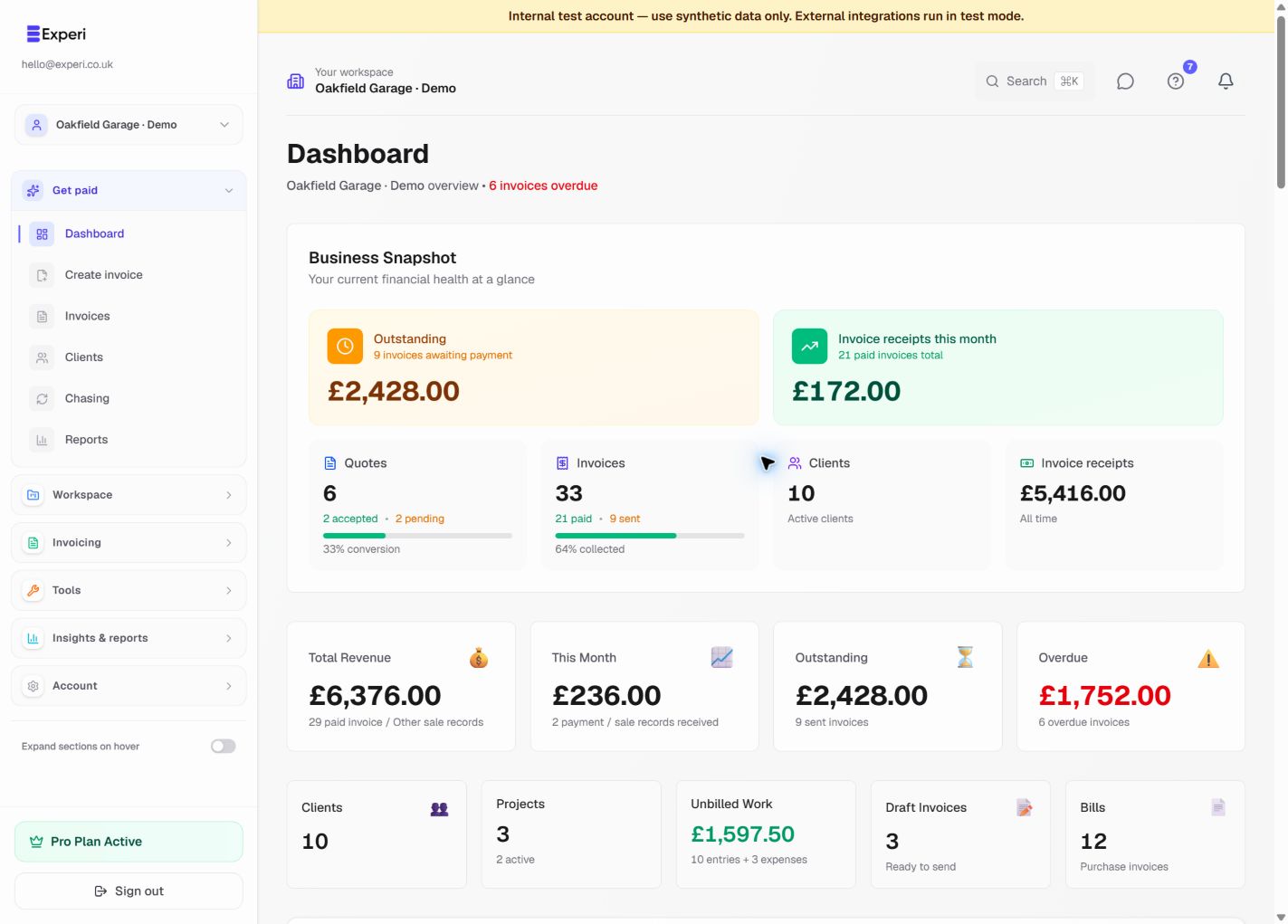
Experi Today dashboard with paid, awaiting-payment, overdue and unbilled-work cards, an invoicing performance chart and an awaiting-payment age chart.
See what needs you today. See the work and money that need attention, then use the charts to understand invoicing performance and the age of unpaid balances.
More screens from this workflow
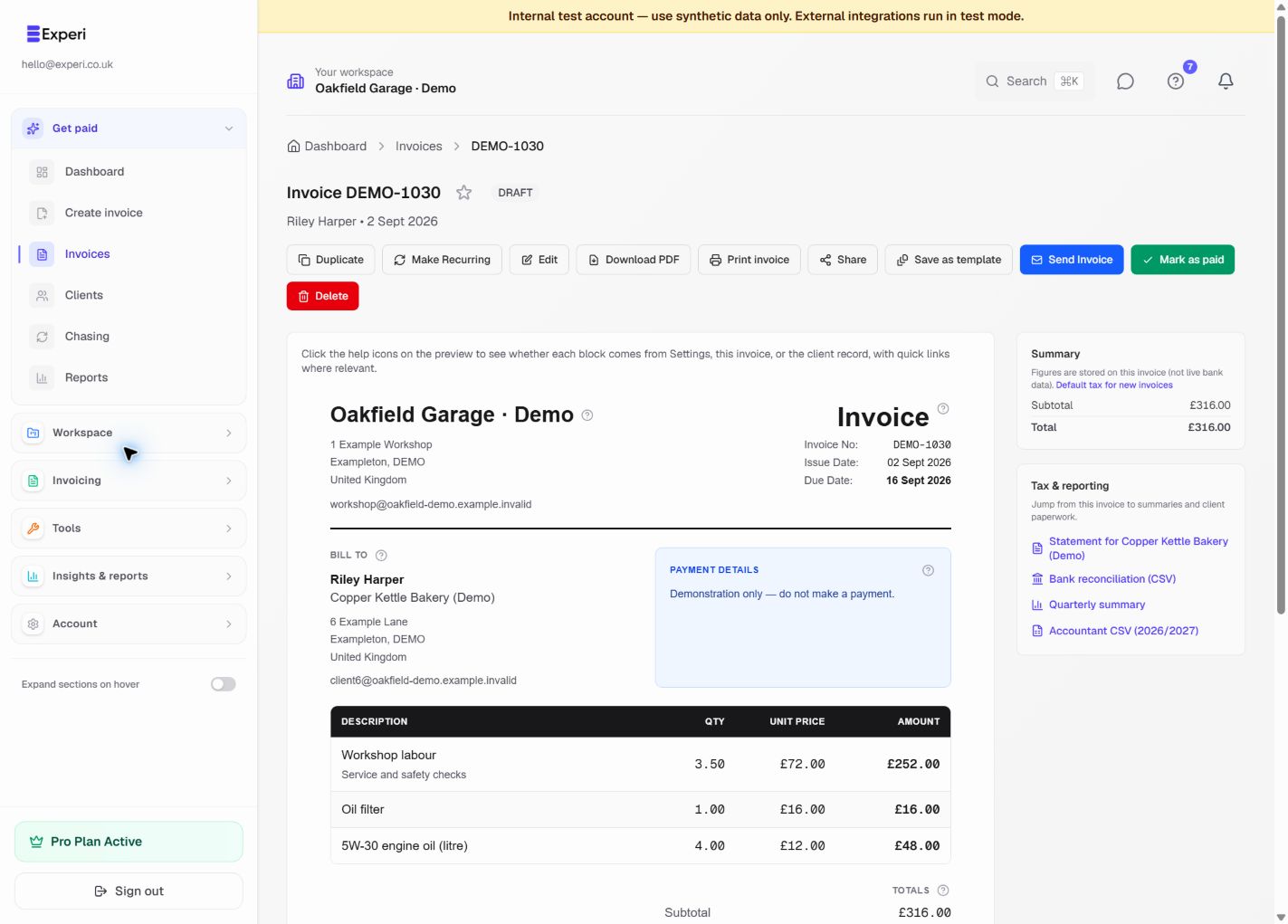
Paid Experi invoice with business branding, customer and line-item details, totals, payment information and follow-up actions.
Keep the complete invoice history together. Open one invoice to review what was sent, its totals and payment status, then use the available document and follow-up actions.
Explore the product tour →

Experi is focused business-record software for UK freelancers, sole traders and small teams. It helps you create and chase sales invoices, track work and costs, record non-invoice revenue, and review management financials in one workspace.

Core workflow

  1. Add clients and create quotes, agreements or projects.
  2. Track time and expenses when relevant.
  3. Create and send invoices, then record payments and credits.
  4. Add supplier invoices under Bills or forward them into Draft Bills with Email-to-Bill.
  5. Record webshop, card and marketplace revenue without an Experi invoice under Other Sales.
  6. Review combined records in Financials and export a package for your accountant.

Experi is not payroll, double-entry bookkeeping, statutory accounts or tax advice. Reports are records for review; check filing and tax decisions with a qualified professional when needed.

Free is available for light invoicing. New accounts receive a 14-day Pro trial, and paid Pro is £9 per month.

Was this article helpful?

Still need help?

Can't find what you're looking for? Our support team is here to help you succeed.

Contact Support